Somebody in finance asks what the AI tooling line will cost next year. You go to answer and find the number depends on how many times an agent called a tool last month. A headcount number survives a budget review. A consumption number gets a follow-up question every quarter.
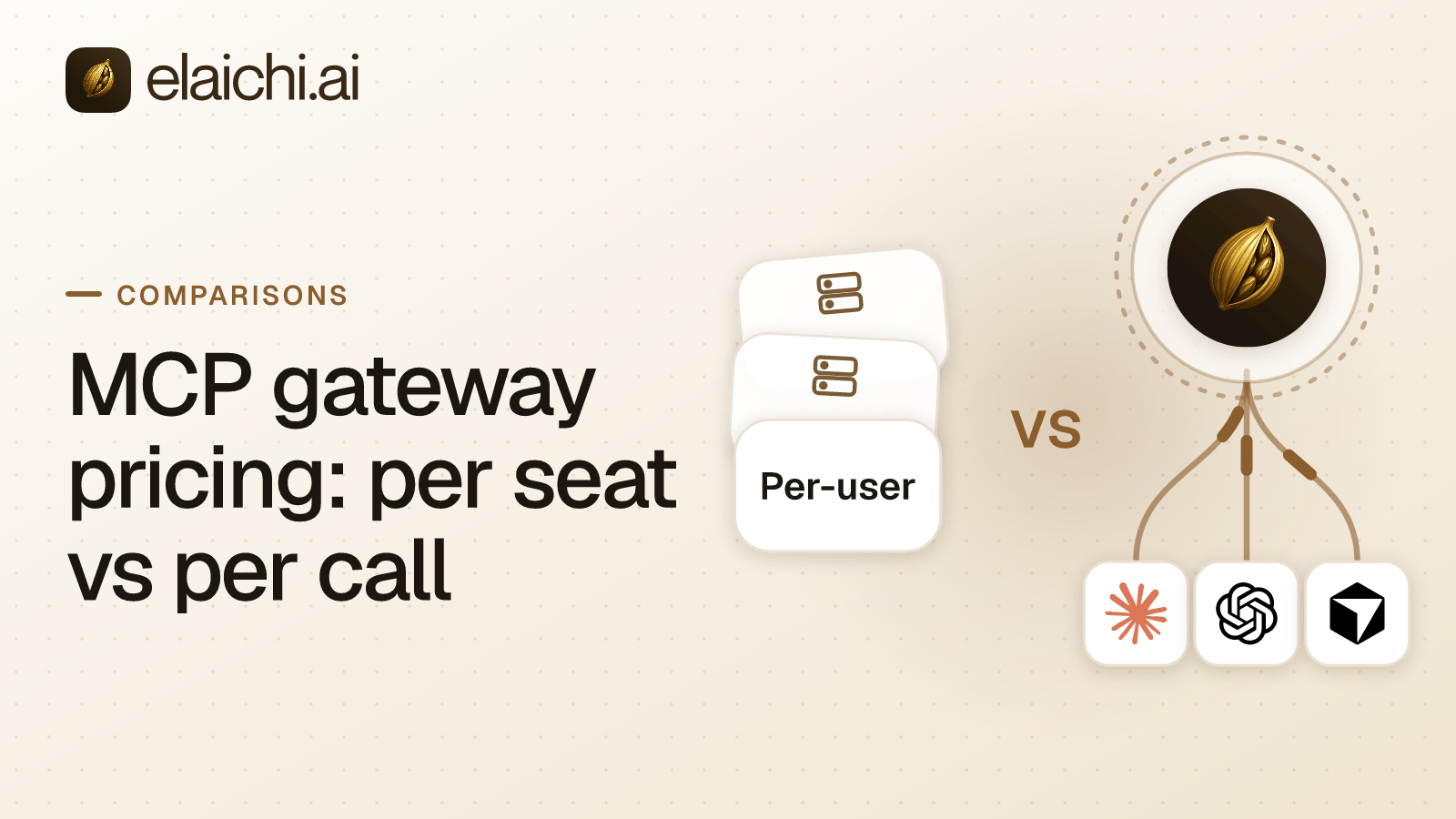
That gap is most of what MCP gateway pricing decides. MCP (Model Context Protocol) is the standard way an AI assistant calls tools in other apps. The products that sit between those assistants and a company's apps come in several shapes, which the gateway explainer sorts out. The ones priced here bill in one of three units: the call, the task or the seat. Self-hosted gateways add a fourth answer, no license at all, and move the cost onto engineering time.
What follows prices each unit, names the costs that never reach an invoice, and says plainly where the metered models are the cheaper correct answer. It ends with a method for pricing them against each other on your own numbers.
How is MCP gateway pricing metered?
By the call, the task or the seat. Each unit tracks something different: what the agents do, what they draw from an automation plan, or how many people hold access.
Composio bills tool calls. Its pricing page lists Hobby as free with 3 team members, Pro at $29 a month, and a custom Enterprise tier that names SSO, SCIM and customer-managed keys (Composio pricing, checked September 2026). SSO is sign-in through the company's identity provider. SCIM keeps the user list in step with that provider.
Zapier MCP has no separate billing. Zapier's documentation says each successful tool call through your MCP server consumes two tasks, failed calls consume none, and those tasks count toward the plan's allowance (Zapier MCP usage, checked September 2026). The bill moves with how many calls the agents complete, and a call that fails costs nothing.
Elaichi, a governed MCP control plane, bills seats. Gold costs $15 a month for each user, or $120 a year for each user on annual billing. Those are USD list prices, and the pricing page shows the price for your region. Call volume does not change the number. A seat is an active membership in the organization, and three roles cost nothing.
Self-hosted gateways sit outside all three. Lunar.dev publishes an open-source version of its MCPX gateway (lunar.dev, checked September 2026). Tyk makes proxies for remote MCP servers available on every Tyk Gateway license, and keeps upstream OAuth for its Enterprise Edition (Tyk MCP Gateway, checked October 2026). The license can be zero. The upgrades, the on-call rota and the credential rotation never are.
Per seat, per call or per task: which bill can you forecast?
The seat. A seat price is predictable and slightly wasteful, while a call or task price is efficient and hard to forecast. At company scale the forecast usually matters more, though not at every size.
A seat price is one multiplication: billable people times rate. You can write it down in August and it is still true in March, give or take hiring. The waste is real. You pay the same for the finance manager who runs two queries a month as for the support lead who runs two hundred a day. You also pay full rate for the person who connected a client once and forgot about it.
Consumption pricing inverts that. Thin usage costs almost nothing, which is a real advantage. The risk is that usage is not a decision anyone makes. An agent that polls a queue every few minutes, a workflow somebody discovers in week three, or one enthusiastic analyst can each move the number without a purchase order. If your controls sit downstream of an allowance, a busy month looks like an incident. A task meter behaves the same way at a different exchange rate.
So predictability comes down to who controls the volume. For a five-person company using an assistant occasionally, the metered plan almost certainly wins, especially when the automation account is already paid for. For sixty people across support, finance and sales, a seat line is easier to defend and easier to cap. The bill cannot outgrow the number of people in a billable role.
The table sets the four models against the same axes. The last column counts what an admin has to look after once everyone is connected: the web addresses an AI client calls, and the servers behind them.
| Model | Billing unit | What raises the bill | Forecast at company scale | Cheaper when | Addresses and servers after rollout |
|---|---|---|---|---|---|
| Per call: Composio | Tool calls; Hobby free with 3 team members, Pro $29 a month, Enterprise custom | More tool calls | Hard: volume follows agent behavior | Few people make few calls | One per team, per its MCP Gateway page |
| Per task: Zapier MCP | Tasks from the plan's allowance: two per successful call, none per failed | More successful calls | Hard: volume follows agent behavior | The account is already paid for and calls are few | One shared URL, with a server per member per client |
| Per seat: Elaichi | Active memberships at $15 per user a month, or $120 a year; Guest, Billing Admin and Auditor free | More people in billable roles | Easy: billable seats times rate | Many people use it every week | One for the organization |
| No license: open-source gateway you host | No license fee | Engineering hours for upgrades, on-call and credential rotation | Set by the rota, not the invoice | A platform team already runs services | Whatever your team deploys |
When is per-call pricing the cheaper choice?
At low volume, and sometimes by the whole bill. Below a certain number of calls per person, a meter charges less than a seat does, and the smallest teams can pay nothing at all.
Three people who need an assistant to touch two apps are the clearest case. Composio lists Hobby as free with 3 team members (composio.dev/pricing, checked September 2026). No seat price beats zero. At that size nobody is governing anything; three colleagues are getting a tool.
A company that already pays for Zapier is the second case. Zapier MCP uses the same app connections and actions as Zaps (what Zapier MCP is, checked September 2026). If the operations team has already built Zaps across forty apps, those connections exist and the coverage is paid for. Adding MCP access then draws on a task allowance the company already buys. The question to ask is what happens at fifty users, and what happens when one of them leaves.
The third case is a company where most people are light users. A meter charges the person who runs four calls a month almost nothing. A seat charges that person full rate.
The crossover is a volume, not an opinion. Divide the monthly seat price by the vendor's price for one call. The result is the number of calls per person per month at which the two bills match. On Zapier MCP, the price of one call is the price of two tasks. Below the crossover the meter is cheaper. Above it the seat is, and the gap widens with every workflow that proves useful.
Seats start to earn their price when the work stops being connection setup and starts being governance. Governance is who may call a delete, and which of two Notion workspaces the agent wrote to. It also covers what happens to a contractor's access on their last day.
What counts as a billable seat in Elaichi?
An active membership in a billable role, with a minimum of one seat. Suspended members are excluded from the count, and three roles are free.
Org Owner, Org Admin, People Admin, Team Admin and Member are billable. Guest, Billing Admin and Auditor are free seat classes. Each member holds exactly one role, so each member sits in exactly one seat class. The three free roles are also the three without tool:execute, the permission that gates the MCP endpoint, so a free seat cannot call tools through it.
The Auditor seat matters most when the buyer is IT and the reviewer is not. Auditor is read-only and free. A compliance reviewer can read the audit log, the append-only record of who called which tool against which account, without consuming a license. Leave reviewers out of the seat estimate for that reason.
Elaichi has two plans, Gold and Black, and both are paid. On Gold, the $120 annual price works out to $10 a month per seat, against $15 on monthly billing. Elaichi offers a 14-day trial, no credit card to start. Checkout does collect a card, and it sets the paid trial to the remaining days rather than granting a fresh 14, so it is one continuous trial rather than two. If the trial ends without checkout, the workspace pauses. Plan-gated features lock and gated routes return a structured error. Nothing is deleted, and subscribing picks up where it left off. Current plan detail sits on the pricing page.
What does the address model add to the bill?
Admin hours rather than license fees. Every MCP address that exists after rollout is a thing to inventory, rotate and account for when somebody leaves, and the count depends on the vendor's design.
Elaichi serves one organization-wide MCP endpoint, POST /mcp, standard MCP over Streamable HTTP, behind OAuth. OAuth is the sign-in that hands a client a grant, the record of what that member may reach, instead of a token somebody pastes into a config file. Claude, ChatGPT, Cursor and any other MCP client point at the same address. No toolbox (a saved set of tools and accounts) gets its own URL, and no token is embedded in a client. Each member still connects once and signs in. What stays fixed is the address, and what varies is the grant.
For Zapier MCP, every client connects to the same URL, and each member gets a server per client. For most MCP clients the member signs in inside the client, and Zapier creates the server during that sign-in. Clients not on Zapier's list, and code you write, use a connection token instead. That token is long-lived, tied to one server, and grants whoever holds it the ability to run the server's tools, so Zapier's docs say to give each user their own server and token rather than sharing one (how connections work, rollout overview, checked October 2026).
Composio's MCP Gateway page says "each team gets its own MCP endpoint carrying only the tools it is permitted to use" (Composio MCP Gateway, checked September 2026). That is one address per team rather than one per member.
Price the difference as admin hours. Ten endpoints means ten things to inventory, ten things to rotate and ten things to remember during an offboarding. Ask each vendor what happens to a departed member's server or token, and price the answer. In Elaichi, removing or suspending a member revokes every live grant in the same transaction as the membership change, so a leaver's access ends on the next call. Changing what someone may reach is slower. Role and restriction changes take effect within about two minutes. A restriction is a rule that decides which connectors and which individual tools a target may reach. Both address designs get a fuller treatment in the one-endpoint comparison and in the per-team endpoint write-up.
How do you read a catalog number?
Against your own list of apps and operations, not against another vendor's total. A total says how many apps a vendor lists. It does not say whether the eight or nine your teams run are covered, or whether the operations they need exist inside those connectors.
Composio's Connect docs describe an MCP server at https://connect.composio.dev/mcp. It gives an agent access to "1000+ apps" through seven meta-tools, with OAuth links approved in the browser (Composio Connect docs, checked October 2026). Elaichi serves 500+ connectors that it authors, maintains and runs on its own infrastructure. Your company runs no MCP servers, and Elaichi does not wrap a registry of servers other people run.
So run the comparison on your own list rather than on either total. Write down the apps, then the operations: create a ticket, read an opportunity, post to a channel, pull an invoice. Check each one against the vendor's own catalog page. A catalog of a thousand apps that misses your payroll system is worth less to you than a catalog of fifty that covers it.
A missing connector is a cost, so the escape hatch matters more than the total. In Elaichi you can author a custom connector from JSON config, or fork a public one and pull upstream changes through a review surface. That surface separates new tools, safe updates, config diffs, conflicts and upstream removals. Conflicts and destructive removals stay unchecked by default. You can also build a synthetic tool: a graph of steps that each call a connection's tool with templated arguments. Every step runs through the same restriction and audit pipeline as any other call. The current list is on the connector catalog, and the feature-level comparison with one vendor is in the Composio write-up.
What about Make, Workato, Tray, n8n and Power Automate?
This post does not restate their prices. Each vendor's own pricing page on the day you read it is the only source worth quoting, and those pages move faster than any blog post: Make, Workato, Tray, n8n, Power Automate (all checked September 2026).
Ask each of them the same five questions, and write the answers down with the date:
- The billing unit: a seat, a task, an operation or a workflow run.
- Whether the MCP surface bills on the same meter as everything else, or separately.
- Whether each member needs their own address or token, and who cleans that up when the member leaves.
- Who authors and maintains the connectors, and what happens when an app changes its API.
- Whether there is a read-only seat for an auditor, and whether it costs a license.
The answers to those five decide the annual number more than the headline rate does.
When is the cheapest correct answer to buy nothing?
Sometimes the right purchase in this category is none. Three people, two connected apps and occasional use do not need a control plane or a gateway of any kind, metered or seated.
The native connectors inside the AI client may cover the whole job, and the native connector comparison sets out where that stops working. The wider version of the question, with the signals that end the wait, is in the case for holding off.
If a platform team already runs MCP servers and the argument is about engineering time rather than license fees, the cost model is different again. The self-hosting cost breakdown is the right page for that.
Once the Elaichi trial ends, the product is a line item. If nobody in support, finance or legal is asking for governed access yet, that line item is early.
How do you price the two models against each other?
Run the comparison on your own numbers rather than on list prices. With a week of pilot data it takes about an hour, and it settles the argument.
- Count the seats that would hold a grant. Count the people who would sign in and call tools, not total headcount. Leave out reviewers who only read the audit log, because the Auditor seat is free.
- Price the seat column. Multiply the rest by $15 a month, or by $120 a year on annual billing.
- Measure a week of real usage. Run a one-week pilot and count successful tool calls per active person. Convert the count into each vendor's billing unit using its own pricing page.
- Project the consumption column. Multiply the weekly figure by 52, then double it, because usage rises once a workflow proves useful.
- Add the administrative cost to both columns. Price the setup for each joiner and the access removal for each leaver, including every address or token that has to be created and cleaned up. Add any connector your team would have to build.
- Compare at two headcounts. Run both totals at today's headcount and again at the headcount you plan for next year, so the decision survives hiring.
A worked example shows where the conversion bites. Take a company of 60 in which 52 people will call tools and 8 will only review the audit log. At the USD list price, the seat column is 52 times $15, or $780 a month, which is $9,360 over a year. On annual billing it is 52 times $120, or $6,240 a year. The 8 Auditor seats cost nothing.
Now suppose the pilot shows 30 successful calls per active person in the week. That is 1,560 calls across 52 people, 81,120 over a year, and 162,240 once doubled. On a per-call plan, 162,240 is the figure to price. On Zapier MCP it becomes 324,480 tasks, because each successful call consumes two.
Price those figures on each vendor's own page on the day you run them, since rates move faster than this post. Steps five and six then settle the close calls. If the metered total still comes in under the seat column, buy the meter. That result is common at low volume, and it is the correct one.
For what separates these products beyond the bill, start from the shapes MCP gateways come in. The team use cases show what a first rollout looks like, and more head-to-heads sit under comparisons.