


Jake Morgan schedules visits for a dermatology office. A caller wants a new patient visit on Thursday afternoon. He opens the calendar, picks a doctor and scrolls. He repeats it when the caller says Thursday is too late.
He can use ModMed EMA in ChatGPT and ask for the open slots instead. Claude works the same way. Elaichi links the chat to ModMed. ChatGPT for medical practices covers the whole office and the paperwork.
ModMed lists specialties such as allergy and dermatology (ModMed, checked November 2026). A slot search holds no patient names, which makes it a safe first prompt.
What can a scheduler ask for with ModMed EMA in ChatGPT?
A scheduler can ask nine things, and each one uses a real tool in ModMed EMA. Type them your way.
- "Any open slots Thursday afternoon for a new patient visit?" The AI searches open slots. You name the visit type. No patient details.
- "Which locations does the practice have?" It lists the locations. No patient details.
- "Which providers work here?" It lists practitioners. No patient details.
- "Which insurance plans do we have on file?" It reads the insurance plans.
- "Book Jake Morgan into the 2:30 pm slot." It creates the appointment in that slot.
- "Move Emily Carter's visit to the 10 am opening." It updates that appointment.
- "Which insurance does Jake Morgan have on file?" It reads that patient's coverage.
- "What task names does our practice use?" It lists the valid task names.
- "Add a task for the front desk to call Emily Carter about prior authorization." It creates a general task with an assignee.
Check the slot and the visit type before you confirm with the caller. A task cannot be a recall. ModMed rejects that, so recalls stay in ModMed.
Have it run every morning
A workflow is a task Elaichi runs on a schedule. Take prompt one and add a trigger: every weekday at 7 am. The steps are the same. Search open new patient slots for this week, then post the count by day in Slack. It holds no patient details.
In chat, the AI acts right away. In a workflow, the builder can add an approve step, so a named person approves before a step that books a visit or adds a task. A test run reads real data and changes nothing.
Ask Claude or ChatGPT to build it: "Every weekday at 7 am, count open new patient slots this week and post them in Slack." Workflows come with the Black plan. A new workspace gets a 14-day Black trial, and workflows are part of it.
What can the AI not do in ModMed EMA?
The AI cannot book without a slot you name, and it cannot create a recall. It can also touch clinical records unless a team lead on Gold restricts them.
- It can read charts. ModMed has tools for conditions, medications, allergies and diagnostic reports. A scheduler role should not hold them.
- It can change charts. Tools exist that create or update conditions and medications. Restrict them.
- It can create patients and charges. Both tools exist. Restrict them for schedulers.
- It sends no message to patients in these prompts. Check your EHR's reminder settings before you book a test visit.
- It cannot create a recall task. ModMed rejects that call.
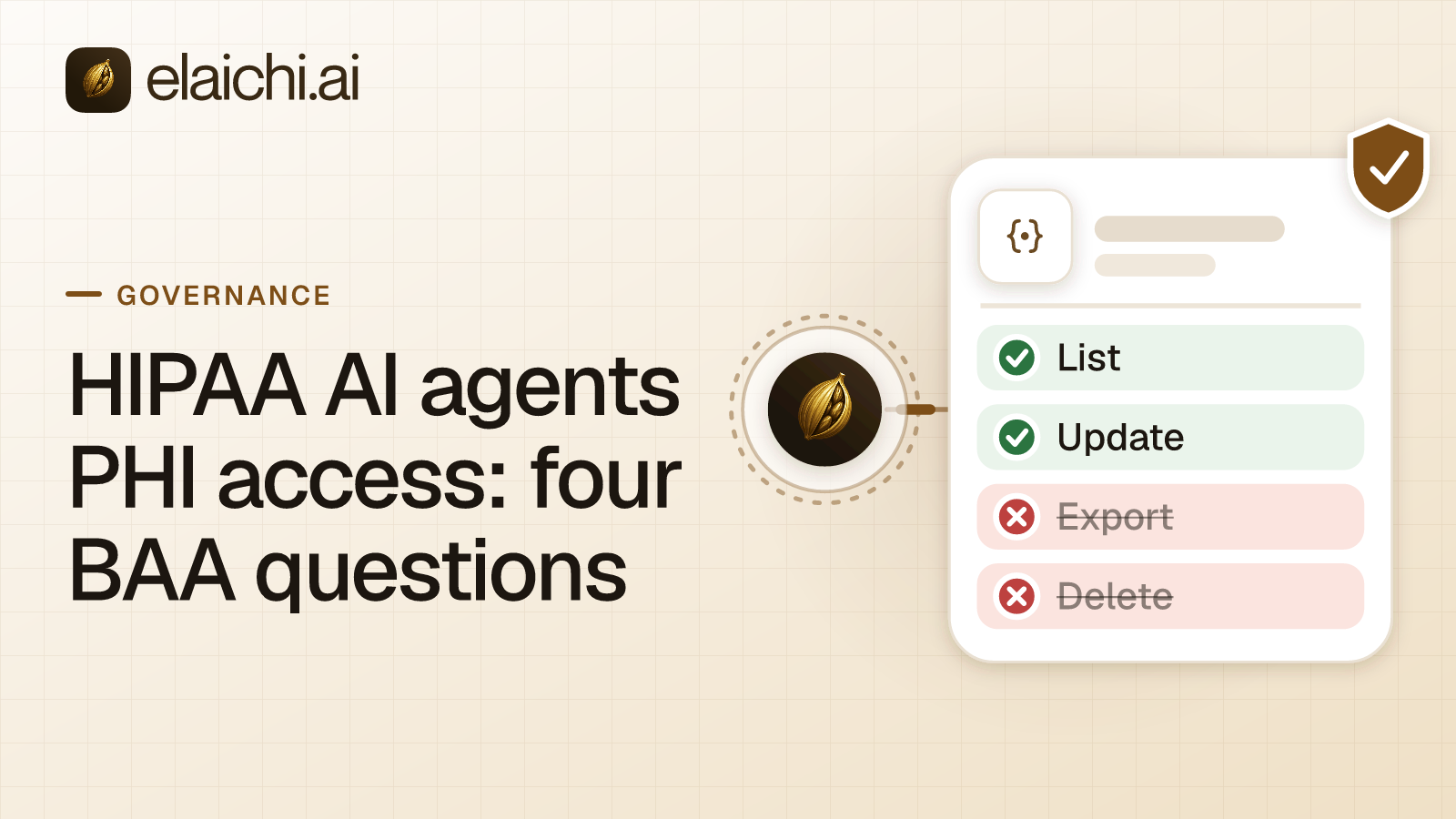
A restriction is a rule that turns off one tool for a role. It needs Gold and takes effect within about two minutes. A restricted tool still shows in search, flagged as restricted. Without one, the AI can do whatever the practice's credentials allow. Elaichi does not protect against instructions hidden in data.
How do you connect ModMed EMA to ChatGPT or Claude?
Setup takes three steps. The first is a talk with us.
- Get the paperwork first. Elaichi does not offer a BAA by default. Patient details need an Order Form and a signed BAA. A BAA is the contract HIPAA asks for when a vendor handles patient information for you. Elaichi states it is HIPAA compliant, as its Trust Center does.
- Connect ModMed EMA. Add it in Elaichi with the practice's credentials from ModMed. The AI then acts as the practice, not as one person. Sharing and restrictions need Gold. The log records who made each call, and it does not keep what was typed into a record.
- Add Elaichi to your AI app. Use the address
https://api.elaichi.ai/mcp. In Claude on Pro or Max, use Customize, Connectors, Add custom connector (Anthropic help, checked November 2026). In ChatGPT Business or Enterprise, an admin adds it under Plugins (OpenAI help, checked November 2026).
The AI app is a separate vendor. OpenAI says it does not offer a BAA for ChatGPT Business (OpenAI help, checked November 2026). Check before names go in. The ModMed EMA page lists every tool.

 Add one link to your AI app
 ChatGPT
 Claude
 Cursor
 Microsoft Copilot