


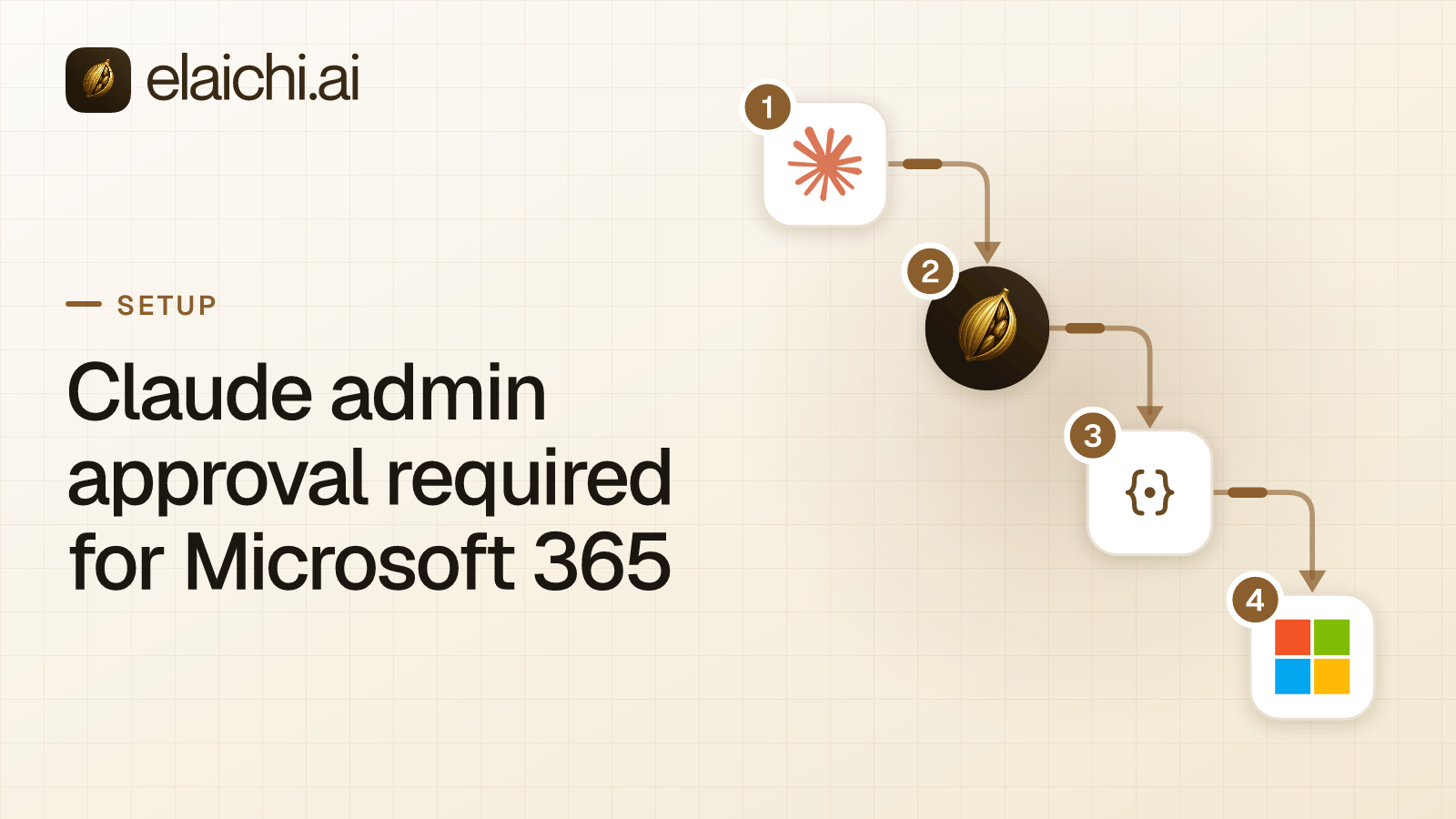
Is there a way around Claude admin approval required for Microsoft 365?
No safe way exists. Claude admin approval required for Microsoft 365 is Microsoft Entra asking a tenant administrator to approve Claude's Microsoft 365 connector, and only an admin can do that. The fix is a short, specific request to your admin. Anthropic's setup article says a Global Administrator must authorize the connector before anyone can connect.
A thread on r/Office365 asks this exact question from the user's side. The shortcut people look for does not exist, because the prompt is the control working as designed.
What is the "admin approval required" prompt?
It is Microsoft Entra's consent check. Consent is the step where an app asks for permission to reach protected data. Microsoft says some applications require an administrator to grant that consent, depending on the permissions they request (Microsoft Learn: user and admin consent, checked November 2026).
Two settings decide what you see:
- User consent. A privileged admin controls whether non-admin users may consent to apps at all. Microsoft says that if user consent is disabled or not allowed for the requested permissions, users are not prompted to consent (Microsoft Learn: user and admin consent, checked November 2026).
- Admin consent workflow. When it is enabled, users see an "Approval required" window. They write a justification, and the admins named as reviewers get a notification (same Microsoft page, checked November 2026).
Anthropic describes the user-side result as an error saying an administrator must grant app permissions (Anthropic: Microsoft 365 setup, checked November 2026). Screens can read differently by tenant, so use the connector name and the error as your guide.
Who can grant consent, and how?
An Entra admin grants it, and Anthropic names a Global Administrator for this connector. On Team and Enterprise plans, a Claude Owner must first enable the connector in Organization settings, then Connectors. Both steps come from Anthropic's Microsoft 365 setup article (checked November 2026).
Anthropic gives the admin two routes:
- Consent through Claude. An admin with a Claude account connects Microsoft 365 and ticks the box to grant access on behalf of the whole organization.
- Manual setup in Entra. For an admin without a Claude account, Anthropic's article walks through adding two service principals with Microsoft Graph Explorer, then visiting admin consent URLs (Anthropic: Microsoft 365 setup, checked November 2026).
The Entra path is on Microsoft's side. In the Microsoft Entra admin center, the admin opens Enterprise apps, selects the application, opens Permissions and selects Grant admin consent (Microsoft Learn: grant tenant-wide admin consent, checked November 2026). Microsoft says a Privileged Role Administrator can consent to any permission for any API. A Cloud Application Administrator, AI Administrator or Application Administrator can do the same, except for Microsoft Graph app roles, which are application permissions.
Anthropic and Microsoft name different roles. Follow Anthropic's article for this connector, and let your admin confirm which role they hold.
What should you send your admin?
Send the connector name, what it can do and how to limit it. Microsoft calls tenant-wide consent a sensitive operation, and tells admins not to grant it unless they understand who controls the app and why it asks for each permission (Microsoft Learn: evaluate a consent request, checked November 2026). A good request answers that before it is asked.
Include these facts from Anthropic's security guide (checked November 2026):
- The connector uses delegated permissions. Users can only reach Microsoft 365 data they already have permission for.
- Service principal access is not supported. Access is user-level.
- Graph calls the connector makes are logged in your Microsoft 365 audit log.
- An admin can limit who uses it by setting "Assignment required" to Yes on both enterprise apps, M365 MCP Client for Claude and M365 MCP Server for Claude, and assigning chosen users or groups. The app names come from Anthropic's setup article (checked November 2026).
- Conditional Access location and network restrictions are not supported for this connector.
The last point matters to a security reviewer. Say it first, so the admin does not find it later.
Why can the prompt come back after approval?
Consent covers the permissions the admin saw. Microsoft says a user may be prompted again even after an admin grants consent, for example when an application requests another permission the admin has not granted (Microsoft Learn: user and admin consent, checked November 2026).
Anthropic's setup article gives the same pattern for write tools. Re-consent for write tools needs a Global Administrator, and users in a tenant that has already consented do not see the consent prompt (Anthropic: Microsoft 365 setup, checked November 2026). If one person still sees the message after your admin approved, ask whether the approval covered the tools they need.
What do plan and role change?
The Owner step depends on your Claude plan, and the consent step depends on your Entra roles. Anthropic says the connector is available on Free, Pro, Max, Ultra, Team and Enterprise plans. The Owner enablement step applies only to Team and Enterprise (Anthropic: Microsoft 365 setup, checked November 2026).
So a Team member who sees the message may need two people: a Claude Owner and an Entra admin. Ask for both in one note. A person on an individual plan skips the Owner step but still needs the Entra consent.
How does your admin turn on the request workflow?
A Global Administrator turns it on in the Microsoft Entra admin center, under Enterprise apps, Consent and permissions, Admin consent settings. They set "Users can request admin consent to apps they are unable to consent to" to Yes and choose reviewers (Microsoft Learn: configure the admin consent workflow, checked November 2026).
Microsoft adds two limits. Naming someone as a reviewer does not raise their privileges, so each reviewer needs the rights to grant consent for the app. And the workflow can take up to an hour to become enabled. Microsoft also recommends the workflow when user consent is restricted, so users can ask from the consent screen (Microsoft Learn: consent requests, checked November 2026).
Why is working around the prompt a bad idea?
Every workaround moves the decision away from the person Microsoft built the prompt for. Microsoft's own advice to admins is to refuse consent when they cannot say who controls an app and why it asks for access (Microsoft Learn, checked November 2026). A shared admin login, or an unreviewed app that requests the same permissions, removes that check.
You also gain nothing durable. The connector fails for the tenant until consent exists, and a one-off route would leave the next person stuck. A short pilot is a better ask. With Assignment required on, an admin can approve the app and assign only a pilot group, which makes the request small and reversible.
Microsoft also says tenant-wide admin consent can be revoked later by reviewing the permissions granted to the application (Microsoft Learn: consent requests, checked November 2026). That gives your admin a way back.
Where does Elaichi fit?
Elaichi does not touch Claude's own Microsoft 365 connector. That connector is Anthropic's, and it talks to Microsoft directly, so the consent steps above apply to it as written. MCP (Model Context Protocol) is the standard way an AI assistant calls tools in other apps. Elaichi is a governed MCP control plane: Claude, ChatGPT, Cursor and any MCP client sign in to one address, https://api.elaichi.ai/mcp.
Microsoft apps added through Elaichi are a separate path. Each person signs in to their own connection, and which Microsoft permissions that sign-in asks for is a question for your Entra admin and the connector's page. For apps added through Elaichi, restrictions decide which connectors and which individual tools a target may reach, and they take effect within about two minutes. Elaichi writes one entry for each connected-tool call that reaches execution (a call refused earlier writes none). Restrictions come with Gold, which lists at $15 per user per month in USD, or $10 per user per month billed annually. A person who connects an app through Elaichi approves their own grant, and the admin keeps the rules.
If Claude's Microsoft 365 connector is the only path you need, you do not need Elaichi. For the SharePoint side of this question, SharePoint in Claude compares the access models, and OneDrive without oversharing sets out Microsoft's consent paths.

 Add one link to your AI app
 ChatGPT
 Claude
 Cursor
 Microsoft Copilot