Claude connectors vs MCP endpoint: what you are choosing between
| Axis | Per-user Claude connectors | One org-wide MCP endpoint (Elaichi) |
|---|---|---|
| Rollout unit | Each member attaches each app inside their own client; grows as members times apps times clients | One organization-wide address in the client's admin console; each member signs in once with OAuth |
| Admin visibility | Sum of what individuals did, spread across each member's client, with no single roster | One list of connections, one restriction resolver, one org-scoped log tenant |
| Restrictions per tool | Bounded by what the destination app grants that person; the admin cannot hold the assistant to reads when the human has write rights | Role-based checks per operation, forbidden classification unreachable by any scope, frozen parameters merged at execution |
| Offboarding | Disabling the identity provider account ends client sign-in; the app-side accounts the member attached are per-person to unwind | Preflight refuses removal until personal connections referenced by a toolbox entry are transferred or deleted |
| Audit | Wherever each client keeps it, one member at a time; the destination app usually shows the human acting, not the assistant | One entry per attempt with actor_kind including ai_assistant; argument names and counts logged, values never |
| Added connectors | Each member attaches their own from the client's catalog | Elaichi authors 450+ connectors and serves them from the same endpoint; custom connectors from JSON config with a fork review surface |
A finance manager attaches Claude to the billing system on a Tuesday. By Friday four other people have done the same, each with a personal account. Nothing is broken. Nothing is visible either.
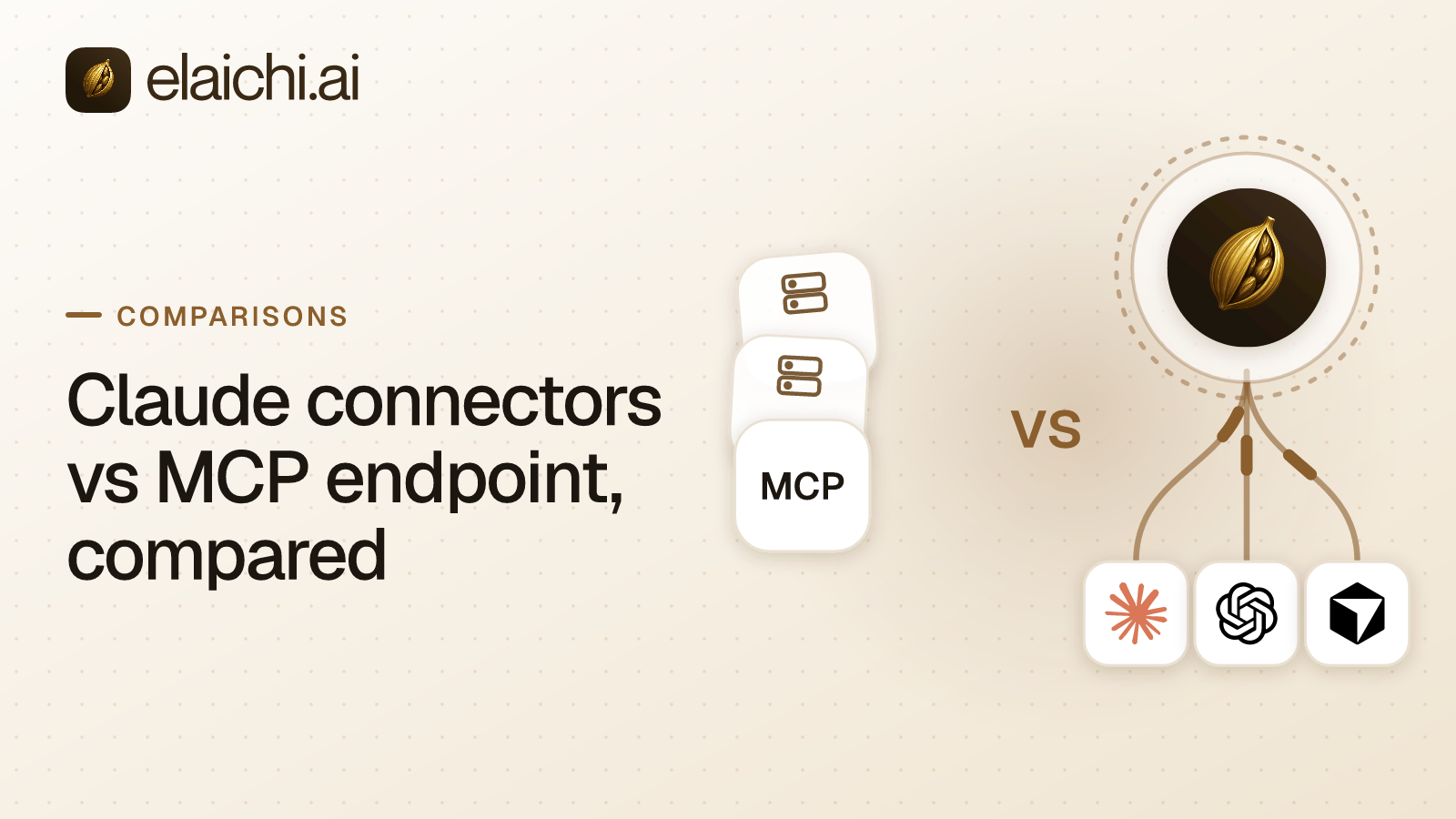
Claude connectors vs MCP endpoint is a choice about where access gets defined. In the first model every member attaches apps inside their own client, and the access list is the sum of what individuals happened to do. In the second, an admin points the whole workspace at one address, people sign in, and the access list is one thing you can read. MCP (Model Context Protocol) is the standard way an AI assistant calls tools in other apps
Both models work on day one. They come apart on two later days: the day someone asks what the agent did, and the day someone leaves.
What each user attaching their own connectors gets you
Speed, and a roster nobody can see in one place. A member picks an app, signs in with an account they control, and the grant (the revocable permission issued at sign-in) sits against that person. For a five-person company that is the right amount of process, and adding a control plane would be overhead with no reader.
The cost is arithmetic. Ten people times six apps is sixty separate decisions, none of them written down together. If somebody attaches a personal account with wider rights than the job needs, the setup step does not notice. If two people attach different accounts of the same app, the difference stays invisible until something lands in the wrong workspace. Access is also whatever the destination app grants that person, so an admin cannot hold the assistant to reads when the human has write rights.
Before you settle here, get three answers out of your own tenant rather than out of a blog post. Does the admin console list, per member, which apps are attached right now. Does the record of a tool call name the account that was reached, or only the app. When a member is removed from your identity provider, what happens to the app-side accounts they attached. Those are questions for the vendor whose console you are in, and the answers decide whether the model still holds at forty people.
What pointing the Claude workspace at one endpoint gets you
One address and one sign-in. Elaichi serves every connected account through a single organization-wide MCP endpoint at POST /mcp: standard MCP over Streamable HTTP, JSON-RPC 2.0, stateless, behind OAuth. There are no per-toolbox URLs and no tokens pasted into a config file. Claude points at that one address, each member signs in, and the grant decides what they see.
What they see is not the same for everyone. Each member holds exactly one role, enforced by a unique index, so a role is a complete persona rather than a pile of add-ons. Sharing is separate from roles: a member sees only what they own or what was explicitly granted to them, and no org-level permission quietly widens that listing, org owners and admins included.
Restrictions are the third layer, and they govern which connectors and which individual tools a target may reach. A rule on a user replaces the role rules for that user rather than adding to them Targets are a role or a user. There is no organization target, because the org default is the absence of any rule, which means allow-all. Within the winning layer blocks always beat allows, and an allow rule that names nothing denies everything. That last one is the strictest rule you can write and the easiest to write by accident.
Enforcement runs at four points against the same resolver: browse, connect, advertise and execute, plus a final check on the fully substituted outbound URL. Elaichi authors and serves the connectors itself, a catalog of 450+. Past 30 tools, counting catalog operations and connected tools together, the connected half collapses behind search_tools and execute_tool; one connected app is usually enough to cross that line. execute_tool is only a naming indirection. It unwraps to the same name and arguments and falls through the identical gates, and the ranking behind search_tools has a relevance floor so a near-miss does not get handed to the model.
Which arguments can an admin pin before the model sees them
Frozen parameters are the answer, and they work in two directions at once. A frozen entry is a map over the tool's flattened argument space. Frozen keys are stripped from the advertised schema, so the model never sees them as options. Frozen values are merged over caller arguments at execution, so passing the key in a prompt cannot un-freeze it.
The precedence is entry defaults, then caller and model arguments, then frozen parameters last. Pin a folder, a workspace or an account field once and every call through that entry carries it. Per-user connectors have no equivalent surface, because the argument list the model sees is whatever the app advertises to the person who attached it.
Which model answers "what did the agent do"
The endpoint model answers it from one table. Elaichi writes one entry per tool-call attempt, succeeded or failed, and both name the account actually reached, taken from the execution rather than from the intent. "Which of my two Notion workspaces did the agent write to" is the first question after an unexpected change, and it is answerable without correlating two systems by eye.
The record carries the operation and tool, the connection, the classification, whether it was approved, the outcome, and an error code. Argument names and counts are logged. Argument values never are. actor_kind is a recorded field rather than a guess from a user agent, and its values include ai_assistant, so "a human did this" and "an assistant did this" are not inferred after the fact.
Two error strings exist per failed call. The one returned to the caller is derived from the third party's response body and is never written anywhere else. The one written to the audit trail is never derived from the request or the response, because audit records are org-visible, readable by the in-product assistant, and fanned out to whatever SIEM the customer configured.
The trail is append-only, newest-first, cursor-paginated and filterable by free text, category, actor, action kind and time. A departed member renders as "Former member" instead of vanishing. Each organization gets its own log tenant, enforced in the type system rather than by a WHERE clause. Two caveats worth knowing: the trail is eventually consistent, so a row can take a moment to appear, and export currently delivers to Datadog, with Splunk HEC and Microsoft Sentinel accepted but not yet delivering.
In the per-user model the record lives wherever each client keeps it, one member at a time, and the destination app usually shows the human acting rather than the assistant. A compliance reviewer reading the trail in Elaichi does not consume a license, because the read-only Auditor seat is free.
Which model closes access on the day somebody leaves
The endpoint model closes it in one action, with a preflight that refuses to leave loose ends. removing or suspending a member revokes every live grant in the same transaction as the membership change, and revoked_at is re-read on every single call. For removal and suspension, "the next call" is accurate. Role and restriction changes are different: they resolve through a cache plus edge propagation and take effect within about two minutes, on MCP, console and REST alike.
The offboarding preflight is the part that saves you a week later. Personal connections referenced by a toolbox entry must be resolved first, by transfer to the org, a team or another member, or by deletion, or the removal is refused. Unreferenced personal connections are cleaned up. A private connection is not transferable at all, because a credential only its owner could use does not become somebody else's when its owner leaves. Delegated toolbox entries raise a non-blocking warning, and re-pinning is the fix.
In the per-user model, the accounts a leaver attached were attached with their own credentials, app by app. Disabling their identity-provider account ends their sign-in to the client. It does not, by itself, tell you which six apps they had attached or which account each one used. For the version of this problem with a deadline attached, see the contractor offboarding walkthrough.
How do you point a Claude workspace at one endpoint
Do the control-plane work first, then point the client. The order matters, because a member who signs in before the roles exist sees an empty tool list and files a ticket.
- Create the organization and pick the region at creation time.
euandusare hard residency, covering compute and storage.apacis a placement hint and best-effort. It is not a hard residency zone. The region also selects which regional log instance the audit trail lands in. - Connect the accounts the company actually uses. Credentials do not live in Elaichi; a separate credential service holds per-account secrets, AES-256-GCM at rest, and owns refresh. A failed refresh marks the connection
needs_reauthrather than failing quietly. - Wire identity. SAML and OIDC SSO (single sign-on, one corporate login across apps) are built in-house, with SCIM v2 for users and groups and group-to-role mapping.
- Assign roles. Exactly one per member.
tool:executegates the endpoint ahead of every scope, and Guest, Auditor and Billing Admin do not have it, so those seats get an empty tool list by design. - Write restrictions against the roles that need them, then one or two user overrides if a named person needs something different. A user rule replaces the role rules rather than layering on them.
- Point Claude at
POST /mcpthrough its own admin console, as an organization-wide address, and have members sign in with OAuth. ChatGPT and Cursor take the same address. - Run one call and read it back in the audit trail. Confirm it names the account you expected.
What one endpoint does not fix
It does not defend against prompt injection, and it cannot. An MCP server never sees the user prompt, so the write gate in the agent window has nothing to inspect on POST /mcp. What does hold there: role checks per operation, the forbidden classification that no OAuth scope can reach, output redaction, scope limits and full audit logging.
It also does not erase everything on the way out. Deleting an organization tears down the workspace but has no path to purge that organization's log tenant, and the response returns the residue by name. And The two plans are Gold and Black, with a 14-day trial. to fall back to. Gold is $15 per user per month or $120 per user per year, with a 14-day trial that needs no card; pricing has the rest. Billable seats are active memberships, so Guest, Billing Admin and Auditor do not count.
When per-user connectors are still the right answer
When the roster is small enough to hold in your head and the apps are read-only. Six people, two apps, no regulated data and no auditor: per-user connectors cost nothing to run and nothing to explain. Adding a control plane at that size buys you a second thing to administer.
The trigger to move is usually one of three events. Somebody asks which account an agent wrote with. A person leaves and the answer takes a day to assemble. Or a second client arrives and you discover the setup is per person, per app, per client. The case for waiting is laid out in the post on staying with what you have.
Deciding for your own workspace
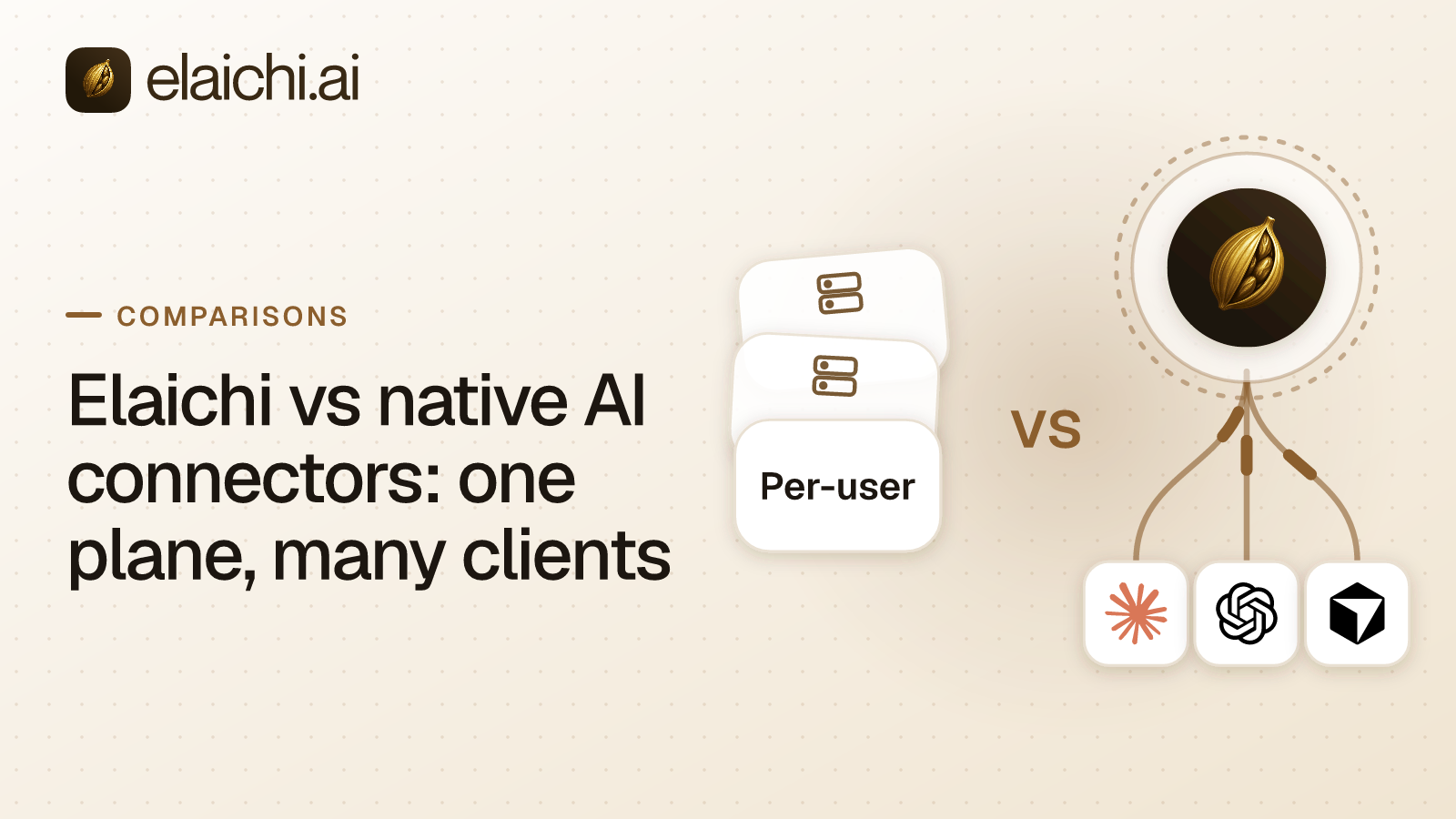
If the comparison you are running is broader than Claude, the one plane, many clients argument covers ChatGPT and Cursor on the same address. If you are writing the rules rather than choosing the model, read why a block matches the tool name while an allow matches the pinned operation before your first restriction. Otherwise, check whether the apps your team lives in are in the connector catalog, look at the team-by-team rollouts, and read the controls on the security page.