


Where the work usually goes
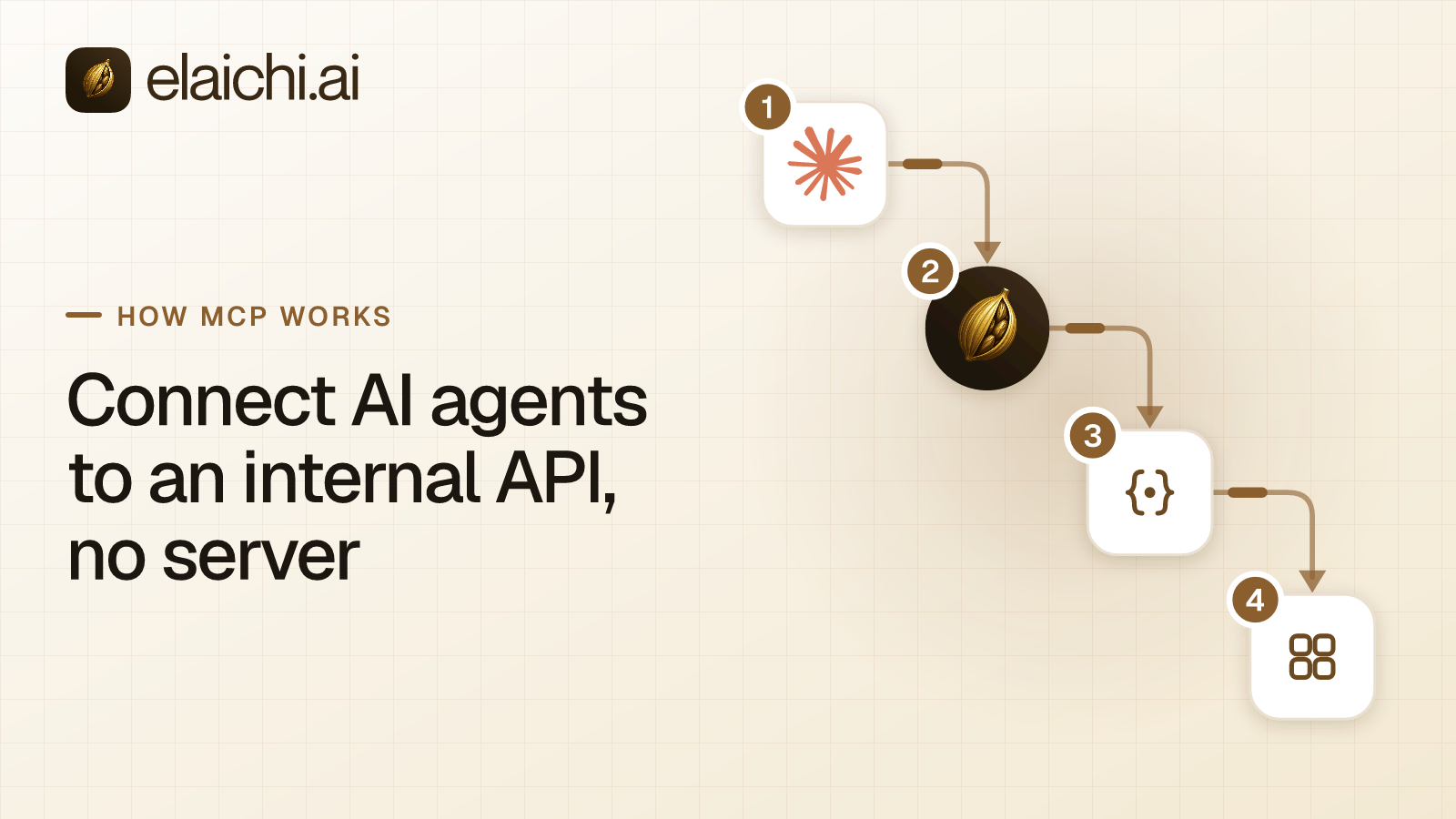
An internal API already exists. It has a base URL, a token, and a dozen endpoints someone documented two years ago. A support lead asks whether Claude can read from it. The usual answer to "connect AI agents to an internal API" is to build an MCP server. That server wraps those endpoints as tools, handles sign-in, and runs somewhere with an uptime story. MCP is the Model Context Protocol, the open spec that defines how an AI client discovers tools with tools/list and runs them with tools/call. In Elaichi, you describe the API in a JSON config, and it serves the tools at one MCP address.
That is a real piece of infrastructure. It needs a host, a deploy pipeline, a certificate, an OAuth implementation, and an owner when the token rotates. For a REST API that already works, most of that effort restates what the API already says about itself.
Reduced to a decision, there are four ways to expose an API to an agent. The right one depends on two questions: does the API already speak MCP, and does calling it need logic beyond "send request, map response"?
| Your situation | What to build | Who owns the runtime |
|---|---|---|
| Plain REST/HTTP API, no multi-step logic needed | A config-authored connector in front of a control plane (this post) | The control plane |
| Service already speaks MCP over Streamable HTTP | A remote MCP connector that proxies it | The control plane, pointed at your server |
| Need 2 to 20 chained calls with branching, but no custom code | A declarative tool graph (Elaichi calls this a synthetic tool) | The control plane |
| Non-HTTP protocol, heavy response transforms, or you ship this to other companies | A hand-written MCP server | You |
| One team, one client, nobody else asks | A local MCP server on those machines, no gateway at all | You, minimally |
The rest of this post works through the first two rows concretely, using Elaichi as the control plane. The mechanics (validation, permissions, sharing, tiering, restrictions) generalize to any gateway that takes config instead of code. The specific limits and field names below are Elaichi's, not a protocol standard. Check your own gateway's docs for its equivalents.
How do you connect AI agents to an internal API without hosting a server?
You add the API to Elaichi as a custom connector, authored from a JSON config rather than code. Elaichi then serves its tools at the same endpoint every other connector uses, so no new process runs on your side.
A custom connector is created either from a JSON config or from a remote_mcp server definition. One create request sends exactly one of the two. The config carries what you would otherwise hand-write into a server: the base URL, the headers and query settings, the authorization and credentials, the pagination rule, the rate limit, and the error expression, plus the methods themselves.
Field-level rules, required combinations, and the edge cases that pass validation but fail at call time are in the config schema walkthrough.
Elaichi checks the config against its own schema. Problems come back as HTTP 422 with the issues listed, so a malformed config fails at save time rather than at the first tool call.
The slug is 2 to 64 characters of lowercase letters, digits and hyphens, starting and ending with a letter or digit. The label is 1 to 120 characters. Two methods of one connector cannot answer to the same tool name. An edit, a documentation update or an upstream pull that would cause a clash is refused.
Who can author a custom connector, and why is it flagged high trust?
| Requirement | Detail |
|---|---|
| Permission | connector:create |
| Roles that hold it by default | Org Owner, Org Admin only |
| Plan feature required | Custom connectors (included in Gold and Black, not Personal) |
| Trust flag | The only permission Elaichi marks "High trust" in the role editor |
connector:create is the only permission Elaichi flags as high trust. The role editor shows a "High trust" tag on it. Its description warns that connector governance binds the connector, not the host it calls. Read that twice. Elaichi checks a config for shape, not for where it points. Restrictions bind a connector's identity, meaning its slug and the forks that declare descent from it, never the destination. So a restriction on one connector does not stop a new connector aimed at the same API. The permission text says plainly that a connector can be pointed at any destination.
That is the trade-off for authoring from config. The speed comes from not reviewing a codebase. The cost is that whoever holds the permission can describe any reachable HTTP service. Keep it with the two roles that already hold it, and treat putting it into a custom role as a decision rather than a convenience.
Creating, forking and editing a custom connector records the hosts its config calls on the audit row, up to 8 hosts plus the total count. An edit that changes them also records the previous hosts. That is the line an access review reads.
Why does a new connector stay private until you share it?
The member who creates a custom connector becomes its owner, and the connector is private until it is shared. Only the owner and the members a grant reaches can list or open it. Everyone else gets the same 404 as for a connector that does not exist, org admins and holders of connector:view or connector:manage included.
That makes the first phase safe by default. You author the connector, connect it with your own account, and run a few tools from your own AI client. Nobody else sees it in their catalog while the method definitions are still wrong.
Sharing has three levels:
| Level | Grants |
|---|---|
view |
See and fork the connector |
use |
Create connections from it |
edit |
Change its config and documentation, pull from upstream, manage its shares (granting a new share additionally needs connector:share) |
Deleting and transferring the connector are owner-only, with no connector:manage override. A custom connector cannot be deleted while any connection in the organization still uses it.
If a custom connector stops being shared with the owner of a connection built on it, that connection is blocked with connector_not_shared. Every tool call through it is refused, for the connection's grantees too, until the connector is shared with its owner again.
How does an AI client find your internal tools?
Elaichi serves MCP at https://api.elaichi.ai/mcp, the same address for every organization. Which organization, person and tools a client reaches comes from the OAuth grant behind its token, not from the URL. Claude, ChatGPT, Cursor and Microsoft Copilot all sign into that one address. Each person connects their own client once and approves their own grant.
Your internal connector's tools arrive there beside every other connector's. In Elaichi, connected tools are never listed one by one, however few there are. The model finds a connected tool with search_tools and runs it with read_tool (a read) or execute_tool (anything), or with run_code under Code Mode. Each search result says which of the two to use. So adding an internal API does not grow the tool list every client loads at the start of a conversation.
Search is lexical, not semantic. It ranks on the tool name, the toolboxes that reach the tool, the connector label and the descriptions. It then applies a relevance floor: a query naming an app the caller has not connected returns nothing rather than a near miss. Write the method descriptions in your config with that in mind. A vague description is the single most common reason an otherwise-correct tool never gets called. A restricted tool is left out of the tools Elaichi offers a client and cannot be called. Search still names it, flagged restricted, with no schema.
Read, write and delete: how Elaichi tiers your methods
Elaichi works out each tool's tier from your config rather than from its name:
| Config signal | Tier |
|---|---|
HTTP GET or HEAD |
Read |
HTTP DELETE |
Destructive |
Any other verb (POST, PUT, PATCH) |
Write |
| Custom method (non-standard verb/action) | Write |
A method named list_users that is wired to a POST under the hood is still a write. Naming does not override the verb.
The tier shapes the audit row and the hint the model sees. It does not cost a separate OAuth scope. Over MCP, mcp:tools runs every tier of connected tool, deletes included. The consent checkbox "Create and change data" governs Elaichi's own write operations, so leaving it unticked does not make a connected app read-only.
A client's own per-tool permissions do not help here either. Per-tool client permissions see Elaichi's connected tools as a few tool names (execute_tool, read_tool and run_code), so they cannot tell one connected app from another. Gating execute_tool alone leaves read_tool and run_code. Per-app and per-tool control is set in Elaichi, as restrictions.
To hold a client to reads on your internal API, there are two moves:
- At consent, the person picks only toolboxes built from read tools.
- An admin writes restriction rules that block the methods that change data.
Do restrictions and the audit log apply to a connector you wrote?
A custom connector's tools are governed exactly like a catalog connector's. They are not a side door.
Every connected-tool call passes one restriction clamp, evaluated for the member the call acts as. A direct tools/call, execute_tool, read_tool, toolbox execution and each step of a synthetic tool all go through the same executor. It checks that member's role rules and personal rules before the connection is used. execute_tool is only a naming indirection: it unwraps to the tool name and arguments it was given, then meets the same gates as a direct call. read_tool unwraps the same way and meets the same gates, then refuses anything that is not a connected read. As a last check before a call leaves, Elaichi compares the fully resolved outbound URL, and every redirect hop, against the operations named by tool-level block rules.
In Elaichi, restriction targets are role or user only; the organization default is the absence of a rule, which means allow everything. Within each layer, allow rules merge into one allowlist and block rules into one blocklist, and a block always beats an allow. A restriction change takes effect about two minutes. Write the rules before you share the connector rather than during the first demo. Restrict one AI tool or the whole app sets out when each shape fits.
Every connected-tool call that reaches execution is recorded: one entry for each connected-tool call that reaches execution (a call refused earlier writes none). A call refused earlier, by a restriction or a missing scope, writes no row, because that refusal happens before any executor runs. Elaichi keeps 90 days of audit history. For longer retention, forward it to your own log service, a Black-plan feature, with Datadog as the delivered destination.
What if the team already runs a remote MCP server?
If the internal service already speaks MCP over Streamable HTTP, you do not re-describe it as config. You add it as a remote MCP connector, and Elaichi sits in front of it. Streamable HTTP is one of the two standard transports the MCP specification defines, alongside stdio. See the MCP transports specification (checked October 2026).
That needs connector:create and the same plan feature as a config connector. The server URL must use https and name a host: no IP address, no internal hostname, no embedded credentials. It cannot be changed afterwards, so a different server needs a new connector. Sign-in is one of four modes:
| Mode | How it works |
|---|---|
| Elaichi-registered OAuth client | Elaichi registers itself with your server |
| Your own pre-registered client | You register Elaichi's client ID ahead of time |
| Custom token or header | A static credential, no OAuth flow |
| None | Unauthenticated server |
Tools are discovered per connection, using that connection's own credential, because different members' accounts can see different tools. A remote tool's tier comes from its MCP annotations. A tool the server does not mark read-only or non-destructive counts as destructive, the safe default when a server is silent on tier.
Restrictions, scopes and the audit log govern remote MCP tools exactly as they do any connector's. To a restriction rule a remote tool is resource mcp with the upstream tool name as its method. Every gate runs before the call leaves Elaichi, and the tool that runs is re-read from that connection's own active list. Elaichi never forwards its own MCP access token to a remote server, so an OAuth server sees only a token its own authorization server issued.
Limits to check against your service (current at time of writing; verify against current Elaichi docs before architecting around them):
| Limit | Value |
|---|---|
| Organization-owned remote MCP connectors per organization | 25 |
| Tools per connection | 500 |
| Tool names per connector | 2,000 |
| Deadline per operation | 30 seconds |
| Deadline per call, including retries | 60 seconds |
| Max result size per tool call | 4 MiB |
What do the failures look like?
A name the model guessed wrong comes back as an in-band error, not a protocol error. Elaichi suggests the three closest connected-tool names and reminds the model that connected tools are found with search_tools. A call the grant's scopes do not cover also answers HTTP 200, with an error naming the consent checkbox the person has to allow and telling them to reconnect the client. A grant's scopes never change after consent.
Two rate limits bound the traffic:
| Surface | Limit | On breach |
|---|---|---|
| MCP endpoint | 120 requests / 60 seconds per access token | HTTP 429, Retry-After: 60 |
| REST API | 600 requests / 60 seconds per token or session | HTTP 429, Retry-After: 60 |
When is writing your own MCP server still the better call?
A config connector describes an HTTP API. It is not a place to put logic. If the useful unit of work needs several calls stitched together with branching, or needs to reshape a response before an AI client could act on it, that belongs in code you control.
There is a middle option for the simpler version. A synthetic tool is a graph of 1 to 20 steps that Elaichi advertises to an AI client as one tool. Each step names a connection, a tool on that connection's connector, and a JSONata expression that builds its arguments from the input and from earlier steps. JSONata is a lightweight query and transformation language for JSON data, per the JSONata overview (checked October 2026). Synthetic tools come with Gold and Black. They cover "call three endpoints and combine the results." They do not cover arbitrary server-side logic.
| Build your own MCP server when... |
|---|
| The service doesn't speak ordinary HTTP |
| The transformation between the API and agent-usable output is large enough to need tests |
| The tools have to be identical for a product you ship to other companies |
| The API is not reachable over public HTTPS |
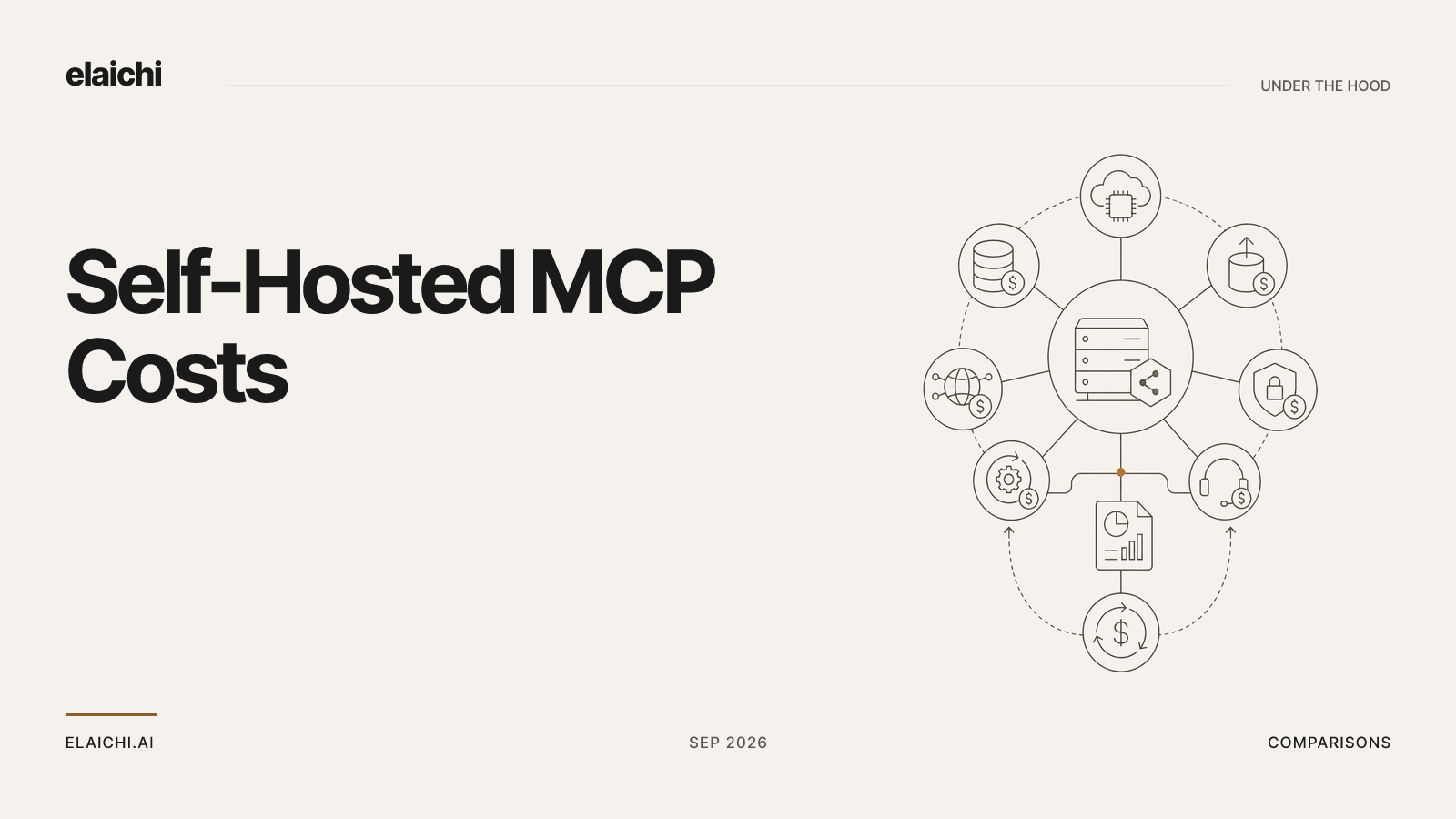
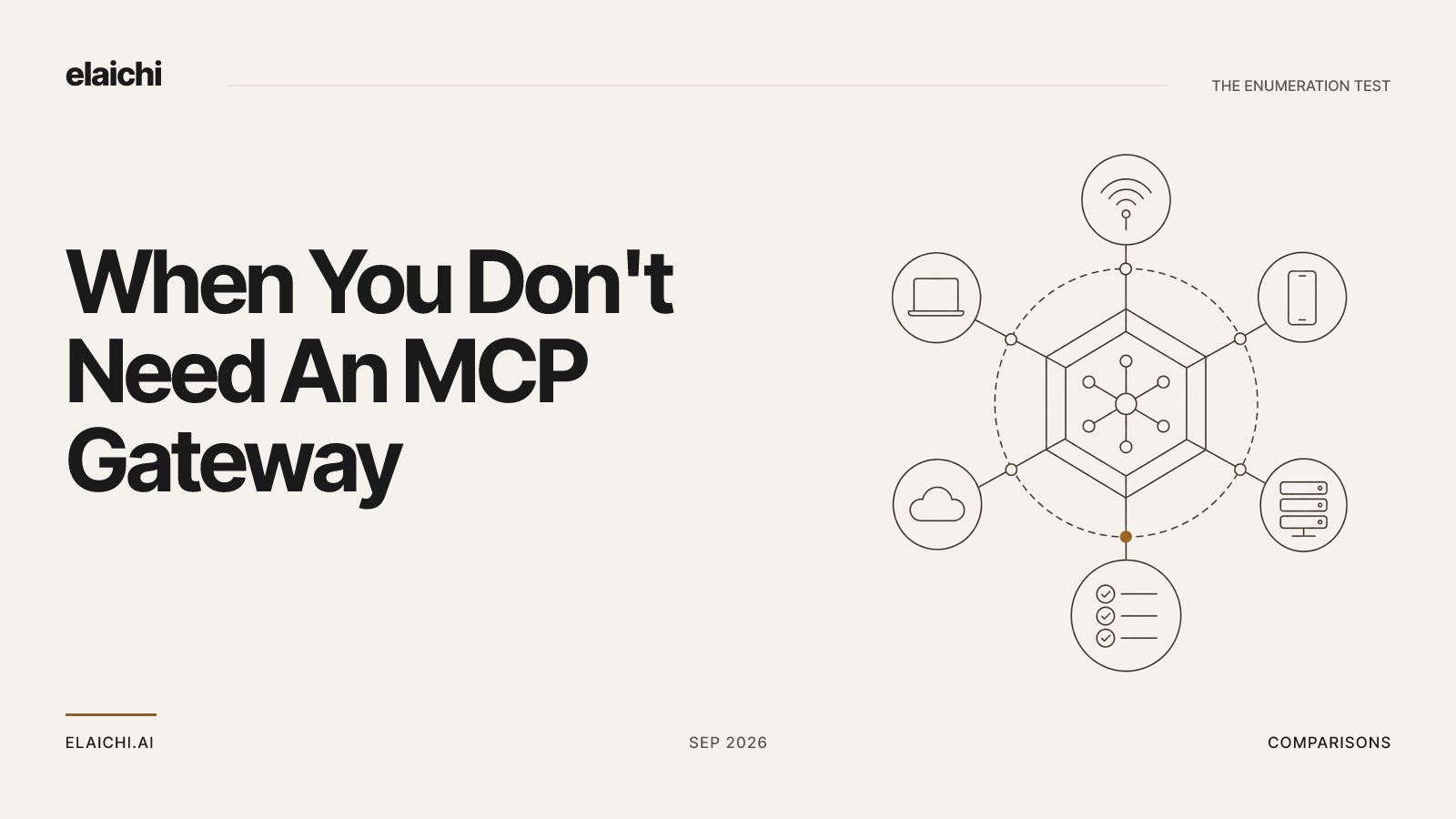
There is also a case where you need neither. If one team wants one internal API in one client and nobody else does, a local MCP server on those few machines is less work than any of this. When you don't need an MCP gateway yet makes that argument honestly. The case for a control plane starts when the second team asks, when someone leaves, or when an auditor asks who called what.
If you do write the server, you can bring it back under the same rules afterwards as a remote MCP connector. The two paths are not a fork you commit to once.
Where to start
Pick the API with the dullest surface and the clearest reader: one endpoint set, read-only, one team that wants it. Author the connector from config, keep it private, connect it with your own account, and run the tools from your own client. When the method definitions are right, write the block rules for anything that changes data. Wait the couple of minutes for them to take hold, then share the connector at use with the people who need it.
For the layer underneath all of this, roles, restrictions and ACLs explains which of the three decides what. If you are weighing this against running the gateway yourself, the real cost of running your own MCP servers counts the parts. The connector catalog shows what is already there, which is often the faster answer than authoring anything.
 Add one link to your AI app
 ChatGPT
 Claude
 Cursor
 Microsoft Copilot