This video shows how to give each team's AI only the tools it needs, on the real screens, with a support team, Stripe and Claude as the example. The sandbox is in Stripe's test mode with fictional customers.
Why give each team only the tools it needs?
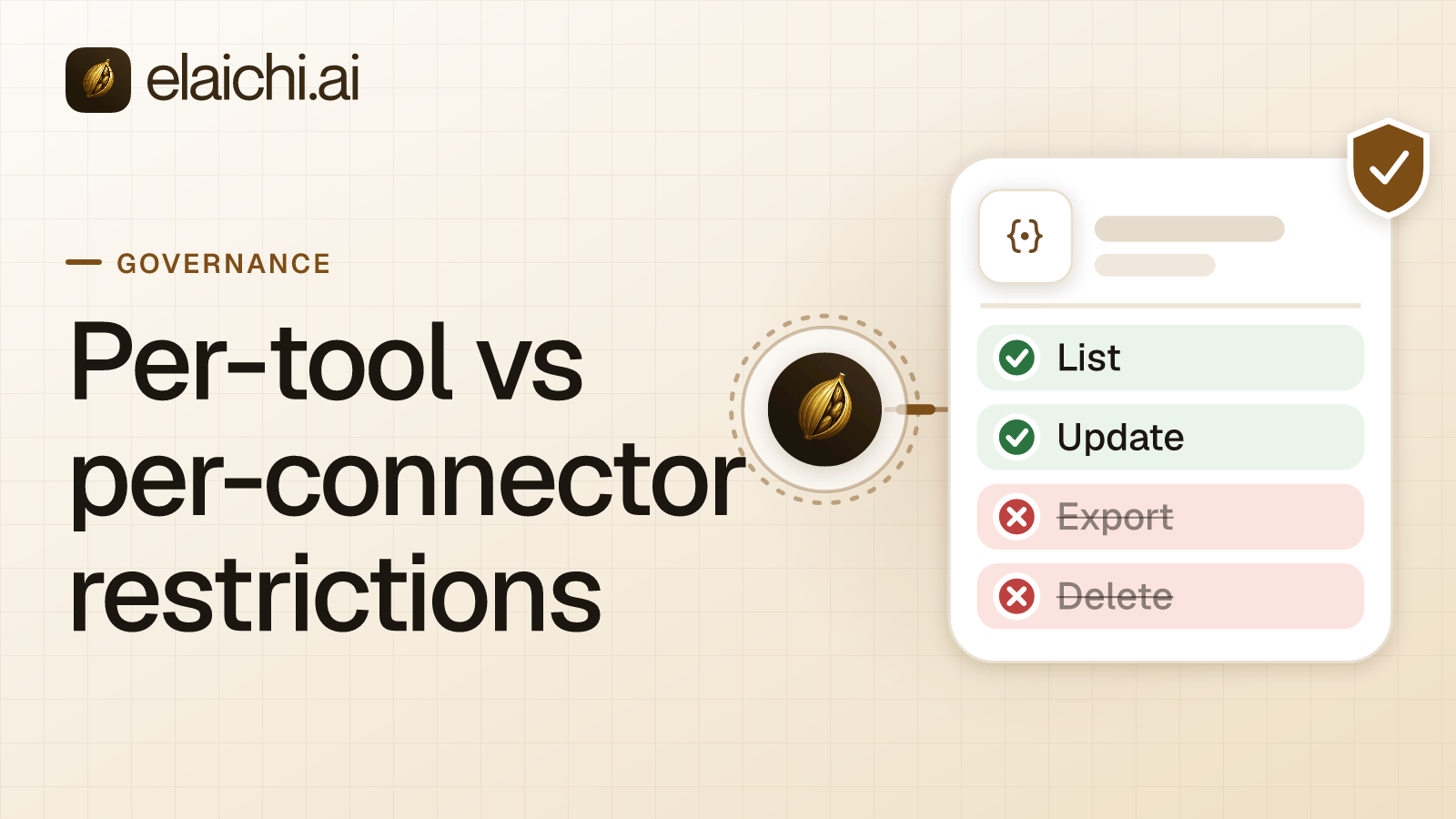
Most connectors are all or nothing. To let your AI look up a charge, you give it every tool in the app, including the ones that change data or move money. One wrong ask, and real money moves. In Elaichi, a toolbox is a small set of tools, so you can pick only the read-only ones and leave refunds out.
The video follows one toolbox from start to finish. The written guide has the longer detail where it helps.
- 0:00 The problem (one switch, every tool) and the fix: toolboxes.
- 0:27 Step 1: As the admin, ask your AI to build the toolbox.
- 0:52 Step 2: Check the tools, the skill and who can use it.
- 1:09 Step 3: Connect the support team's Claude.
- 1:21 Ask for a refund, then check the audit log.
What do you need before you start?
An Elaichi account with the app connected (here, Stripe), and an AI client that connects to tools. Here that is Claude, and any MCP client works the same way. The steps below are as of October 2026, and menus can change as the app updates.
How do you build the toolbox?
As the admin, ask your AI to build a safe toolbox. In the video the request is: a read-only Stripe toolbox for the Support team, a short skill with the AI's rules, and sharing with the Support team. Claude builds it in Elaichi.
How do you check it?
Open the toolbox. Every tool only reads, and there is no refund tool. The skill is a short text with the AI's rules: it tells the AI to send refunds to billing and to find the customer by email. The toolbox is shared with the Support team.
How do you connect the support team's Claude?
Connect the support team's Claude to Elaichi. Keep Run your connected tools on. Then choose Only the ones I pick, and pick this toolbox. Claude reaches nothing else.
What happens when it is asked for a refund?
Claude finds both charges for the customer. But it has no refund tool, so it hands the case to billing. The audit log shows who made the toolbox, who shared it, and what Claude looked up.
Giving an AI the least access it needs is also how Stripe describes its own keys: a restricted API key carries only the permissions you assign to it. Stripe's MCP server also asks for human confirmation before certain actions, such as refunds. A toolbox applies the same least-access idea to the AI client, over the open Model Context Protocol.
For the written steps, how sharing works and how to connect an AI client to a toolbox, read the Use your toolboxes guide. To connect the app first, watch Connect your first work app to Elaichi. The same toolbox works in Claude, ChatGPT and Cursor.
Elaichi works with Claude, ChatGPT, Cursor and any MCP client.