SCIM vs MCP tool access control: two questions, not one
Support and finance get Claude and ChatGPT. Sign-in runs through the company identity provider, SCIM pushes the directory into every application, and the access review closes. Three weeks later a Salesforce opportunity changes owner overnight. Nobody can say which assistant did it, under whose account, or against which connected workspace.
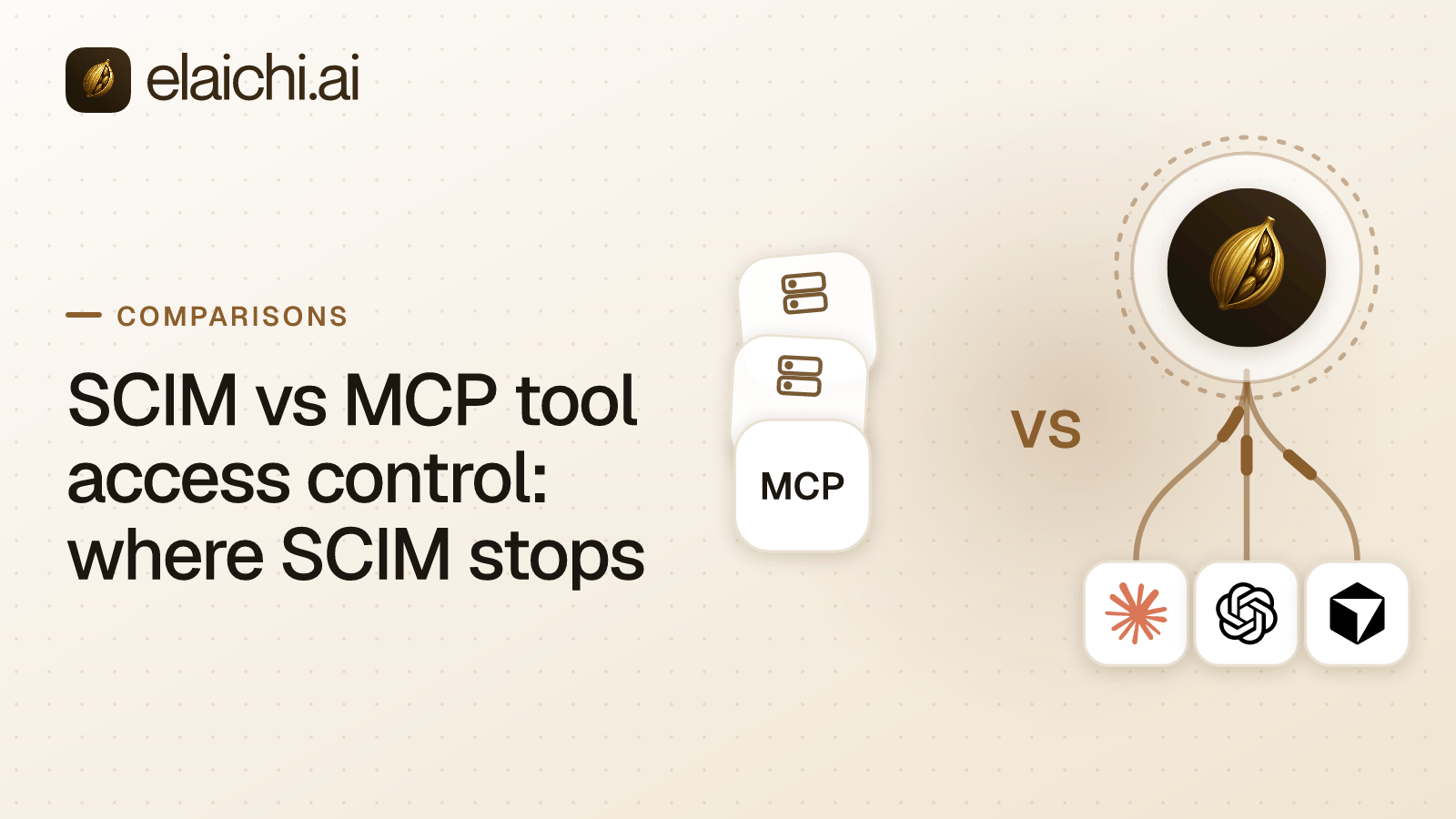
That gap is what SCIM vs MCP tool access control names. SCIM decides who exists and which groups they belong to. Tool access control decides which tool a model may call, with which arguments, against which connected account, and what gets written down afterward. MCP (Model Context Protocol) is the standard way an AI assistant calls tools in other apps
Both layers are needed. Neither substitutes for the other. A person exercises judgment before running a command; a model follows the instruction it was handed. Elaichi ships SCIM v2 for users and groups with group-to-role mapping, because the directory is the right source of truth for identity and the wrong place to express a tool rule.
What SCIM does well and you should keep
SCIM handles joiner, mover and leaver, and it handles them better than anything you would build in-house. Keep it.
SCIM stands for System for Cross-domain Identity Management. It is the protocol an identity provider uses to create, update and deactivate accounts in downstream applications, and to sync group membership. A new hire has accounts on day one. A department change updates groups everywhere. A termination deactivates accounts across every application SCIM reaches, without a ticket.
Elaichi supports SCIM v2 for users and groups, with group-to-role mapping, alongside SAML and OIDC single sign-on (SSO, one company login across applications) built in-house rather than bought from an auth vendor. There are four onboarding paths in total: emailed single-use invite links with roles and teams pre-assigned, verified-domain auto-join with a configurable default role, SCIM provisioning, and just-in-time SSO. Most companies use SCIM for employees and invite links for the rest.
What an identity provider cannot see at the tool-call layer
The identity provider and the MCP grant answer different questions, and neither replaces the other:
| Question the auditor asks | SCIM / identity provider | MCP grants + tool restrictions |
|---|---|---|
| Who is this person? | Directory of record | Reads from directory of record |
| Are they still an employee? | Deprovision flag | Refuses the next call once revoked |
| What group are they in? | Group membership | Not read at call time |
| Which tool can they invoke? | Not represented | Role or user-level restriction |
| Which connected account is used? | Not represented | Per-connection ACL |
| Was the amount frozen or free? | Not represented | Frozen parameters |
| Who saw the row, whose account? | Not represented | Audit-log row per call |
An identity provider sees authentication and directory state. A tool call is neither.
After sign-in, the client holds an OAuth grant, an authorization to act on the user's behalf that is issued at sign-in and can be revoked. Calls then go to an endpoint, a single network address that accepts them. Elaichi serves one for the whole organization at POST /mcp. Each call names a tool, a set of arguments, and a connected third-party account.
Group membership encodes none of those three. Membership in a Finance group does not say whether a member may run a refund tool. It does not say which of two connected NetSuite accounts the call lands in. It does not say whether the model chose the amount field or whether an administrator fixed it. An agent that reads a record and an agent that deletes it travel the same authenticated path.
There is a quick test. Take one record change made by an assistant last week and look for it in your sign-in logs. If the tool name and the account are both there, you can stop reading.
Four decisions that sit below group membership
Four things have to be decided after the directory has spoken: the role, the reach, the arguments and the account.
Role. Elaichi gives each member exactly one role, enforced by a unique index, so every role is a complete persona instead of a stack of add-ons. Roles group about 38 action strings such as tool:execute, restriction:manage and audit:view. That is role-based access control, or RBAC. The tool:execute permission gates the whole endpoint ahead of every other check. Without it tools/list comes back empty and a call returns an in-band error naming the permission. Guest, Auditor and Billing Admin do not have it.
Reach. A restriction says which connectors and which individual tools a target may reach. Targets are a role or a user. There is no organization target, because the organization default is the absence of any rule, which allows everything. A rule on a user replaces the role rules for that user rather than adding to them Within the winning layer, blocks always beat allows, and an allow rule that names nothing denies everything. A block matches the tool name or the pinned operation; an allow matches the pinned operation only. Enforcement runs at four points against the same resolver: browse, connect, advertise and execute, plus a final check on the fully substituted outbound URL. The reasoning behind name versus operation is worth reading in full in the piece on names and pinned operations.
Arguments. Frozen parameters pin values inside a tool's argument space, so an administrator owns a field instead of the model. A frozen key is stripped from the schema the model is shown, and the frozen value is merged over caller arguments at execution, so passing the key cannot un-freeze it. Entry defaults lose to caller arguments, and caller arguments lose to frozen parameters. Use it for the sending domain, the ledger account, or the workspace a ticket has to land in.
Account. Sharing is one primitive: a grant of view, use or edit on a resource to a user, a team or the whole organization. A member sees only what they own or what was shared with them. No organization-level permission widens that listing, org owners and admins included.
How Elaichi uses the directory signal instead of replacing it
The directory sets who someone is and which role they get. Elaichi sets what that role may reach and records what it did.
Group-to-role mapping turns an existing group into an Elaichi role, so the joiner and mover flows you already run keep working. Clients then point at one address. There are no per-toolbox URLs and no embedded tokens, so nothing has to be issued per person or per team. A toolbox here is a saved collection of configured tool entries. Claude, ChatGPT and Cursor are each pointed at that one endpoint through their own admin consoles, which is the difference covered in the comparison with built-in AI connectors.
Credentials do not live in Elaichi. A separate credential service holds per-account secrets, AES-256-GCM encrypted at rest, and owns token refresh. A failed refresh marks the connection needs_reauth instead of failing quietly. An organization that prefers its own OAuth app per connector can supply one: client ID, client secret and scopes, with anything endpoint-shaped deliberately unrepresentable. That is gated on connector:manage rather than connection:manage, so everyone who can delete a connection does not silently gain the ability to repoint the org's OAuth app. The catalog is 450+, authored and served by Elaichi rather than assembled from servers other people run. The current list sits on the connector directory.
When a deprovision actually stops a tool call
Removal and suspension stop calls on the next call. A role change or a restriction change takes about two minutes. Write both numbers into the runbook, because they are not the same number.
The OAuth grant is checked with no cache. Its revoked_at is re-read from the organization store on every single call. removing or suspending a member revokes every live grant in the same transaction as the membership change. So a SCIM deactivation that suspends the member stops the next tool call.
Role membership and restrictions resolve through a 60 second cache plus edge propagation, on MCP, the console and the REST API alike. A group move that changes someone's role therefore takes effect within about two minutes, not instantly.
Removal also runs a preflight. Personal connections referenced by a toolbox entry have to be resolved first, by transferring them to the organization, a team or another member, or by deleting them. Otherwise the removal is refused. Unreferenced personal connections are cleaned up. A private connection is not transferable at all, because a credential only its owner could use does not become someone else's when its owner leaves. Delegated toolbox entries raise a non-blocking warning, and re-pinning is the fix. The same shape applies to contractors, walked through in the contractor offboarding runbook.
What the audit trail records that a sign-in log cannot
one entry per tool-call attempt, succeeded or failed, and both name the account actually reached. An audit log here is the chronological, org-visible record of what was done and by whom.
The connection recorded is taken from the execution, not from the intent, because the first question after an unexpected change is which of two connected Salesforce workspaces the agent wrote to. actor_kind is a stored field, not something inferred later from a user agent. Its values include user, system, staff, scim, api_token and ai_assistant.
Each record carries the operation and tool, the connection, the classification, whether the call was approved, the outcome, and an error code. Argument names and counts are logged. Argument values never are. Audit events and application logs share one record shape, so a single query answers what happened instead of two systems being correlated by eye. Each organization gets its own log tenant, enforced in the type system rather than by a WHERE clause, because a dropped clause leaks while a wrong tenant returns nothing.
The trail is append-only, newest-first and cursor-paginated, filterable by free text, category, actor, action kind and time. It is eventually consistent, so a row can take a moment to appear. Export forwards to your own destination: Datadog is implemented, while Splunk HEC and Microsoft Sentinel are accepted but not yet delivering. A reviewer who only reads does not cost a license, because Auditor is a free seat. One honest gap: deleting an organization tears down the workspace but has no path to purge its log tenant, and the response names the residue rather than claiming everything is gone. The rest of the controls are listed on the security page.
When your identity provider is enough on its own
If no assistant in your company holds a connected account that can write, SCIM is enough today. Add nothing.
That case is real. Two engineers running a read-only MCP server locally, an internal agent that only queries public documentation, or a sales team using an assistant that can only read a knowledge base, do not need a control plane. The honest threshold is written up in the post on not needing a gateway yet. Revisit it when the first write tool goes live, or when the second person asks for access to the same account.
One limitation to know before you buy anything. The prompt-injection write gate in the Elaichi agent window does not apply to POST /mcp, and cannot, because an MCP server never sees a user prompt. What does hold on the endpoint is per-operation permissions, the forbidden classification that no OAuth scope can reach, output redaction, scope limits and full audit logging. Region is chosen at organization creation: eu and us are hard residency for compute and storage, while apac is a placement hint (best-effort). Eu and us are the two hard-residency zones. Pricing is Gold at $15 per user per month or $120 per user per year, with a 14-day trial, no credit card to start. Checkout does collect a card, and it sets the paid trial to the remaining days rather than granting a fresh 14, so it is one continuous trial rather than two. The two plans are Gold and Black, with a 14-day trial.
How to wire SCIM to tool-level control
Do it in this order, because each step depends on the one before it.
- Map directory groups to Elaichi roles. Each member ends up with exactly one role, so pick the group that describes the whole job, not a side function.
- Connect each account a team needs and decide its owner: the organization, a team, or one person. Ownership decides who can see it at all.
- Write restrictions against roles first. Use a user-targeted rule only as a named exception, and remember it replaces the role's rules rather than adding to them.
- Freeze the arguments the model should not pick, such as the sending domain or the ledger account.
- Point Claude, ChatGPT and Cursor at the single endpoint through their admin consoles and let members sign in.
- Rehearse a leaver end to end, including the offboarding preflight, and confirm the audit trail names the account that was reached.
Team-by-team starting points are on the use cases page. Role design gets its own treatment under governance, and the other side-by-side write-ups sit under comparisons.