What your controls miss about shadow AI at work
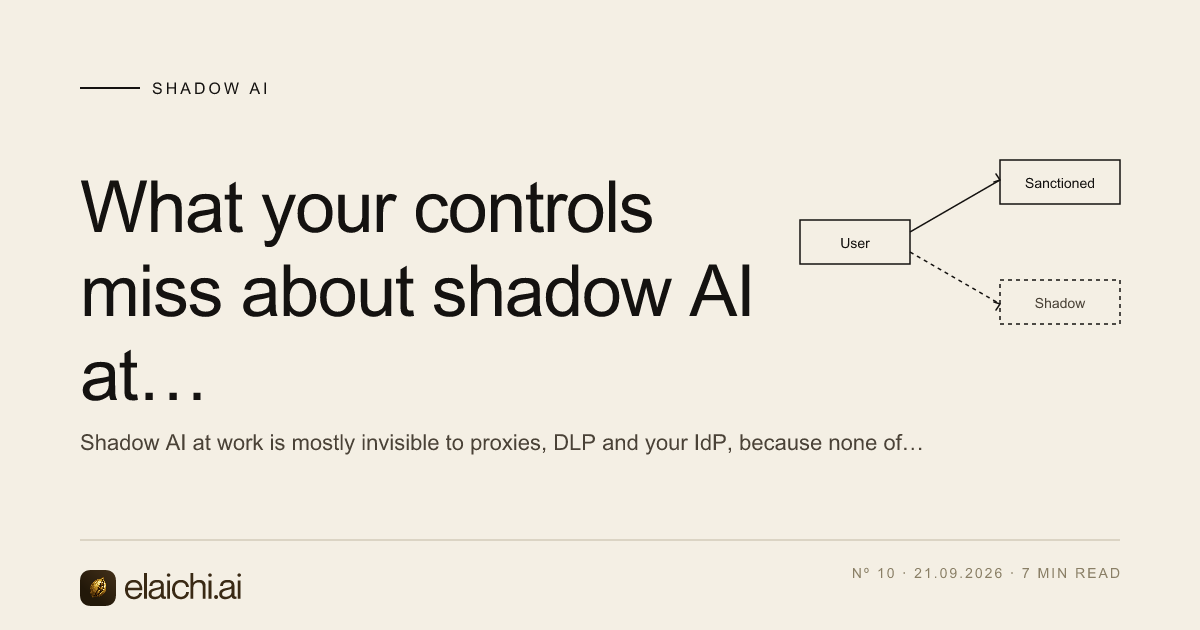
Shadow AI at work is mostly invisible to proxies, DLP and your IdP, because none of them sit where the paste happens. Here is what each one records, and what closes the gap.
 Nachi Raman
7 min read
Nachi Raman
7 min read
A finance analyst pastes a renewal schedule into a chat window
It is four in the afternoon. Someone in finance has a renewal schedule open, a question about which contracts auto-renew inside ninety days, and an assistant open in a personal browser profile. They paste three hundred rows. They get a usable answer in a few seconds and go home.
Nothing about that event is exotic, and nothing about it is recorded anywhere you will read. That is shadow AI at work, and the reason it is hard to govern is not that your controls are weak. It is that almost all of them inspect a layer the behavior never touches. Before deciding what to buy or block, it is worth being precise about what each control in your stack actually records.
What your existing controls can see of shadow AI at work
Take them one at a time, because they fail differently.
A secure web gateway or DNS filter sees a hostname and a session. It can tell you that a device resolved an assistant's domain, roughly how much data went up, and when. It cannot tell you what was in the request unless you are terminating TLS and inspecting bodies on that category of traffic, which most organizations do for some traffic and not all, and which breaks on pinned clients and unmanaged devices.
A CASB is only as good as its coverage. It governs the sanctioned apps you have connected it to, through those apps' own admin APIs. An assistant signed into with a personal account is not in that set, and the CASB has no API to ask.
Endpoint DLP watches file operations: a document written to a USB drive, an attachment leaving through a mail client, a upload picker. A clipboard paste into a text box is a different event class. Some agents can hook it, in some browsers, on managed devices, with a policy someone had to write. The spreadsheet in the example was never uploaded. Three hundred rows became plain text in a form field.
Your identity provider sees sign-ins to applications that use your SSO. Assistants adopted informally do not, which is the whole point of the adoption. A directory query returns nothing, and its silence looks identical to compliance.
Your SaaS admin consoles see reads inside each app. If someone exported the renewal schedule from your billing system this morning, that export is probably logged there. Nothing connects that export to what happened to the file forty minutes later.
So the honest picture: you can usually prove that assistant traffic exists, and you can rarely prove what was in it. Every control in the list is a perimeter control, and pasting is not a perimeter event.
The blind spots that cost the most, in order
The first is the personal account on the corporate laptop. It is the same browser and the same machine, so device controls apply, but nothing tied to your tenant applies. There is no admin console for you to open afterwards.
The second is the phone. Once a domain is blocked on the network, the work moves to a device you do not manage, and you have swapped an event you could count for one you cannot. Blocking does not usually remove the behavior. It removes your telemetry about the behavior.
The third is the assistant's own connectors. This is the one that changes the shape of the problem, and it gets its own section below.
The fourth is agentic coding tools and desktop clients, which read local files and call remote tools without a browser in the path at all. If your visibility story depends on a browser extension, these are outside it by construction. Rolling those out deliberately is a separate exercise, and there is a walkthrough for the engineering case in how to roll out Cursor to an engineering team.
Pasting leaks a document; a connector leaks a system
A paste is bounded. Whatever was on the clipboard left, and nothing else did. It is bad, it is finite, and in most cases you can reconstruct roughly what it was by asking the person.
A connector is not bounded. Assistant connectors are built to work one person at a time by design: when someone authorizes an assistant against a workspace, they hand it standing read access under their own permissions, for as long as the grant lives. The assistant now reaches every page that person can reach, including the ones they forgot they could reach. There is no upload event, no file, no clipboard, and no proxy hop you own. The connection runs server to server between two vendors.
This is why a shadow AI program that only counts pastes measures the smaller problem. The sibling post on how to connect Notion to ChatGPT without oversharing works through what that over-broad grant looks like in one app.
What a governed path records that a proxy cannot
The gap closes when the assistant reaches company systems through a path your organization owns, rather than through a grant an individual clicked. With Elaichi, every connected account is reached through one organization-wide MCP endpoint, POST /mcp, behind OAuth, with no per-user URLs and no tokens pasted into client configuration. Clients sign in there: Claude, ChatGPT, Cursor, any MCP client.
What that produces as evidence is specific, and worth comparing against a proxy log line:
- One entry per tool-call attempt, succeeded or failed, and both name the account. The connection recorded is the one actually reached during execution, not the one the caller intended. "Which of our two Notion workspaces did it write to" is the first question after an unexpected change, and it has an answer.
actor_kindis a recorded field, not an inference. Its values includeai_assistant, so whether an action was taken by an assistant is written at the point of action rather than guessed later from a user agent string.- Argument names and counts are logged. Argument values never are. That is a deliberate trade-off and it cuts against you as well as for you: you can prove that a create-invoice tool was called with four arguments, and you cannot reconstruct the invoice from the log. If your investigation model depends on replaying payloads, this will not satisfy it.
- Restrictions decide which connectors and which individual tools a target may reach, and they target a role or a user. There is no organization-wide target, because the organization default is the absence of a rule, which means allow-all. One trap worth knowing: the allowlist stage engages on the presence of an allow rule, not its contents, so an allow rule naming nothing denies everything.
- Timing matters when you are writing an incident runbook. A role or restriction change resolves within about two minutes across MCP, console and REST. Revoking an OAuth grant, removing a member or suspending one is effective on the next call, because the revocation flag is re-read from the organization store every time.
- A compliance reviewer does not need a paid seat. The read-only Auditor role is a free seat class, which removes the usual argument about whether the person doing the review is worth a license.
Two honest limits on that evidence. The audit trail is eventually consistent, so a row may take a moment to appear after the call. And export today forwards to Datadog; Splunk HEC and Microsoft Sentinel are accepted as destinations but are not yet delivering, so if your SIEM is one of those, plan on reading the trail in product for now.
What none of this catches
A governed endpoint governs connected access. It does not see the clipboard. If someone copies a customer list into a personal assistant on their phone, Elaichi has no record of it and never will, because no call was made through it.
There is a related limit worth stating plainly rather than burying: the prompt-injection write gate in the Elaichi agent window does not apply to POST /mcp and cannot, because an MCP server never sees a user prompt. What does hold on the endpoint is per-operation RBAC, the forbidden classification that no OAuth scope can reach, output redaction, scope limits and full audit logging. Anyone selling you prompt-injection protection at the MCP layer is describing something the protocol does not give them.
So the accurate framing is a substitution, not a seal. You reduce pasting by making the governed path better than the clipboard: faster to reach the data, already signed in, already scoped. People paste because it is the shortest route to an answer. Change which route is shortest.
The case for not buying anything yet
If three people use assistants, all on one team, all against one system, you do not need a control plane. Give them the vendor's own admin console, an approved account, and a written rule about what goes in. You will spend less and see almost as much. The threshold is usually the second team or the second app, when nobody can any longer answer which accounts are connected to what. There is a longer version of that argument in the piece on when a gateway is the wrong purchase, and it is worth reading before a procurement cycle rather than after.
Equally, if your actual exposure is one contract database and one law firm's portal, a restriction on two connectors solves it and the rest of this is overhead.
An order of operations that works
Inventory before policy. Pull assistant domains from gateway logs for thirty days and list the systems those users can already export from. That gives you the blast radius without needing content inspection.
Then pick the two or three systems that carry the data you would have to disclose if it leaked, and route those through a governed path first. Leave the low-stakes apps alone for a quarter. A policy that covers everything on day one gets exceptions on day three.
Then watch the audit trail for what people actually call, and tighten restrictions against observed use rather than an imagined threat model. A rule written against a tool nobody uses costs you nothing and proves nothing.
More on the pattern in the shadow AI archive. If you want to see which systems can be reached this way, the connector catalog lists 400+ connectors, and the team pages break the same question down by who is asking.