


Jake Morgan owns a small plumbing company and answers his own phone. Late invoices, new leads and unstaffed jobs each live on a different screen. He can use ChatGPT with Housecall Pro, ask once and get the answer. Claude works the same way.
Elaichi links the chat to Housecall Pro, Gmail and QuickBooks. It is free for one person, and those three apps fit the free plan. The wider view, ChatGPT for home service businesses, covers the whole shop. This page covers the owner and the office manager.
What can you ask ChatGPT in Housecall Pro?
An owner or office manager can ask nine things, and each one uses a real tool in Housecall Pro, Gmail or QuickBooks. Type them in your own words.
- "Which new leads came in this week and have no job yet?" The AI lists your leads and their status.
- "Turn Emily Carter's lead into an estimate." It converts the lead into an estimate or a job.
- "Put the lead from this email into Housecall Pro as a new job." It reads the Gmail message, adds the customer, then creates the job.
- "What open times do we have for a water heater visit next week?" It reads your booking windows.
- "Send Jake to the Miller job." It looks up your employees, then dispatches him.
- "Move the Miller job to Thursday at 9 am." It updates the job's schedule.
- "Add a note to the Miller job: customer wants the old part back." It writes a note on the job.
- "Which invoices are past due, and do they match QuickBooks?" It lists invoices in both apps and flags the gaps.
- "Which estimates are still open? Draft a follow-up to each." It lists the estimates, then saves one draft per customer in Gmail.
Look over a changed schedule before you tell the customer. The Housecall Pro page lists every tool the AI can use.
How do you make it run on its own?
A prompt can become a workflow that runs on a schedule. Try: "Every weekday at 7:30 am, list new leads from yesterday and post them in our office Slack channel." It uses the same lead tool as chat, plus Slack.
In chat, the AI acts right away. In a workflow, the builder can add an approve step, so a named person must approve before anything is sent or changed. The AI never approves its own work. A test run reads real data but changes nothing, so try it first. Ask Claude or ChatGPT in plain words, or build it in the Elaichi app. Workflows come with the Black plan, and every new workspace starts on a 14-day Black trial with workflows included.
What can the AI not do in Housecall Pro?
The AI cannot send an invoice or text a customer from Housecall Pro, and it cannot see anything the key cannot reach. QuickBooks can email an invoice to a customer, so restrict that tool on Gold. The AI can also delete a job's schedule and line items, change booking windows and switch apps off, so a team lead on Gold has to restrict those. Elaichi does not ask before each call.
- It cannot send an invoice or a text. Housecall Pro has a tool that previews an invoice, but none that sends one.
- Drafts stay unsent. Gmail's send tool mails at once, though, so restrict it for the office.
- It can clear a job's schedule. A team lead restricts that tool for CSRs and technicians.
- It can delete a line item or a note. Restrict those tools so a quote does not lose a charge.
- It can approve or decline an estimate option. Restrict those for any role that should not decide for the customer.
- It can change booking windows and switch apps off. The tools that bulk-update booking windows and disable apps affect the whole company, so restrict them too.
A restriction switches off named tools for a role, and it needs Gold. On the free plan the AI can do anything the key allows. Changes land within about two minutes. A tool the rule leaves out stays reachable. Elaichi also cannot spot instructions hidden in a customer note.
How do you use ChatGPT with Housecall Pro for the first time?
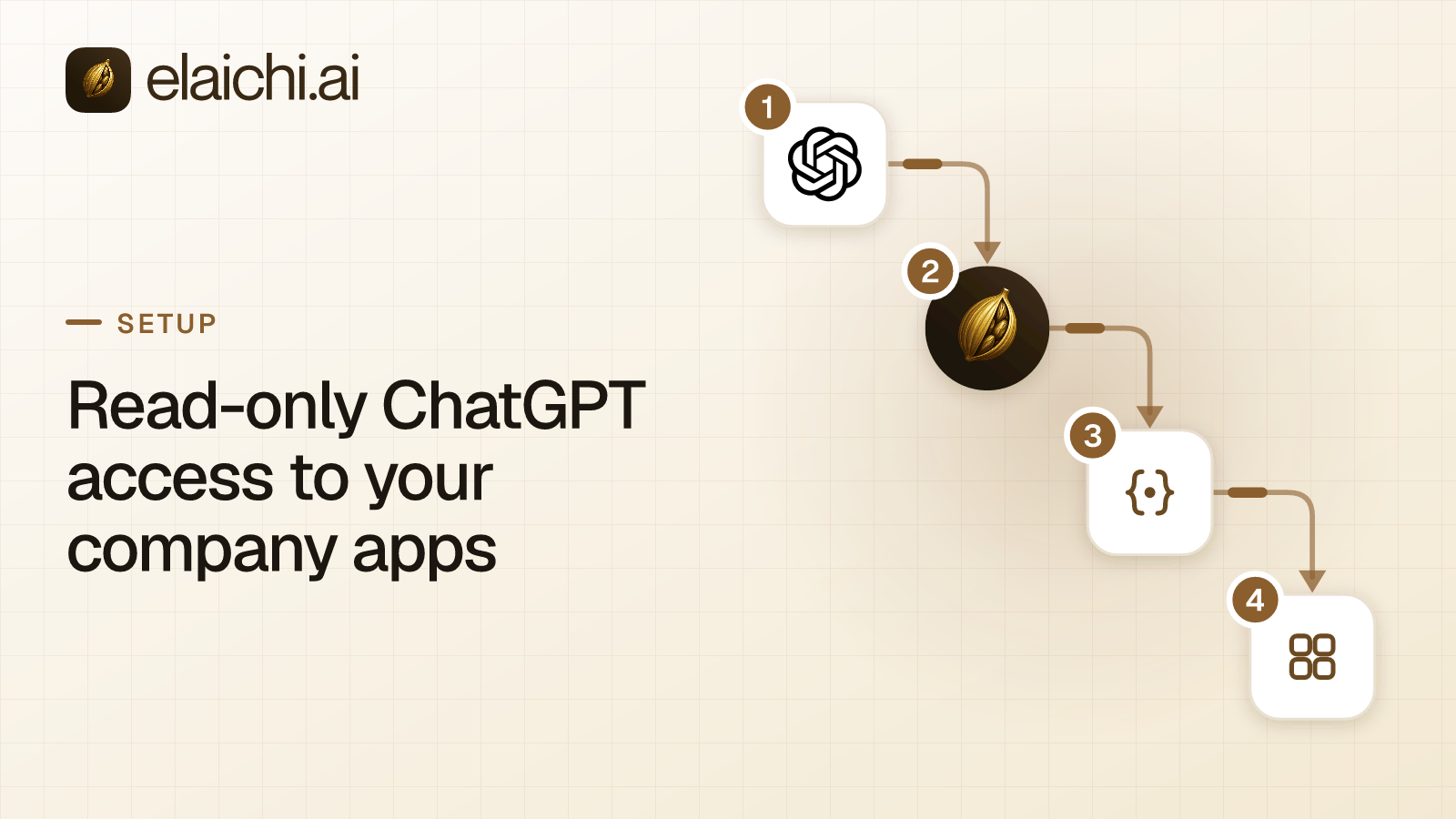
Setup takes three steps, and you do it once.
- Make a Housecall Pro API key. Housecall Pro says API access is for the MAX plan, and an admin makes the key (Housecall Pro help, checked November 2026). Housecall Pro also warns the key gives access to all of the account's data, so give it only to a person you trust.
- Connect your apps in Elaichi. Sign up, add Housecall Pro and paste the key. Add Gmail and QuickBooks and sign in to each. Three apps fit the free plan.
- Add Elaichi to ChatGPT or Claude. Use the address
https://api.elaichi.ai/mcp. In Claude on Pro or Max, go to Customize, then Connectors, then Add custom connector (Anthropic help, checked November 2026). In ChatGPT Business, an admin adds it under Plugins. ChatGPT Pro can connect one with read and fetch permissions only, so to change jobs use ChatGPT Business, Enterprise or Claude (OpenAI help, checked November 2026).
Sign in to Elaichi when asked, approve, and open a chat. Start with the first prompt above.
Is this worth it for a small Housecall Pro shop?
It pays most when one question spans Housecall Pro and QuickBooks, such as a late invoice that may already be paid. If Housecall Pro's own reports already answer you, skip it.

 Add one link to your AI app
 ChatGPT
 Claude
 Cursor
 Microsoft Copilot