


Emily Carter manages six recruiters. Each Friday she needs to know who was submitted, who interviewed and who started. That means a report, a filter and an export. She can use ChatGPT with JobDiva and ask in one sentence instead. Claude works the same way.
Elaichi links the chat to JobDiva and Gmail. It is free for one person, and two apps fit the free plan. JobDiva describes itself as recruitment software with an applicant tracking system, onboarding and a back office suite (JobDiva, checked November 2026). The wider view, ChatGPT for staffing agencies, covers the whole branch.
What can you ask ChatGPT in JobDiva?
A recruiter or manager can ask nine things, and each one uses a real tool in JobDiva or Gmail. Type them in your own words.
- "Which candidates did we submit this week, and where do they stand?" The AI searches submittals and lists them.
- "What jobs are open on my desk?" It lists your jobs by status.
- "Find candidates for job 2231." It searches your candidates and lists matches for you to review.
- "Pull up Emily Carter's notes before my call." It finds her record, then reads her notes.
- "Add a note on Emily Carter: wants days only." It writes the note on her record.
- "Remind me Friday to call Jake Morgan." It creates a task due Friday, assigned to you.
- "Add these three people to the warehouse hotlist." It adds them to a hotlist.
- "Submit Jake Morgan to job 2231." It records the submittal.
- "How many submittals, interviews and hires did each recruiter have this month?" It reads the counts by recruiter.
Read the answer before you act on it. The JobDiva page lists every tool the AI can use. A recruiter may need to give a job or candidate number.
Can JobDiva build your morning list on its own?
Yes. A prompt can become a workflow, which runs by itself. Ask Claude or ChatGPT: "Every weekday at 8 am, list the jobs on my desk and my tasks due today, then save a Gmail draft to me." That is a schedule, JobDiva's job list and task search, then a draft.
In chat, the AI acts right away. A workflow can add an approve step, so a named person approves before a step that adds a note or a submittal. A test run reads real data but changes nothing, so try it first. Workflows need the Black plan. A new workspace gets a 14-day Black trial with them included.
What can the AI not do in JobDiva?
The AI has no tool that texts a candidate. Some tools change money or remove records, and they stay reachable until a team lead on Gold restricts them. Elaichi does not ask before each call.
- Drafts stay unsent. Gmail's send tool mails at once, though, so restrict it.
- It can change timesheets. One tool sets a timesheet's status and another marks it paid. Restrict both for recruiters.
- It can end a start. JobDiva has tools to cancel or terminate one. Restrict them.
- It can delete. JobDiva has delete tools for notes, contacts and leads. Restrict them.
- It can change a candidate's text consent. One tool sets opt in or out by phone number. Restrict it unless compliance runs it.
- JobDiva has email-merge tools. They insert an email merge and change email-merge and email-campaign preferences. Ask your JobDiva admin what they send. Restrict them for recruiters.
- It can create users. Restrict that tool for everyone except admins.
Gold lets a team lead restrict these tools for a role. Free Personal has no restrictions, so there the AI does whatever the key allows. A rule takes effect within about two minutes, and unnamed tools stay reachable. Instructions hidden in a resume or note are not caught by Elaichi.
How do you use ChatGPT with JobDiva for the first time?
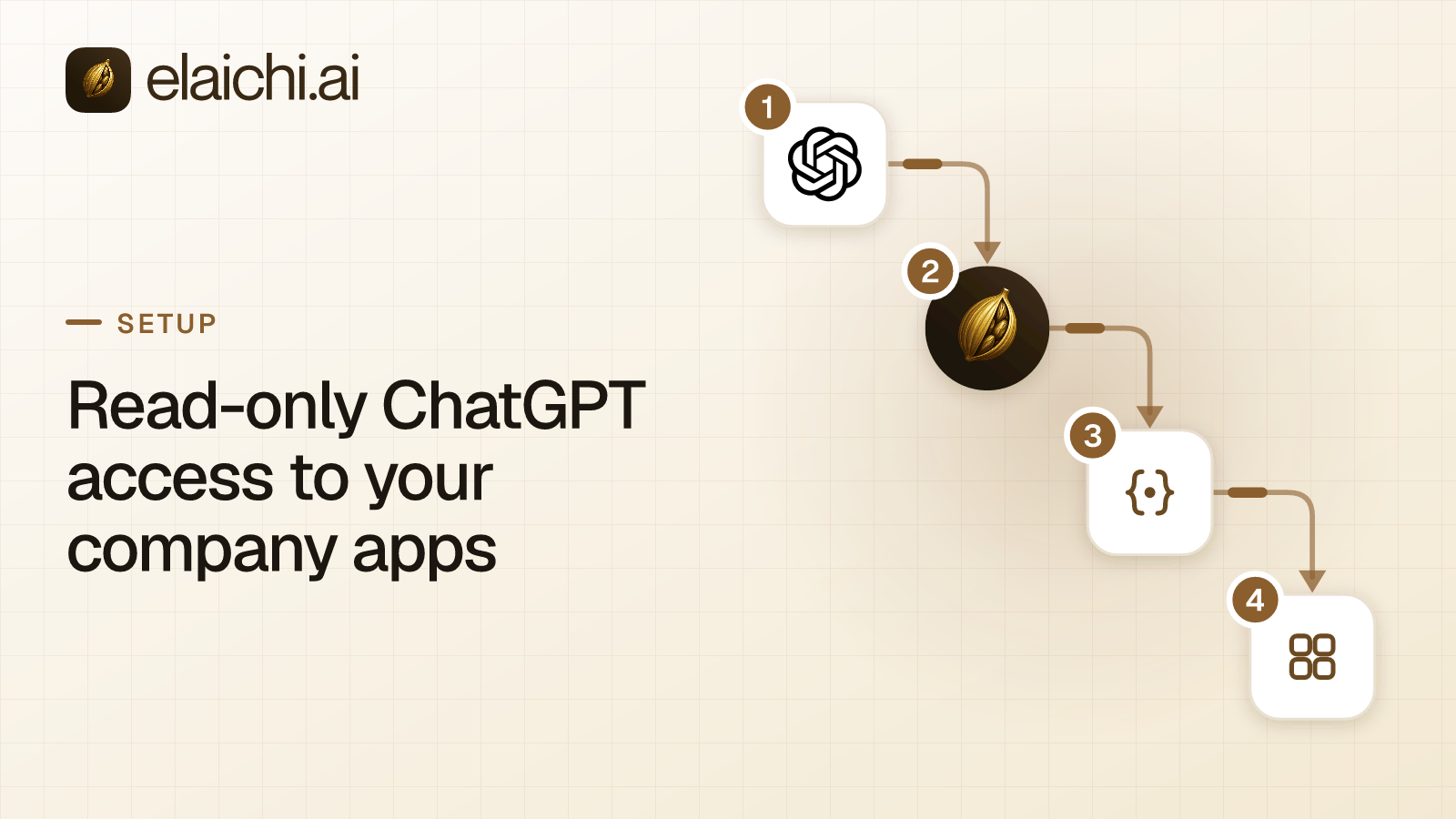
Setup takes three steps, and you do it once.
- Get a JobDiva API key. Ask your JobDiva admin. The AI reaches what the user behind the key reaches, so choose that user with care.
- Connect your apps in Elaichi. Sign up, add JobDiva and paste the key. Add Gmail and sign in. Two apps fit the free plan.
- Point your AI app at Elaichi. The address is
https://api.elaichi.ai/mcp. Claude on Pro or Max: Customize, Connectors, Add custom connector. Team and Enterprise owners use Organization settings (Anthropic, checked November 2026). ChatGPT Business admins add it under Plugins, and ChatGPT Pro only reads (OpenAI, checked November 2026).
Sign in to Elaichi when asked, approve, and ask the first question above.
Is this worth it for a JobDiva branch?
Managers who ask the same status questions each week gain most. If JobDiva's saved reports already answer you, skip it.

 Add one link to your AI app
 ChatGPT
 Claude
 Cursor
 Microsoft Copilot