


Eleven repair orders sit in Emily Carter's "waiting on approval" column. She is a service advisor at a busy shop. She opens each one to see if the customer answered, and she forgets what two customers turned down last visit. She can use ChatGPT with Shopmonkey and type the question instead. Claude works the same way.
Elaichi links the chat to Shopmonkey and your other apps. It is free for one person. The market overview, ChatGPT for auto repair shops, covers the whole team. This page covers the front desk.
What can you ask ChatGPT in Shopmonkey?
You can ask nine things, and each one uses a real tool in Shopmonkey, Gmail or Google Calendar. Type them in your own words.
- "Which repair orders are sitting in the approval column?" The AI finds your workflow columns, then lists the orders in that one.
- "Has the customer authorized the Carter order?" It reads the authorizations on that order.
- "What did Emily Carter decline last visit?" It finds her record, then reads her deferred services.
- "What has Jake Morgan had done on his truck?" It reads his past orders and his vehicles.
- "Book an oil change Thursday at 9 for Jake Morgan." It creates the appointment. Shopmonkey decides what a new appointment sends the customer, so check that before you rely on it.
- "What is booked for tomorrow?" It searches appointments for that day.
- "Move the Carter order to Ready for Pickup." It finds the column, then moves the order.
- "Message Emily Carter that her Camry is ready." The tool creates a customer message in Shopmonkey. Treat it as one that reaches her.
- "Add our brake inspection service to the Morgan order." It finds your saved service, then adds it to the order.
Read the answer before you act on it. Check a message the way you would check a new hire's first text.
Can ChatGPT check Shopmonkey for you every morning?
Yes. A workflow is a task that starts by itself. For example: every weekday at 8 am, list the orders in the approval column and message each customer to ask for their OK. In chat, the AI acts as soon as you ask. In a workflow, you can add an approve step, so a named person approves before any message goes out. Try it with a test run first, which reads real data and changes nothing. You can build it by typing the plan to Claude or ChatGPT, or in the Elaichi app. Workflows come with the Black plan, and every new workspace starts on a 14-day Black trial with workflows included.
What can ChatGPT not do in Shopmonkey?
ChatGPT cannot see past what the Shopmonkey key allows, and it can change things when you ask. Elaichi does not ask before each call. A team lead on Gold has to switch risky tools off.
- A message can reach the customer. The tool creates a customer message in Shopmonkey. Treat it as one that reaches the customer. For wording you review first, ask for a Gmail draft.
- It can record a customer's approval. One tool writes an authorization on an order. A person should do that.
- It can record a payment or a refund. One tool adds a manual payment to an order. Another adds a manual refund. Restrict both.
- It can delete an appointment and archive an order or a customer. Archiving hides the record.
- It can change users and pay rates. Tools exist for users, roles and labor rates. Restrict them for advisors.
- It cannot do what the key cannot. Shopmonkey says a new key has the same permissions as the admin who made it (Shopmonkey Developer, checked November 2026).
Gold adds restrictions, which are rules that turn off named tools for a role. An advisor role might lose payments, refunds, authorizations and user changes. Rules take effect within about two minutes, and any tool a rule does not name stays open. Free Personal has no restrictions and caps use at 1,000 tool calls a month. Elaichi does not screen a customer's message for hidden instructions aimed at the AI.
How do you use ChatGPT with Shopmonkey for the first time?
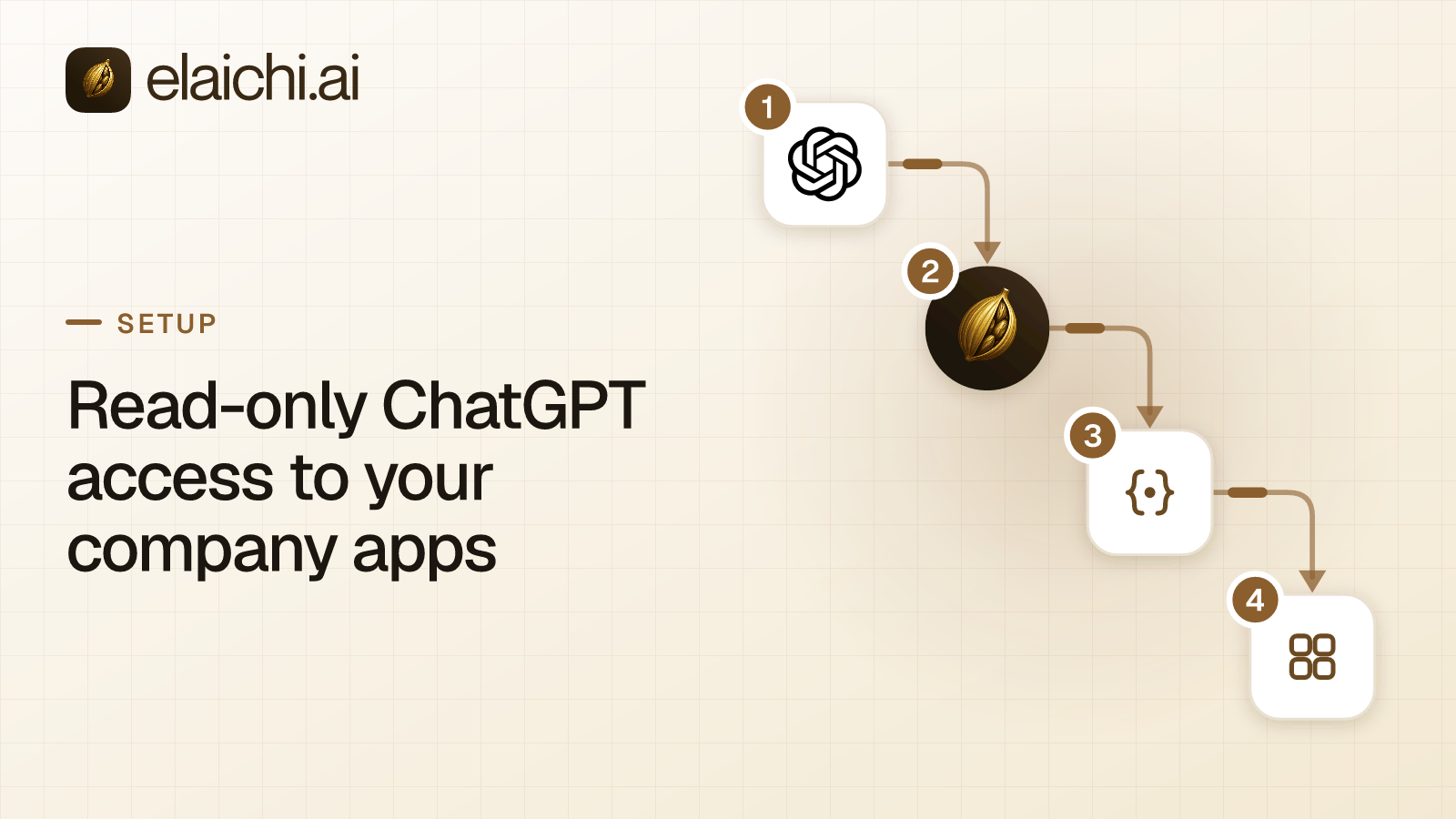
Setup takes three steps. A Shopmonkey admin does the first one.
- Make a key. In Shopmonkey, go to Settings, then Integration, then API Keys. Shopmonkey says only admins can make one, and it shows the key one time (Shopmonkey Developer, checked November 2026).
- Connect Shopmonkey in Elaichi. Sign up, add Shopmonkey and paste the key. Add Gmail and Google Calendar if you want. Three apps fit the free plan.
- Add Elaichi to ChatGPT or Claude. Paste
https://api.elaichi.ai/mcpinto the chat app. Claude on Pro or Max takes it under Customize, then Connectors, then Add custom connector, and Free allows one (Anthropic help, checked November 2026). ChatGPT Business admins add it under Plugins. Booking and messaging need ChatGPT Business, Enterprise or Claude, because Pro reads only (OpenAI help, checked November 2026).
Sign in to Elaichi when asked, approve, and ask the first question. The Shopmonkey page lists every tool the AI can use.
Is this worth it for a service advisor?
It helps most when one question touches an order, a customer's history and a calendar slot. If Shopmonkey's board already answers what you ask, skip it.
The gain is speed on follow-up. Shopmonkey says customers can approve an estimate from their phone, and deferred services are saved to the customer profile (Shopmonkey blog, checked November 2026). The AI helps you find the ones still waiting. A team gets more from it once the lead sets the rules. See Gmail and Google Calendar in ChatGPT.


 Add one link to your AI app
 ChatGPT
 Claude
 Cursor
 Microsoft Copilot