The ticket that starts this comparison
Three requests arrive in the same week. Sales wants ChatGPT to read account records. Support wants Claude to pull ticket history. Two engineers already point Cursor at internal tools. The company already pays for Zapier, so somebody suggests using what is there. The real question under the ticket is what Zapier MCP for IT admins covers, and where the shape stops matching the job.
MCP is the Model Context Protocol, the standard way an AI client calls tools in other systems. Zapier MCP and Elaichi both speak it. They differ on three things: where the address lives, where the connectors come from, and what a call costs.
What does Zapier MCP give an admin today?
It gives each member their own MCP server inside your Zapier account, backed by the same app connections and actions your Zaps already use. Zapier describes Zapier MCP as connecting "your MCP client to your Zapier account, so your AI can take real actions in the apps you already use" (Zapier help center, checked September 2026).
Sign-in works two ways. For most MCP clients the member adds Zapier as a connector and signs in inside the client, and Zapier creates and configures the server during that sign-in. Clients not on Zapier's list, and code you write yourself, use a connection token instead. Zapier describes that token as long-lived and tied to one server, and says it "grants whoever holds it the ability to run the server's tools". So never distribute one, and treat it like a password (Zapier MCP quickstart and how connections work, checked September 2026). The server address itself is not a credential, and writing as though it were leads to the wrong controls.
For a rollout, Zapier's guidance is to "give each user their own server and token rather than sharing one". An admin acts in the MCP client, and each member still signs in and runs tool calls as themselves (rollout overview, checked September 2026). On the admin side, Zapier says app and action restrictions set at the account level are enforced through MCP. A History tab shows user-level activity logs for tool calls, Enterprise SAML SSO extends to MCP access, and data is stored in AWS US-East 1. The service runs under Zapier's SOC 2 Type II certification, which is Zapier's own claim on its own page (MCP security, checked September 2026). Server sharing exists on Team and Enterprise plans, with Owner, Editor and View only roles, limited to members of the same Zapier account (server access, checked September 2026).
How does the two-tasks-per-call figure change the math?
Zapier MCP has no separate billing. Each successful tool call through the server consumes two tasks, failed calls consume none, and those tasks count toward your plan's allowance (Zapier MCP usage, checked September 2026).
That is the number to run before rollout, because agent traffic is chatty in a way Zaps are not. One user question can turn into a search, two reads and a write. Four successful calls is eight tasks. Multiply by the people who will use it and by the days in the month, then compare against the allowance your automations already consume. Failed calls costing nothing is genuine relief during setup, when half the calls are malformed.
Elaichi prices per seat instead of per call. Gold is $15 per user per month, or $120 per user per year, with a 14-day trial, no credit card to start. Checkout does collect a card, and it sets the paid trial to the remaining days rather than granting a fresh 14, so it is one continuous trial rather than two. The two plans are Gold and Black, with a 14-day trial. Seat pricing is indifferent to how chatty an agent is, which is an advantage at volume and a disadvantage if three people make ten calls a month. The pricing page has the seat rules, including the free read-only Auditor seat.
Zapier MCP for IT admins: the sorting question
| Axis | Zapier MCP | Elaichi |
|---|---|---|
| Unit of control | The Zapier account and its workspaces | The organization, with roles and individual users |
| Sign-in shape | OAuth for supported clients; long-lived connection token for the rest | OAuth for every client at one shared endpoint |
| Audit surface | History tab with user-level activity logs | Per-org log tenant; actor_kind recorded per call, ai_assistant a value |
| Restrictions target | Account-level app and action restrictions | Role or individual user; blocks match tool name or operation |
| Offboarding | Zapier's MCP security page does not state what happens to a member's server | Grant revocation on next call; preflight refuses removal until personal connections resolve |
| Cost curve | Two tasks per successful call, drawn from your plan allowance (cheap at low volume) | Per seat: Gold $15/user/month or $120/user/year, flat with volume |
Ask whether the work is automation-shaped or client-shaped. That single question sorts most companies correctly.
Automation-first looks like this. Your app connections already live in Zapier. The systems you want the assistant to reach are the ones your Zaps already touch. What people are asking for is mostly the same actions, fired conversationally instead of on a trigger. In that case Zapier MCP is short work, and the connections are already authorized.
Client-first looks different. Three AI clients need governed access to systems of record. Each client has its own admin console and its own rollout. Finance and legal want to know which account an agent wrote to. Nobody on your team has ever built a Zap. Here the Zapier account is the wrong unit of administration, because what you are administering is a fleet of clients, not a library of automations.
What changes when one endpoint serves Claude, ChatGPT and Cursor
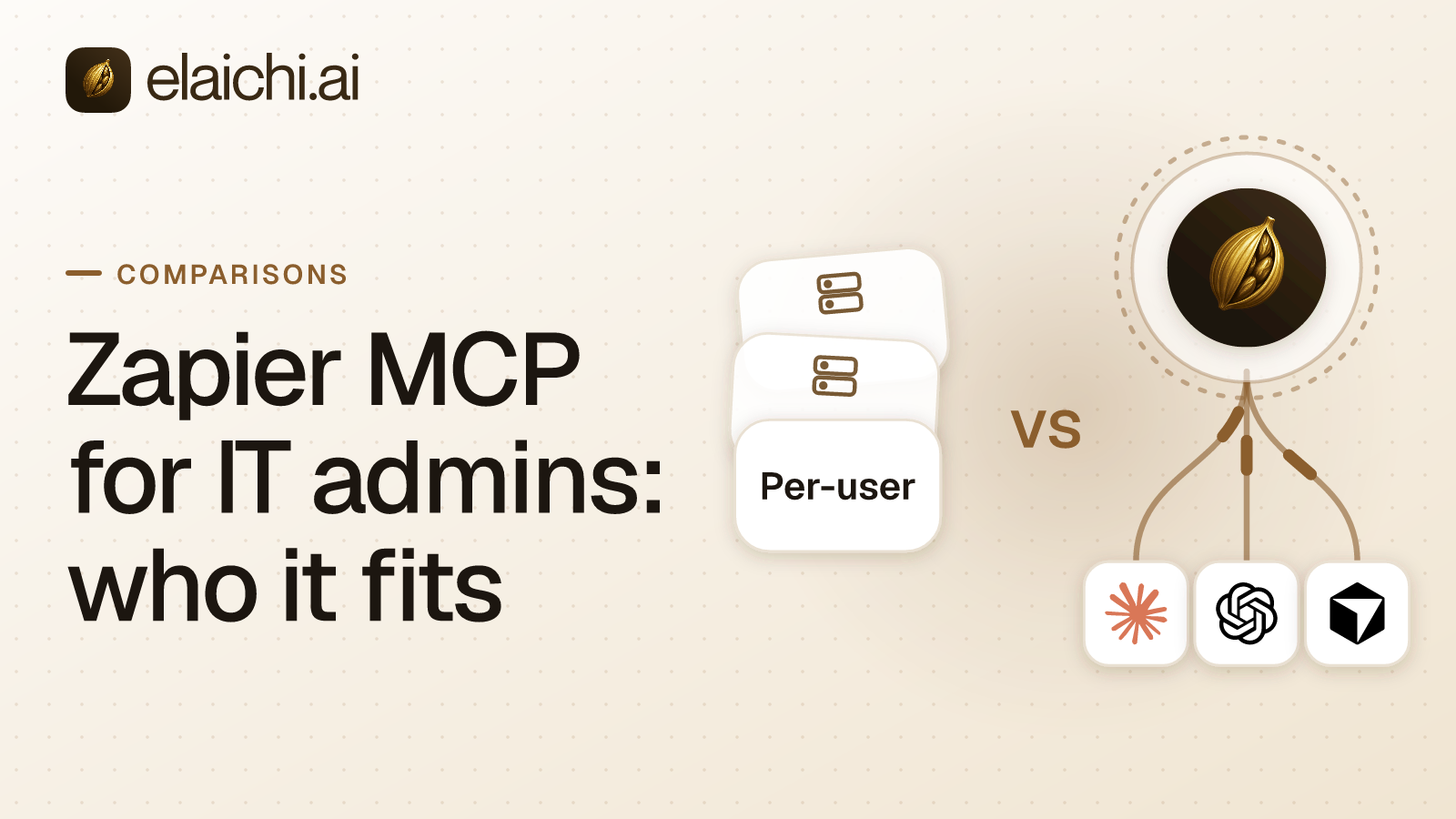
Elaichi serves one organization-wide MCP endpoint, POST /mcp, standard MCP over Streamable HTTP, JSON-RPC 2.0, stateless, behind OAuth. OAuth here means a sign-in handshake that hands the client a revocable grant rather than a copied secret. There are no per-toolbox URLs and no embedded tokens, and there is no server to create or revoke per member. Claude, ChatGPT and Cursor each get pointed at the same address through their own admin console, and each person signs in as themselves. Adding a fourth MCP client is the same shape.
The connectors come from Elaichi. It authors, maintains and serves 450+ connectors from its own infrastructure, so your company does not run MCP servers and Elaichi is not a registry over servers other people run. The connector catalog lists what is available.
One behavior surprises admins on day one. Past a threshold of 30 tools, connected tools collapse behind two meta-tools, search_tools and execute_tool. The control-plane catalog alone is dozens of operations, so one connected app is normally enough to trip it. Collapse is the normal case, and the search behind it is worth understanding before you judge results; the relevance floor in tool search explains why a query for one app should not return another app's tools.
Who can reach which tool, in each model
Zapier enforces the app and action restrictions set at the account level through MCP, so the unit of control is the Zapier account and its workspaces (MCP security, checked September 2026). Elaichi's restrictions target a role or an individual user, and a user-targeted rule replaces role rules entirely rather than layering on top of them. Elaichi's own security posture and certifications are on the security page.
The details matter when you write the first rule. In short, restriction targets are role or user only; the organization default is the absence of a rule, which means allow everything. Within the winning layer, allow rules union, block rules union, and blocks always beat allows. Note that the allowlist stage engages on the presence of an allow rule, not its contents, so an allow rule that names nothing denies everything. That is the strictest thing you can express and a common accident.
Rules are written against a connector and a tool, but the canonical operation is pinned against the catalog at write time. A block matches the tool name or the pinned operation; an allow matches the pinned operation only. The reasoning behind that asymmetry is set out in why a block matches the name and an allow matches the operation. Frozen parameters go further: frozen keys are stripped from the advertised schema, so the model never sees them, and frozen values are merged over caller arguments at execution.
Afterwards, the audit trail records one entry per tool-call attempt, succeeded or failed, and both name the account actually reached rather than the one intended. The actor_kind field is recorded, and its values include ai_assistant, so whether an AI took the action is logged at the point of action. Argument names and counts are logged; argument values never are.
What happens the day somebody leaves
In Elaichi, removing or suspending a member revokes every live grant in the same transaction as the membership change, and the grant is re-read from the org store on every single call. For revocation, removal and suspension, the next call is the honest answer. Role and restriction changes are different: they resolve through a cache plus edge propagation and take effect within about two minutes.
Removal also runs a preflight. Personal connections referenced by a toolbox entry must be transferred to the org, a team or another member, or deleted, or the removal is refused. A private connection is not transferable at all, because a credential only its owner could use does not become somebody else's. The same-day version of this problem for external staff is in contractor offboarding and AI access.
For Zapier MCP, what happens to a member's own server when that member leaves the Zapier account is not stated on Zapier's MCP security page (checked September 2026). Put the question to Zapier before rollout rather than assuming an answer in either direction.
How to sort your own case in an afternoon
- Count the AI clients your people actually use, and check each one against Zapier's supported client list. Anything outside it needs a connection token, which is a password-grade secret to manage.
- Count the members who will make calls, and estimate calls per person per day. Multiply by two tasks and compare with your remaining Zapier task allowance.
- List the apps the assistant must reach, and check how many are already connected in Zapier. Apps that are not connected there are work either way.
- Write down the offboarding path for one leaver, end to end, in each model. Ask Zapier what becomes of that member's server.
- Decide who answers the question "which account did the agent write to", and check that the record you will be handed names it.
When staying on Zapier MCP is the right call
Stay if your app connections already live in Zapier, your people use clients Zapier supports, your task allowance absorbs the traffic, and the actions you want are the ones your Zaps already fire. You would be paying twice and administering two systems to solve a problem you do not have. Zapier's account-level app and action restrictions, plus the History tab, cover a lot of what a small rollout needs (MCP security, checked September 2026).
There is a smaller case still. One app, three people, one client, no compliance reviewer asking questions. Neither product earns its keep yet, and the case for not buying an MCP gateway is the more useful read.
Move when the address model starts costing you time: a new hire needing setup in three clients, a departure nobody can fully undo, or a question about which account was written to that the record cannot answer. The address model argument in detail covers one endpoint against one server per member, and managed control plane against servers you run yourself covers the build option. More head-to-heads sit in comparisons, and the team-by-team view is on the use cases page.