


Emily Carter wants to know what the Carter household holds before a 2 pm call. That means opening Altruist, finding the household, opening each account and scrolling to positions. With ChatGPT or Claude she can type the question instead.
Elaichi links the chat to Altruist. It is free for one person. The firm-wide view is in ChatGPT for financial advisors. This page covers the data look-ups. The AI reports what Altruist shows.
What can an advisor ask about Altruist in ChatGPT?
An advisor can ask eight things, and each one uses a real Altruist tool. Type them in your own words.
- "Find the Carter household." The AI searches households by name.
- "List the accounts in that household." It lists each account in it.
- "What does the first account hold?" It lists the positions.
- "What is the cost basis on that account?" It shows the latest cost basis.
- "Show last month's transactions." Dates default to the last month.
- "Show transactions from October 1 to October 31." It lists that range.
- "Which of these accounts are restricted or pending?" It reads the account status the list returns.
- "Draft a note to Emily Carter that I reviewed her accounts." It saves a Gmail draft. You press send.
Altruist says its open data is read-only custodial data from the prior end of day (checked November 2026, Altruist developer docs). It is not a live feed. Read each figure against Altruist before you use it with a client.
Make it run on its own
Turn prompt five into a workflow, which is a task that starts by itself. For example: every Monday at 7 am, list last week's transactions for each account in the Carter household and save a Gmail draft to me. In chat, the AI acts right away. In a workflow, the builder can add an approve step, so a named person must approve before a step that sends or changes something. A test run reads real data but changes nothing, so try it first. Ask Claude or ChatGPT to build it in plain words, or use the Elaichi app. Workflows come with the Black plan. Every new workspace starts on a 14-day Black trial with workflows included, so you can try this free.
What can the AI not do with Altruist?
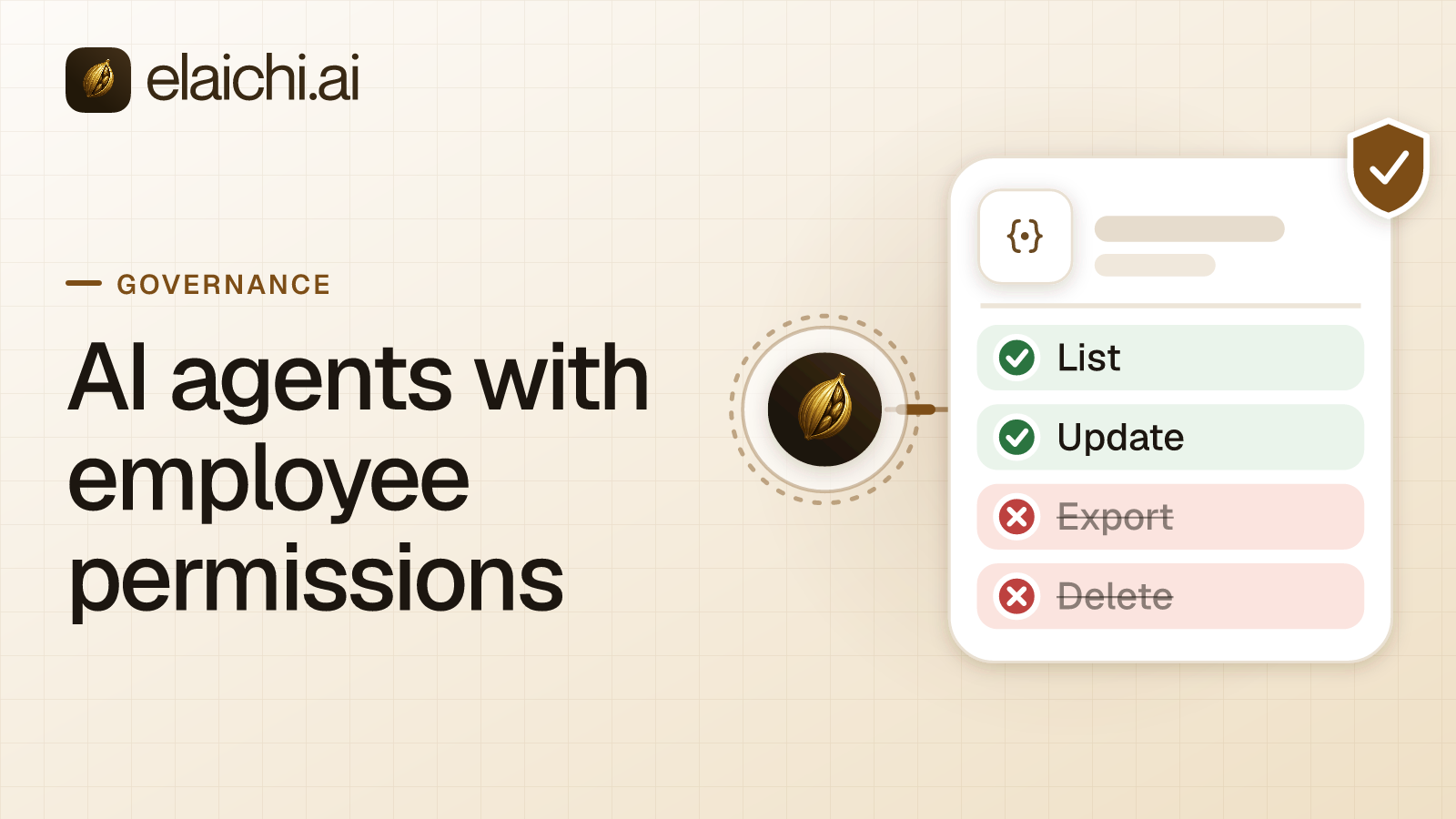
The AI cannot place a trade or move money. It reads data. Three tools change settings, and a team lead on Gold has to restrict them. Elaichi does not ask before each call.
- It places no trade and moves no money. No Altruist tool in Elaichi does either.
- It can switch the daily data feed on and off. That is two tools. That feed sends the firm's custodial files to a partner.
- It can ask for history files. Altruist can prepare historical data files for the firm's rep codes. Restrict all three for most staff.
- No Altruist tool sends a message to a client. Gmail can send mail and send a saved draft, so a team lead on Gold restricts those tools.
- It can get a fact wrong. Check a balance in Altruist before you quote it.
A restriction is a rule that turns off one tool for a role. Restrictions come with Gold. Free Personal has none, and it caps use at 1,000 tool calls a month. A new restriction takes effect within about two minutes. A restricted tool still shows in search, flagged as restricted, but it cannot run.
Elaichi keeps one entry for each connected-tool call that reaches execution (a call refused earlier writes none), with the person who made it, for 90 days. It does not record the figures the AI read. Your compliance lead decides what the firm must keep.
How do you ask Altruist questions in ChatGPT for the first time?
Setup takes three steps. You do it once.
- Connect Altruist in Elaichi. Sign up, add Altruist and sign in as yourself. Altruist's open data uses an OAuth sign-in (checked November 2026, Altruist developer docs).
- Add Gmail if you want drafts. Sign in to Gmail. Two apps fit the free plan.
- Add Elaichi to ChatGPT or Claude. Use the address
https://api.elaichi.ai/mcp. In Claude on Pro or Max, use Customize, Connectors, Add custom connector (Anthropic help, checked November 2026). In ChatGPT Business, an admin adds it under Plugins. OpenAI says Pro connects with read and fetch permissions only (checked November 2026, OpenAI help), which fits look-ups. Saving a Gmail draft is a write, so drafts need Business, Enterprise or Claude.
Then ask for a household. The Altruist page lists every tool.
Is this worth it for one advisor?
It helps when you look up accounts many times a week. Altruist's own screens may be enough if you only check one or two. The gain comes from asking about a household and drafting the follow-up in one chat.
 Add one link to your AI app
 ChatGPT
 Claude
 Cursor
 Microsoft Copilot