Why a shared service account fails the first access review
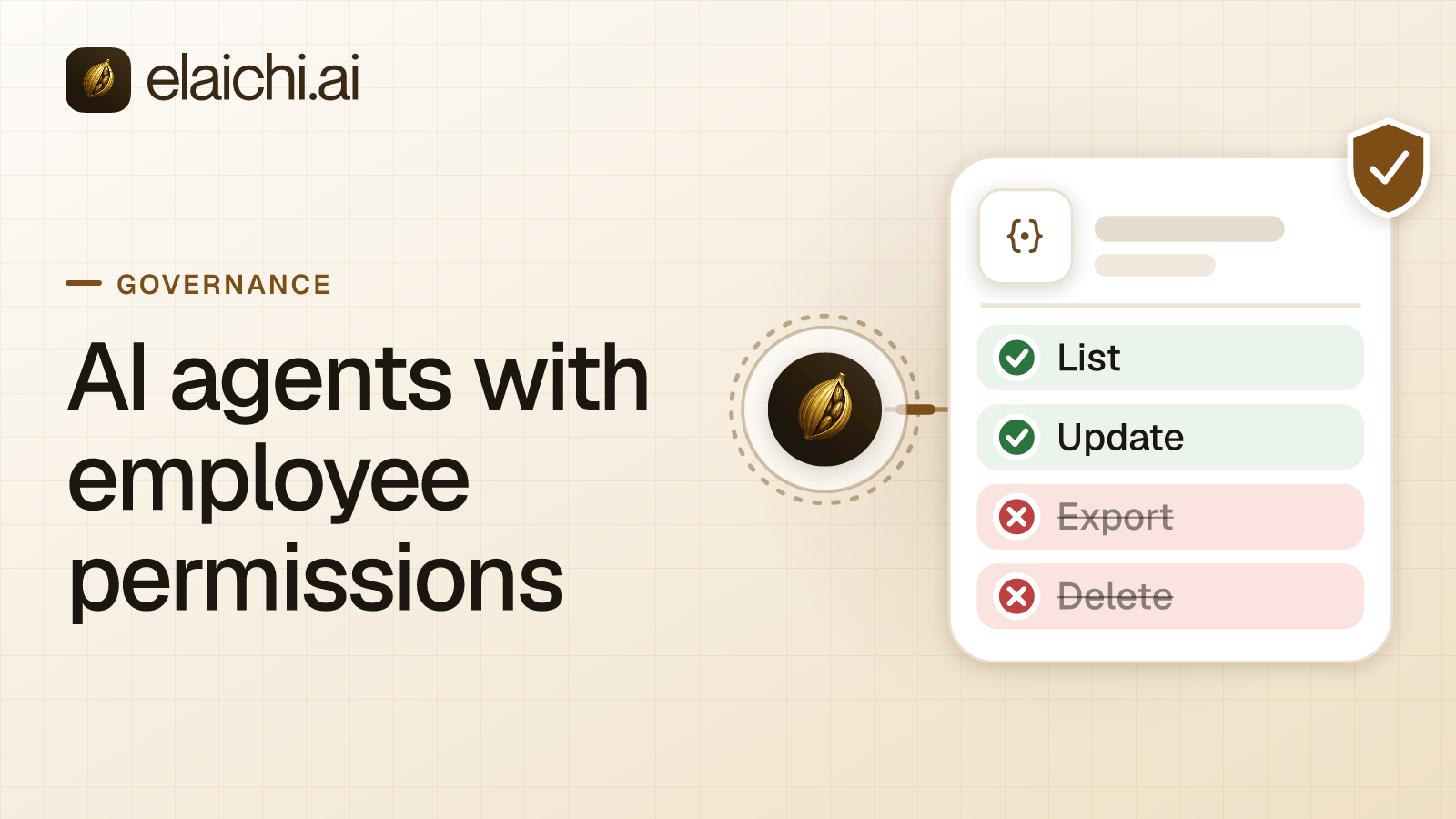
A finance analyst asks Claude for last quarter's unpaid invoices. The call has to reach the accounting app as somebody. Most first builds answer that with a service account: one API key, one bot user, wired in for everyone. The alternative is AI agents with employee permissions, where each call runs on the grant of the person who asked.
A service account is one identity holding the union of everyone's access. Three failures follow from that single sentence, and each one surfaces in a different room.
Reach. The bot has to cover the widest user of the app, so it carries records and fields the narrowest user should never see. Everyone who can prompt the assistant inherits that reach by default. A support rep asks the assistant to "check this customer's account". That call is routed through a credential that can also see payroll data, refund limits, and every other customer record the app holds. The bot's single API key was provisioned for whoever on the team needed the broadest access.
Attribution. The SaaS app's own log shows the bot, not the person. A deal stage changes in Salesforce. The audit log answer to "who changed this" is the same service-account name for every person in the company, every time. An investigator cannot tell whether a CFO or a first-week hire triggered a sensitive export. The app's native logging has no way to distinguish them, because as far as that app is concerned, there's only one user.
Revocation. Removing a person from the identity provider touches nothing the bot holds. The API key lives in a config file or environment variable outside the IdP's reach. So offboarding a person through Okta or Entra does nothing to the credential. The key keeps working for whoever else still points at it. Rotating it is a single change that breaks every integration built on that key at once, not a per-person revocation.
A key sitting in a client config has further problems of its own. Credential sprawl follows across every client that stores it. There is no scoping per use case, and no expiry tied to employment status. OAuth or API keys for AI agents works through them in detail.
The three patterns compared:
| Shared service account | Delegated OAuth (per-person grant) | Named service identity (frozen entry) | |
|---|---|---|---|
| Who the app sees | One bot identity for everyone | The actual employee, every call | One named owner, for a specific unattended job |
| Reach per call | Union of every grantee's needs | Exactly that employee's own access | Whatever the owner's account can do, often narrowed by frozen arguments |
| Attribution in the app's log | Bot name, always | The employee's own account | The owner's account, by design |
| Revocation on offboarding | Nothing happens automatically; manual key rotation required | On the next call once the member is removed or suspended, including a suspension by SCIM | The entry stops resolving until someone present re-pins it |
| Setup cost | One key, once | One OAuth sign-in per person | One owner, one frozen toolbox entry |
| Correct use case | Never, structurally | Any action a specific person asks the agent to take | Scheduled or team-owned jobs nobody is asking for in chat |
What does it take to run AI agents with employee permissions?
The AI client becomes an MCP client on one organization-wide endpoint, and each employee signs in once with their own OAuth grant. No shared key exists, so no identity holds the union.
MCP (Model Context Protocol) is the standard way an AI assistant calls tools in other apps. In Elaichi the address is POST https://api.elaichi.ai/mcp, the same for every organization. Standard MCP over Streamable HTTP, JSON-RPC 2.0, stateless, behind OAuth. It follows the MCP authorization specification's model of per-client, per-user grants rather than a single server-held credential. There are no per-toolbox URLs and no embedded tokens, so there is no server to create or revoke per person. The grant is what varies.
An admin adds that address once where the client allows it. A custom connector in Claude Team or Enterprise, a custom app in ChatGPT Business, a shared server in Cursor. Each member then connects and signs in themselves. That is one browser step per person, not zero. The tradeoff for eliminating the shared key is that every new employee has an onboarding action instead of inheriting a pre-wired bot.
The client registers itself through OAuth dynamic client registration, so there is no client ID or secret to type. The person lands on Elaichi's consent screen, picks the organization if they belong to more than one, and ticks scopes. Every scope the client asked for is pre-ticked except delete, which is never pre-ticked by default. The asymmetry is deliberate, since over-granting read access is recoverable and over-granting delete is not.
After that, each call is checked three ways, every time, not just at sign-in:
- Role check. The person's role must carry
tool:execute, or the tool list comes back empty. - Scope check. The grant's scopes gate what the endpoint will advertise and run.
- Restriction check. Restrictions are rules naming which connectors and tools a target may reach, written per whole app or per single tool. They are enforced at four points against the same resolver: browse, connect, advertise, and execute. In Elaichi, restriction targets are role or user only; the organization default is the absence of a rule, which means allow everything.
A rule on a user replaces the role rules for that user rather than adding to them.
Freshness is the part people get wrong. A permission model that only checks at OAuth consent time is a permission model that's wrong the moment someone's role changes. In Elaichi, removing or suspending a member revokes every live grant in the same transaction as the membership change. A role or restriction change is different in kind from a full grant revocation, and takes effect within about two minutes.
When should the app itself see the person, not a shared account?
Whenever the record ought to carry a name. The way to get that is a template each person stamps onto their own connection. A shared connection runs on its owner's credential regardless of who triggers it.
The distinction is worth being exact about, because the two look similar and behave very differently:
- A toolbox shared at
useruns on the connection pinned in its entries, which belongs to the owner. Every grantee's call reaches the app as that one account, and the app's log names the owner rather than the person who asked. This is correct for the named-service-identity pattern below and wrong for everything else. - A template holds a tool list with renames, defaults, and frozen parameters, and never holds a connection. Share it at
use, and each member stamps their own toolbox from it. Stamping fills each entry from connections that person already has permission to use, so the resulting toolbox runs on their own account. An entry with no usable connection is left as "needs connection" until they connect one themselves.
So never pair "each person connects their own account" with "share one toolbox with the team". That combination silently collapses into the owner's identity. Per-person connections need a shared template, not a shared toolbox. Stamping copies the template once, so editing the template later does not retroactively change a toolbox someone already stamped from it.
This is what makes the Salesforce or Zendesk record show the rep or the agent who asked, instead of a generic integration user. It also means a person's reach inside the app is exactly whatever their own account already had, nothing more. The app's own permission model still binds, and Elaichi narrows it further rather than widening it. A template or restriction can remove access the person's app account technically has. Nothing can grant access their account doesn't have.
What the audit trail says when an agent acts for someone
The person is the actor, not the client and not the organization. Elaichi writes one entry per tool-call attempt, succeeded or failed, with actor_kind recorded at the point of action rather than inferred afterward from context.
For a call from Claude, ChatGPT, Cursor, or any other MCP client, actor_kind is user. The surface is mcp, and the OAuth client is named on the entry. The client's name is marked verified only when its redirect URIs prove it, which covers Claude, ChatGPT, and Cursor among others. A client signing in through a loopback address, such as Claude Code or Codex CLI, shows the name it registered with, marked unverified. The distinction matters because an unverified client name is the name the client registered with, not one its redirect URIs prove. The value ai_assistant marks the in-app Elaichi Agent only, so do not expect it on an MCP client's call.
Each entry names the connection actually reached, taken from the execution rather than from the intent expressed in the tool call. That answers the first question after an unexpected change. Which of the two Notion workspaces did it actually write to, not which one the prompt seemed to ask for.
The approval line is stated in plain words on the entry rather than left for someone to reconstruct from scope lists. For an MCP call it reads "Allowed by the access the client was granted," because over MCP the OAuth grant is the approval. There is no separate in-the-moment approval step the way there is for a chat-window write gate. The trail is append-only and eventually consistent, so a row may take a moment to appear after the call completes. What an AI agent audit log must capture goes field by field.
Where delegated sign-in stops
Three limits apply today.
Sign-in needs a browser. Claude Code, or any client, running headless in CI or in a terminal with no browser cannot complete Elaichi's OAuth sign-in. Unattended jobs are not covered by the delegated pattern, so do not plan a nightly reconciliation job around it. That is what the named service identity pattern below is for.
An organization API token resolves to the member who created it, so it carries that member's permissions and no more. It is not a separate, broader credential. It is created only from a browser session with a step-up approval. It reaches less than a browser session does, because several routes are human-session-only by design.
The REST API has no route that runs a connected tool. Connected tools run over POST /mcp with a person's OAuth grant, or inside the Elaichi Agent, and a synthetic tool's execute route is owner-only. So "an agent with the employee's permissions" specifically means an MCP client holding that employee's own OAuth grant. It is not a long-lived token calling a REST endpoint on their behalf.
The prompt-injection write gate in the Elaichi Agent chat window does not apply to POST /mcp, and cannot. An MCP server never sees the user's prompt text. It only sees the tool call the client already decided to make. What holds on the endpoint instead is role checks per operation, the forbidden classification, output redaction, OAuth scope limits, and full audit logging. These are enforced regardless of what any client-side safety layer does or doesn't do.
When a named service identity is still the right answer
A job nobody is asking for in chat still needs an owner. Take a weekly team report, a recurring sync, or a workflow where one argument must never vary across runs. These are team-owned, not person-triggered. The honest shape for them is a named person who owns the connection. Not a bot account, and not a per-person grant, since there is no "person" triggering the call.
Set it up this way:
- Pick an owner who is staying, not a departing employee, not a contractor near the end of an engagement.
- The owner connects the account and leaves that connection unshared with the team.
- The owner pins it into a toolbox entry with the arguments frozen. That strips those keys from the advertised schema and merges the frozen values over whatever the model passes. So the model literally cannot override the frozen argument, not just "isn't supposed to."
- The owner shares the toolbox at
use.
Grantees can now run the tool only through that entry. They cannot open, see, or share the underlying connection, and it is absent from their own tool set by design. One gap to watch: anyone who also independently holds use on that same connection can call the same tool unfrozen. That is exactly why the connection itself stays unshared rather than relying on a restriction to close the gap. A restriction will not help here. Restrictions resolve the called tool's identity at advertise and execute, toolbox entries included. So a block on the tool withholds the frozen entry too, defeating the point.
The owner vouches for the entry on every single call. If that person loses use, is removed, or is suspended through SCIM, the entry resolves as unmet for every grantee until someone re-pins it. The job doesn't silently fail open onto a different account, it stops. Offboarding is built around this. A private connection pinned by a toolbox its owner shared is marked as needing resolution. The person's removal is blocked until an administrator decides what happens to it. Lock AI agent tool arguments, like a wire's payee covers the freeze itself, and offboarding AI access covers the exit in full.
When you do not need this pattern at all
If three people use one app in one client, the app's own native MCP server is the shorter road. One exists for Notion, HubSpot and Slack among them. It runs under that app's own permission model, and each person signs in with their own account. There is no second vendor, no control plane, and no extra abstraction to buy or maintain. The pattern described in this post earns its keep specifically when the count rises on more than one axis at once. Several apps from several vendors. Several AI clients in use across the team. And a reviewer who wants one audit trail and one offboarding step instead of N separate ones per app.
It is also the wrong frame if the agent is a product you ship to customers rather than a tool your own employees use. Authorizing end users inside your own multi-tenant application is an authorization-library problem. Think an OAuth/OIDC provider plus a policy engine in your own stack, not a control-plane-for-internal-tools problem. When you don't need an MCP gateway yet draws that line more slowly.
For the architecture underneath all of this, start with the control plane explainer. For how one role per member shapes the permission layer, read designing roles for AI agents. The 600+ apps a person can connect their own account to are listed in the connector catalog.