Why an MCP audit log comparison comes down to four fields
A reviewer asks a narrow question: who ran this, in which account, and what did it touch. An MCP audit log comparison that stays at the level of "we log every call" never answers it. The difference between shapes is four fields, and each one changes what you can prove.
The four:
- Does the row name the tool the model asked for, or the account the call actually reached?
- What does the row keep about the arguments?
- Is AI actorship a field, or something you infer from the client name?
- Does the log cover calls that were refused, or only calls that ran?
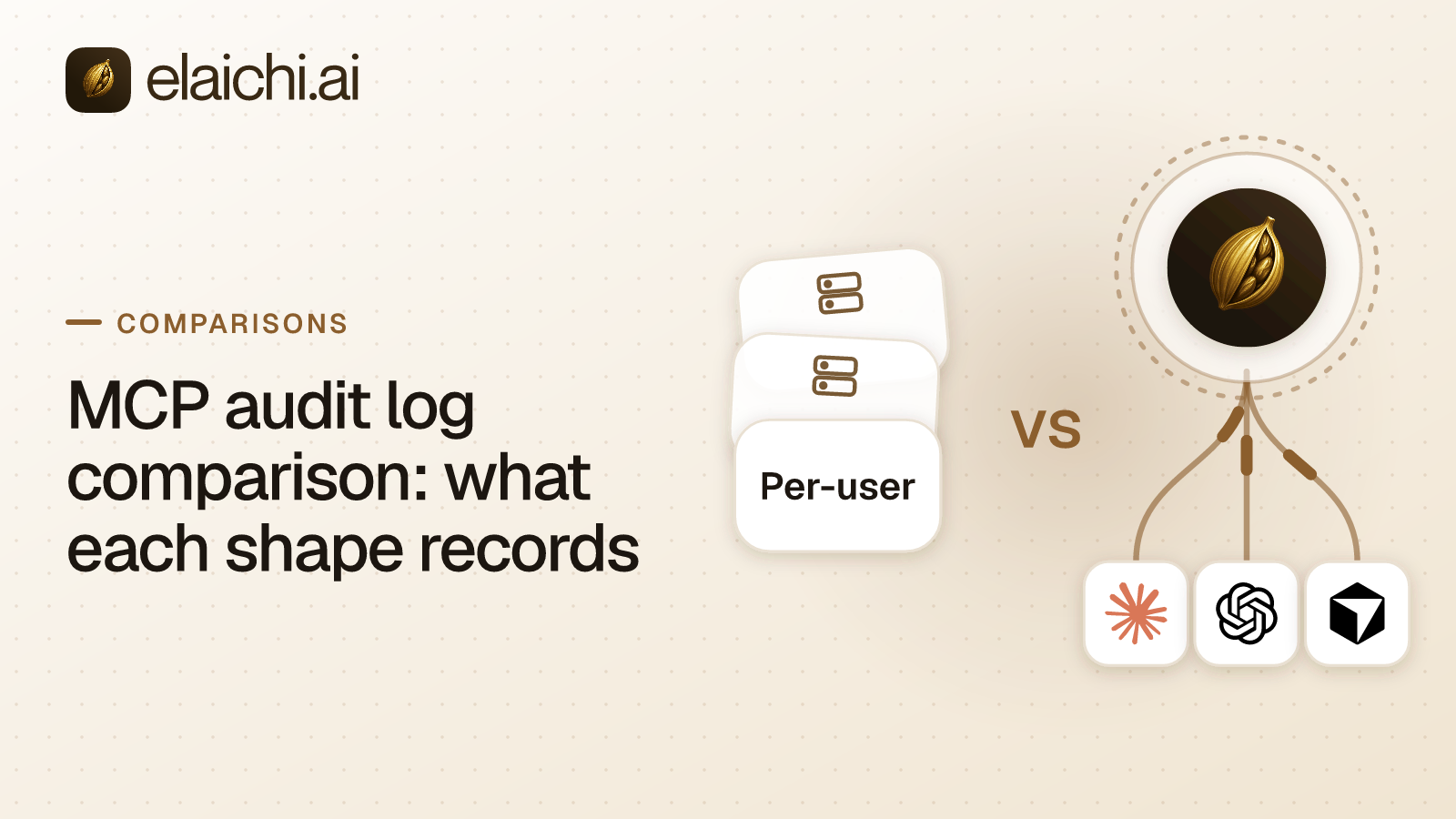
MCP is the protocol an AI client speaks to reach tools. Each field is a design choice about what a product writes when a tool call passes through it. Four shapes recur. The AI client's own compliance export and the app vendor's own log sit at either end. Between them are a gateway in front of servers you run and a control plane that runs the connector itself.
Intent or the account reached: which does the row name?
These are different facts, and a reviewer usually wants the second. Intent is what the model asked for. The account reached is where the write landed.
In Elaichi, the connection on a connected-tool row is the account the execution actually reached, not the one the arguments asked for. A call that could not be matched to one account records no connection rather than guessing. That matters when several of a person's accounts back one tool. Elaichi advertises it as one tool with a connection argument, and the row says which account answered.
The row also carries the acting user, the toolbox the call went through, and the tool's advertised and catalog names. It records the connector, the tool's classification, and whether approval was required and how it was given. It notes whether a person edited the arguments, the surface, and the MCP client's id when the surface is mcp. Last come the Code Mode run's id, the outcome, what the call touched, a result count for list and search calls, and an error code on failure.
Client-side exports sit at the other end. Anthropic's Compliance API transcripts of local sessions are rebuilt from the requests the client sends to the Claude API. They include tool calls and results. Tool definitions and MCP server configuration are not part of the transcript (checked October 2026, platform.claude.com). That is a record of what the model asked for. Which third-party account answered is a question for the server on the other end.
Argument names, argument values, or neither?
This is the field people get wrong in both directions. Logging every argument puts customer data in the audit trail. Logging nothing leaves you unable to say what was touched.
Elaichi records neither argument values nor argument names on a connected-tool row, and no argument count either. The exception is the one path argument that names the object: its value is recorded as the target id. So a row can say a page was updated and name it, without carrying the body of the update.
What the target can hold is bounded on purpose. It keeps the catalog's resource type and an id, which is the path argument or the returned record's id, up to 200 characters. It can also keep a title from the response, up to 120 characters, and the object's own link. The link keeps only origin and path, with no query string and no fragment.
A title is never kept for a person's record: a contact, lead, employee or candidate. Nor is one kept for a message, email, thread, comment or post. An email address is never recorded as an id or a title. For a list or search call the row keeps only the resource type and how many items came back.
Catalog operations Elaichi runs itself (the elaichi__ tools) record the operation's classification, approval facts, surface and outcome. The operation's arguments are not recorded. A synthetic tool run records counts, status, duration, step count and the failing step. It never records its input, arguments, step results or output.
A program run under Code Mode is recorded as one assistant.code_run row with a SHA-256 of the code, never the code itself. A program routinely carries the user's data, and the row is visible inside the organization and forwarded to the customer's own log destinations.
Is AI actorship a field, or an inference?
This is the question that embarrasses a rollout in an access review. You want a row to say an AI did this. Most shapes let you infer it from a client name.
In Elaichi, where a call came from is recorded as a surface: app (the Elaichi Agent), mcp (a remote MCP client), api (an org API token) or console (a person in the Elaichi console). A row with no surface reads as not recorded rather than being guessed.
There is also an actor_kind, and this is the part to read carefully. A connected-tool call from a remote MCP client, Claude, ChatGPT, Cursor or any other, is recorded with actor_kind user. The row carries surface mcp and the OAuth client's id. The ai_assistant actor kind is written only by the in-app Elaichi Agent. So AI actorship is a field, but the field that carries it for MCP clients is the surface, not the actor kind.
The client name is resolved when the log is read, and it is not proof of identity. Elaichi marks a name verified only when every non-loopback redirect URI the client registered maps to the same known client. Exactly seven clients can be verified: Claude, ChatGPT, Cursor, Grok, Perplexity, Mistral and Devin. Loopback redirects prove nothing, so Claude Code, Codex CLI, Gemini CLI, Zed, Goose and Cline show the name they registered, flagged as self-reported. An n8n cloud host cannot earn a verified mark.
For the fields a reviewer should demand before approving a rollout, see what an AI agent audit log must capture.
Refused calls: logged, or absent?
A log that only records successes cannot show a control working. This is where the shapes diverge most sharply, and where Elaichi's own answer has a limit.
Elaichi writes one assistant.toolbox_tool row for each connected-tool call that reaches execution and then runs, fails or is refused there. A refusal at execution covers cases such as an account it cannot match, or a restriction that changed after the tool was listed. A call refused before that point writes no row: a tool a restriction withholds, a missing MCP scope, an unknown tool name, a rate limit. A call waiting on a person's approval writes no row until it runs.
So a scope refusal on the MCP endpoint is not an audit entry, and neither are tools/list or a tool search. Do not promise a reviewer full audit logging of the endpoint.
Other shapes record refusals as a matter of design. Kong's docs say that for its AI MCP Proxy plugin, all access attempts, allowed or denied, are written to the plugin's audit log (checked October 2026, developer.konghq.com). Composio's Enterprise page says each tool call is logged with the user, team, tool, action and outcome, including calls that policy denied. The same page says payload retention is configured per project (checked October 2026, composio.dev). If a denied call is your central piece of evidence, read those pages and ask the vendor to confirm against your own policy shapes.
Where each shape leaves you
Each shape answers the four fields differently, and the gap is usually the account. The table sets the shapes against the fields, with the vendor pages cited in the paragraphs below it.
| Shape | Account the call reached | Arguments in the row | AI actorship | Refused calls |
|---|---|---|---|---|
| AI client's own export (Claude, Cursor) | Not documented on the pages cited below | Transcripts include tool calls and results (Anthropic) | Implicit: the client made the call | Not documented on the pages cited below |
| App vendor's own log (Microsoft 365, Atlassian) | Named, because it is the app | The vendor's own schema | Not a field on the pages cited below | The vendor's own schema |
| Gateway in front of servers you run (MintMCP, Kong) | Depends on the server behind it | Depends on the server behind it | Not a field on the pages cited below | Kong: all attempts, allowed or denied |
| Control plane that runs the connector (Elaichi) | The account execution reached | One path argument as the target id, nothing else | Surface field: app, mcp, api, console | Only refusals that reach execution |
The AI client's own export covers every call the client made, including calls to servers you did not deploy, and it carries the conversation. Anthropic's Activity Feed records admin events including mcp_server_created, mcp_tool_policy_updated and admin_connector_request_resolved. It starts recording when the API is first enabled, does not backfill, and keeps activity for 6 years (checked October 2026, platform.claude.com). Cursor's audit logs, an Enterprise feature, include mcp_server_config and mcp_authentication events (checked October 2026, cursor.com). What none of these pages document is which account inside the third-party app answered.
The app vendor's own log names the account precisely, because it is the app. Anthropic's security guide says every Graph API call the Microsoft 365 connector makes is logged in the organization's Microsoft 365 audit log (checked October 2026, support.claude.com). Atlassian records an event in the organization's audit log each time a tool is used through its MCP server (checked October 2026, github.com/atlassian). The limit is scope: one log per vendor, read in that vendor's console, with its own schema.
A gateway in front of servers you run gives you one log for the servers behind it, which is exactly right when you run servers. MintMCP says every client connects through the same endpoint, so every call is logged at the gateway. The same site says you can export the log to your SIEM or stream it via OTLP (checked October 2026, mintmcp.com).
A control plane that runs the connector itself records the call at the point where it also resolves the account. Elaichi keeps one audit log per organization across all its connectors. Calls to different vendors' apps are written to the same log and read back through the same place. Audit history is kept for 90 days. For a longer history, forward it to your own log service: logging destinations come with the Black plan, which is launching soon, and Datadog is the destination that delivers.
The case for not changing anything
If one team uses one app through that vendor's own MCP server, the vendor's log already names the account. It enforces the vendor's permissions and needs no second vendor. An MCP audit log comparison is not worth running until you have calls to more than one vendor's app, and a reviewer asking for one answer across them. When you don't need an MCP gateway yet makes that case at length.
The moment it flips is when evidence has to be assembled by hand. One export from Claude, one from Cursor, one from each app vendor's console, each with its own retention clock and schema, joined on a timestamp. That is the trade-off one plane against a server per SaaS vendor turns on, and the work a single per-organization log removes.
Reading the fields before you buy
Bring four questions to any vendor, yours included, and hold out for the page that answers each:
- Which account does the row name, the one asked for or the one reached, and what happens when the call matched none?
- Are argument values kept, argument names, or neither, and which fields are exempt?
- Is there an actor field that says a machine ran this, and is a client name verified or self-reported?
- Are refused calls rows, and which refusals happen too early to be recorded?
For the governance layer that decides whether the call runs at all, start with MCP governance. For what a SOC 2 reviewer looks for in the same rows, see SOC 2 evidence for AI agents; Elaichi's own reports and certificates sit in the Trust Center. To see which connectors would be writing these rows for you, browse the connector catalog.