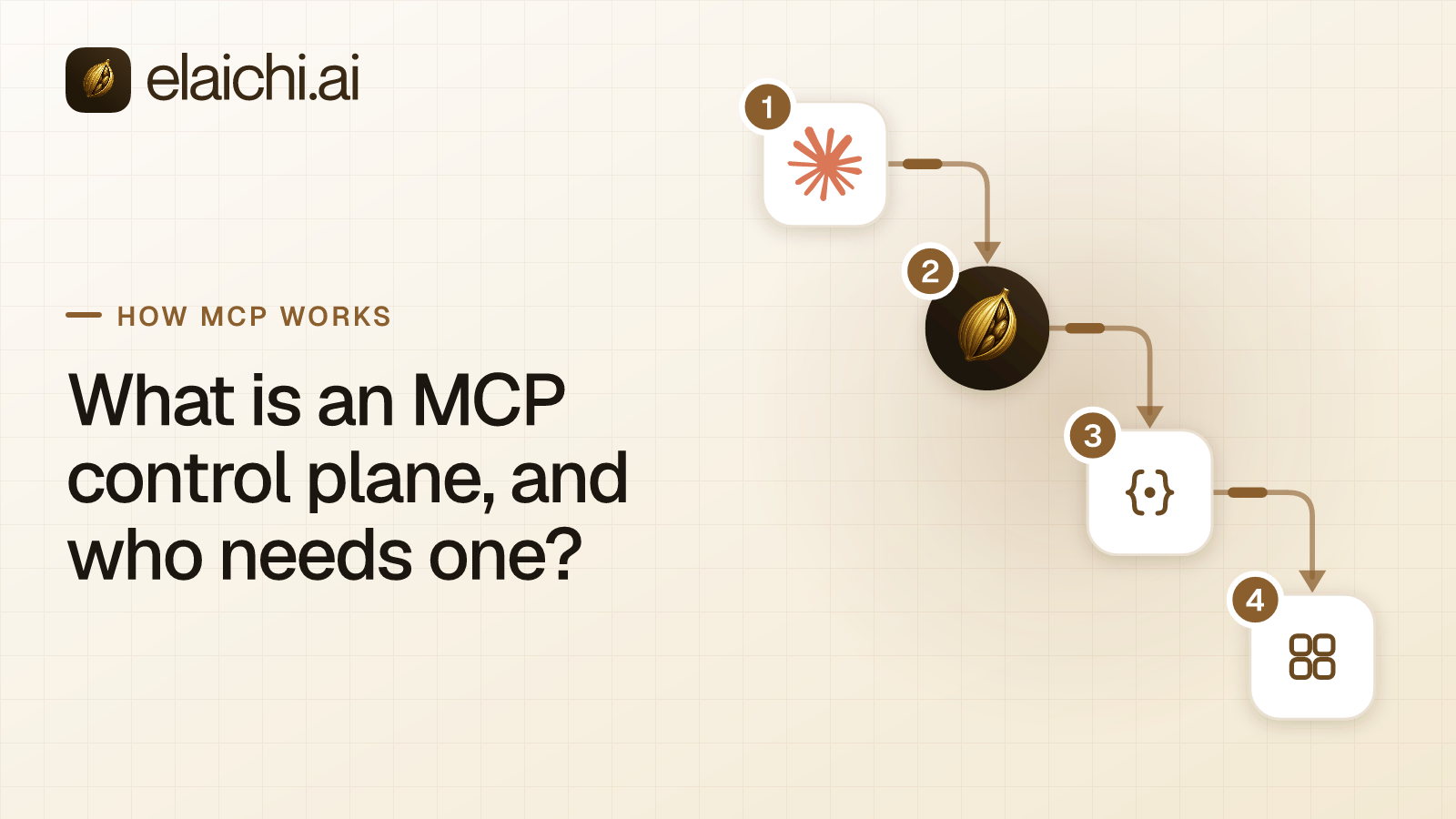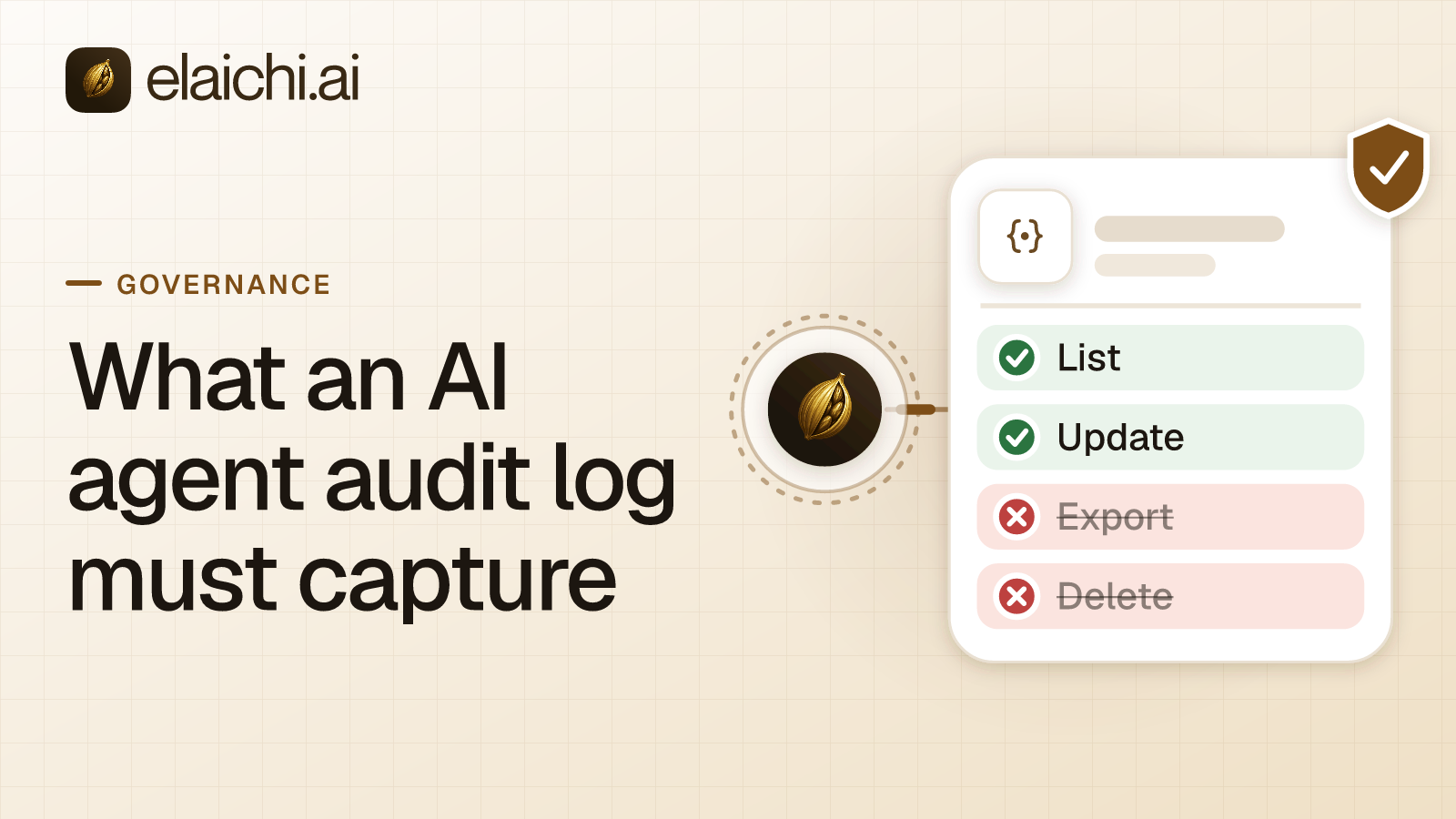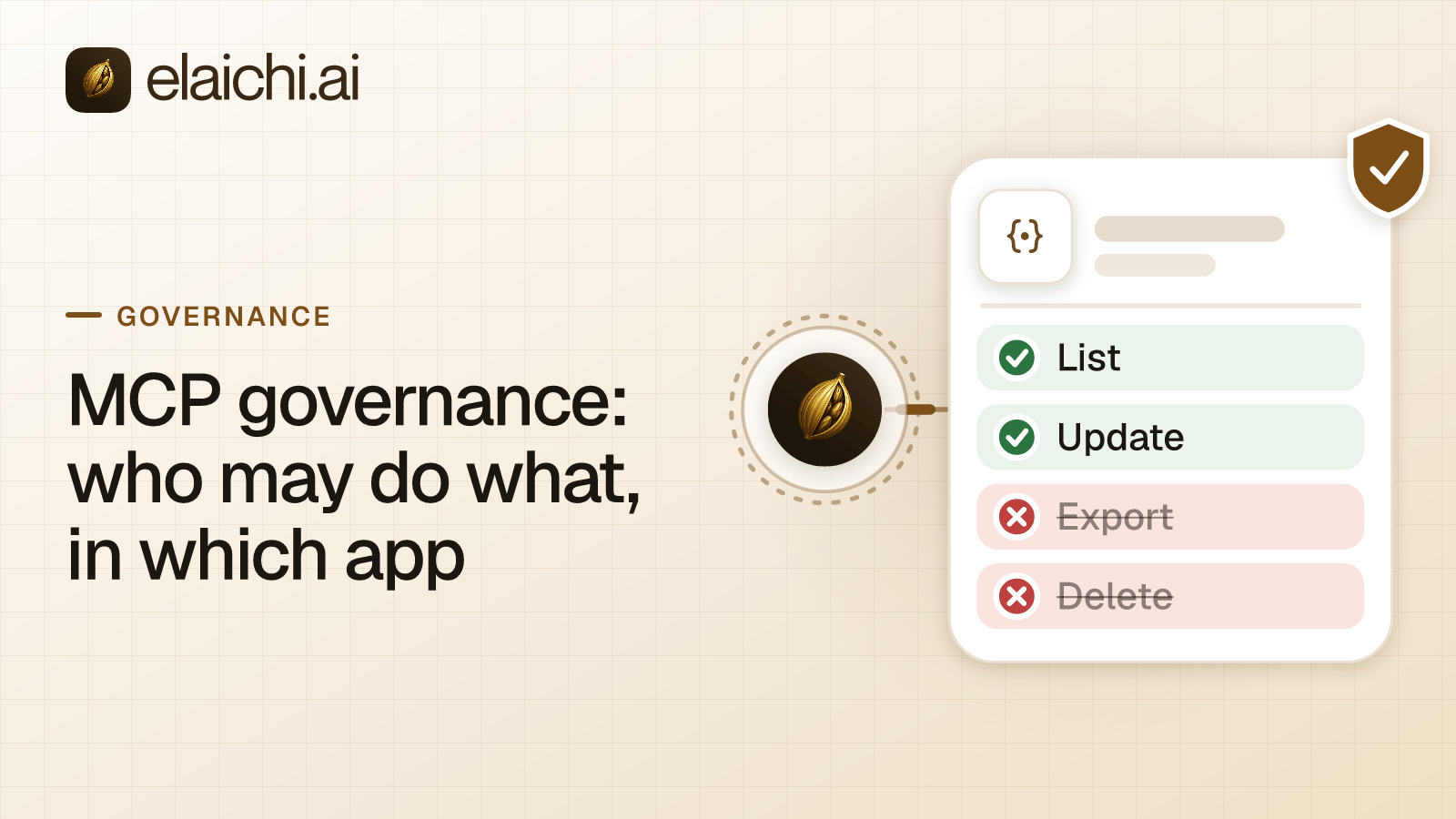
What does MCP governance cover?
MCP governance is the set of rules for what AI assistants may do in company apps. MCP (Model Context Protocol) is the standard way an AI assistant calls tools in other apps. The rules answer five questions: who may connect which app, which tools each role may call, whose credentials a call runs on, what is recorded, and how access ends when someone leaves.
One developer connects Cursor to Jira with a personal token, and it works. Six months later, support uses Claude against Zendesk, and finance uses ChatGPT against QuickBooks. Emily Carter in sales has connected two Salesforce accounts. Then security asks: when Jake Morgan leaves on Friday, what can his assistant still reach? Nobody can answer it from one place.
This post is the rule model: restrictions, credentials, the record and offboarding. The buyer's view, with data regions and a vendor question table, is in enterprise MCP: a buyer's guide.
The protocol leaves these decisions to you. The MCP authorization spec makes authorization optional. The spec's tools section wants a human who can deny tool calls, and asks clients to log tool use for audit. It does not say who that human is, which tools they may allow, or where the log lives. That gap is the governance layer.
Why do AI governance programs miss the tool call?
Frameworks such as the NIST AI Risk Management Framework and ISO/IEC 42001 work at the level of policy, risk and management systems. They do not decide what one person's assistant may do in one app right now. MCP governance does, and it names who answers for it.
The frameworks show the altitude. The NIST AI Risk Management Framework aims to bring trustworthiness into the design, development, use and evaluation of AI products and systems. ISO/IEC 42001 sets requirements for an AI management system: the policies, objectives and processes an organization keeps for responsible AI. Neither tells you whether the support team's assistant may close tickets in Zendesk.
The risk lists come closer. OWASP's entry on excessive agency names three usual root causes: excessive functionality, excessive permissions and excessive autonomy. It advises acting in the context of the specific user, with least privilege, and enforcing authorization in downstream systems rather than in the model. A policy can state those rules. Something on the path of every call has to enforce them.
Who may connect which app?
An admin decides which apps each role may reach, and members connect their own accounts inside that list. In Elaichi, the rule that sets this is a restriction. A restriction is an allow or block rule that targets a role or one member and names whole connectors or single tools.
With no rule in place, a Member can connect any catalog connector with their own account. For a shorter list per role, write allow rules that name whole connectors. Once a role carries any allow rule, every connector those rules do not name is restricted for that role. Watch for one trap: an allow rule that names nothing restricts everything for its target. It is a lockout, not a placeholder.
The same check runs everywhere a member meets a connector: the catalog, the connect step, the tool list their AI client sees, the call itself and the outbound request. A rule written for one member can only narrow what their role allows. It never loosens it.
Adding a new app is a separate decision. Creating a custom connector needs the connector:create permission, and among the built-in roles only Org Owner and Org Admin hold it. The console tags it "High trust". A restriction binds a connector's identity, not the host it calls, so a new connector aimed at a restricted API slips past the old restriction. Approved AI tools per team walks through these rules for a real rollout.
Which tools can each role call?
Tool-level rules decide which tools of an approved app a role may call. In Elaichi, a block always beats an allow.
An allow rule that names a few read tools holds the role to those tools on that app. The role then also needs allow rules for each other app it uses; otherwise those apps are restricted. A layer with only block rules has no allowlist, so every tool it does not name stays reachable. Three block rules on write tools leave the fourth write tool open. Allow rules also match a tool by the operation it performs, not by its label, so renaming a tool cannot widen access. The reasoning is in why a block matches the name and an allow matches the operation. Choosing between one tool and the whole app is covered in six restriction cases.
The role also has to permit tool use at all. Running any connected tool over MCP needs the tool:execute permission. Guest, Billing Admin and Auditor do not hold it. A compliance reviewer can read the record without being able to act.
The person adds one more limit when they connect a client. Elaichi's consent screen lists what the client may do. "Run your connected tools" lets it read and change data in connected apps. Deleting there also needs "Delete data and remove access", which is never ticked by default. The person can also limit the client to toolboxes they pick (a toolbox is a named set of tools).
A change to a role or a restriction reaches every client within about two minutes, so plan pilots around that window.
Whose credentials does each call run on?
Every call runs as one named person, on the account behind the connection it uses. Elaichi never runs a connected-tool call as the organization at large.
Over MCP, the person comes from the OAuth grant behind the client's token. OAuth is the sign-in standard MCP clients use, and a grant is the access one person approves for one client. Each member connects their client once and approves their own grant. The account comes from the connection. A connection a member made with their own login carries their own permissions in that app. A connection shared with a team runs every caller's call on its owner's sign-in.
Picking one is a governance decision. Use per-person connections when the app should see who is asking, such as a CRM with record-level sharing. Use one shared connection when a fixed permission set is the point, such as a read-only reporting account. A toolbox shared with a team runs each entry on the connection pinned into it, not on each member's own account. The longer argument is in AI agents with employee permissions.
The AI client holds only an Elaichi token, never the app credential. Connector secrets sit in a separate credential service, encrypted at rest with AES-256-GCM. Elaichi fetches them into memory only for the call that needs them.
What should the record show for each AI tool call?
Each call that runs should leave a row naming the person, the client, the account reached and the outcome. Elaichi writes that row for every connected-tool call that reaches execution, whether it succeeds or fails.
The row records the acting person, the MCP client, the connector, the connection the call actually reached, the toolbox and the tool. It records whether the call was a read, a write or a delete, how it was approved, how it ended, an error code on failure, and what the call touched. It keeps no argument values beyond the id of the object a call names. A call refused earlier, for example for a missing scope, writes no row.
Everyone can read their own activity in the audit log. People with the audit:view permission, which Org Owner, Org Admin and Auditor hold, see the whole organization. Elaichi keeps 90 days of audit history. Beyond the in-app trail, export to your own Datadog comes with the Black plan, which is launching soon. The field-by-field case is in what an AI agent audit log must capture.
How does AI access end when someone leaves?
Removing or suspending a member ends their AI access on their client's next request. In Elaichi, removal and suspension revoke the person's MCP grants, and every MCP request reads the grant again.
Identity providers follow the same path. SCIM is the standard an identity provider uses to add and remove users in other apps. A SCIM deprovision suspends the member rather than deleting them, and suspension revokes their grants and API tokens. Reactivation does not restore the grants, so they connect again.
What the person built is the harder part. Elaichi's offboarding preview lists their connections, toolboxes, templates, synthetic tools and custom connectors, plus toolbox entries elsewhere that rely on them. Transfer each shared connection to someone staying as part of the removal. Left in place, it stays owned by the departed member, and nobody can transfer it afterwards. Toolbox entries the leaver pinned stop working for everyone until someone re-pins them.
Removing someone from Elaichi does not deactivate their accounts inside the connected apps. Deprovision those in each app or through your identity provider. The full last-day sequence is in offboarding AI access, contractors included.
Where does a hosted MCP gateway fit?
A hosted MCP gateway puts every AI tool call through one place where these rules are checked and recorded. Elaichi is a governed MCP control plane and hosted MCP gateway: Claude, ChatGPT, Cursor or any MCP client signs in to https://api.elaichi.ai/mcp, the same address for every organization, and one restriction applies to all of them. Each client's own settings, such as Claude's per-tool permissions (Always allow, Needs approval or Blocked) and ChatGPT Business's admin-only custom MCP apps, govern that one client only (both checked October 2026). The buying questions are in enterprise MCP: a buyer's guide.
What can an MCP gateway not govern?
A gateway governs the calls that pass through it, and only those. Four limits apply to Elaichi.
- Direct calls. A call a client makes straight to a vendor's own MCP server, outside Elaichi, is not governed by Elaichi. On Gold, an Org Owner or Org Admin can add that server as a remote MCP connector, if it is reachable over public HTTPS, to bring it under the same rules.
- Per-call approval. Over MCP, Elaichi does not ask before each call. The consent screen is the approval, and any per-call prompt a person sees comes from their own client.
- Injected instructions. Elaichi does not scan tool results sent to MCP clients for prompt injection, the trick of hiding instructions for the model inside data. That defense belongs to the client.
- Client-side tool rules. Claude's per-tool permissions see all of Elaichi's connected tools as a single tool, so they cannot tell one app from another. Write per-app rules in Elaichi instead.
When can a team skip MCP governance for now?
A team with one developer, one client, one app and read-only access does not need a governance layer yet. The app's own permissions and the client's own settings cover that case. A gateway there adds a bill and a sign-in step, and its log has nobody to read it.
The answer changes when any one of four signals appears. A second client or team arrives. There are more accounts than people. A leaver's assistant still holds access. Someone outside the team has to answer for what an assistant did. The signals are spelled out in when you don't need an MCP gateway yet.
When they show up, start with what an MCP control plane is and who needs one. Then check that your apps are in the connector catalog, and compare plans on the pricing page.