


Emily Carter is a processor. A closing is Friday, and she needs to know what Jake Morgan still owes. Which documents came in? Which requests are open? Who is assigned? Each answer sits on a different tab of the application. She can use Blend in ChatGPT and type the question instead. Claude works the same way.
Elaichi links the chat to Blend and your other apps. It is free for one person. The market overview, ChatGPT for loan officers, covers the whole team. This page covers the borrower side of the file.
What can you ask Blend in ChatGPT?
You can ask ten things, and each one uses a real tool in Blend or Gmail. Type them in your own words.
- "Which active applications do I have?" The AI lists active applications, newest first.
- "Give me a summary of Jake Morgan's application." It reads the application summary.
- "What follow-ups are still open on his application?" It lists the follow-ups, which are Blend's requests to the borrower.
- "Which documents has he uploaded or signed?" It lists the uploaded and signed documents, newest first.
- "Where is the loan in the loan system?" It reads the current milestone Blend has from your loan system.
- "Who is assigned to this application?" It lists the assigned users.
- "What happened on this application this week?" It reads the activity list.
- "What did underwriting say?" It lists the underwriting results.
- "When is the closing scheduled?" It reads the closing details for each borrower on the loan.
- "Ask Emily Carter for her latest pay stub." It adds a follow-up for her on the application.
Prompt ten reaches a borrower. Blend says follow-ups let a lender request documents from the borrower (Blend help, checked November 2026). A follow-up is a request to the borrower, and a team member sends it. Treat prompt ten like pressing send yourself.
Can Blend in ChatGPT run on its own?
Yes. A workflow is a task that starts by itself. Ask Claude or ChatGPT for it in plain words: every weekday at 8 am, list my active applications, find the open follow-ups on each, and save a Gmail draft to me with the borrowers who still owe documents. Chat acts right away. A workflow can include an approve step, so a named person signs off before anything is sent or changed. A test run reads real applications and changes nothing, so start there. You can also build it in the Elaichi app. Workflows come with the Black plan, and new workspaces start on a 14-day Black trial that includes them.
What can the AI not do in Blend?
The AI cannot reach applications outside your Blend sign-in. Some tools reach a borrower or change a file, and a team lead on Gold has to switch them off. Elaichi does not ask before each call.
- It can ask a borrower for a document. The request goes out when the AI uses the tool. Restrict it until your team agrees who may.
- It can submit a closing. Blend has a tool for that. Restrict it for everyone but the closer.
- It can delete an application. Restrict that one too.
- It can change who is assigned. A team lead should decide who may.
- It can order an employer check. A tool exists that asks for a new employer verification. Restrict it.
- It can issue a package and post a party. One tool issues a draft package. Another adds a third-party recipient to a loan. Restrict both on Gold.
- It can send pre-closing documents. Blend has a tool that sends or re-sends them to the settlement agent. Restrict it on Gold.
- Gmail writes drafts, and it can send. A team lead on Gold should restrict send if you want drafts only.
On Gold, a restriction turns off named tools for a role. The free Personal plan has none and allows 1,000 tool calls a month. A rule takes effect within about two minutes. Search still lists a restricted tool, flagged as restricted.
Elaichi logs each call with who made it. It does not record what the AI wrote into a record. Instructions hidden in a note could try to steer the AI, and Elaichi does not screen for that. This page makes no claim about the privacy or lending rules your company follows. Ask your compliance lead.
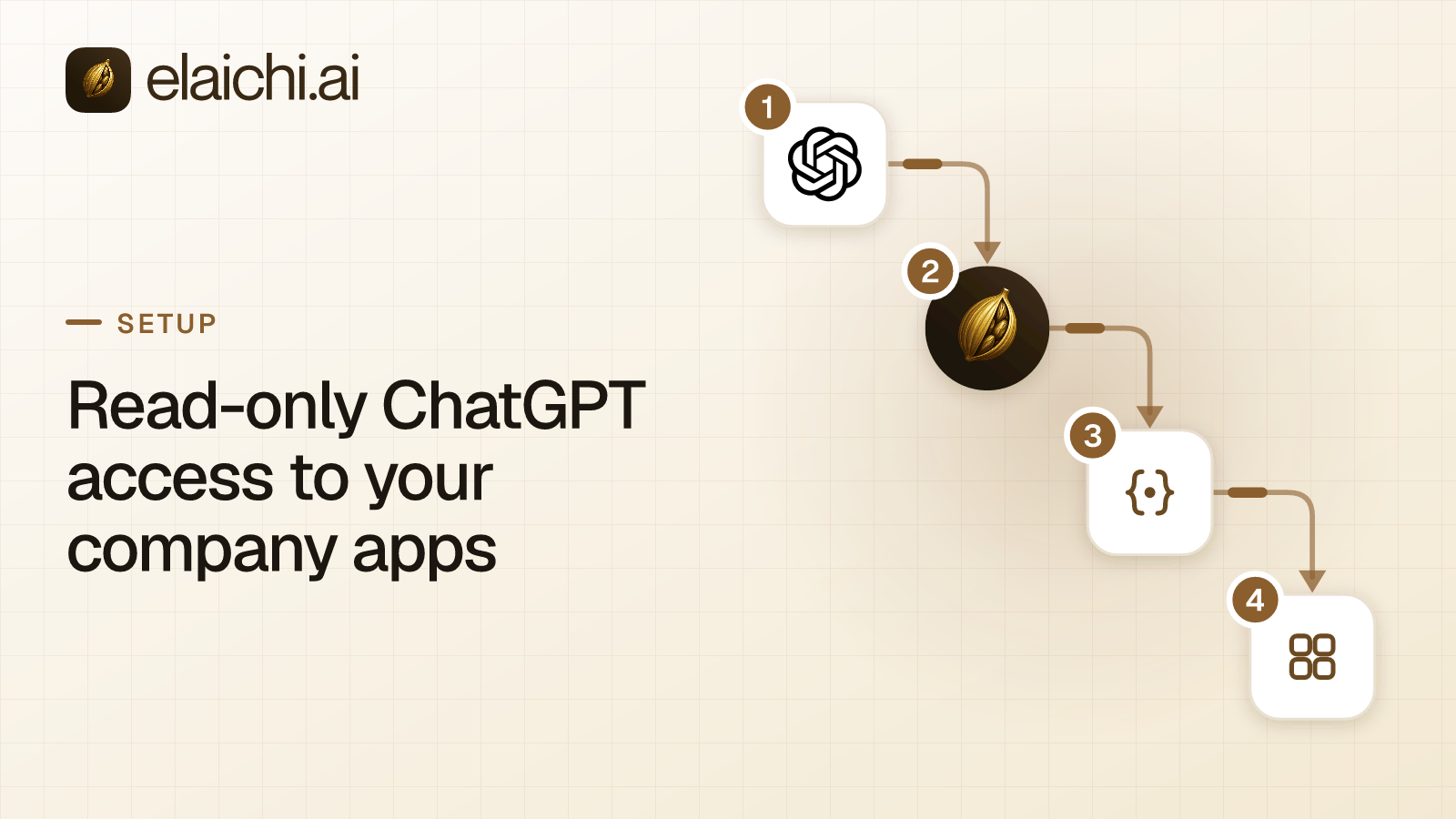
How do you set up Blend in ChatGPT in three steps?
Setup takes three steps. A Blend admin does the first one.
- Get sign-in details. A Blend admin supplies them. Ask for access that matches the job.
- Connect Blend in Elaichi. Sign up, add Blend and enter the details. Blend plus Gmail is two apps, and three fit the free plan.
- Add Elaichi to ChatGPT or Claude. Use the address
https://api.elaichi.ai/mcp. In Claude on Pro or Max, use Customize, Connectors, Add custom connector (Anthropic help, checked November 2026). ChatGPT Business admins add it under Plugins. OpenAI says a Pro seat can read but not write, so asking for a document needs ChatGPT Business, Enterprise or Claude (OpenAI help, checked November 2026).
Sign in to Elaichi when asked, approve, and ask the first question. The Blend page lists every tool the AI can use.
When is Blend's own screen enough?
If you check one application at a time, Blend's own screens are fast and you may not need this. The chat pays off when the question spans many applications, or reaches your loan system and your inbox too. See Encompass in ChatGPT for the loan-system side.
Blend says suggested follow-ups need a loan team member to review and send them (checked November 2026, Blend help). The AI does not follow that step. If you tell it to add a follow-up, it adds one. Browse the 1000+ connectors for the rest of your stack.

 Add one link to your AI app
 ChatGPT
 Claude
 Cursor
 Microsoft Copilot