


Emily Carter is a processor with 35 loans in flight. Every morning she asks the same thing. Which of them stalled? She opens the pipeline, sorts by milestone, then opens loan after loan to read the conditions. By ten she has not started the real work. She can use Encompass in ChatGPT and type the question instead. Claude works the same way.
Elaichi links the chat to Encompass and your other apps. It is free for one person. The market overview, ChatGPT for loan officers, covers the whole team. This page covers the loan file.
What can you ask Encompass in ChatGPT?
You can ask ten things, and each one uses a real tool in Encompass or Gmail. Type them in your own words.
- "Which of my loans are in Processing?" The AI pulls your pipeline with the fields you name, such as borrower and milestone.
- "Which of those have sat on the same milestone for a week?" It reads the milestone history on each loan and lists the slow ones.
- "What conditions are still open on Emily Carter's loan?" It lists the conditions on that loan, and you can include removed ones.
- "Show the comments on the income condition." It reads the comments on one condition.
- "What documents are in the loan folder?" It lists the documents in the eFolder, Encompass's file room for a loan.
- "What does the rate lock say on Jake Morgan's loan?" It lists the lock requests on that loan.
- "Who is assigned to this loan?" It lists the loan's team and their roles.
- "What did we log in the conversation log?" It reads the conversation entries on the loan.
- "Find Jake Morgan's contact record." It searches borrower contacts.
- "Add a note to Jake Morgan: wants to lock after the appraisal." It writes the note on his contact record.
Read the answer in Encompass before you act on it. Encompass's own docs say a milestone is a workflow step that names the work and the role that does it (ICE Developer Connect, checked November 2026). The AI reads those steps. It does not decide what a loan needs.
Can Encompass in ChatGPT run on its own?
Yes. A workflow is a task that starts by itself, so you can turn the stuck-loan question into a morning report. Say it in plain words: every weekday at 8 am, list my loans in Processing, read the open conditions on each, and save a Gmail draft to the branch manager. In chat, the AI acts as soon as you ask. In a workflow, you can add an approve step, so a named person approves before anything is sent or changed. Try a test run first. It reads real loans and changes nothing. Ask Claude or ChatGPT to build it, or use the Elaichi app. Workflows come with the Black plan, and every new workspace starts on a 14-day Black trial with workflows included.
What can the AI not do in Encompass?
The AI cannot see loans outside your Encompass account's access. Several tools can change a live loan, and a team lead on Gold has to switch them off. Elaichi does not ask before each call.
- It can change milestones. Encompass has tools that update milestone dates and milestone entries. Restrict them for most roles.
- It can write any loan field. One tool writes field values on a loan, and another updates the loan itself. Restrict them.
- It can add conditions and submit a rate lock request. Both tools exist. Restrict them.
- It can send documents to a borrower or recipient. Encompass has tools that send the opening package (initial disclosures), the closing package, on-demand forms and partner documents. Another sends a notification request. Each goes out when the AI uses it, so restrict them on Gold.
- It can delete a loan for good. The delete-loan tool is permanent. Restrict it on Gold.
- Gmail writes drafts, and it can send. A team lead on Gold should restrict send if you want drafts only.
- It can reassign a loan associate. A team lead should decide who may.
- It cannot open a file's contents. A document tool returns a link or properties. The AI does not read inside the file.
- It can get a fact wrong. Check dates and amounts in Encompass.
On Gold, a team lead can restrict named tools for a role. Free Personal has no restrictions and caps use at 1,000 tool calls a month. A new rule takes effect within about two minutes. Search still shows a restricted tool, flagged as restricted. Tools the rule does not name stay open.
Elaichi logs each call with who made it. It does not record what the AI wrote into a record. Instructions hidden in a note could try to steer the AI, and Elaichi does not screen for that. This page makes no claim about the privacy or lending rules your company follows. Ask your compliance lead.
How do you set up Encompass in ChatGPT in three steps?
Setup takes three steps. An Encompass admin does the first one.
- Get sign-in details. Elaichi connects with a client ID and secret. Ask your Encompass admin for an account limited to what the job needs.
- Connect Encompass in Elaichi. Sign up, add Encompass and enter the details. Encompass plus Gmail is two apps, and three fit the free plan.
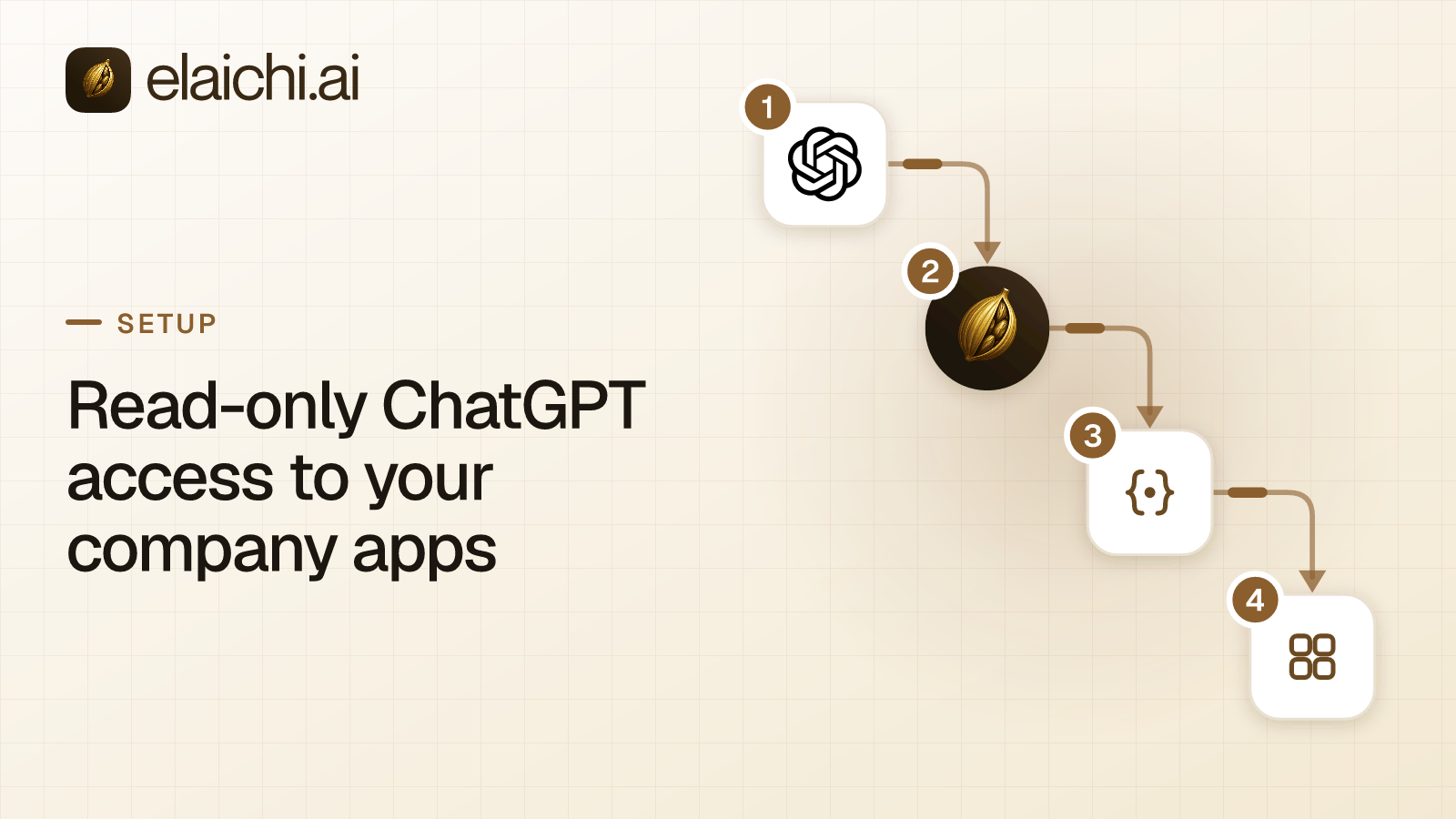
- Add Elaichi to ChatGPT or Claude. Use the address
https://api.elaichi.ai/mcp. In Claude on Pro or Max, use Customize, Connectors, Add custom connector (Anthropic help, checked November 2026). In ChatGPT Business, an admin adds it under Plugins. OpenAI says Pro connects read-only, which is enough to read loans, while adding a note needs ChatGPT Business, Enterprise or Claude (OpenAI help, checked November 2026).
Sign in to Elaichi when asked, approve, and ask the first question. The Encompass page lists every tool the AI can use.
Is this worth it for one processor?
It pays off when your day is reading across many loans. ICE says Encompass has tools for conditions, including a list of the templates that apply to a loan under your own rules (ICE Developer Connect, checked November 2026). The chat reads the same data, in one sentence.
If you only check one loan at a time, Encompass's own screens may be enough. The gain comes from the list questions and from mixing in email. Browse the 1000+ connectors for the rest of your stack.

 Add one link to your AI app
 ChatGPT
 Claude
 Cursor
 Microsoft Copilot