


What can a Cin7 MCP server for inventory planners answer?
Yes, inventory planners can ask Cin7 about cover and open orders in Claude. Connect Cin7 in Elaichi with an API username and key. Add https://api.elaichi.ai/mcp in Claude, ChatGPT, Cursor or Microsoft Copilot. Then hold the planning role to seven named read tools with a restriction on the role. The connector runs on the Cin7 Omni API.
A planner's day is questions with a number at the end. How many days of cover are left on this product? Which purchase orders are still open? What did the last branch transfer move? What goes into this assembly? MCP (Model Context Protocol) is the standard way an AI assistant calls tools in other apps, and Elaichi's Cin7 connector is one of 900+ behind that single address.
Which Cin7 tools answer cover, open purchase order and assembly questions?
Seven reads cover them:
- list_all_cin_7_products and get_single_cin_7_product_by_id for items
- list_all_cin_7_stocks for stock units by barcode, up to 250 rows a page
- list_all_cin_7_purchase_orders and get_single_cin_7_purchase_order_by_id for what is on order
- list_all_cin_7_branch_transfers for movement between branches
- list_all_cin_7_bom_masters for what an assembly consumes
Cin7 has no cover-days tool. The model works it out from stock on hand and the open purchase orders it reads, so ask it to show its figures. In Elaichi, connected tools are never listed one by one, however few there are, so the planner asks in plain words and the client finds the tool.
Whose Cin7 credential do planner questions run on?
One API connection's, whoever asks. Cin7 Omni sets API permissions per connection and roles per person, and its docs do not link the two (checked November 2026, Cin7 Omni API connection guide). Create a connection for planners with Read ticked on the resources above; the ops-team playbook for Cin7 walks through that outer wall.
The admin who holds the key shares the Elaichi connection with the planning team. A share goes to people or teams, never to a role, so the rule that narrows planners goes on the role they hold. Cin7 sees only the key, and Elaichi's audit log is the record of which planner asked.
Allow rule or block rules for the planner role?
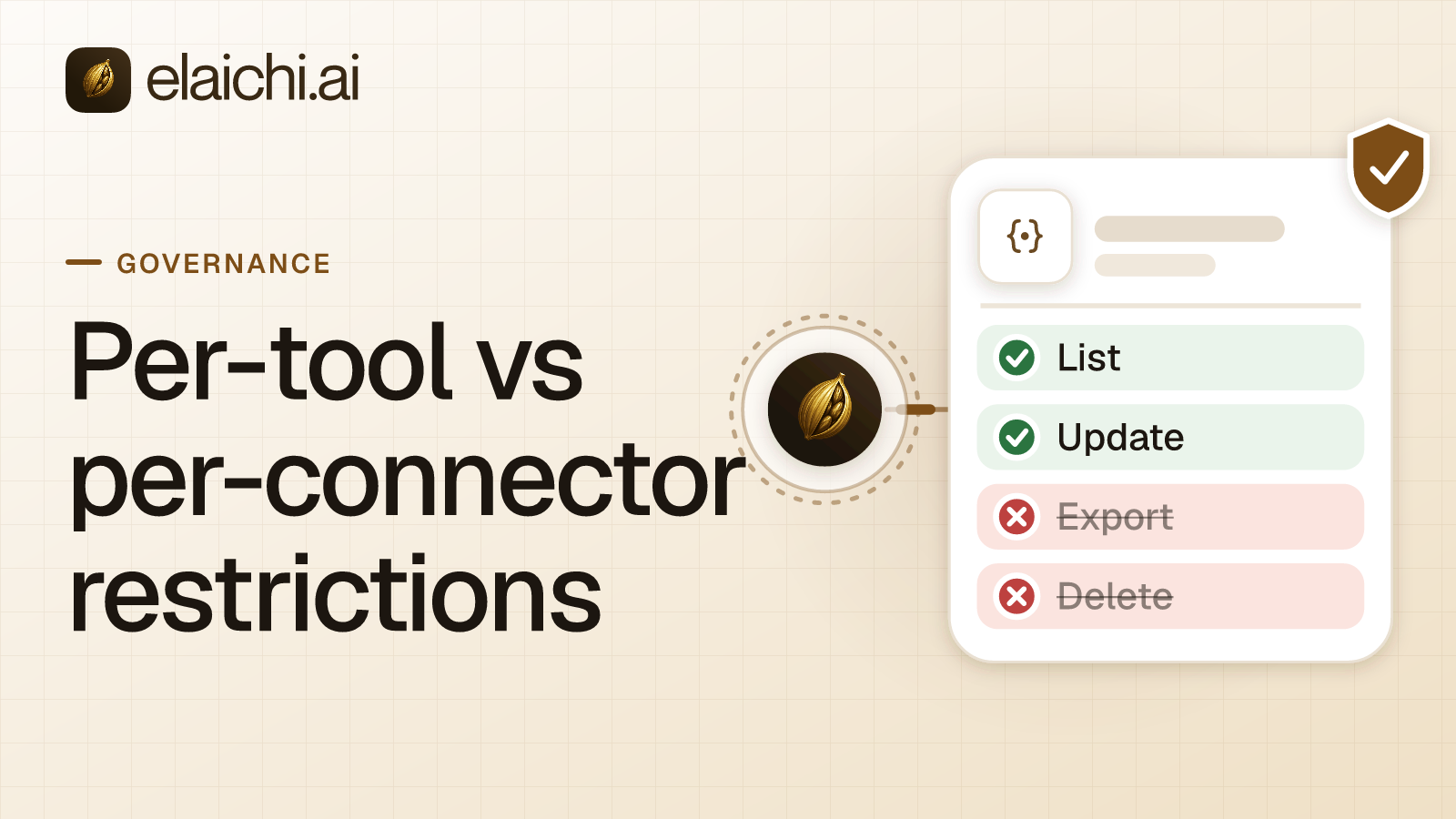
An allow rule. Two rules can hold a role to reads. One is an allow rule naming those reads, plus allow rules for every other app the role uses. The other is block rules naming every tool on the app that is not a read. Cin7 has 73 tools, and the non-read side includes payments, credit notes, adjustments, creates and a bulk update for nearly every record type. Seven names are easier to keep right than the long list.
The catch is that once a role carries any allow rule, every connector and tool none of its allow rules names is blocked for that role. A planner who also uses Slack or a spreadsheet app needs allow rules for those. In Elaichi, restriction targets are role or user only; the organization default is the absence of a rule, which means allow everything. The change takes effect within about two minutes. Restrictions and custom roles come with Gold and Black.
Which Cin7 tools stay away from planners?
Anything that moves money or rewrites stock. create_a_cin_7_payment, delete_a_cin_7_payment_by_id and create_a_cin_7_credit_note belong to finance. create_a_cin_7_adjustment and cin_7_adjustments_bulk_update rewrite on-hand figures. delete_a_cin_7_contact_by_id removes a customer or supplier record.
The names ending in bulk_update need a second look. None says delete, yet each takes a JSON array and can change many records in one call. An allow rule leaves all of them out without you listing them.
How does a purchasing role raise purchase orders?
Make a second role. Planners who only read keep the seven tools. A purchasing role gets the same seven plus create_a_cin_7_purchase_order, and only if the Cin7 connection ticks Create for purchase orders. Keep cin_7_purchase_orders_bulk_update off it, because that tool edits orders that already exist.
The ops playbook keeps creates restricted for an operations role, and that advice still holds there. A purchasing role is a different job. If a planner needs one order once, an access request lifts that single tool for that one person, and an admin decides it under Governance.
How do you check the planner role works?
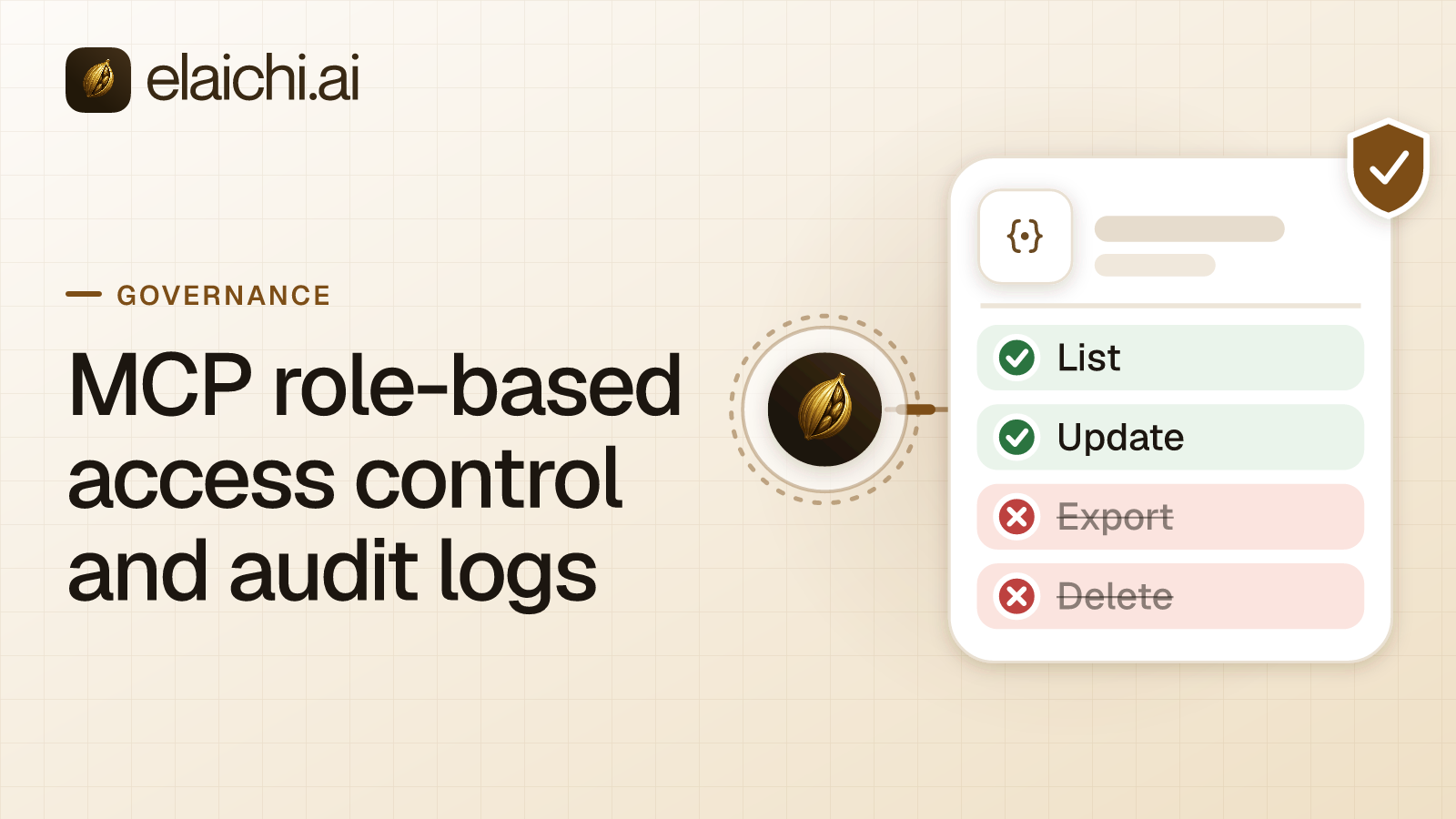
From a planner's own client, ask for stock on a product, then ask the client to record a payment. The stock answer should come back. A restricted tool is left out of the tools Elaichi offers a client and cannot be called. Search still names it, flagged restricted, with no schema. The audit log keeps one entry for each connected-tool call that reaches execution (a call refused earlier writes none), so it shows the first call and not the second. For history past the in-app window, export to your own Datadog comes with the Black plan. The role-based access and audit log guide explains the layers, and one tool against a whole app covers the rule choice.
Does a small Cin7 team need a restriction at all?
Not if one buyer uses Cin7 alone and no AI client reaches the account. Cin7 Omni roles cover that. A role's permissions apply to everyone who holds it, and editing the role updates all of them (checked November 2026, Cin7 Omni roles and permissions).
The restriction starts to pay off when planners, buyers and finance share the same API key through an AI client. Browse the full catalog or open the Cin7 connector page before you write a rule. Inventory management software logs and monitors stock quantities, orders, sales and deliveries (checked November 2026).

 Add one link to your AI app
 ChatGPT
 Claude
 Cursor
 Microsoft Copilot