


Why an operations team wants Cin7 Omni in Claude
Marcus Reed runs operations at a company that makes its own products and sells them wholesale and online. His mornings start with the same three questions. Which sales orders are still Processing or On Hold? What is available to sell at each branch after open orders? Which production jobs are due this week and not yet complete? Each answer sits in Cin7 Omni. Cin7 Omni in Claude turns those lookups into one chat, next to the supplier email he is already reading.
MCP (Model Context Protocol) is the standard way an AI assistant calls tools in other apps. Cin7 sells two products, Cin7 Core and Cin7 Omni, each with its own login (cin7.com, checked November 2026). This playbook is about Omni. An MCP server is not documented in Cin7 Omni's API documentation (api.cin7.com, checked November 2026). So the route from Claude to a live Omni account is a connector that calls that API.
Elaichi's cin7 connector is that connector, and its tool descriptions name the Cin7 Omni API. An operations lead needs a small slice of its tools. This playbook covers which slice, and how to keep the rest away from the model.
What the Cin7 Omni API connection decides first
The Cin7 Omni API connection is the outer wall, because every call through Elaichi uses its credentials. Cin7 Omni's API uses Basic Authentication over HTTPS, and its help center says you always need a username and a key (help.omni.cin7.com, checked November 2026). An administrator finds the API username under Settings, then Integrations & API, then API v1. Add New API Connection creates a connection with its own unique key.
Each connection then has its own Permissions screen. For each endpoint, which Cin7 calls a Resource, the administrator selects Create, Read, Update and/or Write (help.omni.cin7.com, checked November 2026). Tick Read on the resources the team reads, such as sales orders, products, stock and production jobs. Leave the other boxes empty. A call the connection has no permission for gets a 403 Forbidden from the Cin7 Omni API (api.cin7.com, checked November 2026).
Two details set the order of work. Cin7 Omni caps the number of API connections, and the error "Unable to create more than X API connections" means asking Cin7 Omni support for another. A lost key has to be replaced: the administrator selects Regenerate Key and swaps the new key in wherever the old one was used (help.omni.cin7.com, checked November 2026). Redo's Cin7 Omni setup guide adds that permissions are tied to the key generated with them (developers.redo.com, checked November 2026). So set the permissions first, then connect.
Which Cin7 tools answer stock, order and production questions?
Five list tools cover most of an operations morning. Each takes fields, where and order arguments and returns up to 250 rows a page.
list_all_cin_7_sales_ordersreturns each order's stage (New, Awaiting Payment, Declined, Dispatched, Processing or On Hold), status, estimated delivery date, dispatched date, tracking code and line items.list_all_cin_7_stocksreturns stock per product option and branch: stock on hand, open sales, available, incoming and holding. Available is stock on hand minus open sales.get_single_cin_7_stock_by_idlooks one stock unit up by barcode.list_all_cin_7_production_jobsreturns each job's reference, due date, completed date, approval flag, branch, notes and products, with standard and actual quantities.list_all_cin_7_productsreturns style code, name, status, category, brand and product options.list_all_cin_7_contactsreturns contacts with company, email, credit limit, balance owing and an on-hold flag.
Sales order rows also carry the customer's name, email and delivery address. That is personal data, so keep the read on roles that need it.
| Kind | Example tools | For the operations role |
|---|---|---|
| Order, stock and job reads | list_all_cin_7_sales_orders, list_all_cin_7_stocks, list_all_cin_7_production_jobs |
Allow |
| Catalog and contact reads | list_all_cin_7_products, list_all_cin_7_contacts |
Allow |
| Stock adjustments | create_a_cin_7_adjustment, cin_7_adjustments_bulk_update |
Restrict |
| Order and job writes | create_a_cin_7_sales_order, cin_7_sales_orders_bulk_update, create_a_cin_7_production_job, cin_7_production_jobs_bulk_update |
Restrict |
| Product writes | create_a_cin_7_product, cin_7_products_bulk_update |
Restrict |
| Deletes | delete_a_cin_7_contact_by_id, delete_a_cin_7_payment_by_id |
Restrict |
Which Cin7 writes should stay out of the model's reach?
Restrict the stock adjustments, the bulk updates, the creates, the carton update and the two deletes. Each one changes records other teams rely on, and one of them cannot be undone.
Stock adjustments come first. create_a_cin_7_adjustment and cin_7_adjustments_bulk_update write adjustments, each with a branch, an adjustment reason and line items. An adjustment exists to change a stock count, and every team that plans from stock reads that count.
Bulk updates need the most care. cin_7_sales_orders_bulk_update accepts an isVoid field, and its description says voiding an order "is irreversible". cin_7_products_bulk_update clears any field sent with an empty value and leaves a null field unchanged. Cin7's own reference says the same of its Products update endpoint (api.cin7.com, checked November 2026). A model that sends an empty string where it meant to skip a field wipes that field. The order, job, product and adjustment writes each take a JSON array, so one call can touch many records. update_a_cin_7_carton_by_id replaces the whole carton list on a sales order.
The two deletes remove a contact or a payment. The Cin7 Omni API lists DELETE endpoints only for contacts and payments (api.cin7.com, checked November 2026). Elaichi tiers both tools as destructive.
The creates are a judgment call. create_a_cin_7_sales_order and create_a_cin_7_production_job add records rather than change existing ones. Keep them restricted at first. If one planner needs them later, an access request can lift a single tool for that one person.
Writing the Cin7 rule on the operations role
One allow rule on the operations role gives Marcus's team the Cin7 reads and nothing else from Cin7. A restriction is a rule that names which connectors and which individual tools a target may reach. In Elaichi, restriction targets are role or user only; the organization default is the absence of a rule, which means allow everything. A member holds exactly one role, so the operations team needs a role of its own.
Name the read tools in the rule: the five list tools, get_single_cin_7_stock_by_id, and the single-record reads the team uses, such as get_single_cin_7_sales_order_by_id. The same rule, or a second allow rule on the role, must also name every other app the team uses, as whole connectors. In Elaichi, once a role carries any allow rule, every connector and tool none of its allow rules names is blocked for that role. A Slack or Gmail connector left off the list is lost to the role.
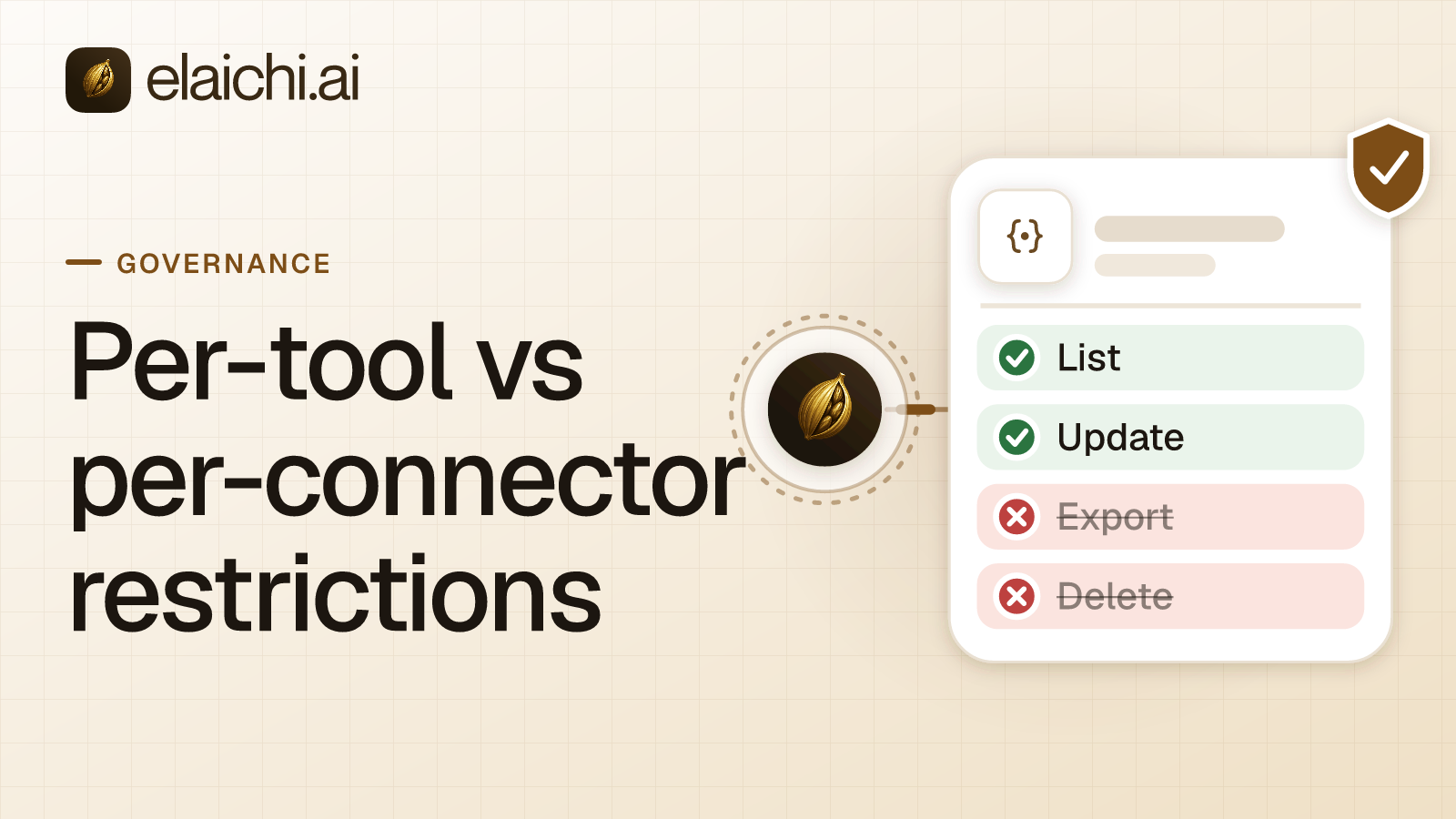
Then add block rules on the adjustment tools, the bulk-update tools, the create tools, update_a_cin_7_carton_by_id and the two deletes. Within a layer, a block always beats an allow. So if someone later widens the allow rule to all of Cin7, those tools stay restricted. A restriction change takes effect within about two minutes. Per-tool and per-app restrictions compares the two shapes of rule.
Sharing one Cin7 connection and adding it to Claude
An operations admin connects the cin7 connector once, with the credentials from the read-only API connection. They then share that connection with the team at use. A shared connection runs on its owner's credential, so every member's call reaches Cin7 Omni on the same key. In Elaichi, a call from an MCP client is recorded under the person who signed in, with surface mcp and the OAuth client named.
That shared key also means a shared budget. The Cin7 Omni API allows 3 calls per second, 60 per minute and 5000 per day (api.cin7.com, checked November 2026). Every member's calls count against it, and Cin7 answers HTTP 429 above it. Ask the model for filtered lists with where, not full exports.
Pick an owner who will stay. When an owner leaves, Elaichi's offboarding lists every connection they own, and an admin transfers it to another member.
Every organization uses one address: https://api.elaichi.ai/mcp. On Claude Team and Enterprise, an Owner adds it under Organization settings, then Connectors, then Add, then Custom, then Web. Members then connect it under Customize, then Connectors (support.claude.com, checked November 2026). Connecting Elaichi to Claude has the full setup.
Testing the Cin7 setup before rollout
Sign in from a test account on the operations role and ask Claude which sales orders are On Hold at one branch. The read should run. Then search for "sales order". The reads should come back runnable, while create_a_cin_7_sales_order and cin_7_sales_orders_bulk_update come back flagged restricted. A restricted tool is left out of the tools Elaichi offers a client and cannot be called. Search still names it, flagged restricted, with no schema.
Next, prove the outer wall with a harmless read, using a throwaway test member. Have that member request list_all_cin_7_payments, and approve it in the console under Governance, then Access requests. The grant lifts that one tool for that one person, and the role is not edited. Payments were left unticked on the Cin7 connection, so the call should fail with a 403 from Cin7. Remove the test member afterwards, which ends the grant.
Then read the audit trail. Elaichi writes one entry for each connected-tool call that reaches execution (a call refused earlier writes none). Each entry records the tool, the connection reached, the outcome and the client, plus the one path argument that names the object, as the target id, and nothing else about the arguments. A sales order id in a single-order read is recorded; the body of a write is not. What an AI audit log must capture lists what to check in those rows.
Where Cin7's own forecasting is the better fit
If the question is what to buy and when, Cin7's own AI may answer it without Claude. Cin7 says its ForesightAI forecasting is built into Cin7 Core and Cin7 Omni with no standalone setup, and predicts demand up to 24 months ahead (cin7.com, checked November 2026). Cin7 says its smart replenishment generates purchase orders and sets safety stock levels automatically. That needs no second vendor and no API connection.
Elaichi earns its place when the question crosses apps. Marcus's late order lives in Cin7 Omni, the supplier's delay is in email and the customer's complaint is in the help desk. With Elaichi, one endpoint serves Claude, ChatGPT, Cursor and Microsoft Copilot alike. One set of rules says what each role may reach, and one audit trail shows who asked what. The same read-first pattern for a different system is in Buildium for a property operations team. If one person only wants to try a few queries, a control plane may be more than you need. Browse the 900+ connectors for the rest of the stack.

 Add one link to your AI app
 ChatGPT
 Claude
 Cursor
 Microsoft Copilot