


Why an executive assistant wants iCloud calendars in Claude
Emily Carter runs operations at a 30-person design studio and keeps the founder's diary. Marcus Reed lives in Apple Calendar, so his week sits in iCloud. Emily's questions repeat every morning. Is Marcus free Tuesday afternoon? What is on his calendar the week of the offsite? Can the vendor call go in? Once you connect Apple Calendar to Claude, those answers land in the chat where she is already drafting the reply.
MCP (Model Context Protocol) is the standard way an AI assistant calls tools in other apps. An MCP server for iCloud Calendar is not documented in Apple's support pages (support.apple.com, checked November 2026). The open route is CalDAV, the calendar standard defined in RFC 4791 for reading, managing and sharing calendars over the web (checked November 2026).
Elaichi's apple-calendar connector calls iCloud over CalDAV. It reads, creates, updates and deletes events, and can delete a whole calendar. Emily needs a small part of that, on one calendar.
What does the Apple Calendar connection sign in with?
The Apple Calendar connection signs in with an Apple ID email and an app-specific password, not with OAuth. Its form says not to use the regular Apple ID password.
App-specific passwords let a person sign in to their Apple Account in apps made by other developers. The app can then reach mail, contacts and calendars in iCloud (support.apple.com, checked November 2026). Creating one needs two-factor authentication. Marcus creates it at account.apple.com, under Sign-In and Security, then App-Specific Passwords. Apple says two-factor authentication is already the default for most accounts (support.apple.com, checked November 2026).
Apple says an app-specific password reaches mail and contacts as well as calendars (checked November 2026). Treat it like a key, and name it for this connection so it can be revoked alone. An account can hold up to 25 active app-specific passwords.
If Marcus changes or resets his Apple Account password, Apple revokes every app-specific password automatically. The connection stays signed out until he creates a new one and reconnects.
Whose calendars does one connection reach?
One connection is one Apple Account. When the account connects, the connector finds and stores its iCloud account number, so no tool asks for a user id afterward. Every call then reaches the calendars of that one account.
So Marcus connects his own Apple Account, and Emily works through it. In Elaichi, every call through a connection runs on that connection's credential, whoever is calling. Marcus's connection reaches iCloud as Marcus. Shared whole, that connection would also reach his other calendars and both delete tools.
Marcus therefore keeps the connection private and shares a toolbox instead. A toolbox is a named list of tools, each one pinned to a connected account. Emily gets the toolbox at use, which lets her run its tools and nothing more.
Which Apple Calendar tools belong in the assistant's toolbox?
Three tools cover Emily's day: list events, read one event, and create an event.
| Kind | Tools | For Emily |
|---|---|---|
| Calendar reads | list_all_apple_calendar_calendars, get_single_apple_calendar_calendar_by_id |
Marcus only |
| Event reads | list_all_apple_calendar_events, get_single_apple_calendar_event_by_id |
In the toolbox |
| Event create | create_a_apple_calendar_event |
In the toolbox |
| Event update | update_a_apple_calendar_event_by_id |
Left out |
| Calendar create and update | create_a_apple_calendar_calendar, update_a_apple_calendar_calendar_by_id |
Left out |
| Deletes | delete_a_apple_calendar_event_by_id, delete_a_apple_calendar_calendar_by_id |
Restricted |
list_all_apple_calendar_calendars returns each calendar's name, color and description, and each calendar's href ends in its id. The event tools take that id as calendar_id. Marcus runs the list once to find the id of his Work calendar.
Updates need their own caution. update_a_apple_calendar_event_by_id replaces the event's whole iCalendar text, because iCloud has no partial update. A model that sends back a partial event loses whatever it left out. The tool's description adds that iCloud treats an update to an id that does not exist as a create. A wrong id makes a second event rather than an error. Keep moves in the Calendar app.
How do you hold the assistant to one calendar?
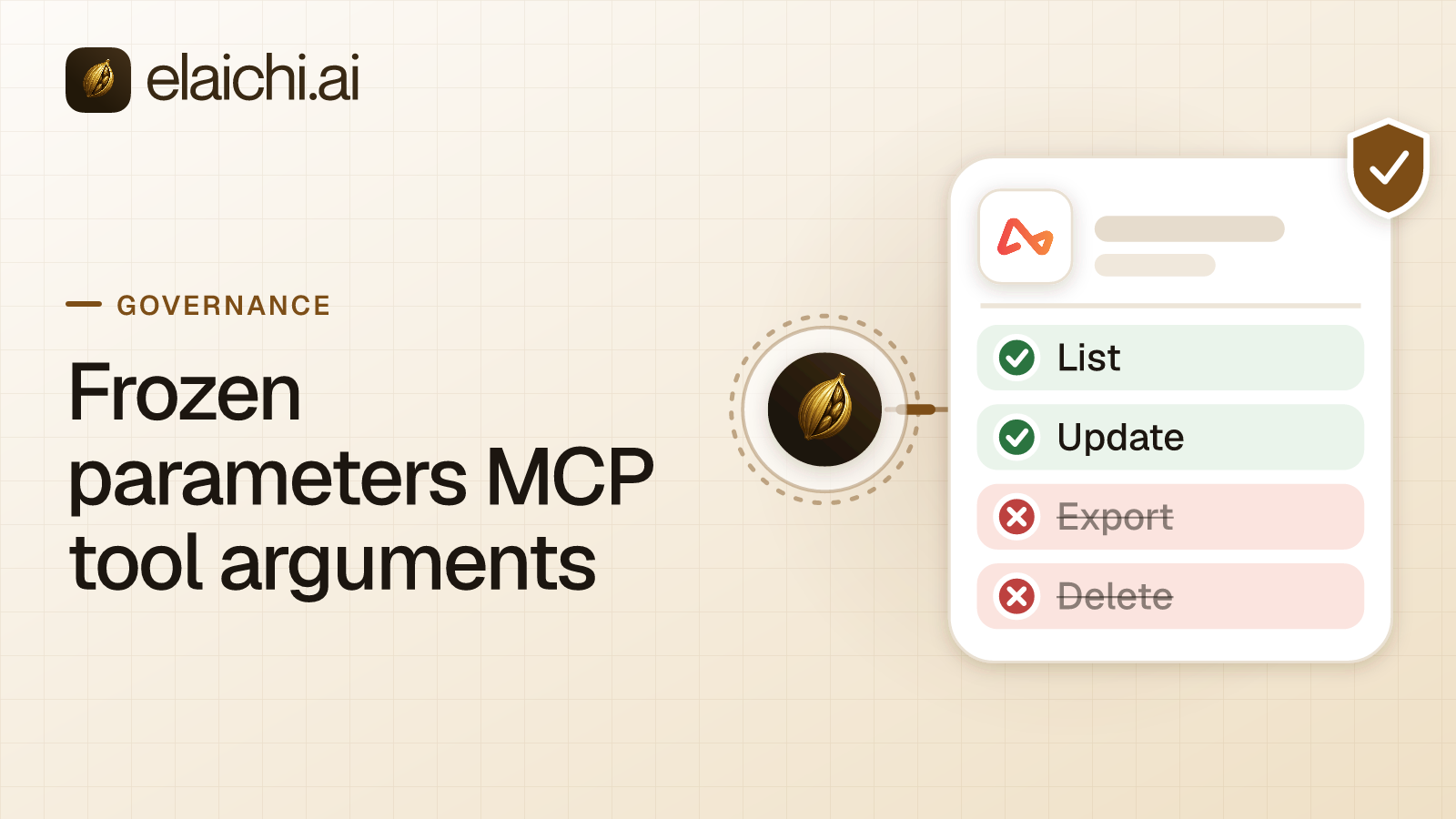
Freeze the calendar id in the toolbox, then share the toolbox, not the connection. Marcus adds the two event reads and the event create as entries pinned to his connection, with calendar_id frozen to the Work calendar.
A frozen argument is removed from what the client can set. At execution, Elaichi merges the frozen value over whatever the model sends. Frozen values are locked: the AI client can see that they are set, and often what they are, but cannot change them.
The sharing choice is what makes the freeze hold. In Elaichi, a freeze binds only calls made through its toolbox entry, so share the toolbox with the people it governs, not the connection itself. If Marcus also shared the connection with Emily, she would reach the same tools without the freeze, his other calendars included. Running tools through the toolbox never gives Emily her own reach to the connection. She cannot open it or share it.
When Emily moves on, Marcus revokes the toolbox share. In Elaichi, revoking a share or disconnecting an account takes effect on the caller's next call. Revoking the app-specific password on Apple's side is the second switch, and it stops the connection for everyone.
Restricting the calendar delete before anyone needs it
Put a block rule on delete_a_apple_calendar_calendar_by_id before rollout. The tool's description says it deletes a calendar and all its events, and that the operation is irreversible. Apple's guide agrees on the reach: deleting a calendar deletes its events, on every device with Calendars turned on in iCloud (support.apple.com, checked November 2026).
Recovery has a cost. iCloud can restore calendars from an automatically archived version, but restoring removes all sharing information (support.apple.com, checked November 2026). Every calendar Marcus shares has to be shared again.
A restriction is a rule naming which connectors and which individual tools a target may reach. In Elaichi, restriction targets are role or user only; the organization default is the absence of a rule, which means allow everything. Emily's role gets block rules on both delete tools. Marcus gets a block on the calendar delete, as one member. Block rules alone suit a small team. In Elaichi, a layer with only block rules has no allowlist, so everything it does not block passes it. So the role keeps every other connector it already reaches. A restriction change takes effect within about two minutes. Per-tool versus per-app restrictions compares the two shapes.
If Emily later needs to cancel events, two things change. Marcus adds the event delete to the toolbox, and Emily files an access request for it. An admin approves it in the console, under Governance, then Access requests. The grant lifts that one tool for that one person, and the role is not edited.
Getting times and event text right for iCloud
The event tools speak iCalendar text and UTC, so most mistakes are time zone mistakes. list_all_apple_calendar_events takes start and end in UTC, written as YYYYMMDDTHHMMSSZ. Emily works in New York. "Tuesday, December 1, after 2:00 p.m." becomes a start of 20261201T190000Z. With no start and end, the tool returns every event in the calendar, and its limit argument is ignored. Always give a range.
Recurring events come back expanded, one entry per occurrence in the range. The tool's description says iCloud returns at most about 50 occurrences per recurring event, so ask about weeks, not quarters.
Creating an event takes the whole event as iCalendar text, with UTC times. The event_id must be a new UUID that matches the event's UID line. If an event with that id already exists, Apple returns 412 and nothing is overwritten. Every event Emily creates is written under Marcus's Apple Account, on the frozen Work calendar.
How to connect Apple Calendar to Claude and check it
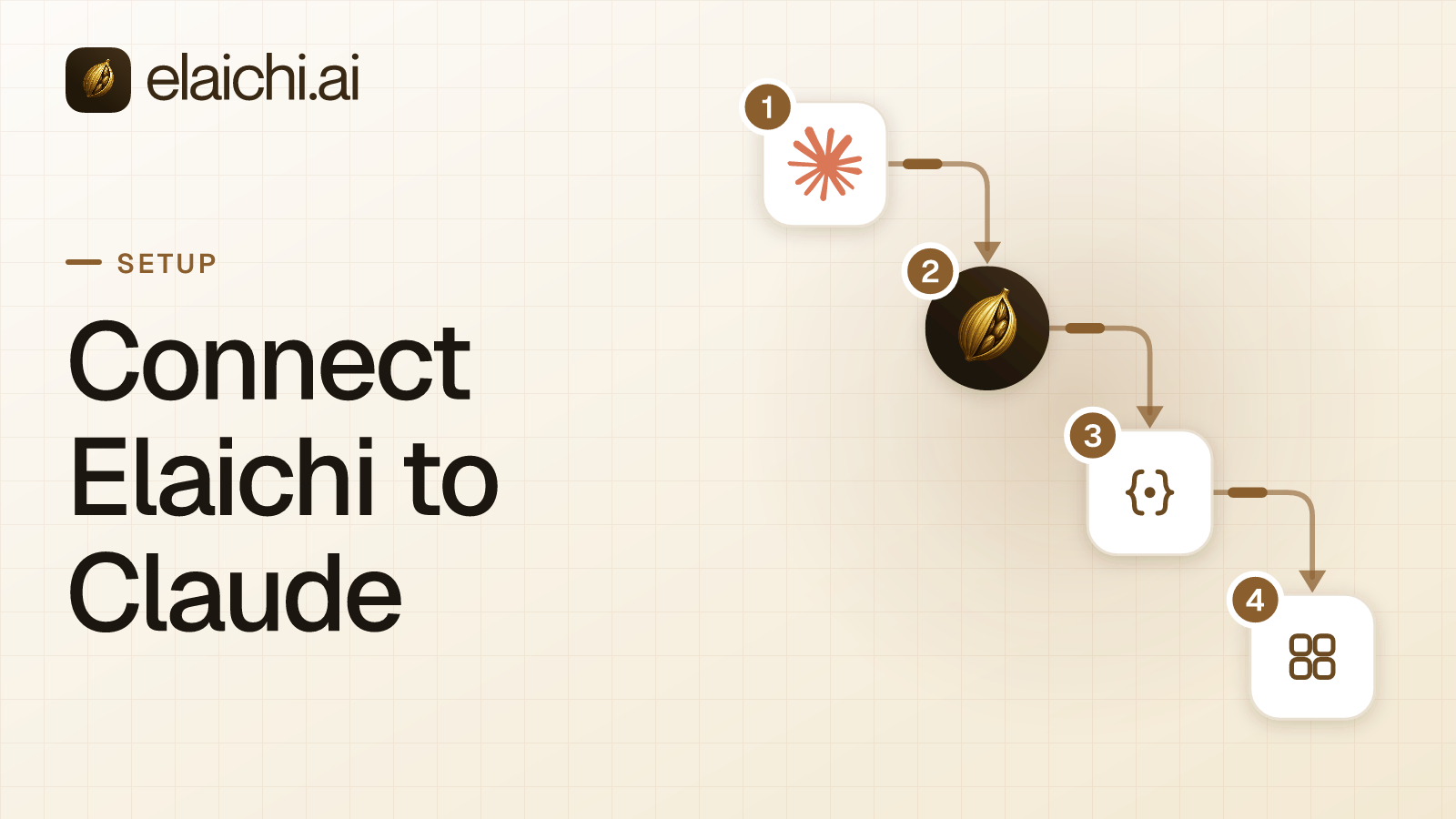
The last step to connect Apple Calendar to Claude happens in Claude. Add https://api.elaichi.ai/mcp as a custom connector, then have Emily sign in to Elaichi as herself. That sign-in is an OAuth grant, the sign-in that ties her Elaichi identity to that client, and it is separate from the Apple credential. The Apple credential sits in Elaichi's separate credential service, encrypted at rest. Connecting Elaichi to Claude walks through each Claude plan.
In Elaichi, connected tools are never listed one by one, however few there are. Claude finds the calendar tools through search_tools and runs them through read_tool or execute_tool. Emily's default consent choice, "Everything I can use", already reaches toolboxes shared with her. From her account, the only Apple Calendar tools should be the toolbox's three, and a request for next Tuesday should run. Then search for "delete calendar" from Marcus's account. A restricted tool is left out of the tools Elaichi offers a client and cannot be called. Search still names it, flagged restricted, with no schema.
Next, create a test event as Emily and read the audit log, Elaichi's record of tool calls. Elaichi writes one entry for each connected-tool call that reaches execution (a call refused earlier writes none). Each entry records the tool, the connection reached, the outcome and the client, plus the one path argument that names the object, as the target id, and nothing else about the arguments. In Elaichi, a call from an MCP client is recorded under the person who signed in, with surface mcp and the OAuth client named. Emily's test event shows under Emily, on Marcus's connection. What an AI audit log must capture lists what to check in those rows.
When Apple's own calendar sharing is enough
If Emily only needs to see and edit Marcus's work calendar, Apple already does that without AI. On iCloud.com, the owner shares a calendar privately with someone who has an Apple Account and uses iCloud. The owner picks Allow editing, which covers creating, editing and deleting events, or Read-Only (support.apple.com, checked November 2026). For people outside iCloud, a public calendar is a read-only link anyone can subscribe to (support.apple.com, checked November 2026).
Apple's sharing is per calendar and needs no second vendor. The trade-off is that Allow editing includes deletes, and nothing in it answers a question in Claude.
Elaichi earns its place when the question crosses apps. Emily's answer about Tuesday often needs the email thread too. With Elaichi, one endpoint serves Claude, ChatGPT, Cursor and Microsoft Copilot alike. One set of rules says what each role may reach, and one audit trail shows who asked what. Teams on Google calendars can follow the same pattern in Gmail and Google Calendar for ChatGPT. If one person only wants to try a few questions on their own calendar, you may not need a control plane yet. Browse the 900+ connectors for the rest of the stack.


 Add one link to your AI app
 ChatGPT
 Claude
 Cursor
 Microsoft Copilot