Why the destination account is not the model's decision
A finance analyst opens Claude and asks it to run this week's supplier payouts. The payout tool takes four arguments: a source account, a payee, an amount and a currency. Three of those are the analyst's to decide. The source account is not. It was settled once, by the controller, and a language model should not re-decide it on a Tuesday.
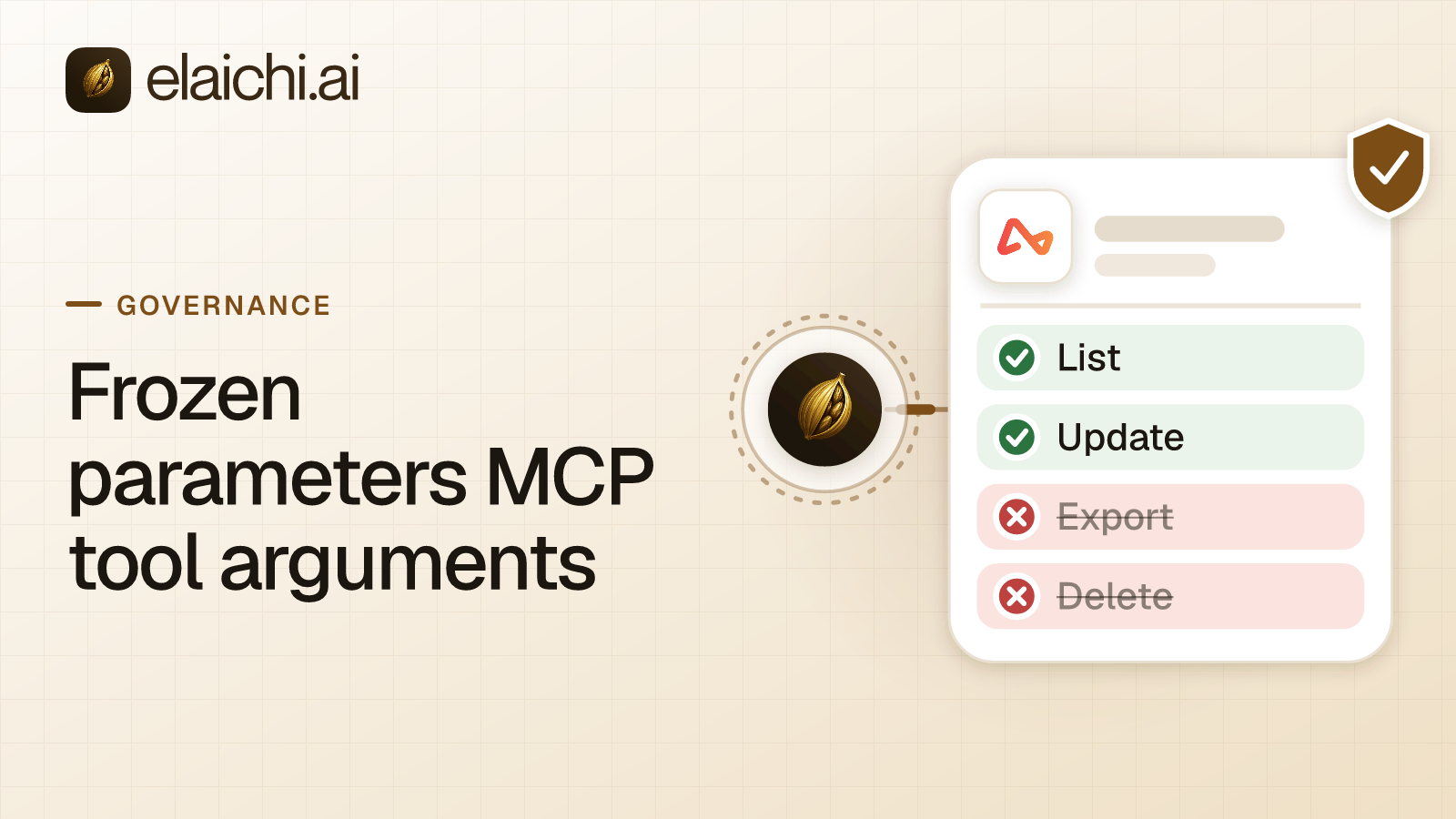
Frozen parameters MCP tool arguments are the control for that case. MCP is the protocol an AI client uses to discover and call tools over one endpoint, which is a single network address that serves those calls. A frozen parameter is a value an admin pins onto one tool inside a toolbox, and a toolbox is a named set of tools assembled once and shared with people. The model composes the call. The admin composes the part of the call nobody gets to argue about.
The example below is a payments one, because money is where a wrong argument is expensive. The mechanism is identical on a CRM owner field, a support macro or a reporting workspace id.
How do frozen parameters MCP tool arguments work?
A frozen parameter in Elaichi is a per-entry map over a tool's flattened argument space. It does two things. Frozen keys are stripped from the schema advertised to the AI client, and frozen values are merged over caller arguments at execution. Both halves of that definition carry weight.
Per-entry means the pin belongs to one toolbox entry, not to the tool in the abstract. An entry pairs one tool with one connection, and a connection is one connected account of one app. The same payout tool can appear twice in an organization: once in a sandbox toolbox with a test account pinned in, once in a payables toolbox with the production account pinned in. Freezing is a property of the pairing, so the two never contaminate each other.
Flattened means every argument is addressable by its dot path, however deep it sits. currency can be frozen. So can source.account_id, and so can a field three levels down inside a nested object. That matters, because payment payloads nest and the account identifier is rarely at the top level.
Why the model never sees the frozen key
Because frozen keys are stripped from the advertised schema. The advertised schema is the argument shape the endpoint hands a client when the client lists tools. If source.account_id is frozen, it is not in that shape. The model is not told the field exists, is not asked to fill it, and has nothing to reason about.
That removes a second, duller failure as well. A model handed an optional field it cannot derive from the conversation will either invent a value or stop and ask the user for one. Both are bad outcomes on a payout. Stripping the key leaves only the inputs the caller can actually supply.
Stripping survives tool collapse. Past a threshold of 30 tools, counted across control-plane operations and connected tools together, the connected tools collapse behind two meta-tools, search_tools and execute_tool. The control-plane catalog alone is dozens of operations, so one connected app is normally enough to cross the line. Collapse is the ordinary case, not an edge case. search_tools returns the same stripped schema. execute_tool is only a naming indirection: it unwraps to the same tool name and the same arguments, and falls through the identical gates.
Collapse also changes how the tool gets found. Ranking is purely lexical over tool name, description and connector label. The word frozen is dropped from description tokens, because it is scaffolding present on every frozen tool, while the pinned values themselves stay scorable on purpose. The reasoning behind that, including the relevance floor, is in how the tool search is scored.
What wins at execution: defaults, caller arguments, frozen values
The precedence chain is short and runs in one direction:
entry defaults < caller/model args < frozen params
Entry defaults are conveniences. An admin sets currency to USD so nobody has to type it on every call. The caller may change it, and being changeable is the whole point of a default.
Caller and model arguments are whatever arrives in the JSON-RPC call. They beat defaults. They carry the analyst's actual request as the model expressed it.
Frozen parameters are applied last and win outright. Here is one payout call resolved against all three layers:
| Argument | Entry default | Model sent | Frozen | Executed |
|---|---|---|---|---|
currency |
USD |
EUR |
none | EUR |
payee_id |
none | pye_8841 |
none | pye_8841 |
source.account_id |
none | acct_treasury |
acct_payables |
acct_payables |
memo |
Supplier run |
none | none | Supplier run |
Read the last row for the default case: nobody overrode it, so it stands. Read the third row for the frozen case. Something in the model's context asked for the treasury account. A user may have typed it, or it may have arrived inside a document the model read. The model can emit a key the schema never advertised. The frozen value is merged over it, and acct_payables is what leaves the system. Passing the key cannot un-freeze it. The instruction can be written, and it cannot take effect. The same resolution runs on the fully-substituted outbound URL, so a key that lands in a path segment is covered as well as one in a body.
How to pin the payee account on a payments connector
Work in this order, because each step assumes the one before it. The example uses a payments connector such as Airwallex; pick whichever of the 450+ connectors your finance team actually runs.
- Connect the account once, as an organization connection rather than a personal one. Credentials do not live in Elaichi. A separate credential service holds per-account secrets, encrypted at rest with AES-256-GCM, and owns token refresh. A failed refresh marks the connection
needs_reauthinstead of failing quietly. - Create the toolbox entry by pairing the payout tool with that connection. This is the object the freeze attaches to.
- Freeze the keys that are policy rather than input. Write them as dot paths, exactly as they appear in the flattened argument space. Leave amount, payee and memo alone, because those are the analyst's job.
- Share the toolbox with the finance team. Sharing is one primitive: a grant of view, use or edit on a resource to a user, a team or the whole organization. A member sees only what they own or what was explicitly shared with them.
- List tools from a real client and read the schema back. The frozen key should be absent, not present with a value. If you can still see it, the freeze is on a different path than the one the tool uses.
- Close the paths that do not run through the entry. A restriction decides which connectors and individual tools a target may reach. Targets are role or user only, and the organization default is the absence of any rule, which allows everything. A block matches on the tool name or the pinned operation, while an allow matches on the pinned operation only, for the reason set out in why a block catches a renamed tool. Restriction and role changes take effect within about two minutes.
- Run one real payout and open the audit log. Confirm the entry names the connection you pinned.
When freezing an argument makes the tool worse
A frozen parameter buys certainty by removing range. That is the trade-off, and it is easy to overpay.
Freeze the destination account and the entry can only ever pay that account. For one clearing account and a fixed currency, that is exactly right. For an operations team routing payouts to sixty regional accounts, it is wrong. Sixty pinned entries is sixty near-identical tools competing in a lexical ranking, and the model has to pick between them on name and description alone. Leave the destination unfrozen in that case, restrict the operation to the roles that should hold it, and read the audit trail.
There is a second case where a frozen parameter is the wrong answer. If nobody should ever run payouts from an assistant, do not pin the source account. Block the operation. A pinned argument on a tool that should not be reachable at all is a decision made one layer too late.
What freezing an argument does not do
It does not make the endpoint safe against prompt injection. The prompt-injection write gate lives in the Elaichi agent window and does not apply to a raw tool call. Freezing removes one argument from the set an injected instruction can influence. It does not stop the model from calling a tool it is permitted to call. What does hold on the endpoint is role-based permissions per operation, the forbidden classification, output redaction, OAuth scope limits and full audit logging.
It does not replace a restriction. Frozen parameters bind an entry. Restrictions bind a target, which is a role or a user, and decide reachability at browse, connect, advertise and execute, plus a final check on the fully substituted outbound URL. If a member has connected their own account to the same app, calls through that account are not calls through your entry. Use both controls, and treat the entry as the shape of the call rather than the gate on it.
What the audit log shows after a pinned call
It shows that the call happened and which account it reached, not what was in the payload. Elaichi writes one entry per tool-call attempt, succeeded or failed, and both name the account. The recorded connection is the one actually reached, taken from the execution rather than from the intent, which is the first thing you want after an unexpected change.
Each entry records the operation and tool, the connection, the classification, whether it was approved, the outcome and an error code. Argument names and counts are logged. Argument values never are. So the log answers which account the agent paid from through the connection field, and does not answer what string sat in the body. Whether an AI took the action is recorded rather than guessed: actor_kind is a field, and ai_assistant is one of its values.
On a failure, two error strings exist. The one returned to the caller is derived from the third party's response body. The one written to the audit trail is never derived from the request or the response, because audit records are organization-visible and can be forwarded to a customer's own destination. A remote error body does not leave through the log pipe.
What happens to a pinned entry when somebody leaves
Removal and suspension revoke every live grant in the same transaction as the membership change, and revoked_at is re-read on every call. For those two actions, the next call is the accurate answer. A role change or a restriction change is different: it resolves through a 60-second cache plus edge propagation, so allow about two minutes.
If the departing member owned a personal connection referenced by a toolbox entry, the offboarding preflight refuses the removal until that connection is resolved. Transfer it to the organization, a team or another member, or delete it. A private connection is not transferable at all, because a credential only its owner could use does not become somebody else's when its owner leaves. Delegated toolbox entries surface as a non-blocking warning, and re-pinning is the fix. The contractor version of the same sequence is in what to do the day access ends.
When you do not need frozen parameters
If every argument on a tool is genuinely the caller's business, freezing is configuration that buys nothing. A team of six with one payments account, one workspace and read-heavy tools gets most of the value from the audit trail alone. The same holds early in a rollout, while the list of connected apps is still short enough to keep in your head. The wider version of that argument is in the case for waiting on a gateway.
There is also the case where the routing logic already exists somewhere else. If an internal service already picks the payout account from rules your team maintains in code, point the connector at that service and let it decide. You then own and run that service, which is a real cost; the shape of that bill is in self-hosted versus managed.
Where frozen parameters sit next to the other controls
Frozen parameters are the narrowest control in the stack, and they answer a different question from the layers above them. Permissions decide which actions a member may take, with exactly one role per member. Resource sharing decides what a member can see at all. Restrictions decide which connectors and tools a role or user may reach. Frozen parameters decide what a permitted call must contain.
That ordering is why the payment case works. The analyst keeps the tool. The controller keeps the account. Neither has to trust the model's judgment about which ledger the money leaves from.
For how the same layering plays out on a revenue team, read the Salesforce rollout walkthrough. More on roles, restrictions and the trail afterwards sits under governance, and the per-team sequences are under team playbooks. To see which apps you can pin arguments on, browse the connector catalog or the team use cases.