Docker MCP Gateway vs a managed MCP platform: which fits a whole company?
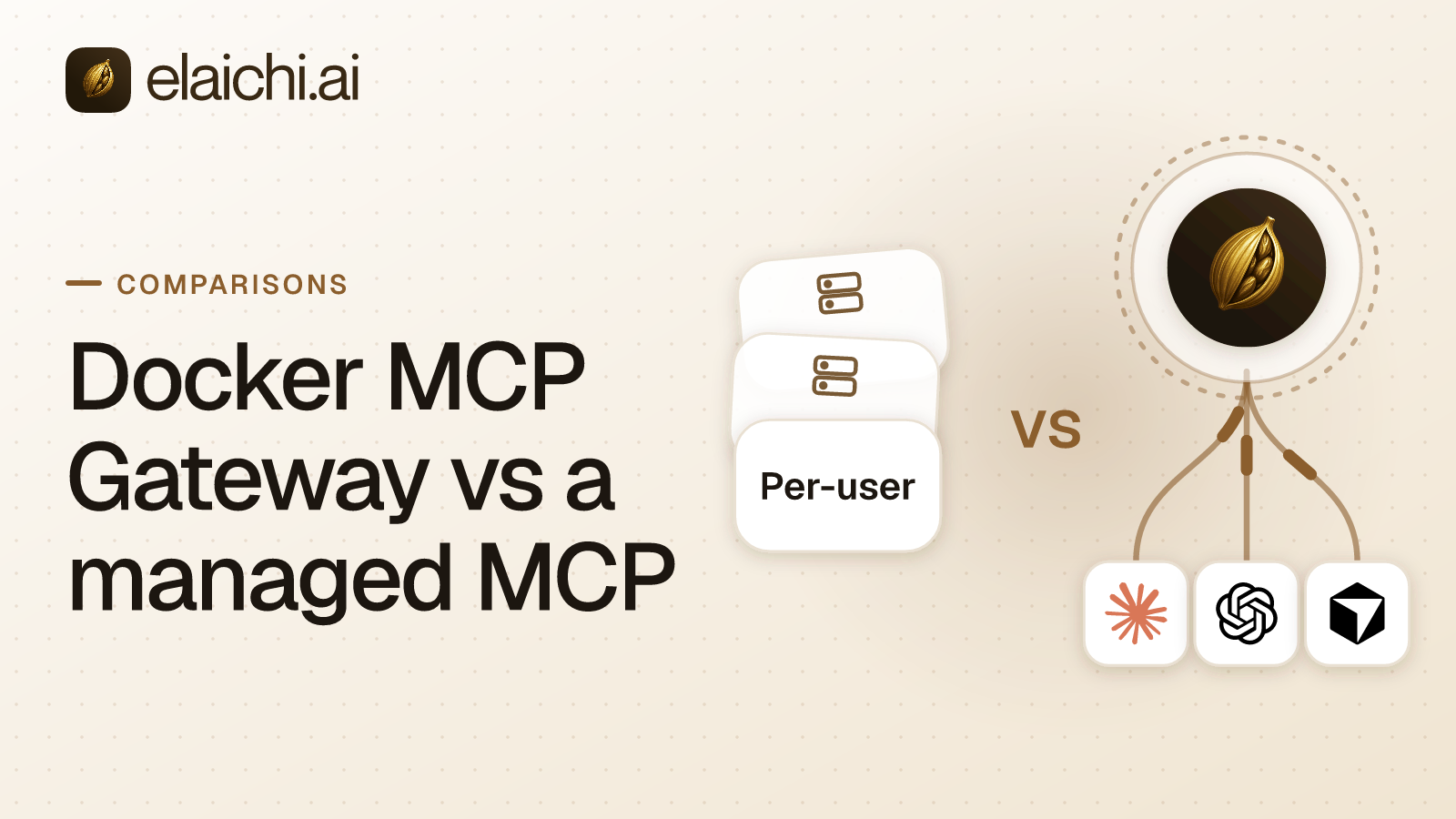
Docker MCP Gateway vs a managed MCP platform comes down to who runs the servers. Docker's gateway runs MCP servers as containers on a machine you operate, usually a developer's laptop. A managed MCP platform such as Elaichi serves the connectors itself, so staff in support, finance and sales connect an AI client and sign in.
The request usually starts in engineering. A few developers switched on Docker's MCP Toolkit and gave Cursor a GitHub tool. It worked, so IT is asked whether the same setup can serve the whole company. MCP (Model Context Protocol) is the standard way an AI assistant calls tools in other apps. The answer turns on whether the people asking can run containers, and whether you need one record of every call.
What is Docker's MCP Gateway, in Docker's own words?
It is an open source proxy that starts MCP servers in containers and routes client requests to them. Docker's MCP Gateway page (checked October 2026) describes it as a centralized proxy that manages configuration, credentials and access control.
Three parts work together, per Docker's MCP Catalog and Toolkit overview (checked October 2026). The MCP Catalog lists 300+ verified servers packaged as container images. The MCP Toolkit is the Docker Desktop interface for adding servers and connecting clients. Underneath, the gateway starts a server's container when a tool is called, injects credentials and forwards the request.
The code is MIT-licensed in the docker/mcp-gateway repository. Docker's profiles page marks profiles as Early Access on Docker Desktop 4.63 or later, and the Toolkit and Catalog as Beta (both checked October 2026).
Where does Docker's gateway run, and who keeps it running?
It runs wherever Docker runs, and someone on your side operates it. With the MCP Toolkit enabled, it runs in the background in Docker Desktop. On Docker Engine alone, you install the binary yourself (MCP Gateway docs, checked October 2026).
The default transport is stdio, which is local to the client that launched the gateway. Docker's gateway guide on GitHub also shows it under Docker Compose, serving several clients over HTTP on any Docker engine. Per Docker's security model, those HTTP requests need a Bearer token by default, set in an environment variable or generated (both checked October 2026).
So a company gets two shapes: a gateway on each laptop, or a shared one on a server. The first means one configuration per machine. The second means one token that every client presents.
How does Docker's gateway handle secrets and OAuth?
Credentials stay with the Docker installation that runs the gateway. API keys go into Docker Desktop's secrets store, or a local .env file as a fallback. Docker's security model says each server receives only the secrets it declares (checked October 2026).
For apps such as GitHub and Notion, the MCP Toolkit runs OAuth in the browser. It lists authorized services in an OAuth tab, where each one can be revoked. Docker's profiles page adds two details that matter for a rollout (both checked October 2026). OAuth credentials are shared across all profiles, so a second account means revoking and authorizing again. And a pushed profile carries no credentials, so each teammate configures OAuth after pulling it.
So each person authorizes each service in their own Docker installation, on whichever machine they use.
What do profiles, tool filters and call logs give an admin?
They give a developer, or a team sharing a profile, control over which tools are offered. A profile is a named set of servers whose Tools tab can switch single tools on or off. Teammates can pull a profile from an OCI registry (MCP Profiles, checked October 2026).
A custom catalog narrows Docker's list to approved servers and can add private ones (MCP Catalog, checked October 2026). Per the MCP Toolkit page, each tool runs in its own container, capped at 1 CPU and 2 GB of memory, with no host files unless the user grants a mount.
Call logging and secret blocking are on by default. Per Docker's security model, the call log holds the tool name and the shape of its arguments, never raw values. Docker's gateway page also says the gateway as part of Docker AI Governance is invite-only, through Docker Sales (all checked October 2026). Ask Docker what it adds.
What does a company-wide rollout to non-engineers need?
It needs one address, a personal sign-in, nothing to run, and rules an admin sets once. Here is how Elaichi meets each need for Claude, ChatGPT, Cursor, any MCP client, and the Elaichi Agent.
- One URL per organization. Every client connects to
https://api.elaichi.ai/mcp, standard MCP over Streamable HTTP. The client registers itself through OAuth, so nobody types a client ID, secret or token. - A personal sign-in. Each member connects once and signs in with their own OAuth grant, an access approval that belongs to that person.
- Connectors, not containers. Elaichi authors, maintains and serves 500+ connectors from its own infrastructure. A separate credential service holds account secrets, encrypted with AES-256-GCM, and owns token refresh.
- Roles and restrictions. Each member holds exactly one role. Restrictions decide which connectors and which individual tools a target may reach, for a role or one user. A change takes effect within about two minutes.
- Frozen parameters. An admin can fix an argument so the model never sees or changes it. Note that a freeze binds only calls made through its toolbox entry, so share the toolbox with the people it governs, not the connection itself.
- One audit log. It keeps one entry per tool-call attempt, succeeded or failed. Each entry names the account reached and the AI client used, and stores argument names and counts, and never argument values.
- Offboarding. Removal or suspension ends access on the next call. In Elaichi, removing or suspending a member revokes every live grant in the same transaction as the membership change.
- Region. Pick
eu,usorapacwhen the organization is created. The data store and connector credentials stay in that region, and every request runs there.
A restricted tool is invisible, so the model never tries it. Frozen arguments on a payment tool show the freeze in practice.
How do Docker's gateway and Elaichi compare, row by row?
Docker's gateway gives developers control of local runtimes; Elaichi gives admins control of company-wide access. The Docker column comes from Docker's documentation and its GitHub repository, both checked October 2026.
| Question | Docker MCP Gateway | Elaichi |
|---|---|---|
| Who operates it | You: Docker Desktop on each machine, or Docker Engine on a server | Elaichi; no server on your side |
| Who writes the code | Docker, partners and contributors through its catalog, plus your private servers | Elaichi authors 500+ connectors |
| How clients connect | Client config that launches the gateway over stdio, or HTTP with a Bearer token | One URL; each person signs in with OAuth |
| Credentials | Docker Desktop secrets or .env; OAuth through the Toolkit, shared across profiles |
Separate credential service, AES-256-GCM, owns refresh |
| Tool control | Enable or disable tools per profile; custom catalogs | Restrictions per role or user, per connector and tool; frozen parameters |
| The record | Call log of tool name and argument shape, on by default | One audit log per organization, naming the account and client |
| A leaver | A question to ask Docker | Access ends on the next call |
| Isolation | A container per tool, CPU and memory caps, no host files by default | Elaichi serves connectors from its own infrastructure |
| Location | Wherever you run Docker | eu, us or apac, chosen at creation |
Managed MCP connectors vs open-source MCP servers: what changes for a company?
The difference is who writes, runs and repairs the code. With Docker's catalog, the code comes from many authors and your side runs it. With managed connectors, one vendor writes, runs and repairs them.
Docker's MCP Catalog holds Docker-built local servers, partner servers, and remote servers that run on the provider's infrastructure (checked October 2026). New servers are submitted through Docker's public registry repository on GitHub. That breadth is its strength.
Three things move for a company. Upkeep: an app's API change becomes the connector author's work, not your deploy. Rules: Elaichi pins each rule to the underlying operation, so renaming a tool does not slip it past a restriction. Record: every call lands in one audit log with one shape, whichever connector made it. The trade is that Elaichi, not you, fixes the connectors it authors. You can fork one as a custom connector if you need your own change. Registries and first-party connectors are compared in more depth elsewhere.
Is there a hosted MCP service for all our business apps, so we run nothing?
Yes, and that is the job a managed MCP platform does. Elaichi serves 500+ connectors from its own infrastructure, so there is no server, container or token to look after.
Check the catalog against your app list first. GitHub, Datadog and Linear are not in Elaichi's catalog. Jira, Slack, Salesforce and the Google Workspace apps are. For a missing app, use the app's own MCP server, or build a custom connector from JSON config. The connector catalog shows what is there.
Hosted also means someone else keeps tokens fresh. The refresh and credential costs are priced in that post.
When is Docker's MCP Gateway the better choice?
Choose Docker's gateway when the users are developers and the tools are local. In these cases Elaichi is the wrong fit, per Docker's catalog and gateway guide (checked October 2026):
- The tools touch the developer's own machine. A filesystem, a local database or a browser automation server belongs in an isolated container on that machine. Elaichi is hosted and does not run local tools.
- The work stays offline or inside your network. Docker says its local catalog servers work offline once downloaded.
- You want code you can read and run. Docker's gateway is MIT-licensed open source.
- Agents run unattended. Elaichi's sign-in needs a browser, so a headless agent in CI cannot complete it. Docker's guide shows the gateway under Docker Compose for other services to use.
- The app is GitHub. Docker's catalog lists it, and Elaichi's catalog does not.
Can you run Docker's gateway and Elaichi side by side?
Yes, and the clean split is by audience and by where the tool runs. Developers keep Docker's gateway for local, container-isolated tools. Everyone, developers included, reaches the company's SaaS accounts through Elaichi.
In Cursor, that means two entries: the Docker gateway for local tools, and Elaichi's URL for Jira, Slack and Salesforce. Keep each business app in one place only. If Salesforce is reachable through both, Elaichi's restrictions and audit log miss the path through the laptop. Finding personal MCP servers on laptops covers the inventory step.
Which questions should you ask Docker before a company rollout?
Ask the questions a rollout to non-engineers depends on, and get the answers in writing. Docker's MCP Toolkit and gateway repository describe developer workflows (checked October 2026). Five questions close the gap:
- How does an employee without Docker Desktop, on a managed laptop, connect Claude or ChatGPT?
- On a shared gateway with one Bearer token, how is each call tied to a named person?
- Where does an admin see every call from every machine in one log, and what does Docker AI Governance add?
- When someone leaves, how are the OAuth authorizations on their machine revoked, and how fast?
- Can a rule fix an argument's value, not only switch a tool on or off?
Put the same five to Elaichi. The full cost of running MCP servers yourself prices the self-run side, cloud API gateways with MCP are another option, and team-by-team starting points show where to begin.