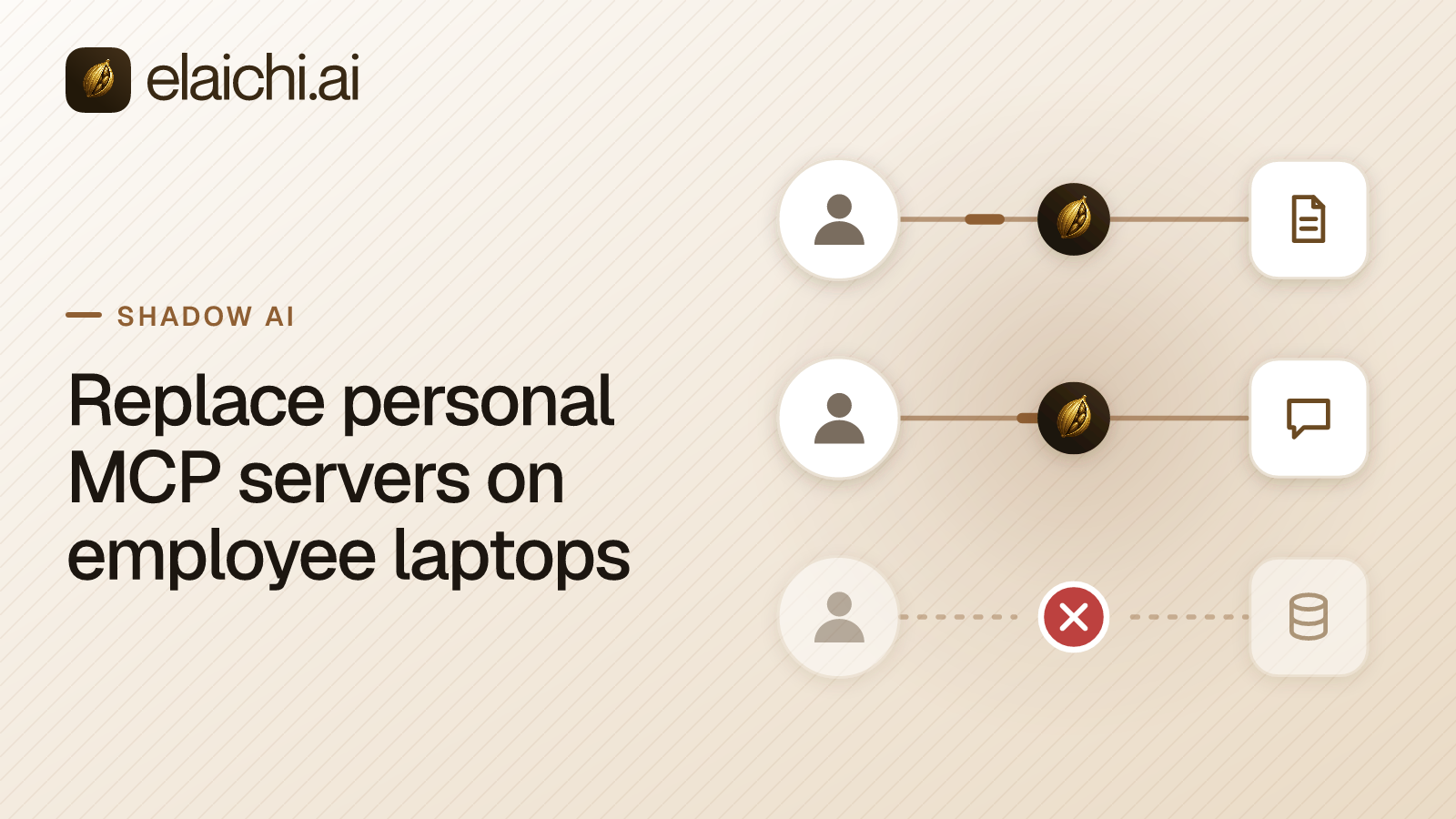
A security lead wants to replace personal MCP servers with something the company can audit. First comes one list: every MCP server on a company laptop. Say the endpoint team's script comes back with config files on 90 machines. Most entries look like this one:
{
  "mcpServers": {
    "jira": {
      "command": "npx",
      "args": ["-y", "a-community-jira-server"],
      "env": { "JIRA_API_TOKEN": "<one engineer's personal token>" }
    }
  }
}
MCP (Model Context Protocol) is the standard way an AI assistant calls tools in other apps. That entry starts a program on the laptop and gives it one person's Jira token. The MCP transport spec calls this stdio: the client launches the server as a subprocess and talks to it over standard input and output. Jira sees only that engineer's token, no company system records which assistant made the call, and the token works until someone revokes it.
To replace personal MCP servers, connect each app once in Elaichi, point every client at https://api.elaichi.ai/mcp, then revoke the old tokens. This post covers both halves: finding the servers, then swapping them.
How do you find which MCP servers employees have installed?
Read the config files each AI client keeps on disk. Most store them in JSON and Codex uses TOML, at paths its vendor documents.
| Client | Where its MCP servers are listed |
|---|---|
| Claude Desktop | ~/Library/Application Support/Claude/claude_desktop_config.json (macOS), %APPDATA%\Claude\claude_desktop_config.json (Windows) |
| Cursor | ~/.cursor/mcp.json (all projects), .cursor/mcp.json (one project) |
| VS Code | .vscode/mcp.json or a root .mcp.json (workspace), mcp.json in the user profile, ~/.copilot/mcp-config.json (Copilot Global) |
| Claude Code | ~/.claude.json (user and local scope), .mcp.json (project) |
| Windsurf (Devin Desktop) | ~/.config/devin/mcp_config.json, %APPDATA%\devin\mcp_config.json (Windows), .devin/mcp_config.json (project) |
| Codex | ~/.codex/config.toml, .codex/config.toml (project; TOML, [mcp_servers.<name>] tables) |
The sources are the MCP guide to local servers for Claude Desktop, Cursor's MCP docs, VS Code's MCP guide and Claude Code's MCP docs, Devin Desktop's MCP docs, Devin CLI's MCP configuration and Codex's MCP docs, all checked October 2026.
Project files matter as much as home-directory files. A .cursor/mcp.json or .mcp.json committed to a repository puts the same server on every clone.
What should an endpoint script report from each file?
Server names, the command or URL, and the names of credential keys. Never the values.
An entry with command is a stdio server that runs on the laptop. An entry with url is a remote server. The MCP authorization spec says stdio servers should take credentials from the environment, so look in env, in envFile, and in headers on remote entries. This loop reads every config under a home directory with jq and prints one line per server:
find "$HOME" \( -name claude_desktop_config.json -o -name mcp.json -o -name .mcp.json \
  -o -name .claude.json -o -name mcp_config.json -o -name mcp-config.json \) -not -path "*/node_modules/*" 2>/dev/null |
while read -r f; do
  jq -r --arg f "$f" '.. | objects | (.mcpServers? // .servers? // empty) | to_entries[]
    | [$f, .key, (.value.command // .value.url // "?"),
       ((.value.env // {}) + (.value.headers // {}) | keys | join(","))] | @tsv' "$f"
done
Codex keeps servers in TOML, so list them with grep -n '^\[mcp_servers' ~/.codex/config.toml.
It prints key names such as JIRA_API_TOKEN and leaves the secret on the laptop. Two cases hide the secret from the file. Cursor can interpolate ${env:NAME} from the shell, and VS Code can prompt for a password input and store it. A key name with no value still tells you a token exists.
What can device policy turn off, and what can it not see?
Some clients take a policy that turns local servers off. None of them tells you which tokens already leaked.
- Claude Desktop. On Team and Enterprise plans,
isLocalDevMcpEnabledis a Boolean that defaults to true (Anthropic's enterprise configuration, checked October 2026). Set it through a configuration profile on macOS or Group Policy on Windows. - VS Code. The
ChatMCPpolicy setschat.mcp.accesstoall,registryornone(VS Code enterprise settings, checked October 2026). - Cursor. Enterprise teams can allowlist the MCP servers members may use. Adding a server "does not push it to users' machines" (Cursor's enterprise docs, checked October 2026).
The limits are real. A personal laptop, a token in a shell profile, or a client you have not listed sits outside this view. Elaichi does not scan laptops either, and it has no feature that lists local servers. The inventory is your device management tool's job. The wider set of MCP security risks covers what a local server can do beyond holding a token.
How do you replace personal MCP servers with company-managed ones?
Connect each app once in Elaichi, then point every client at one organization endpoint where each person signs in with OAuth. The new config entry holds a URL and no token.
Elaichi is a governed MCP control plane. Its endpoint is https://api.elaichi.ai/mcp, the same address for every organization and every person. OAuth (the sign-in standard that gives a client a scoped grant instead of a password) ties each call to the person who approved it. Claude, ChatGPT, Cursor, any MCP client, and the Elaichi Agent all use that one address.
The app credentials leave the laptop. A separate credential service holds each connected account's secrets, encrypted at rest with AES-256-GCM, and owns token refresh. If a refresh fails, the connection is marked needs_reauth instead of failing silently.
Three layers decide what each person reaches:
- A role sets what a member may do, and each member holds exactly one.
- Sharing decides what they can see: their own connections and those shared with them.
- A restriction decides which connectors and which individual tools a target may reach. In Elaichi, restriction targets are role or user only; the organization default is the absence of a rule, which means allow everything.
Restrictions are checked at browse, connect, advertise and execute, plus a final check on the fully substituted outbound URL. A role or restriction change applies within about two minutes. Running your own MCP servers compares the hosted path with keeping servers in-house.
In what order should the migration run?
Inventory, pick the top apps, connect them, swap the configs, then revoke the old tokens. Revoking last means nobody loses access mid-week.
- Inventory. Run the script and count servers by app. Start with the three to five apps that appear most often.
- Pick the top apps. Check each one in the connector catalog, which lists 500+ connectors that Elaichi authors. Jira, Notion and Sentry are all in it.
- Connect them in Elaichi. With no restriction in place, a member can connect any catalog app with their own account. A shared connection runs on its owner's credential, so decide which apps should be personal and which shared. Write restrictions before people switch.
- Swap configs to the one URL. In Cursor the entry becomes
"url": "https://api.elaichi.ai/mcp". In Claude, an owner on Team or Enterprise adds it once as a custom connector, and members connect it. Each person signs in once. - Revoke the old personal tokens. Do it in each app's own token settings, then delete the old entries and run the inventory again.
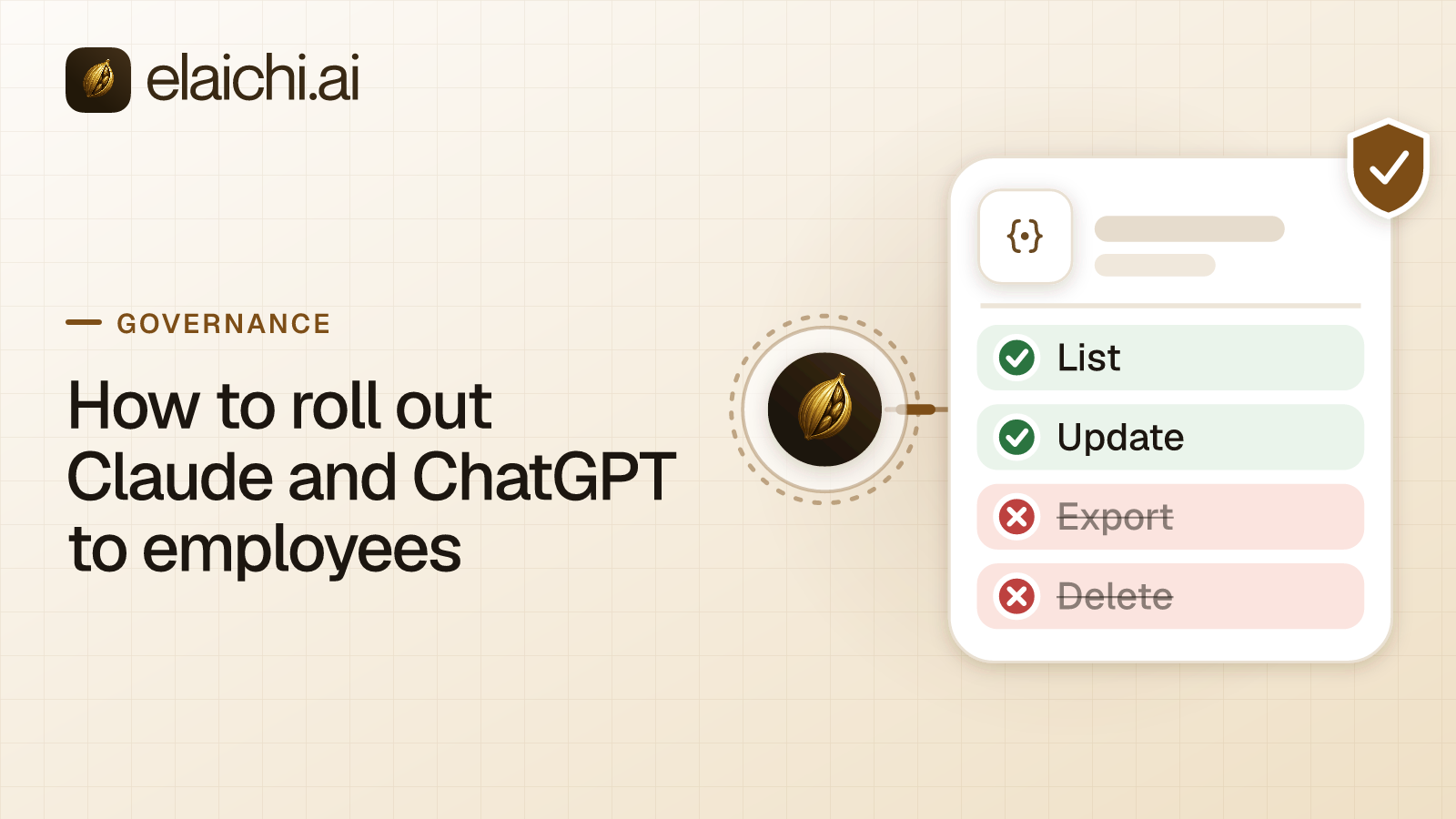
Rolling out Claude and ChatGPT to employees covers the client-side steps per department.
What does each person do on switch day?
Delete the old entry, add the one URL, and sign in. Nothing else goes in the config file.
The client registers itself with Elaichi through OAuth dynamic client registration, so nobody types a client ID, a secret or a header. A browser opens Elaichi's sign-in, and the person lands on a consent screen. With several organizations, they pick one, and that connection sees only that one.
The consent screen lists four boxes: read data, create and change data, run connected tools, and delete data. Every scope the client asked for is pre-ticked except delete, which never is. With "Run your connected tools" ticked, the person chooses all their tools or only the toolboxes they pick. Each person can later see and disconnect their own grants under Settings, then Connected apps.
How do you stop employees from sharing personal API keys with AI tools?
Give them a path that needs no key, then close the old one. A ban without a replacement moves the token to a shell profile.
The sanctioned path removes the reason to paste a key. In Elaichi, the person signs in with OAuth and the app credential sits in the credential service, not in a file on the laptop. Revocation is one action: removing or suspending a member revokes every live grant in the same transaction as the membership change, so that person's next call is refused.
Close the old path in three moves. Revoke the personal tokens the inventory found. Turn off local servers through device policy where the client supports one. Then rerun the inventory each month, because new configs appear when new tools ship.
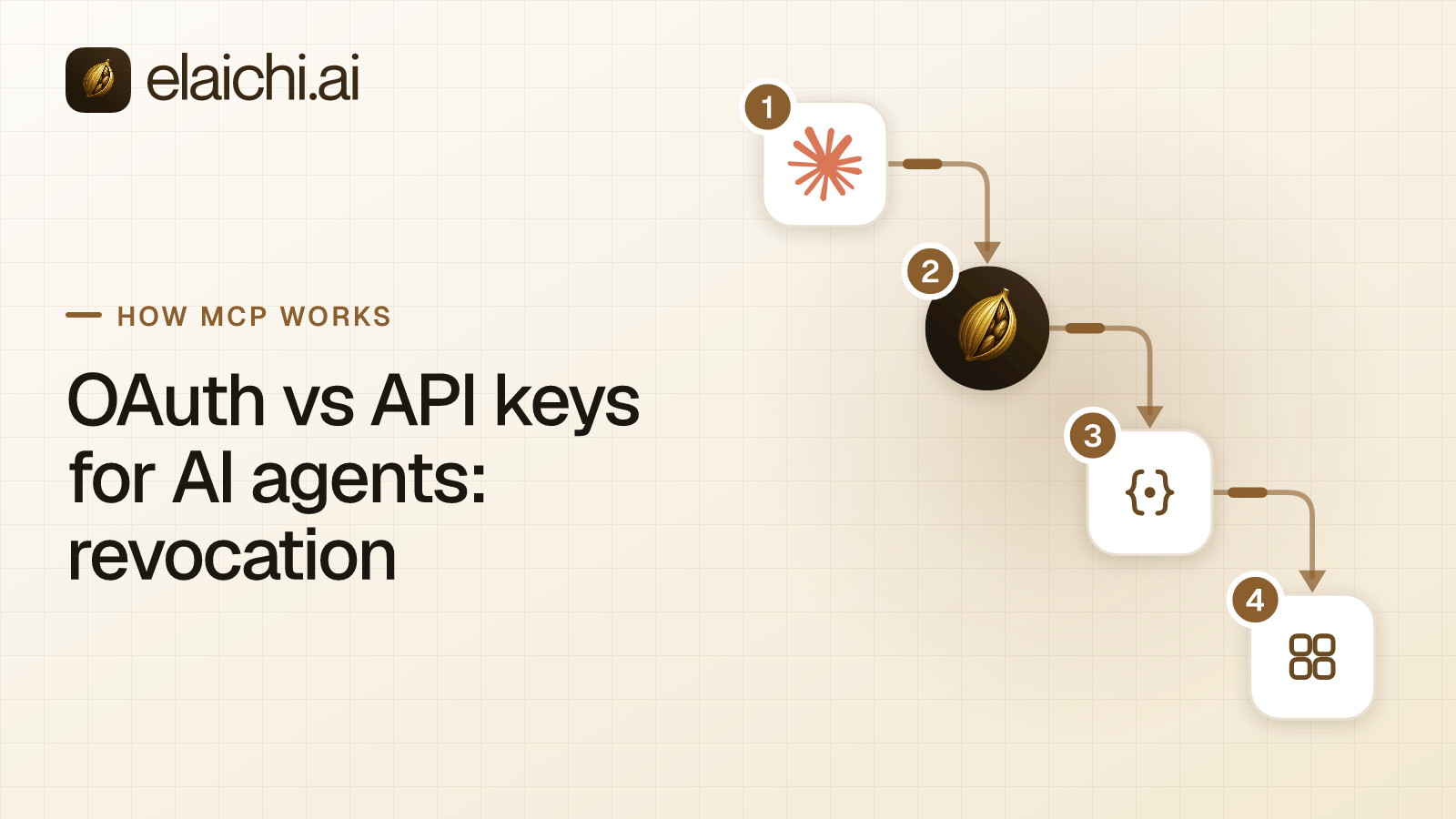
Expect people to hit a rule they did not know about. In Elaichi, any member can file an access request when a restriction stops them, with no permission needed. Someone with member:manage resolves it, and approving it opens that connector or tool for that one person. A request is slower than a personal key, but it leaves a record and keeps the old path closed. OAuth or API keys for AI agents sets out why a revocable grant beats a long-lived string.
What does the audit log show after the switch?
Every tool call through the endpoint, filed under the person who approved the sign-in, with the account it reached. A local server leaves only the app's own record of a personal token.
Elaichi writes one entry per tool-call attempt, succeeded or failed. Each entry names the connection the call actually reached and the outcome. It records argument names and counts, and never argument values. It also records the surface, here mcp, and the OAuth client the call came through.
Claude, ChatGPT and Cursor show as verified client names. A client that signs in through a loopback address, such as Claude Code, shows the name it registered with, marked unverified. The call is recorded under the person, not as an AI actor. That settles the first question after an unexpected change: which of two Notion workspaces did the write reach. A compliance reviewer can read the trail from the free, read-only Auditor seat.
When should a personal MCP server stay?
When it reaches something only the laptop can reach. Elaichi is hosted, so it cannot read local files or a service on the developer's own machine.
A filesystem server, a local database or a build tool belongs on the laptop. So does an internal server for one team's own system. Some apps are not in the catalog at all. GitHub is one, so a team that needs it uses GitHub's own MCP server, which Elaichi does not govern, or writes a custom connector. Keep those servers on a short, named list and leave them out of the token revocation step.
For everything else, the swap is one URL per client. The offboarding guide covers what happens to that access when someone leaves, and the wider Shadow AI series covers the rest of the paper trail.