


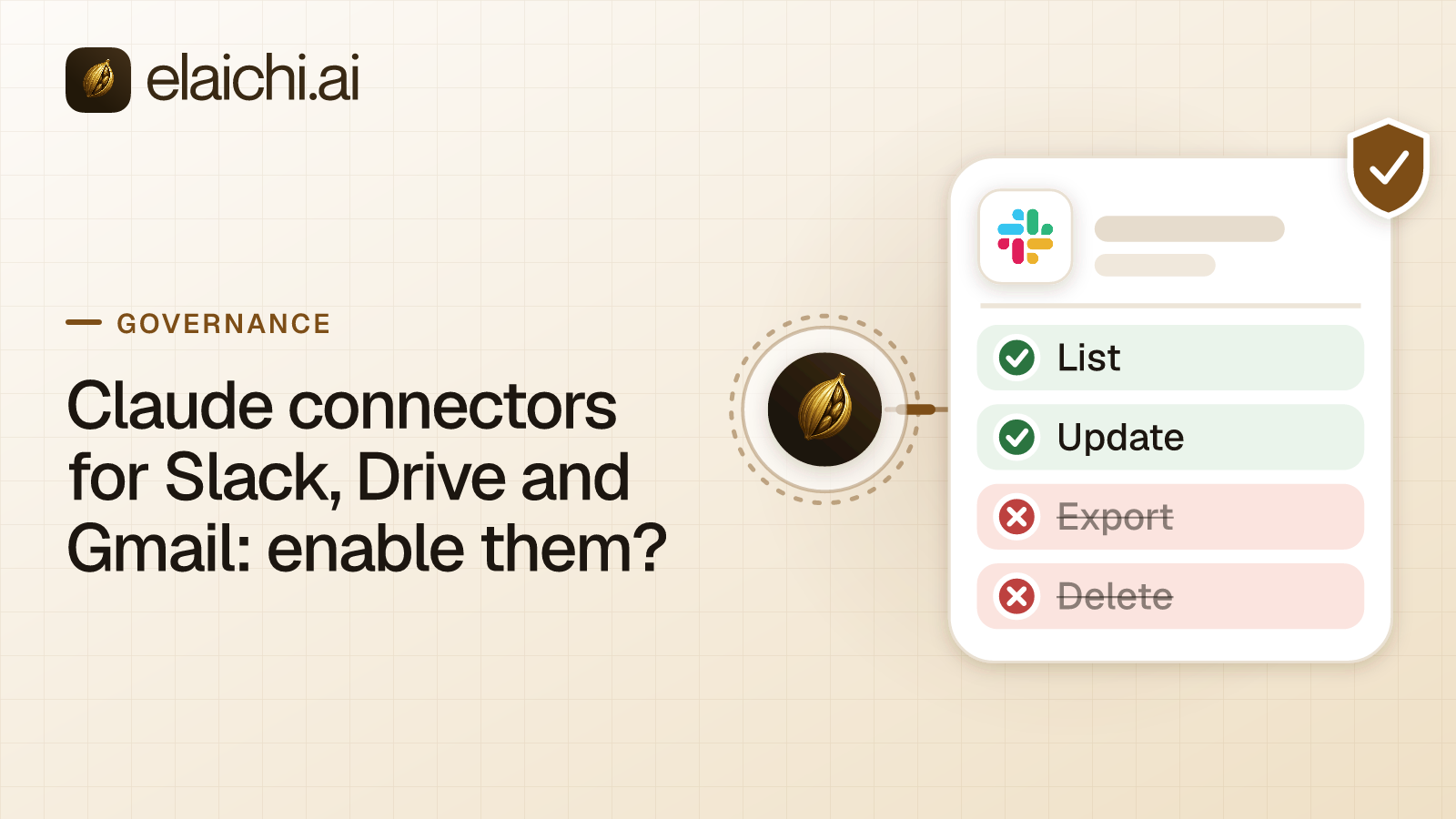
Should you enable Claude connectors for Slack, Drive and Gmail?
Yes, but in steps, not all at once. Claude's connectors read through each person's own account, and an Owner can set every tool to Always allow, Needs approval or Blocked. Start with one connector, one pilot group and read tools only. Widen after the pilot shows what people actually ask Claude to do with company data.
A thread on r/cybersecurity describes the exact squeeze. A security manager on Claude Team has turned off the Drive, Slack and Gmail connectors over data exposure. Teams now push to switch them on, and the manager wants a middle ground. Two threads on r/ClaudeAI ask the same thing from the user's side: how to give AI agents access to files and personal data and privacy worries about linking Claude to cloud storage or email.
What do Claude's own connectors give an admin?
Claude gives an Owner an organization-wide switch, per-tool permission levels and a per-person sign-in. Most controls are general, and the Google Workspace article adds approvals for Gmail and Drive actions. All of this was checked in November 2026 against Anthropic's pages: Use connectors to extend Claude's capabilities and Use Google Workspace connectors.
- Organization switch. On Team and Enterprise plans, an Owner or Primary Owner enables each connector in Organization settings, then Connectors. Enabling one does not grant anyone access. Each person still signs in.
- Per-person sign-in. Each person uses their own Google account. Claude can reach only what that account can reach.
- Tool permissions. An Owner sets each category or single action to Always allow, Needs approval or Blocked. These apply to everyone, and members cannot override them. They only narrow access, never widen it.
- Approval by default. Gmail send, reply and forward need approval. So do Drive share, move and trash. Owners decide whether members may let these run without asking.
- Custom roles. Enterprise organizations can narrow the policy further per role. Anthropic says role changes may take up to 15 minutes (Anthropic: custom roles, checked November 2026).
- Data handling. Anthropic says retrieved data is retained with its associated chat, and deleting the chat deletes that data (Anthropic: Google Workspace connectors, checked November 2026).
The general connectors article lists no Slack-specific Owner controls. Its examples of narrowing are general: read Drive files without editing them, or search email without sending.
What is a practical middle ground between blocking and enabling everything?
Enable one connector at a time, keep write tools on approval, and use a second switch outside Claude. Four moves fit most security teams.
- Start with Drive and Gmail reads. Set send, share, move and trash to Needs approval or Blocked. Reading stays on, and people see value in a week.
- Pick the pilot group first. On Enterprise, a custom role narrows access for chosen members. On Team, Anthropic's pages describe the organization-wide policy, so keep the pilot small by who you tell to connect.
- Hold Slack for last. Anthropic says the connector searches channels, direct messages and files, and it needs the Claude in Slack app, which a Slack admin must approve (Anthropic: Slack, checked November 2026). Anthropic's page covers the earlier per-user Claude in Slack app and names Claude Tag as the current product, so confirm which one your Slack admin is approving. The app can be deployed org-wide or to specific workspaces.
- Use the Google Workspace switch. Anthropic says that when a Workspace organization blocks the connectors, the Workspace admin may need to set Claude to Trusted under API controls, Manage third-party app access. That is a second lever, owned by the Google admin, outside Claude.
Run the pilot for a fixed period. Read what people asked, then decide the next connector.
What should the data-exposure review cover?
Cover where the content goes, who else can see it, and what stays behind. Anthropic's connectors article answers part of this (Use connectors to extend Claude's capabilities, checked November 2026).
- Who can see synced content. On Team and Enterprise plans, connectors are available only in private projects, and chats with synced content cannot be shared.
- Reach. Claude uses each person's source-system permissions, so it cannot reach records that person cannot open.
- Where third parties process data. Third-party services process data on their own infrastructure, under their own terms, which may be outside the United States. Anthropic says settings such as US-only inference do not change where those services operate.
- Outbound connections. On Enterprise, Owners can stop services on their verified domains from connecting to accounts outside the organization.
- What Slack keeps. Anthropic's Slack page says your workspace's Slack retention policies apply to the messages in Slack (Anthropic: Slack, checked November 2026).
Put these five points in the security review. They turn "data exposure" into items an owner can accept or reject one by one.
Where does Elaichi fit if one admin has to answer for all of it?
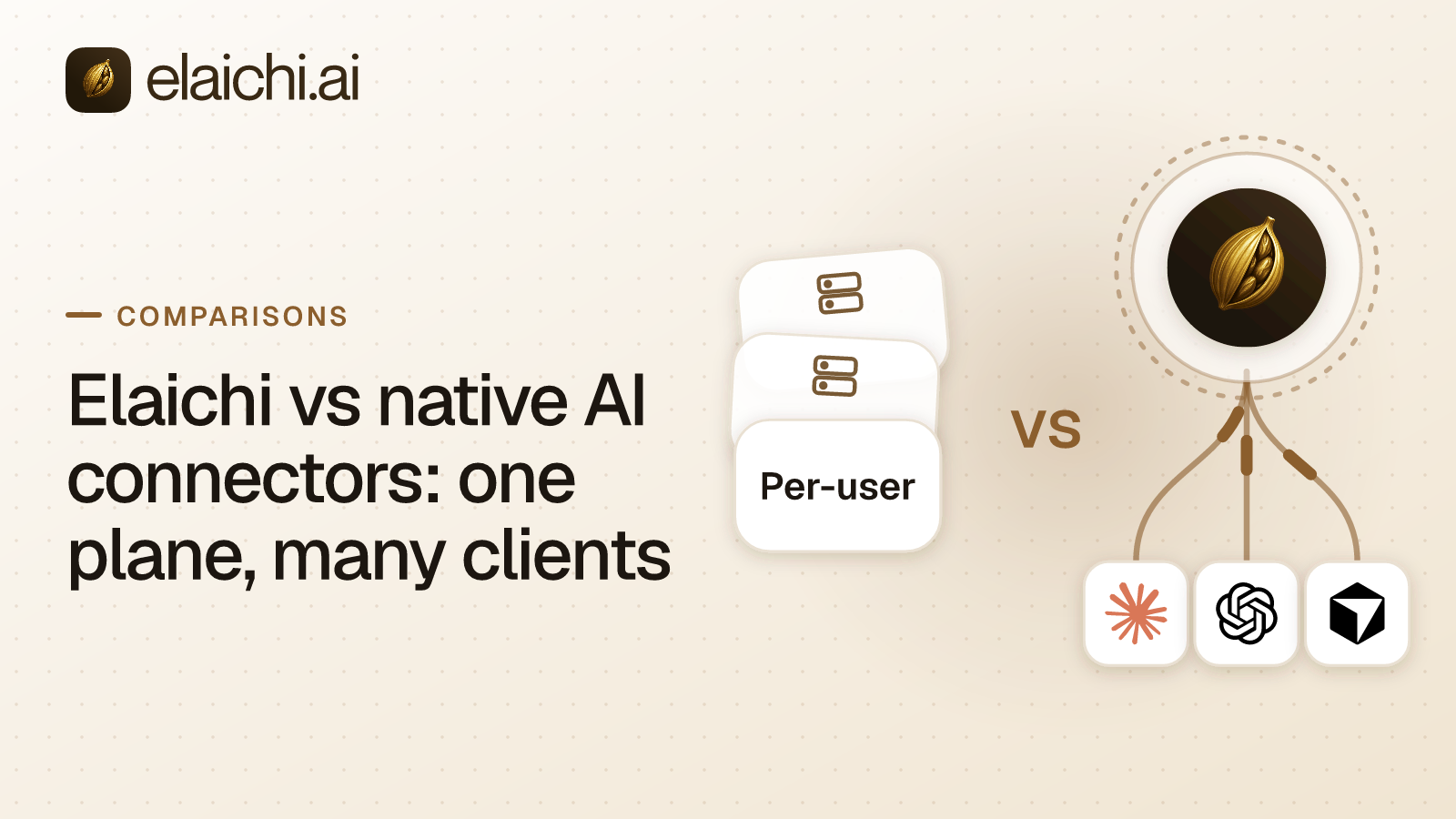
Elaichi fits when staff use more than Claude, or when the security team wants role-based rules and one record. MCP (Model Context Protocol) is the standard way an AI assistant calls tools in other apps. Elaichi is a governed MCP control plane: Claude, ChatGPT, Cursor and any MCP client sign in to one address, https://api.elaichi.ai/mcp, and each person approves their own grant.
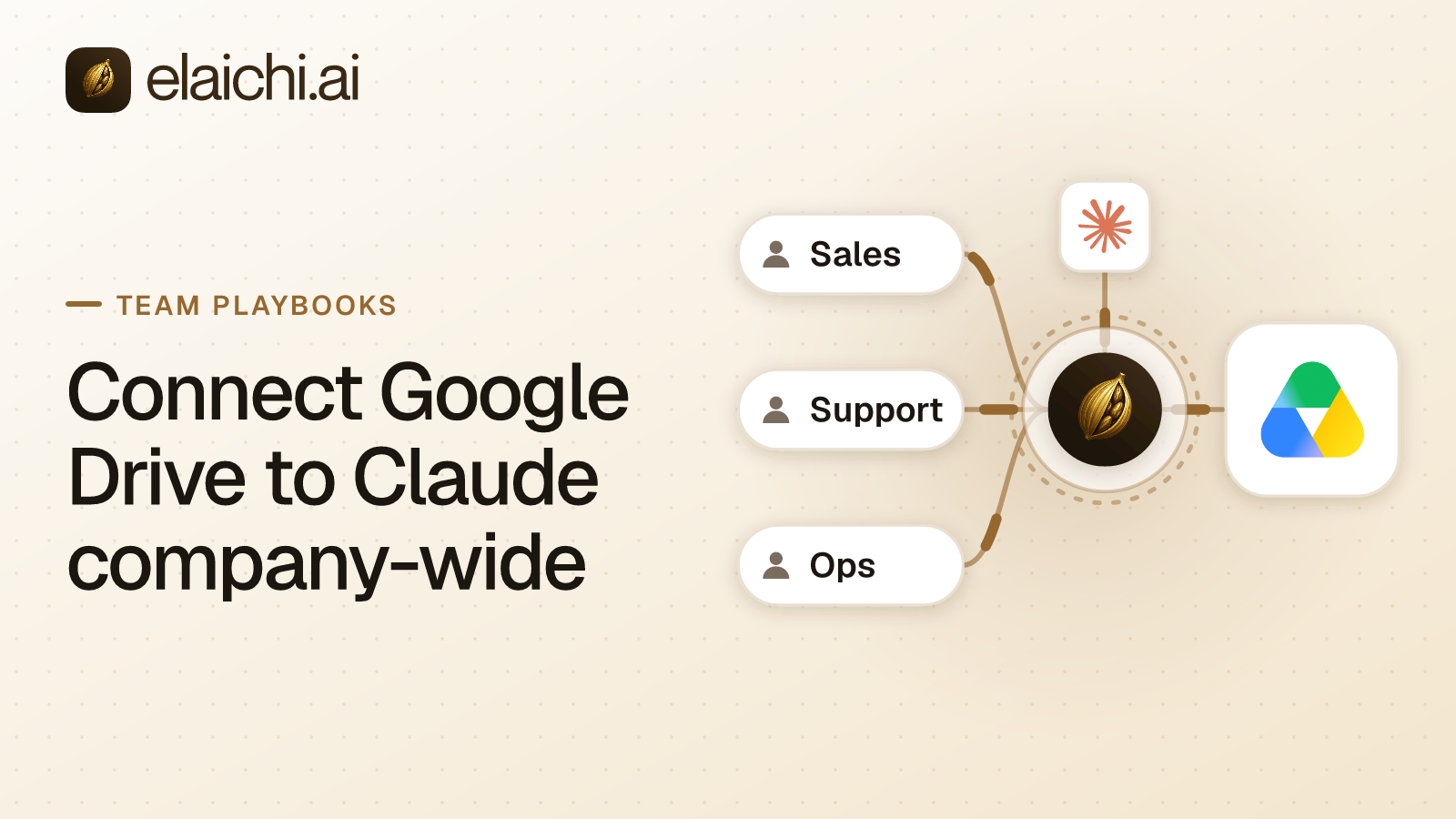
Gmail, Google Drive and Slack are separate connectors in a catalog of 650+ connectors. See Gmail, Google Drive and Slack. In Claude Team or Enterprise, an Owner adds the one address as a custom connector, and each member then connects individually. What the admin gets:
- Restrictions per role or member. Restrictions decide which connectors and which individual tools a target may reach. Gmail's two sending tools are "Create a message" and "Send a draft". The second is labeled Read only, so name it too.
- A fast change. A role or restriction change takes effect within about two minutes. In Elaichi, removing or suspending a member revokes every live grant in the same transaction as the membership change.
- One record. Elaichi writes one entry for each connected-tool call that reaches execution (a call refused earlier writes none). Each entry names the person, the connector, the connection and the client. It records the one path argument that names the object, as the target id, and nothing else about the arguments, and Elaichi keeps 90 days of history.
- Locked arguments. An owner can lock a tool argument in a toolbox entry. The AI client sees that it is locked but cannot change it.
Restrictions need Gold, which lists at $15 per user per month in USD, or $10 per user per month billed annually. The pricing page shows your price.
The limits are real. A restriction decides which tools may run, not what a permitted tool returns. Whatever a person lets Claude read sits in that chat, so a narrow tool list matters more than a long policy.
When do you not need Elaichi for these three connectors?
If Claude is your only AI client, Anthropic's controls may be enough. An Owner switch, Needs approval on writes and a small pilot answer most of the security manager's worry. You run one console, not two.
Skip Elaichi when all three of these hold:
- Staff use only Claude, and no second client is coming.
- Anthropic's per-tool levels give the read and write split you want.
- You are content to review activity in each app's own logs.
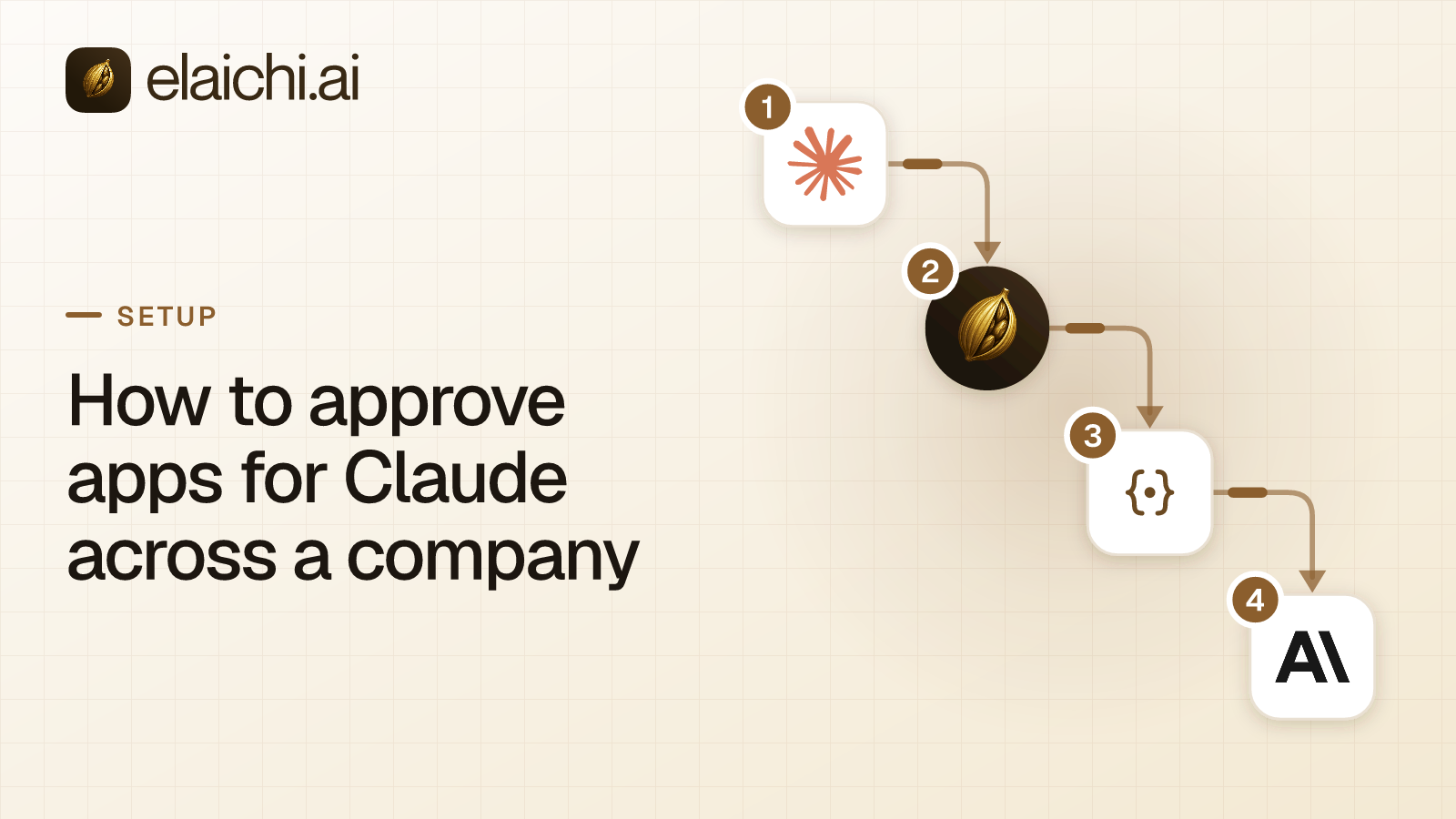
Add Elaichi when a second client arrives, when one role needs different tools than another, or when auditors ask for one record across apps. The wider trade-off is set out in Claude and ChatGPT connectors compared with one endpoint, and the Anthropic approval surfaces in how to approve apps for Claude.
How do you decide when to widen the pilot?
Widen when the pilot has answered three questions. Which tools did people use, did anyone hit an approval prompt they should not have, and did any request touch data the group should not hold.
Write the answers down. Then enable the next connector, or loosen one approval. For Drive in particular, sharing and permissions in Claude covers how Google's own sharing settings set the ceiling.

 Add one link to your AI app
 ChatGPT
 Claude
 Cursor
 Microsoft Copilot