What an on-call engineer asks PagerDuty at 7:00 AM
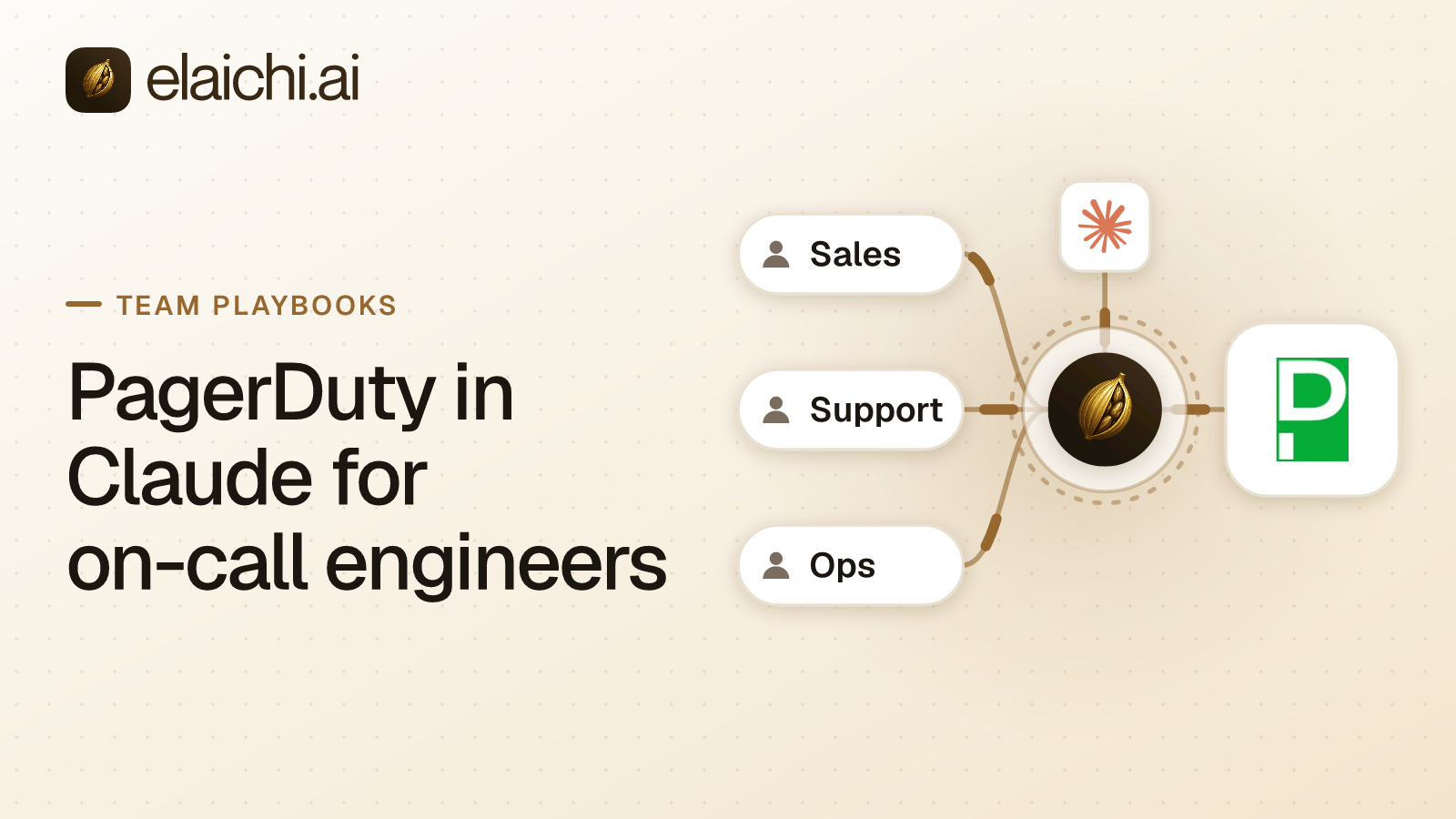
Jake Morgan comes off a night of pages and opens Claude Code. He wants three answers before standup: what fired overnight, who is on call now, and whether the checkout errors look like last month's outage. Each answer sits in PagerDuty. Putting PagerDuty in Claude is worth doing for that loop, and for one write: a note on the incident saying what he found.
Elaichi's pagerduty connector carries 157 tools. By operation, 81 read, 26 create, 25 update, 21 delete and 4 do something else, such as testing a webhook. MCP (Model Context Protocol) is the standard way an AI assistant calls tools in other apps. Elaichi serves the connector, beside 600+ connectors, through one endpoint that Claude, Claude Code, Cursor and any MCP client sign in to.
The design question is the same one every connected app raises. Which of the 157 tools may the engineer role reach? The answer for most teams is the reads, the incident note, and nothing that changes who gets paged.
Which PagerDuty reads cover the morning after an incident?
About a dozen read tools answer the questions engineers ask. They return incidents, alerts, notes, the incident log and the on-call roster.
| The engineer asks | Tool that runs |
|---|---|
| What fired overnight, and is it still open? | list_all_pagerduty_incidents, get_single_pagerduty_incident_by_id |
| Which alerts rolled into this incident? | list_all_pagerduty_incident_alerts |
| What happened, in order? | list_all_pagerduty_log_entries, list_all_pagerduty_incident_notes |
| Has this happened before? | list_all_pagerduty_past_incidents, list_all_pagerduty_related_incidents |
| Who is on call now? | list_all_pagerduty_on_calls, list_all_pagerduty_users_on_call |
| Who gets paged next? | list_all_pagerduty_schedules, list_all_pagerduty_escalation_policies |
| What changed before it fired? | list_all_pagerduty_change_events |
| Which service owns this? | list_all_pagerduty_services |
The history tools do the heavy lifting in a review. list_all_pagerduty_past_incidents returns incidents from the past six months with similar metadata on the same service, each with a similarity score. list_all_pagerduty_related_incidents returns the 20 most recent related incidents, with the relationships that explain why.
Two reads fit the engineering manager more than the engineer. list_all_pagerduty_audit_records and list_all_pagerduty_maintenance_windows show configuration history and planned silences. Both only read.
Why is an incident note the one write engineers need?
A note records what the engineer found, on the incident, where the next responder will read it. create_a_pagerduty_incident_note adds a note to one incident, up to 2,000 notes per incident.
It is also the write a coding agent reaches for at the end of a task. The coding-agent walkthrough has Claude Code link its pull request to the incident with exactly this tool. A note changes no routing, pages nobody and resolves nothing.
Is acknowledging an incident safe to allow?
Only if resolving, reassigning and escalating are safe too. In the pagerduty connector, update_a_pagerduty_incident_by_id is the one tool for changing the incident record.
Its incident body takes a status of acknowledged or resolved. The same body takes assignments, escalation_level, escalation_policy, priority, urgency and title. So a restriction cannot allow acknowledge and keep resolve out. The rule names a tool, and this tool does all of it.
Alerts are a separate matter. update_a_pagerduty_incident_alert_by_id and pagerduty_incident_alerts_manage change alerts, and the second takes up to 250 alerts in one request. Neither is part of the incident tool. The safer default leaves all three off the engineer role. Engineers can still acknowledge in PagerDuty itself, where PagerDuty's own permissions decide. If your team does want it in the client, allow the tool knowing what it carries. Each engineer's own PagerDuty role then sets the limit, which is the subject of the next decision.
Should each engineer connect their own PagerDuty account?
Yes, when the role includes the note. In Elaichi a shared connection runs every call on its owner's credential, so PagerDuty sees one person for the whole team.
PagerDuty draws the same line on its side. Requests made with a user token REST API key are restricted to that user's own permissions, and anything else returns 403 Forbidden (API access keys, checked October 2026). For OAuth apps, PagerDuty says a user token reaches only what the authorizing person can access, and the app's actions show under that person's name (scoped OAuth apps, checked October 2026). So have Jake connect the pagerduty connector with his own sign-in or his own user token. His notes then run as him, not as a shared owner, and his PagerDuty role stays the outer limit.
That role matters, because PagerDuty's roles are broad. Under Advanced Permissions, the Responder base role can act on incidents, create incidents for any team and create schedule overrides. The Observer base role can view objects but cannot change them (Advanced Permissions, checked October 2026). An engineer on the Responder role still reaches overrides. Elaichi's rule narrows it from there.
One shape suits a shared connection. A team that only reads can connect once with a general access key created as a Read-only API Key, which PagerDuty restricts to GET calls. Then PagerDuty itself refuses every write, notes included.
Which PagerDuty writes stay off the engineer role?
Everything that changes who gets paged, what pages, or what exists. The worst of these are writes, not deletes, which matters at consent.
create_a_pagerduty_overrideputs someone else on a schedule for a span of time. PagerDuty calls an override a manual one-time adjustment to an on-call schedule (schedule docs, checked October 2026). One wrong override and the page goes to a person who is asleep.create_a_pagerduty_maintenance_windowtakes a start time, an end time and services. While a service is in a maintenance window, no new incidents trigger (maintenance windows, checked October 2026). That is a silence on production.create_a_pagerduty_incidentopens a new incident, and that pages the people on the service's escalation policy. A model that creates one by mistake wakes someone up.update_a_pagerduty_incident_alert_by_idandpagerduty_incident_alerts_managechange alerts, including their status, up to 250 at a time for the second.update_a_pagerduty_schedule_by_idandupdate_a_pagerduty_escalation_policy_by_idrewrite rotations and escalation paths for everyone on them.- The 21 deletes, including
delete_a_pagerduty_service_by_id,delete_a_pagerduty_schedule_by_id,delete_a_pagerduty_escalation_policy_by_id,delete_a_pagerduty_user_by_idanddelete_a_pagerduty_team_by_id.
Here is the trap. All 21 delete tools are HTTP DELETE calls that Elaichi tiers destructive, so they need "Delete data and remove access" at consent, which is never pre-ticked. Every other write is tiered write, overrides and maintenance windows included. Those run under "Run your connected tools", the box an engineer ticks to run any connected tool. The consent screen holds back the deletes and nothing else.
Writing the allow rule for PagerDuty in Claude
PagerDuty in Claude becomes a safe on-call tool when the engineer role holds an allow rule. It names the reads in the table above plus create_a_pagerduty_incident_note. A restriction is a rule about which connectors and which individual tools a target may reach, and an allow rule denies whatever it does not name.
Blocking the dangerous writes one by one is the weaker choice. A block rule covers only the tools it names, and the connector has 55 writes that are not deletes. A list of the ones somebody thought of on the day goes stale with the next tool the connector gains. Restricting single tools against the whole app sets out that trade-off.
The allow rule has one catch. It becomes the role's whole allowlist across every connector, not a PagerDuty filter. In Elaichi, the allowlist stage engages on the presence of an allow rule, not its contents, so an allow rule that names nothing denies everything. If engineers also use Jira, Slack and Sentry, add allow rules naming each of those connectors whole. Allow rules on one role merge into one list, so they can be separate rules. The Cursor rollout playbook covers the Jira and Slack half of the same engineer role.
A new rule takes about two minutes to reach every session, so wait before testing it. A restricted tool is withheld from the tool list and cannot be called. Search names it, flagged restricted, with no schema.
Connecting Claude Code, Cursor and Claude to one address
Every engineer adds the same address, https://api.elaichi.ai/mcp, and signs in as themselves. Each client registers itself with Elaichi through dynamic client registration, so nobody types a client ID.
Cursor reads servers from .cursor/mcp.json or ~/.cursor/mcp.json, takes a remote server as a url entry, and supports OAuth for servers that require it (Cursor's MCP docs, checked October 2026). Claude Code follows the Claude Code setup guide. On Claude Team and Enterprise, an Owner adds the address once as a custom connector, and each member connects it with their own grant.
Inside the client, PagerDuty tools do not appear by name. In Elaichi, connected tools are never listed one by one, however few there are. The model finds a tool with search_tools and runs it with execute_tool. That also means a client's own per-tool approval sees one execute_tool for every app, so the PagerDuty decision belongs in the allow rule.
What does the audit trail show after Jake adds a note?
Elaichi writes one entry for each connected-tool call that reaches execution (a call refused earlier writes none). Jake's note shows him as the acting user, create_a_pagerduty_incident_note as the tool, his PagerDuty connection as the account reached, and the outcome.
The entry also records the surface, mcp, and the OAuth client the call came through. It keeps the one path argument that names the object, as the target id, and nothing else about the arguments, here the incident, so the note's text stays in PagerDuty. Because the call ran on Jake's own PagerDuty account, PagerDuty sees him too, not a shared owner. What an AI audit log must capture lists every field.
When Jake leaves, the Elaichi side ends with his membership. In Elaichi, removing or suspending a member revokes every live grant in the same transaction as the membership change, so his next call fails. His PagerDuty account is a separate step in PagerDuty.
Why not use PagerDuty's own MCP server?
A team that only needs PagerDuty may be better served by it. PagerDuty hosts a remote server at https://mcp.pagerduty.com/mcp, with https://mcp.eu.pagerduty.com/mcp for EU accounts. It accepts a PagerDuty API key or OAuth, and it puts no second vendor between the client and PagerDuty (PagerDuty MCP Server, checked October 2026).
PagerDuty's page is clear about its shape. Its tools come as browse_ tools that read and manage_ tools that change data. manage_schedules includes create_override, and manage_incidents includes add_responders. The page says tool filtering is not directly available on the hosted server, and that a Scoped OAuth client can limit which tools succeed. It also says PagerDuty does not currently support Dynamic Client Registration, so the Claude Code setup takes a client ID, a secret and a static callback port. The older self-hosted server, which was read-only by default, is deprecated, and its GitHub repository is archived (checked October 2026).
So a PagerDuty-only team should start there, with a scoped client that holds read scopes. Elaichi earns its place when PagerDuty is one of several apps the engineer role reaches. Engineers add one address instead of one server per app. The rules for PagerDuty, Jira, Slack and Sentry live on one role, and one audit trail covers all of them.
When an engineering team does not need this
When nobody asks PagerDuty questions from Claude, Claude Code or Cursor, there is nothing to govern. Engineers who check incidents in PagerDuty's own app and add notes there are already covered by PagerDuty's roles.
A small team that only reads, on one read-only key, also needs little. The test in when you don't need an MCP gateway applies unchanged. The case changes when a contractor joins the rotation, or when someone has to show who added which note from which client. The connector catalog lists the other apps an engineering role reaches, and use cases shows the same pattern for other teams.