An engineer adds a Jira server to her Cursor config, pastes a personal API token, and her agent starts filing tickets. Within a month the snippet has spread around the team. Nobody can list who holds which token, or what each one can reach. MCP (Model Context Protocol) is the standard way an AI assistant calls tools in other apps.
To roll out Cursor to an engineering team on purpose, turn that order around. Connect the accounts and write the rules first, and let the editor come last. This playbook does it for Jira and Slack, and it is plain about GitHub, which Elaichi does not connect.
How do you roll out Cursor to an engineering team?
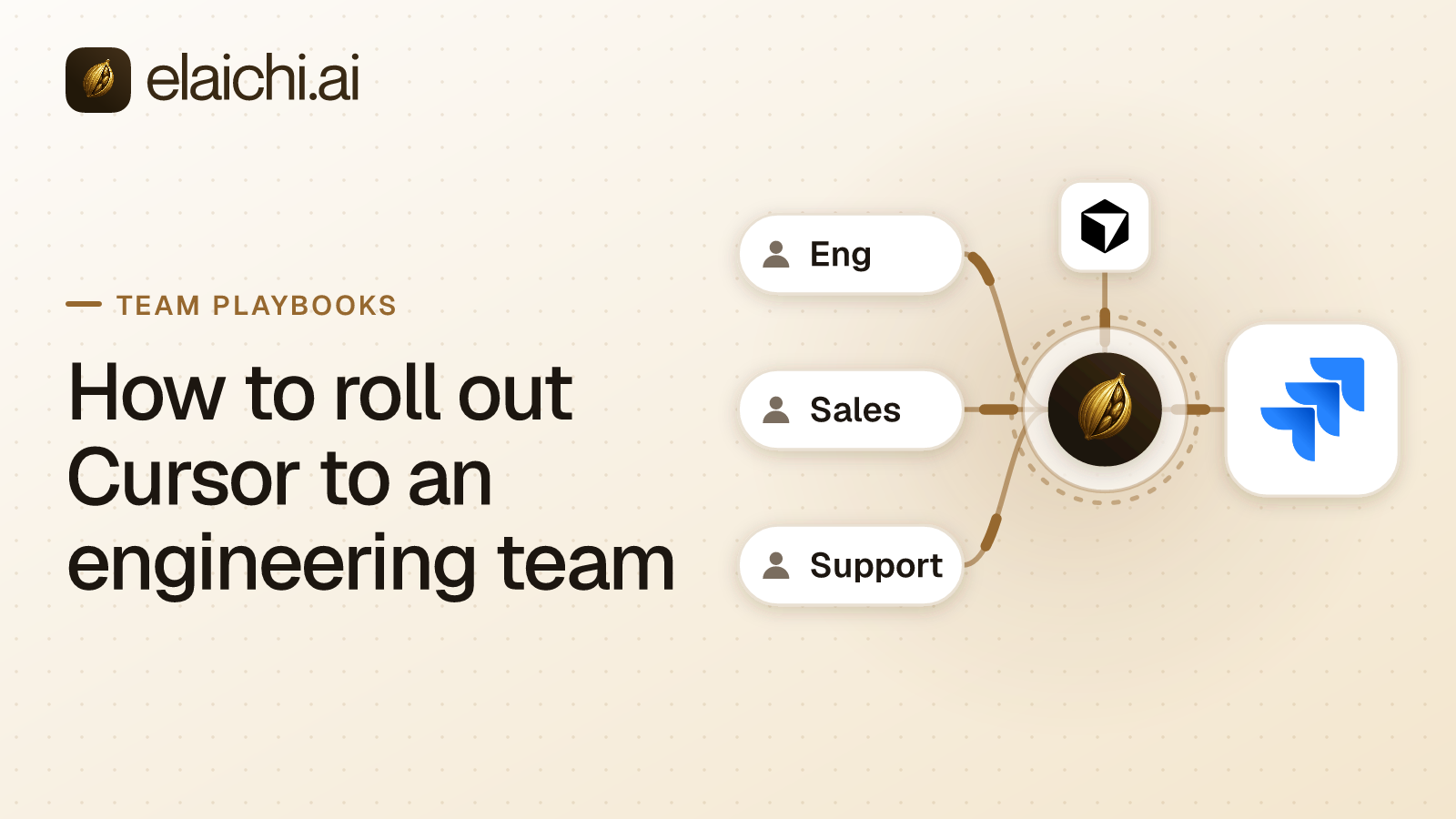
Connect Jira and Slack once for the company, share engineers a toolbox of the tools they need, give them one role with rules on it, and then point Cursor at a single address. Each engineer adds that address in their own Cursor and signs in as themselves. Nobody pastes a token into a file.
Elaichi serves every connected account through one organization-wide endpoint, POST /mcp, which is standard MCP over Streamable HTTP behind OAuth. An endpoint is the web address a client calls. OAuth is the sign-in flow that gives a client a grant, a revocable permission tied to one person, instead of a copied secret. The grant is what differs between engineers, and it is what you revoke when someone leaves. Elaichi writes and hosts the Jira and Slack connectors itself, so your team runs no MCP server of its own.
Cursor reads its MCP servers from JSON: ~/.cursor/mcp.json applies everywhere, and a project's .cursor/mcp.json applies to that project, per Cursor's MCP documentation. A remote server such as Elaichi is a url entry in that file, and Cursor supports OAuth for servers that require it. The same page says "MCP distribution and MCP policy are configured separately."
Distribution is the team admin's half. A Cursor team admin can add Elaichi as a shared Team MCP server under Dashboard, Plugins & MCPs, then choose Add to Team Marketplace. That makes it available in the Agent Window, the IDE and the CLI, where engineers install it from Customize. Linking a server to a marketplace "does not install or enable it for everyone". Policy is the other half: only Enterprise admins set the MCP allowlist. Cursor's enterprise admin docs say adding a server to it "does not push it to users' machines".
So the per-engineer step is small but real: install or add the address once, then finish the OAuth sign-in. Cursor asks for approval before using MCP tools by default, so engineers see each call before it runs. Claude and ChatGPT take the same address if the company uses them too.
Behind the address, three layers decide what an engineer's agent can reach. Permissions are role-based access control (RBAC): about 38 action strings, such as tool:execute, grouped into roles, with exactly one role per member. Sharing decides which connections and toolboxes a member can use at all, and no admin role widens that view. Restrictions decide which connectors and which individual tools a target may reach, and most of this playbook is about them.
Can Cursor reach GitHub through Elaichi?
No. GitHub is not in Elaichi's connector catalog, so this rollout cannot hand engineers governed GitHub tools.
There are two honest options. The first is a custom connector. Elaichi custom connectors are authored from JSON config, and creating one needs the connector:create permission. Elaichi flags that permission as high trust, because a custom connector can be pointed at any destination. Treat it as a small engineering project with an owner. Whoever writes the config decides which GitHub operations exist at all.
The second option is to leave GitHub out of this rollout. Engineers keep reaching GitHub the way they do today, and the governed address covers Jira and Slack.
GitHub does appear in Elaichi in one place, as a way to sign in to Elaichi itself, next to Google and Microsoft. That is an identity option, not a connector, and it gives Cursor no GitHub tools.
The rest of this playbook covers Jira and Slack, which the catalog does have. If your team tracks work somewhere other than Jira, check the ticketing connectors before you plan around one.
What can an engineer do in Jira and Slack on day one?
Most of the work around the code: reading the issue, finding related bugs, filing new ones, noting what changed and telling the team.
| What the engineer asks Cursor for | Tool that runs |
|---|---|
| The issue being fixed, with its discussion | get_single_jira_issue_by_id, list_all_jira_issue_comments |
| Related bugs, found with a JQL query | list_all_jira_search |
| A new bug, filed without leaving the editor | create_a_jira_issue |
| A note on the issue saying what changed | create_a_jira_issue_comment |
| A log file attached to the issue | create_a_jira_issue_attachment |
| Last night's incident thread | list_all_slack_conversation_replies |
| The last time this error came up | list_all_slack_search |
| A status update in the team channel | create_a_slack_chat |
Two Jira reads make the writes go better. The list_all_jira_search tool takes JQL, Jira's query language, so "my open bugs in this sprint" is one call. The list_all_jira_issue_createmeta tool returns the fields each project requires, so the agent can check them before it calls create_a_jira_issue.
Other reads fill in context, such as list_all_jira_projects, list_all_jira_versions and list_all_jira_labels in Jira, and list_all_slack_conversation_history and list_all_slack_files in Slack.
The remaining writes are edits to issues, comments and messages: update_a_jira_issue_by_id, update_a_jira_issue_comment_by_id and update_a_slack_chat_by_id. There is also slack_conversations_join, which adds the Slack account to a channel. That one deserves a decision of its own, since it widens the set of channels the account belongs to.
Which Jira and Slack tools should you block first?
The deletes, the webhooks and the admin reads that no engineer needs. Write each as a block rule on the engineer role, and leave everything else open while the pilot runs.
A restriction is a rule about which connectors and which individual tools a target may reach. In Elaichi, restriction targets are role or user only; the organization default is the absence of a rule, which means allow everything. So until you write the first block, restrictions narrow nothing at all. Start with these:
delete_a_jira_issue_by_id, whose description notes thatdeleteSubtasksset to true removes the subtasks with the issue. One call can take a parent issue and everything under it.delete_a_jira_issue_comment_by_id, because the comments on a bug are where its history lives.create_a_jira_webhookanddelete_a_jira_webhook_by_id. Creating a webhook tells Jira to send events to a URL, which makes it a quiet way to move data out. No task an engineer runs from Cursor needs either one.delete_a_slack_chat_by_id, which deletes a message by channel and timestamp. Slack's chat.delete reference ties what a call can remove to the token behind it, so its reach depends on who connected Slack.
Then weigh the admin reads. In Jira, list_all_jira_audit_logs returns Jira's own audit records and list_all_jira_licenses returns the instance's licensing. In Slack, list_all_slack_team_billing_info returns the billing plan, and list_all_slack_team_access_logs returns each person's IP address, user agent and location. That last one is personal data about colleagues, and no engineering task needs it.
A block rule matches the advertised tool name or the operation Elaichi pinned against the catalog when the rule was saved. An allow rule matches the pinned operation only. Whoever edits a connector's documentation can rename a tool, so a name is a label the governed side controls, and rules bind the operation instead.
Hold off on allow rules until you mean them. In Elaichi, the allowlist stage engages on the presence of an allow rule, not its contents, so an allow rule that names nothing denies everything. A half-drafted allow rule with no tools in it locks the whole engineering team out.
Rules resolve in layers: a user rule first, then a role rule, then the org default. Inside the winning layer, a block always beats an allow. A rule on a user replaces the role rules for that user rather than adding to them. Give the engineering manager her own exception and you have replaced her role rules, so restate the blocks she should keep.
OAuth scopes add a second lock on each engineer's grant. A connected tool whose method is a delete needs mcp:destructive as well as mcp:tools. A tool classified forbidden is reachable under no scope at all. A new block takes about two minutes to reach every engineer's session, so wait that long before you test it.
How do you pin Cursor to one Jira project and one Slack channel?
Freeze the argument that picks the destination. On create_a_jira_issue, freeze the project inside fields. On create_a_slack_chat, freeze channel to the team's channel.
Frozen parameters are values fixed on a toolbox entry, where a toolbox is a saved set of tools and accounts an agent works through. Freezing has two effects. The frozen key is stripped from the schema the model sees, so Cursor is never asked to choose a project or a channel. At execution the frozen value is merged over the caller's arguments. An agent that sends the key anyway still lands where you pinned it. The order runs entry defaults, then the caller's or model's arguments, then frozen values last.
One condition: a freeze binds only calls made through its toolbox entry, so share the toolbox with the people it governs, not the connection itself. An engineer who also holds use on the Jira or Slack connection, directly or through a team or organization share, reaches the same tools unfrozen. A block on those tools does not close the gap, because restrictions apply to toolbox entries too and would withhold the frozen entries as well. Leave the connections unshared, and share the toolbox with the engineering team.
The create_a_jira_issue tool's description reads "Requires fields and update parameters". In Jira's Create issue API, the target project is one of the entries in fields. Elaichi's frozen parameters work over a tool's flattened argument space, so you can pin the project and leave the summary and description free. An agent working on the payments service then files into the payments project and nowhere else.
The create_a_slack_chat tool "Requires channel". Slack's chat.postMessage reference defines that argument as the channel, private group or direct message to send to. That is the choice you do not want a model making. Freeze it to the team's channel, and the agent cannot post to the company-wide one.
Two neighbors deserve the same care. Freeze channel on update_a_slack_chat_by_id as well. Block slack_conversations_join, or freeze its channel, so the Slack account stays in the rooms you chose. The IT team's Slack playbook goes further on pinning a posting channel.
Frozen values and restrictions do different jobs. A restriction decides whether a tool is reachable at all. A frozen value decides where a reachable tool can write.
Why can't Cursor move a Jira issue to Done?
Because the Jira connector's update tool does not perform transitions. The description of update_a_jira_issue_by_id says so directly: "issue transition is not supported here".
That follows Jira's own API. Atlassian's Edit issue reference says a transition is not supported there, and sends callers to a separate Transition issue operation. In Jira, moving an issue from To Do to Done is a workflow step, not an edit to a field. A transition can even carry its own screen of fields.
Plan the rollout around it. Status changes stay with people, or with automation you configure inside Jira. The agent can still read the statuses a project uses through list_all_jira_status, and it can comment with what changed through create_a_jira_issue_comment. Tell engineers before the pilot that closing the ticket is still their job.
What does Cursor's tool list show once Jira and Slack are connected?
Two meta-tools and Elaichi's own operations, but no Jira or Slack tool by name. In Elaichi, connected tools are never listed one by one, however few there are. Cursor looks a Jira or Slack tool up through search_tools, then calls it through execute_tool, which adds no privilege: the call passes every check a direct call would. Why connected tools stay out of the list explains the design.
A tool a restriction removes is invisible. It looks exactly like a tool the connector never had, so a restricted delete_a_jira_issue_by_id never turns up in a search.
When an engineer cannot find a tool they expected, check the dull causes first. What an engineer can see is filtered by their role and by the scopes on their grant. A Jira connection that is pending or needs_reauth contributes no tools at all, so it looks absent rather than broken. Search also has a floor that returns nothing rather than the wrong app.
Who changed that Jira issue, and was it an agent?
Every Jira and Slack call lands in Elaichi's append-only audit log, which holds one entry per tool-call attempt, succeeded or failed. Each record shows which Jira or Slack account the call actually reached, and a call from Cursor is recorded under the engineer who signed in, with surface mcp and Cursor named as the OAuth client. What an AI audit log must capture covers the rest of the record.
What order should a Cursor rollout follow?
Accounts and rules first, the editor last. A rollout that starts in Cursor spends its first week granting exceptions, and every exception is a rule written in a hurry.
- Connect the company's Jira and Slack accounts once in Elaichi, from the connector catalog of 500+ connectors.
- Pin the day-one Jira and Slack tools into a toolbox and share it with the engineering team. Leave the connections themselves unshared, so every engineer's call runs through the toolbox. Nobody reads the secrets back.
- Create one engineer role carrying
tool:executeand nothing the job does not need. Withouttool:executethe tool list is empty, and each member holds exactly one role, so this one has to be complete. - Write block rules on that role for the Jira and Slack deletes, both webhook tools and the admin reads you decided against.
- Freeze the project inside
fieldsoncreate_a_jira_issue, andchanneloncreate_a_slack_chat, in the toolbox entries engineers will use. - Wait about two minutes for the rules to reach every surface.
- Have a Cursor team admin add the endpoint as a Team MCP server and list it in the team marketplace. If an Enterprise admin runs Cursor's MCP allowlist, add the endpoint there too. Then have two engineers install it in their own Cursor and sign in.
- Ask one pilot agent to delete a throwaway issue in a sandbox project. It should find no tool for the job, and an attempt through
execute_toolis refused and logged. - After a day, read the pilot's audit entries and adjust the rules.
- Invite everyone else with the role preassigned on the invite link. Give the compliance reviewer the Auditor seat, which is free and read-only.
Past the pilot, the joining path matters as much as the rules. Elaichi has SAML and OIDC single sign-on (SSO) built in. It also has SCIM v2, the standard for syncing users and groups from a directory. Group-to-role mapping lets a directory group carry the engineer role.
What happens to a developer's Cursor access when they leave?
It ends with their membership. In Elaichi, removing or suspending a member revokes every live grant in the same transaction as the membership change. The grant is checked on every call with no cache, so the next call from their Cursor fails. A SCIM deprovision from your directory suspends the member, which ends access the same way. Removing them is a separate step an admin takes in Elaichi.
Do not plan a departure around a role downgrade. Role and restriction changes pass through a short cache and take about two minutes. That suits tuning rules, not an exit.
The Elaichi address left in their Cursor is harmless on its own. Everyone uses the same address, and the grant was the part that belonged to them.
Removal also runs a preflight. If a toolbox entry depends on a personal connection the developer owned, Elaichi refuses the removal. It goes through once someone hands that connection to the org, a team or a colleague, or deletes it. If the developer pinned the team's toolbox entries, those entries stop resolving for every engineer until someone re-pins them, which offboarding flags as a warning. Their Atlassian and Slack accounts are a separate step in those tools. The full sequence, contractors included, is in offboarding a member who holds MCP connections.
Why not use Atlassian's or Slack's own MCP server?
Both vendors run one, and a team that needs only one of the two apps may be better served by that vendor's server. Atlassian publishes an "Official remote MCP server for Atlassian" that connects Jira, Confluence and more "to Claude, ChatGPT, Cursor, VS Code, and other AI tools using OAuth 2.1 or API tokens". Its README adds that "every action respects the user's existing access controls" (Atlassian's repository, read October 2026). Slack's server answers at https://mcp.slack.com/mcp, and Slack says "Workspace admins can approve and manage all MCP client integrations" (Slack's MCP server docs, read October 2026).
Where they win is plain. Each runs under its own app's permission model, and neither puts a second vendor between Cursor and your data.
What Elaichi adds is the layer across the two apps. Engineers add one address rather than two servers, and the same address serves Claude and ChatGPT. The engineer role's blocks on Jira and Slack deletes are written once, in one place. Frozen parameters on the shared toolbox pin the Jira project and the Slack channel. One audit trail covers both apps, and one removal or suspension in Elaichi ends a developer's access to both on their next call. Neither page describes a rule that covers Jira and Slack together, or a frozen argument, so ask each vendor if you need one.
When does a Cursor rollout not need any of this?
When Cursor only touches local code, or when the whole team is a handful of engineers on their own accounts. A Cursor install that reads local files and writes local code reaches no SaaS account. There is nothing for a control plane to govern and no shared credential to manage.
Size matters too. Take five engineers who all administer one Jira project, with no contractor and no reviewer asking who did what. Personal setups with local MCP servers cost them less. That is a defensible choice, and the controls in this playbook would buy them little.
If your only question is which MCP servers engineers may run, an Enterprise admin's allowlist in Cursor may be the whole answer.
A second Jira site, a contractor or an auditor asking who closed a ticket changes the math. So does a team too big for anyone to know every config. The threshold test in when you don't need an MCP gateway yet applies to Cursor unchanged.
One limit holds at any size. The prompt-injection write gate lives in the Elaichi agent window and does not apply to a raw tool call. A poisoned Jira comment can still steer a model toward a tool. Restrictions decide whether that tool exists for the engineer, and the attempt is logged either way.
The four shapes an MCP gateway takes shows where this approach sits. The sales team's Salesforce playbook runs the same order with ChatGPT, and use cases lists what each of the twelve teams typically connects.