


Why an IT team would connect UniFi to Claude
Marcus Reed runs IT for a company with six offices and a warehouse, each on its own UniFi gateway. His morning questions repeat. Which sites have devices offline? Which access points still wait on a firmware update? Was the Denver office's internet slow last night, or was it the video call? Each answer sits in UniFi Site Manager, one site at a time. Once you connect UniFi to Claude, those lookups sit in the same chat as the help desk ticket that raised them.
MCP (Model Context Protocol) is the standard way an AI assistant calls tools in other apps. No MCP server is documented in Ubiquiti's Site Manager API docs (developer.ui.com, checked November 2026). Ubiquiti's help center says the Site Manager API gives high-level insights across all of an account's sites, with internet health, device status and network performance (help.ui.com, checked November 2026). So the path from Claude to live UniFi data is a connector that calls that API.
Elaichi's unifi connector is that connector. It signs in with one Site Manager API key. It carries site, host, device, SD-WAN and ISP reads, plus passthrough tools that forward requests to a console's own Network and Protect apps. Most of Marcus's questions need the reads. One passthrough tool, create_a_unifi_console_path, needs a decision before rollout.
Whose UniFi account should create the API key?
Create the key from a UI account whose reach matches what the IT team should see, because the key carries that account's reach. Ubiquiti's getting-started page says each API key is linked to the UI account that generated it (developer.ui.com, checked November 2026). You create it in UniFi Site Manager at unifi.ui.com, under Settings, then API Keys, then Create New API Key. UniFi shows the key only once, so copy it into Elaichi at that moment and store it nowhere else.
In practice, the account sets the scope. Ubiquiti's List Devices endpoint returns devices only on hosts where the calling account is the owner or a super admin (developer.ui.com, checked November 2026). For console passthrough calls, a non-organization key reaches only its owner's consoles. An organization key can reach any console in the organization (developer.ui.com, checked November 2026).
The same getting-started page says the API key is currently read-only. The Connector reference, though, documents GET, POST, PUT, PATCH and DELETE forwarding to a console's Network and Protect apps, on console firmware 5.0.3 or later. Do not treat the read-only note as the wall that stops writes. Treat the Elaichi rules as that wall, because they hold whichever page describes your key.
What the UniFi connector reads across every site
Most of what Marcus asks is a read that spans every site the key can see. list_all_unifi_sites returns each site with its host, metadata and statistics. Those statistics carry counts such as offline devices and devices pending an update. list_all_unifi_devices returns each device's model, status, firmware version and firmware status. list_all_unifi_hosts lists the consoles, with each one's type, IP address, last connection change and latest backup time.
ISP and SD-WAN reads cover the rest of the morning check. list_all_unifi_isp_metrics returns ISP metrics at 5-minute or 1-hour intervals. Five-minute data is kept for at least 24 hours, and hourly data for at least 30 days. list_all_unifi_sd_wan_config_status reports hub and spoke WAN status, tunnel connections, errors and warnings for one SD-WAN configuration.
Two passthrough reads go one level deeper, into a single console. list_all_unifi_console_paths sends a GET to a Network API path that returns a list, such as network/integration/v1/sites. get_single_unifi_console_path_by_id returns one response whole: one device, its latest statistics, or a Protect list such as protect/integration/v1/cameras. That last example matters. An Elaichi rule names tools, not paths, so allowing this read tool also allows camera lists on any Protect console the key reaches.
| Kind | Tools | For the IT role |
|---|---|---|
| Site Manager reads | list_all_unifi_sites, list_all_unifi_devices, list_all_unifi_hosts, list_all_unifi_isp_metrics |
Allow |
| Console reads | list_all_unifi_console_paths, get_single_unifi_console_path_by_id |
Allow |
| Console POST | create_a_unifi_console_path |
Restrict |
| Console PATCH and PUT | unifi_console_paths_partial_update, unifi_console_paths_bulk_update |
Restrict |
| Console DELETE | unifi_console_paths_bulk_delete |
Restrict |
What can create_a_unifi_console_path change on a console?
create_a_unifi_console_path sends a POST to any path on a console's Network or Protect app, so the path decides what happens. The tool's own description names client and device actions, and a read-only legacy report under network/api/s/{site}/stat/report/. The body is whatever the upstream endpoint expects, and the upstream response is passed through directly.
UniFi's Network API shows what a POST there can reach. Execute Adopted Device Action restarts a device (developer.ui.com, checked November 2026). Execute Port Action power-cycles a PoE port (developer.ui.com, checked November 2026). Create Firewall Policy adds a firewall policy to a site (developer.ui.com, checked November 2026). A wrong device id in a restart call takes down the wrong switch.
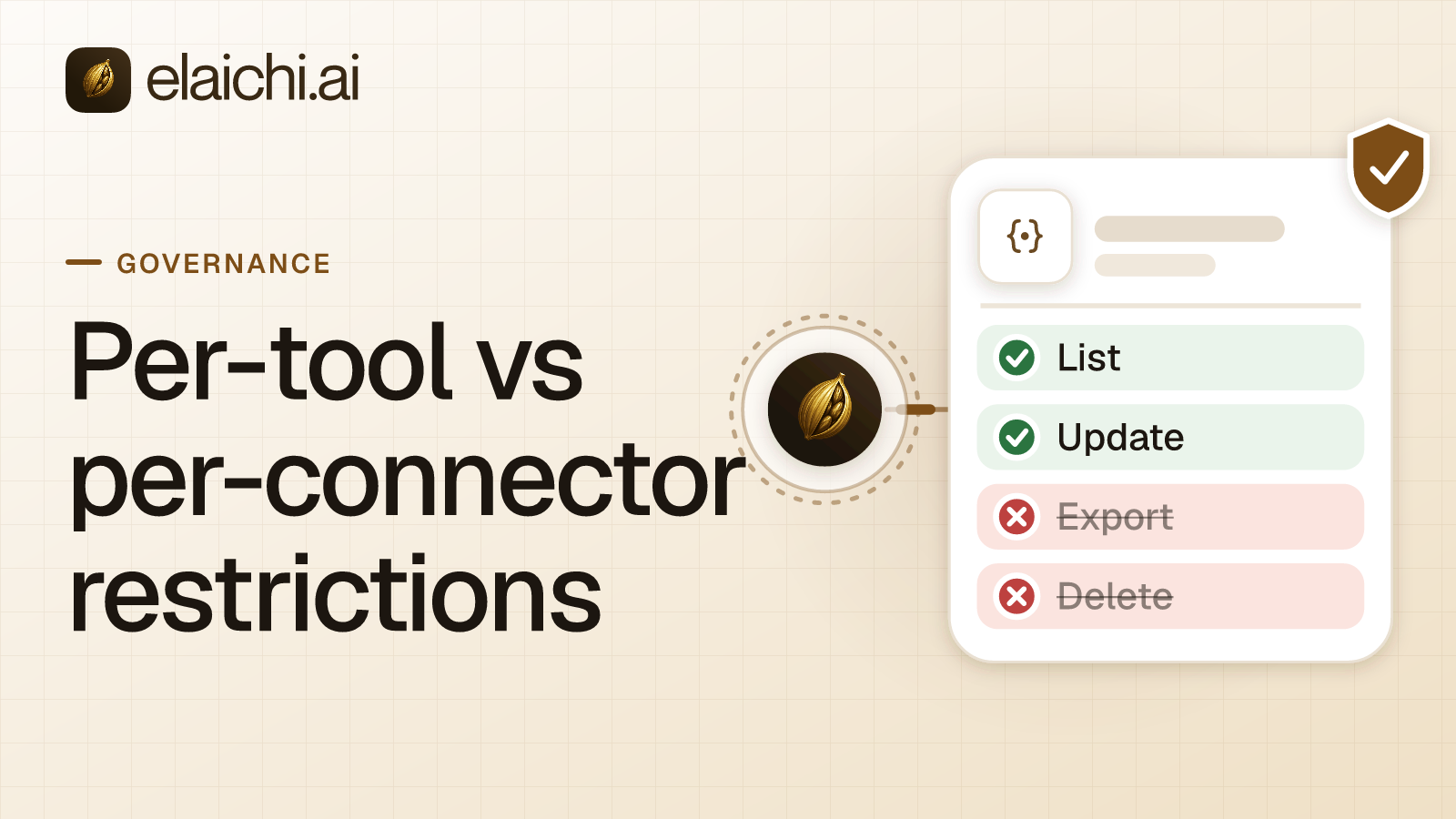
Restrict the tool. A restriction is a rule naming which connectors and which individual tools a target may reach, so it cannot allow restarts while refusing firewall policies through the same tool. Restricting it also removes the legacy reports, which travel as POSTs. That is the trade-off. Keep reporting on the Site Manager reads, and route the rare restart through an access request.
The PATCH, PUT and DELETE passthroughs get the same treatment. Their descriptions give examples: renaming a Protect viewer, replacing a firewall zone and deleting hotspot vouchers. Elaichi tiers create_a_unifi_console_path and the PATCH and PUT tools as write, and unifi_console_paths_bulk_delete as destructive.
Writing the UniFi rules on the IT role
Block the four console write tools on the IT role. If that role already holds an allow rule, name UniFi in it as well. In Elaichi, restriction targets are role or user only; the organization default is the absence of a rule, which means allow everything, so the UniFi rules belong on a role that only the IT team holds.
If the IT role holds no allow rule yet, four block rules are enough. Put one on each console write tool: create_a_unifi_console_path, unifi_console_paths_partial_update, unifi_console_paths_bulk_update and unifi_console_paths_bulk_delete. In Elaichi, a layer with only block rules has no allowlist, so everything it does not block passes it. Every UniFi read stays open, and so does every other app.
If the role already has an allow rule, perhaps from a Jamf setup on a read-only API role, UniFi must be named in it. In Elaichi, once a role carries any allow rule, every connector and tool none of its allow rules names is blocked for that role. Name the unifi connector whole, or list its read tools. A single rule cannot hold both the whole connector and some of its tools; Elaichi refuses that overlap when the rule is created.
Add the four block rules in both cases. Within a layer, a block always beats an allow. If someone later widens the allow rule to all of UniFi, the console writes stay restricted. A restriction change takes effect within about two minutes. Restricting single tools versus whole apps compares the two shapes.
Share the UniFi connection and add the endpoint
An IT admin connects the unifi connector once with the key, then shares that connection with the team at use. Calls through a shared connection use the owner's credential, so the whole team reaches UniFi on one key. Elaichi still records which member made each call. Pick an owner who is staying. When an owner leaves, offboarding can transfer a shared connection to another active member. The key is tied to a UI account too, so plan the same handover on the UniFi side.
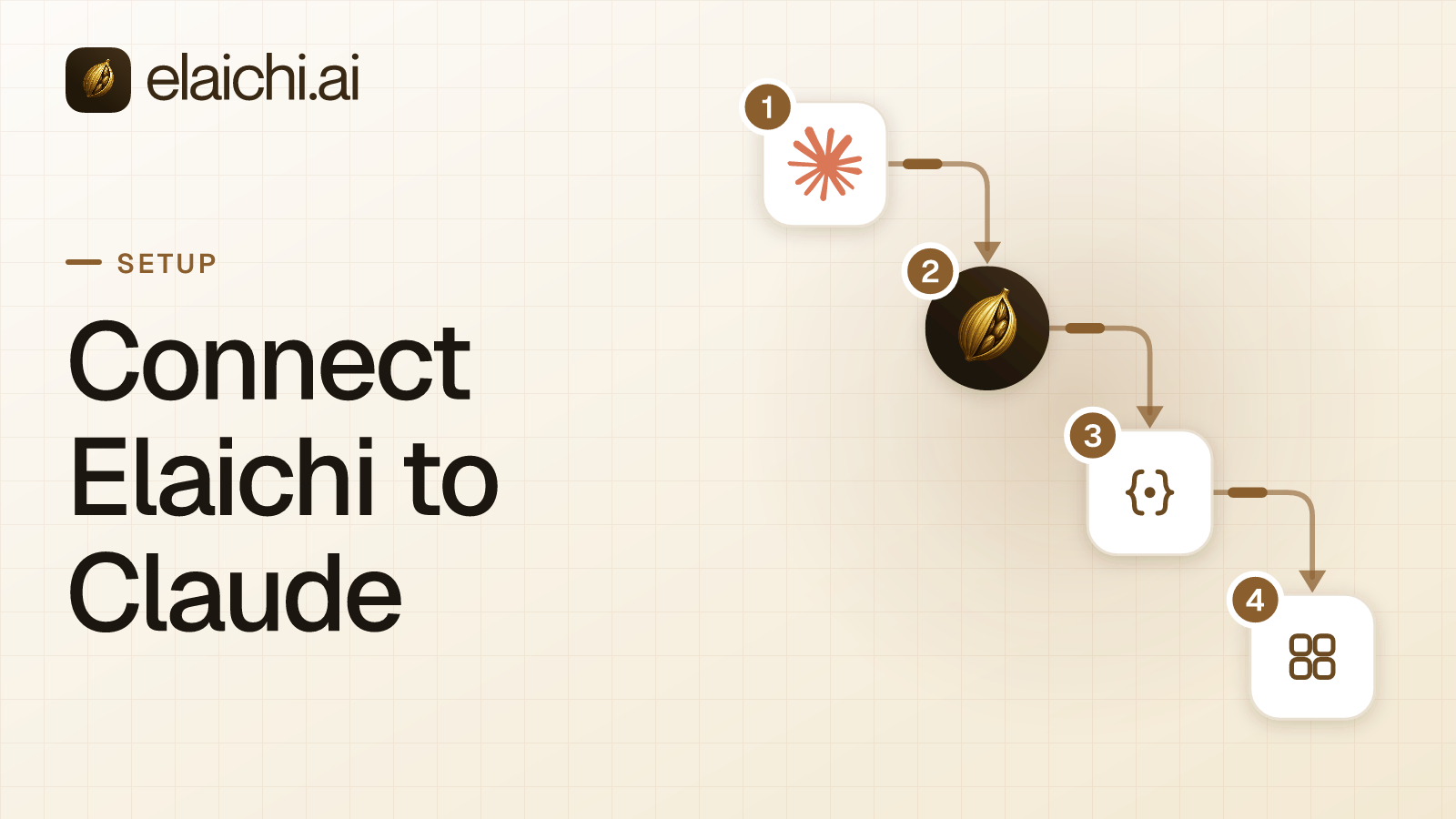
Every organization uses one address: https://api.elaichi.ai/mcp. Each member signs in to it from Claude with their own OAuth grant (the sign-in that ties their Elaichi identity to that client). Setting up Elaichi in Claude walks through the screens. The same endpoint serves ChatGPT, Cursor and Microsoft Copilot.
In Elaichi, connected tools are never listed one by one, however few there are. Claude reaches UniFi through search_tools and execute_tool. On Elaichi's consent screen, "Use your connected apps" runs writes and deletes as well as reads. So the consent screen cannot hold Claude to UniFi reads; the IT role's block rules do that.
Check the UniFi setup from an IT account
Sign in from a test account on the IT role and ask Claude which sites have offline devices. The read should run. Then search for "console". The four write tools should come back as restricted tools do. A restricted tool is left out of the tools Elaichi offers a client and cannot be called. Search still names it, flagged restricted, with no schema.
Then read the audit trail. Elaichi writes one entry for each connected-tool call that reaches execution (a call refused earlier writes none). A UniFi row names the member, the tool, the connection, the outcome and the MCP client, and it logs the one path argument that names the object, as the target id, and nothing else about the arguments. For a fuller checklist, see the fields an agent audit log needs.
UniFi and Elaichi each set a rate limit. Site Manager allows 100 requests a minute on its Early Access version and 10,000 on the v1 stable release, and answers 429 with a Retry-After header (developer.ui.com, checked November 2026). Each console takes 100 passthrough requests a minute, and a proxied call that runs past 25 seconds ends (developer.ui.com, checked November 2026). Elaichi limits each OAuth grant to 120 MCP requests a minute. A shared key means the whole team shares UniFi's limits.
A network lead who needs a restart files an access request for create_a_unifi_console_path. Only an admin in the Elaichi console can approve it, from the Access requests tab under Governance. Approval creates an access grant for that one person and leaves the IT role's rules unchanged. The grant covers every POST path, not only restarts. A grant approved in the console has no end date, so approve it only for someone who should keep that reach.
When UniFi Site Manager on its own is enough
UniFi Site Manager already gives one place for every site. Ubiquiti's help center describes it as a central interface for remotely managing every site an account owns or administers. It lists ISP Viewer for latency, packet loss and uptime, and Update Manager for updates across sites (help.ui.com, checked November 2026). If Marcus's questions stay inside UniFi, that dashboard answers them with no second vendor and no API key.
One admin scripting against the Site Manager API with their own key needs no control plane either. When you can skip an MCP gateway sets out where that line sits.
The case for Elaichi starts when one question spans several apps or several people. The offline access point is in UniFi, the ticket is in the help desk and the laptop is in Jamf. Elaichi gives Claude, ChatGPT, Cursor and Microsoft Copilot the same endpoint, the IT role the same rules in each, and one audit trail across all of them. Browse the 900+ connectors for the rest of the IT stack.


 Add one link to your AI app
 ChatGPT
 Claude
 Cursor
 Microsoft Copilot