


Emily Carter manages a dental office that uses NexHealth for online booking. A patient calls and wants a morning cleaning next week. She opens the schedule, checks two providers, then looks for a time that fits the hygienist. She can use NexHealth in ChatGPT and type the request instead. Claude works the same way.
Elaichi links the chat to NexHealth. NexHealth says its online booking syncs with the practice's own health record system, and its API reads and writes patients, appointments and ledgers (NexHealth docs, checked November 2026). The market overview, ChatGPT for dental offices, covers the whole team. Because patient records are protected health information, you start with a conversation, not a signup.
What can an office manager ask NexHealth?
An office manager can ask nine things, and each one uses a real tool in NexHealth. Type them in your own words.
- "Any openings next week with the hygienist for a one-hour cleaning?" The AI reads bookable slots for the location and provider.
- "Book Jake Morgan into the Tuesday 9 am slot." It books the visit. Read the slot before you confirm.
- "What is on the doctor's schedule Thursday?" It lists the appointments in that window.
- "Move Emily Carter's visit to Friday at 2 pm." It edits the appointment.
- "Which patients are due for recall this month?" It reads recalls with their type and interval.
- "What treatment plans are open for Jake Morgan?" It reads his treatment plans and the procedures in them.
- "What insurance coverage does Emily Carter have?" It reads the coverage on file.
- "What does this family owe?" It reads the guarantor balance. Name the guarantor first.
- "Add an alert to Emily's chart: prefers morning visits." It creates a patient alert with that note.
The last four change or read sensitive records. Check each answer before you act on it.
Make it run on its own
Turn prompt 5 into a workflow, which runs by itself. Ask Claude: "Every Monday at 8 am, count the patients due for recall in NexHealth and post only the number in Slack." That is a schedule plus the same lookup. Keep patient names out of Slack. In chat, the AI acts right away. In a workflow, the builder can add an approve step, so a named person approves before a step that changes something. A test run is safe: it reads real data and changes nothing. Workflows are part of the Black plan, and every new workspace begins on a 14-day Black trial with them included.
What can the AI not do in NexHealth?
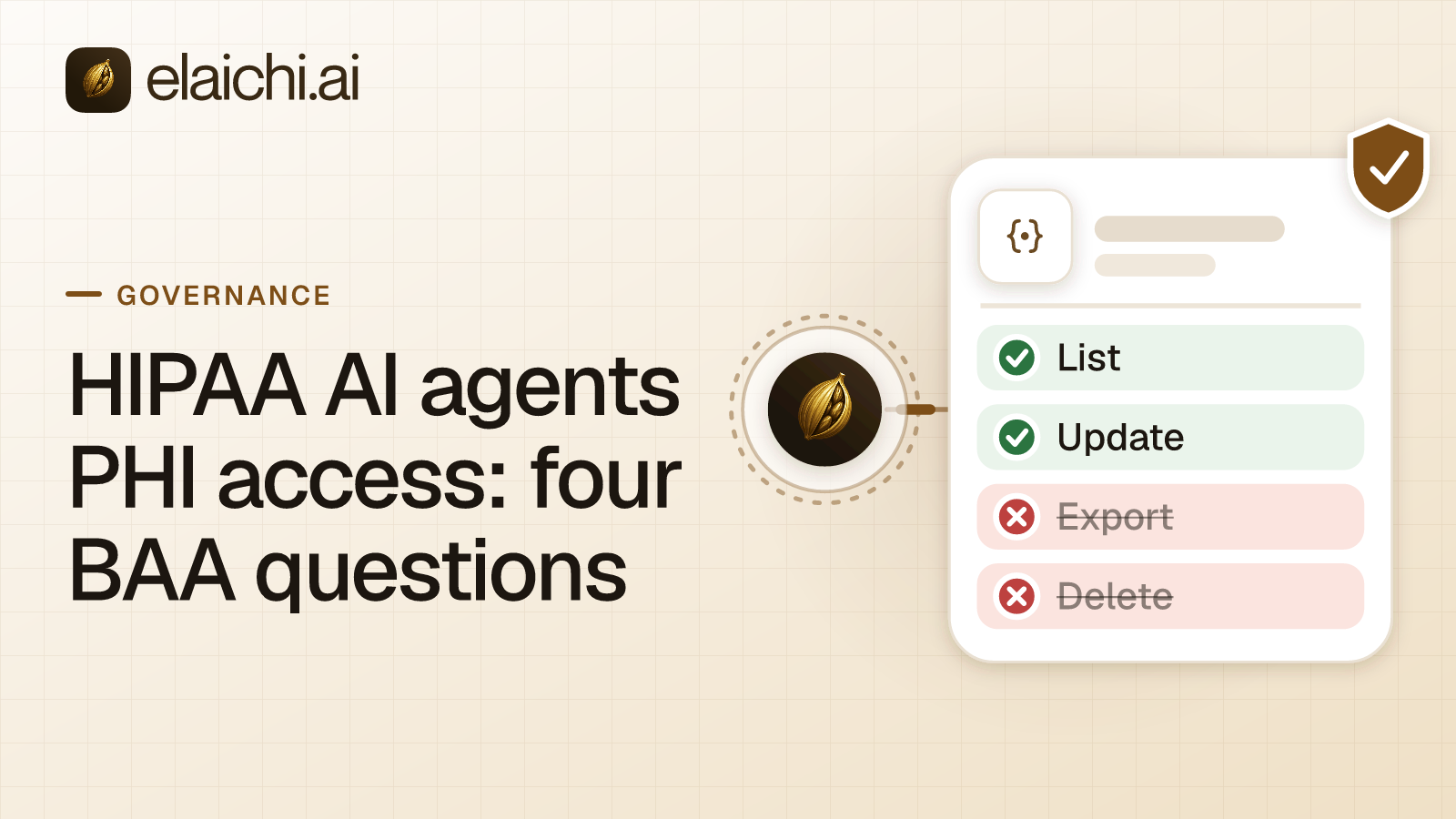
The AI cannot send a patient reminder, and some risky tools stay reachable until a team lead on Gold restricts them. Elaichi does not ask before each call, although ChatGPT or Claude may show its own prompt.
- It does not send reminders. Elaichi has no tool that sends one. Check your NexHealth reminder settings before you book a test visit.
- It can record a payment or an adjustment. NexHealth has tools for both. Keep them with the person who runs billing.
- It can delete an appointment type or change a provider's working hours. Restrict those for the front desk.
- It can read clinical notes and upload documents. Restrict them for roles that do not need them.
- It can change webhooks. A webhook is a link that sends events to another system. Keep it with an admin.
- Hidden instructions are not caught. Elaichi does not protect against instructions written inside a chart note that the AI reads.
Gold lets a team lead switch off single tools for a role. Personal, the free plan, cannot. List each risky tool by name, because tools a rule does not name stay reachable. A restricted tool is left out of the tools Elaichi offers a client and cannot be called. Search still names it, flagged restricted, with no schema. A rule starts working within about two minutes.
How do you set up NexHealth in ChatGPT or Claude?
Setup takes three steps.
- Talk to Elaichi first. Elaichi states it is HIPAA compliant, as its Trust Center does. A Business Associate Agreement is not offered by default. Patient data is allowed only where an Order Form expressly permits it and a Business Associate Agreement has been signed.
- Connect NexHealth. Add it from the connections page, using the access NexHealth gives your practice.
- Add Elaichi to ChatGPT or Claude. The server address is
https://api.elaichi.ai/mcp. In Claude on Pro or Max, open Customize, then Connectors, then Add custom connector (Anthropic help, checked November 2026). In ChatGPT Business, an admin adds it under Plugins. Pro accounts connect with read and fetch permission only (OpenAI help, checked November 2026), so booking and alerts need Business, Enterprise or Claude.
The NexHealth page lists every tool. Elaichi keeps one entry for each connected-tool call that reaches execution (a call refused earlier writes none). It does not store what the AI typed into a record, so read that in NexHealth.
Is it worth it for a small office?
The gain shows when one sentence spans a slot, a recall and a balance. If you only book from NexHealth's own screen, you may not need it. A team gets more once a lead sets the rules, which ChatGPT for dental offices. Offices on Denticon can read Use ChatGPT with Denticon.

 Add one link to your AI app
 ChatGPT
 Claude
 Cursor
 Microsoft Copilot