


Jake Morgan works the front desk for a dental group with three offices. Tomorrow has forty visits and a dozen are unconfirmed. He also needs to know who is overdue for a cleaning and which holes in the schedule he can fill. He can use ChatGPT with Denticon and type the question instead. Claude works the same way.
Elaichi links the chat to Denticon. Denticon is a cloud platform for dental groups and DSOs, which are support organizations that run many offices (Planet DDS, checked November 2026). The market overview, ChatGPT for dental offices, covers the whole team. Because patient records are protected health information, you start with a conversation, not a signup.
What can a front desk ask ChatGPT in Denticon?
A front desk can ask nine things, and each one uses a real tool in Denticon. Type them in your own words.
- "Which patients at Oak Street are due for recall?" The AI reads the recalls for that office.
- "Any one-hour hygiene slots next week?" It reads open times for the office and production type.
- "Book Emily Carter into the Tuesday 10 am slot." It books the visit. Check the time with it before you book for real.
- "Confirm Jake Morgan's visit tomorrow." It marks the visit confirmed. It does not message him.
- "Which patients tomorrow are likely to no-show?" It reads the no-show risk scores for the day.
- "Does Emily Carter have insurance on file for Thursday?" It reads the coverage on that appointment.
- "Add a note that Jake asked for morning visits." It adds a patient note.
- "Who has an unpaid balance at Oak Street?" It reads account balances for the office.
- "Cancel Emily Carter's Thursday visit as patient request." It looks up the cancellation reasons, then cancels the visit and frees the slot.
Read the AI's answer before you act on it. Check a booking or cancellation the way you would check an assistant's work.
Make it run on its own
Turn prompt 4 into a workflow, which runs by itself. Ask Claude: "Every weekday at 3 pm, count tomorrow's unconfirmed visits at Oak Street in Denticon and post only the number in Slack." That is a schedule plus the same lookup. Keep patient names out of Slack. In chat, the AI acts right away. In a workflow, the builder can add an approve step, so a named person approves before a step that changes something. Try a test run first. It reads real data and changes nothing. Black is the plan with workflows, and a new workspace begins with a 14-day Black trial that includes them.
What can ChatGPT not do in Denticon?
ChatGPT cannot text a patient or check coverage with the insurance company. Some risky tools stay reachable until a team lead on Gold restricts them. Elaichi does not ask before each call, although ChatGPT or Claude may show its own prompt.
- It does not text, call or email. Denticon has no tool that sends a message.
- It cannot verify insurance. The Denticon tool saves results someone checked elsewhere. It does not ask the payer.
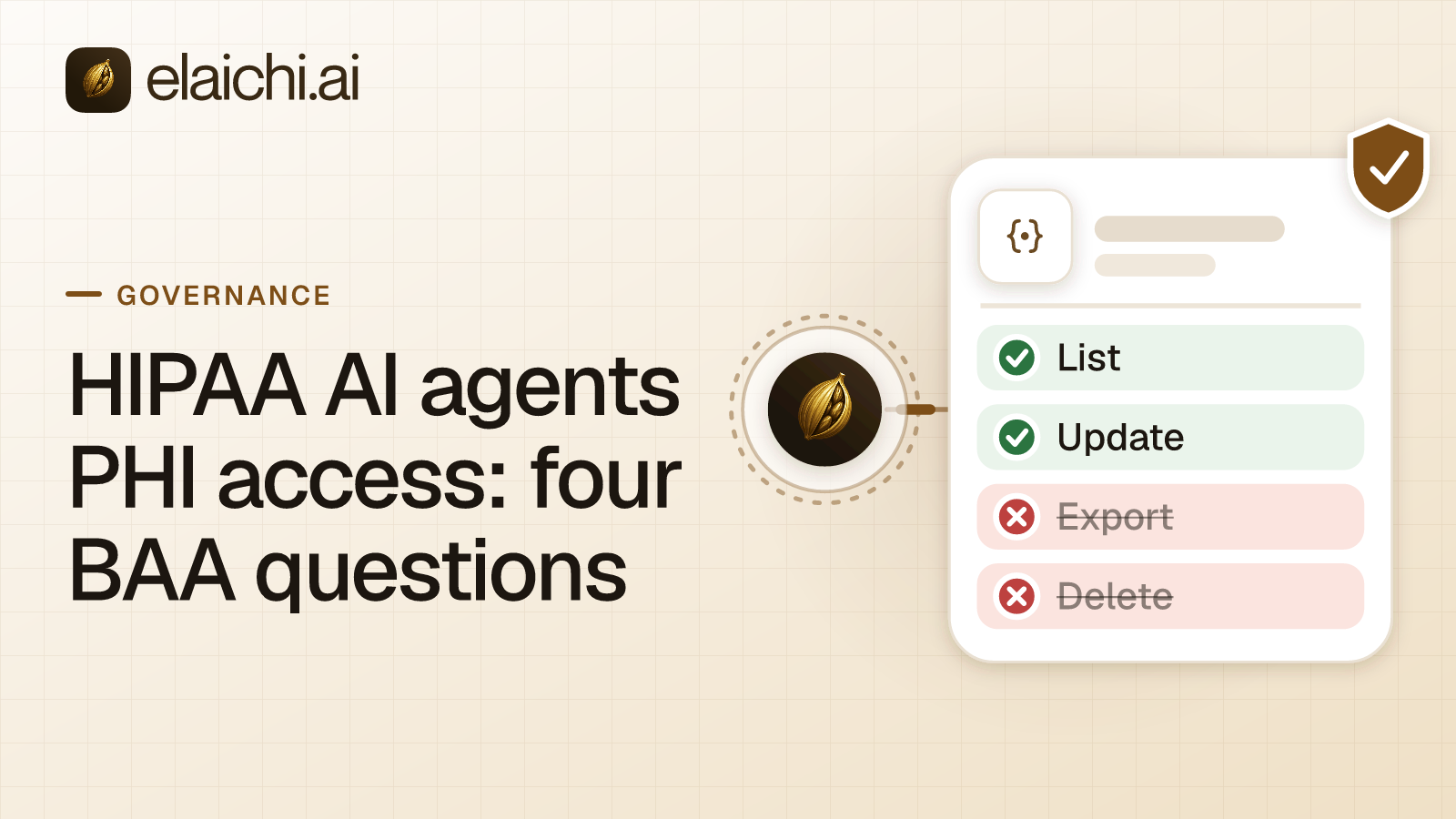
- It can cancel a visit. Restrict that tool for roles that should not cancel.
- It can read clinical notes, medical history and perio charts. Restrict those reads for front desk roles.
- It can change a patient's consent. One tool sets text, email and voice consent. Restrict it on Gold, because a wrong value changes who the office may contact.
- It can write clinical and billing records. Denticon has tools that create progress notes, change a patient's insurance and upload payment remittances. Keep them with clinical and billing staff.
- Hidden instructions are not caught. Elaichi does not protect against instructions written inside a note that the AI reads.
On Gold, a team lead restricts a tool for a role, which turns that one tool off for everyone in it. Personal, the free plan, has no restrictions. A rule only covers the tools it names. A restricted tool is left out of the tools Elaichi offers a client and cannot be called. Search still names it, flagged restricted, with no schema. Give a new rule about two minutes.
How do you use ChatGPT with Denticon for the first time?
Setup takes three steps.
- Talk to Elaichi first. Elaichi states it is HIPAA compliant, as its Trust Center does. A Business Associate Agreement is not offered by default. Patient data is allowed only where an Order Form expressly permits it and a Business Associate Agreement has been signed.
- Connect Denticon. Add it from the connections page, using the access details Denticon gives your group.
- Add Elaichi to ChatGPT or Claude. Paste
https://api.elaichi.ai/mcpas the server address. Claude on Pro or Max: Customize, Connectors, Add custom connector (Anthropic help, checked November 2026). ChatGPT Business: an admin adds it under Plugins. ChatGPT Pro reads only (OpenAI help, checked November 2026), so booking, confirming and notes need Business or Claude.
The Denticon page lists every tool the AI can use. Elaichi keeps one entry for each connected-tool call that reaches execution (a call refused earlier writes none). It does not store what the AI typed into a record, so read that in Denticon.
Is it worth it for one office?
Skip it if Denticon's own reports already answer your questions. It earns its place when one request spans a recall list, a slot and a draft email. A group gets more once a team lead sets the rules, as ChatGPT for dental offices.

 Add one link to your AI app
 ChatGPT
 Claude
 Cursor
 Microsoft Copilot