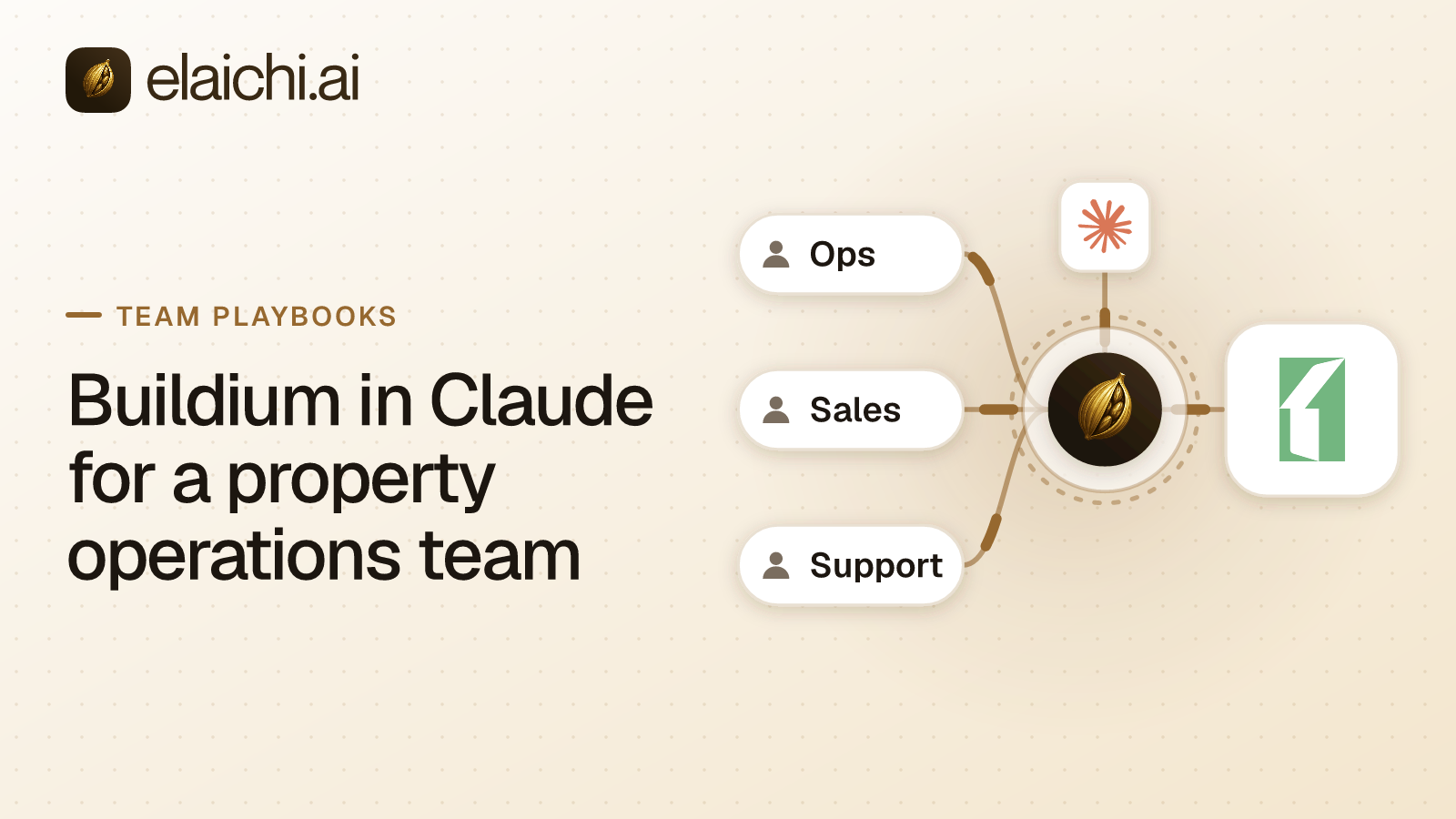
Why a property team wants Buildium in Claude
Emily Carter runs operations for a portfolio of rentals and two associations. Her Monday questions are always the same. Which units are listed and at what rent? Which work orders are open and past due? Has the tenant in 4B filed proof of renters insurance? Each answer sits in Buildium, behind a different screen. Buildium in Claude puts those lookups in one chat, next to the email thread and the vendor quote she is already reading.
MCP (Model Context Protocol) is the standard way an AI assistant calls tools in other apps. No MCP server is documented in Buildium's developer guide, "Open API, powered by Buildium" (developer.buildium.com, checked October 2026). Buildium's own AI features, which its pricing page lists as Lumina AI, come with Buildium's plans. So the path from Claude to a live Buildium account is a connector that calls the Open API.
Elaichi's buildium connector is that connector. It signs in with one Buildium API key and carries 337 tools: 183 reads, 73 creates, 52 updates, 10 deletes and 19 file and image requests. An operations lead needs a small part of that. The rest of this playbook is about which part, and how to keep the others away from the model.
What the Buildium API key decides before Elaichi does
The Buildium API key is the outer wall, because every call through the connection uses it. Build it narrow first. Buildium's Open API needs a Premium Subscription, and turning it on takes an administrator role with access to Application settings (developer.buildium.com, checked October 2026). The toggle sits under Settings, then Application settings, then Api settings.
Keys are account-level and have two parts, a client ID and a secret. An administrator creates one under Settings, then Developer Tools, then Create API Key. The next screen asks which pieces of Buildium data the key may reach, as a set of checkboxes. Buildium's guide is blunt about the default risk: based on their permissions, keys "could have full access to your account's Buildium data". It also says a key can be restricted to particular entities or to read-only access.
Buildium's API reference names the permission each endpoint needs, and that tells you what to tick. Creating a work order needs Maintenance, Work Orders with View and Edit. Sending an email needs Communication, Emails with View and Edit. A key without the email permission gets a 403 Forbidden on that call, whatever the model asks for. The secret is shown once, at creation. Paste it straight into Elaichi and keep no other copy.
Give the operations connection its own key. If finance later needs Buildium too, it gets a second key and a second connection, so neither team's reach depends on the other's checkboxes.
Which Buildium tools an operations lead actually needs
Most of what Emily asks is a read, and a few reads span the whole account. list_all_buildium_workorders and list_all_buildium_tasks_residentrequests filter by status, priority, unit, vendor and due date. list_all_buildium_rentals_units and list_all_buildium_rentals cover the portfolio. list_all_buildium_applicants covers who has applied. list_all_buildium_communications_phonelogs covers who called.
Lease reads are narrower. list_all_buildium_lease_rents, list_all_buildium_lease_rentersinsurances and get_single_buildium_lease_renewal_by_id each take one lease id, and no read tool returns the list of leases itself. The model needs the lease from the person asking or from another record. list_all_buildium_unit_listings likewise returns the active listing for one unit at a time.
| Kind | Example tools | For the operations role |
|---|---|---|
| Portfolio and task reads | list_all_buildium_workorders, list_all_buildium_rentals_units, list_all_buildium_applicants |
Allow |
| Lease reads by lease id | list_all_buildium_lease_rentersinsurances, list_all_buildium_lease_rents |
Allow |
| Task creation | create_a_buildium_workorder, create_a_buildium_tasks_residentrequest |
Allow |
| Resident email | create_a_buildium_communications_email |
Restrict |
| Money movement | create_a_buildium_bill_payment, create_a_buildium_bankaccount_withdrawal, create_a_buildium_lease_refund |
Restrict |
| Deletes | delete_a_buildium_unit_listing_by_id, delete_a_buildium_lease_moveout_by_id |
Restrict |
The email tool sends a templated message to one or more current tenants. That is an outbound message under the company's name, and a wrong merge field reaches residents. Deleting a unit listing takes it off the Buildium public website at once and off syndicated sites within 24 to 48 hours, per the tool's own description.
Updates need their own caution. update_a_buildium_workorder_by_id replaces the record: any field left out is cleared to empty or null. Buildium's reference says the same of its update endpoints and recommends a GET first. A model that sends only the new due date can wipe the vendor and the line items. Keep updates in the Buildium app and let Claude create.
Writing the rule on the operations role
One allow rule on the operations role gives Emily's team the reads and the two creates, and nothing else from Buildium. A restriction is a rule naming which connectors and which individual tools a role or a member may reach. In Elaichi, restriction targets are role or user only; the organization default is the absence of a rule, which means allow everything. So the team needs its own role, and each member holds exactly one.
Name the read tools the team uses, then create_a_buildium_workorder and create_a_buildium_tasks_residentrequest. The same rule, or a second allow rule on the role, must also name every other app the team uses, as whole connectors. In Elaichi, the allowlist stage engages on the presence of an allow rule, not its contents, so an allow rule that names nothing denies everything. Once a role holds an allow rule, every connector and tool no allow rule names is denied for it. A Zendesk or Slack connector left off the list is lost to the role.
Do not name the Buildium connector whole and some of its tools in one rule. Elaichi refuses that overlap on a new rule, because the whole-connector entry would admit every tool. Allow rules match the operation pinned at save time, and block rules match the name or the operation. Why blocks match names and allows do not covers the reason.
Then add block rules on create_a_buildium_communications_email, the payment, withdrawal and refund tools, and the ten delete tools. Within a layer, a block always beats an allow. So if someone later widens the allow rule to all of Buildium, those tools stay restricted. A restriction change takes effect within about two minutes. Per-tool versus per-app restrictions compares the two shapes.
Connect once, share it, and point Claude at it
An operations admin connects the buildium connector once with the key's client ID and secret, then shares that connection with the team at use. A shared connection runs on its owner's credential. Every member's call reaches Buildium with the same key, and Elaichi records which member made each call. Those credentials sit in a separate credential service, encrypted at rest.
Pick an owner who will stay. When an owner leaves, Elaichi's offboarding lists every connection they own, and an admin transfers it to another member. A transfer leaves every share as it was. Offboarding when the agent holds access covers the rest of that checklist.
Every organization uses one address: POST https://api.elaichi.ai/mcp. On Claude Team and Enterprise, an Owner adds it under Organization settings, then Connectors, then Add, then Custom, then Web. Members then connect it under Customize, then Connectors (support.claude.com, checked October 2026). Each member signs in with their own OAuth grant, the sign-in that ties their Elaichi identity to that client. The full setup is in connecting Elaichi to Claude.
In Elaichi, connected tools are never listed one by one, however few there are. Claude reaches Buildium through search_tools and execute_tool, so a Claude permission set on execute_tool covers every connected app at once. On Elaichi's consent screen, "Run your connected tools" runs writes as well as reads. Only a delete also needs "Delete data and remove access", which is never pre-ticked. Neither box is the control here. The role's rules are.
Check it from an operations account before rollout
Sign in from a test account on the operations role and ask Claude for open work orders at one property. The read should run. Then search for "email" and "refund". Both should come back by name, flagged restricted, with no schema, and neither can be called. Buildium includes one sandbox account with Premium, and a key works only in the environment that created it. Connect a sandbox key as a second connection and create a test work order there.
Then read the audit trail. Elaichi writes one entry for each connected-tool call that reaches execution (a call refused earlier writes none). Each entry records the tool, the connection reached, the outcome and the client, plus the one path argument that names the object, as the target id, and nothing else about the arguments. A lease id in a read's path is recorded; the body of a create is not. What an AI audit log must capture lists what to check in those rows.
Mind the rate limits on both sides. Buildium allows 10 concurrent requests per second per client and suggests exponential backoff after a 429 (developer.buildium.com, checked October 2026). Elaichi limits a token to 120 MCP requests a minute. A shared key means the whole team shares Buildium's limit.
When someone needs a restricted tool later, they file an access request. An admin approves it in the console, under Governance, then Access requests. The grant lifts that one tool for that one person, and the role is not edited.
When Buildium's own AI is the better fit
If the team works inside Buildium all day, Buildium's own AI may cover some of it. Buildium's pricing page lists Lumina AI features: Buildium Assistant (Help Only), Write with Lumina, Lumina AI Workforce and AI Bill Scan (buildium.com, checked October 2026). Buildium's blog says its Maintenance Workforce agent can "summarize task threads and close completed work orders on their own" (buildium.com, checked October 2026). That needs no second vendor and no API key.
Elaichi earns its place when the question crosses apps. Emily's work order lives in Buildium, the vendor's quote is in email and the resident's complaint is in the help desk. With Elaichi, one endpoint serves Claude, ChatGPT and Cursor alike. One set of rules says what each role may reach, and one audit trail shows who asked what. The same pattern, held to reads, is in Buildium for accounting in ChatGPT. If one person only wants to test a few queries, you may not need a control plane yet. Browse the 600+ connectors for the rest of the stack.