


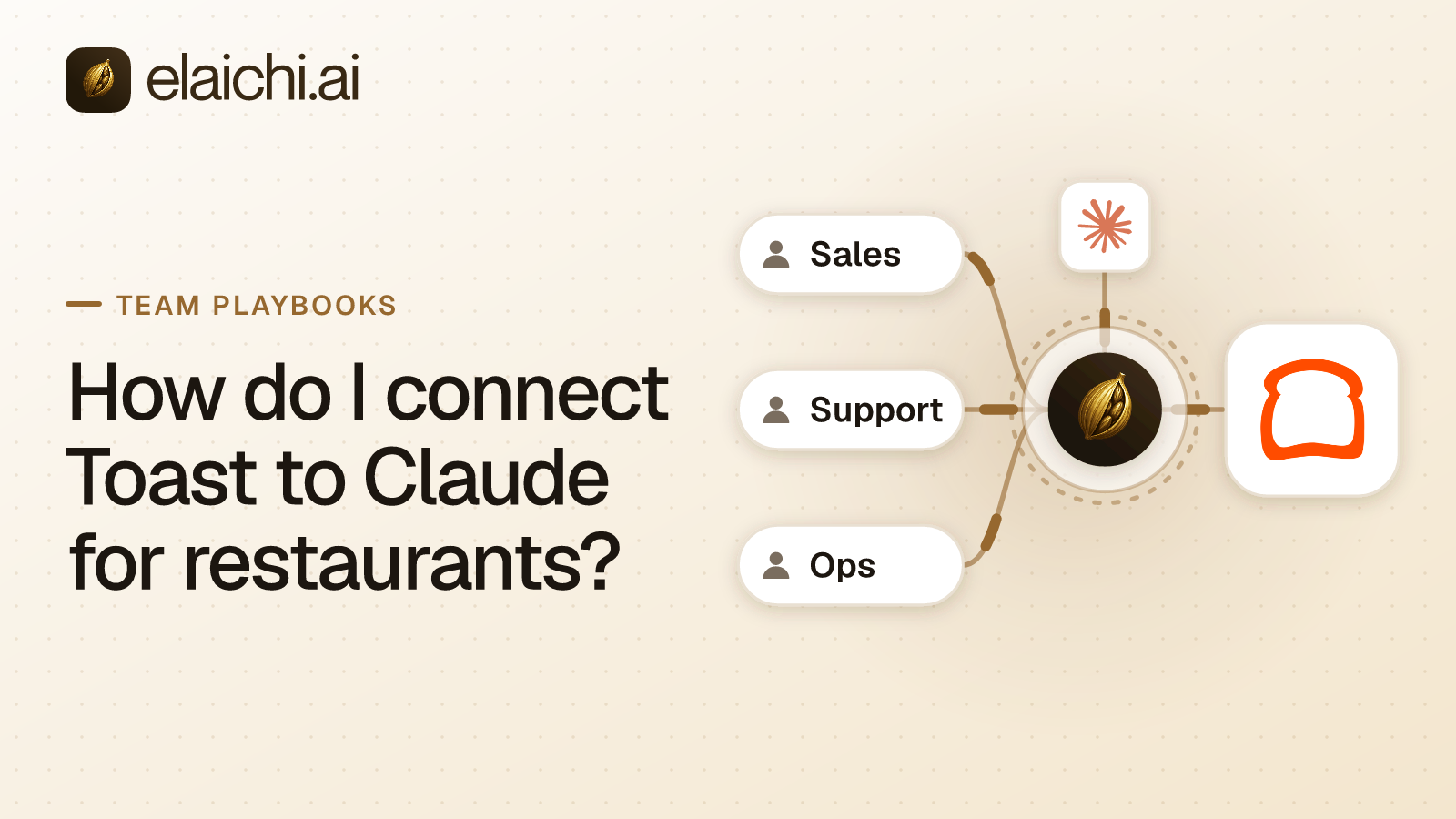
Why an area manager would connect Toast to Claude
Jake Morgan is an area manager for five restaurants. His mornings start with the same questions. How many voids did the downtown location ring last night, and who rang them? Which discounts ran at the airport store? What sold out by 8:00 p.m.? Who clocked in late on Saturday? Every answer sits in Toast, one location at a time. Once you connect Toast to Claude, Jake asks those questions in one chat and gets the answers in one place.
MCP (Model Context Protocol) is the standard way an AI assistant calls tools in other apps. No MCP server is documented in Toast's developer guide (doc.toasttab.com, checked November 2026). So the path from Claude to live Toast data is a connector that calls Toast's APIs.
Elaichi's toast connector is that connector. It carries order, payment, discount, menu, stock, labor and employee reads. It also carries writes that void orders, mark items out of stock, apply discounts and change shifts. Most of Jake's questions need only the reads. The writes need a decision before rollout, because each one lands on a live service.
Which Toast credentials should the connection use?
Use standard API access credentials, because Toast makes them read-only. Toast's Standard API access overview says these credentials read data from one location or several in a management group, and include no write access (doc.toasttab.com, checked November 2026). Partner and custom integration credentials come from the Toast integrations team instead (doc.toasttab.com, checked November 2026).
You create standard credentials yourself in Toast Web. Go to Integrations, Toast API access, Manage credentials, then Create new credentials and Standard API. Name the set, select scopes and select locations (doc.toasttab.com, checked November 2026). Each location needs Toast Restaurant Management Suite Essentials or higher. You also need the Manage Integrations permission for those locations (doc.toasttab.com, checked November 2026).
Pick the read scopes the questions need: orders:read, menus:read, stock:read, labor:read and labor.employees:read (doc.toasttab.com, checked November 2026). Toast then emails the names and GUIDs of the locations. That GUID is the restaurant identifier every request carries.
How multi-location questions work with Toast
Each Toast request is about one restaurant, so a five-location question means five lookups. Toast's Standard API access overview says all API requests are location-specific. Its authentication guide says each request names its restaurant with that restaurant's GUID in the Toast-Restaurant-External-ID header.
Elaichi's toast connector appears to follow the same shape. The description of create_a_toast_price says that header is set from the connection, and the order, menu, stock, labor and employee tools take no restaurant argument. So plan one Toast connection per location, and name each one after its restaurant, such as "Toast, Downtown". In Elaichi, a tool backed by several accounts takes a required connection argument. Claude answers "voids at every store last night" by running the same read once for each location Jake can use.
Toast's analytics API is the exception. It reports across the restaurants in a management group, but it needs Restaurant Management Suite Pro or higher and its own separate credentials (doc.toasttab.com, checked November 2026). For group-wide sales totals, use Toast's own reporting or those credentials. For a single location's orders, the per-location connection is the right fit.
What the Toast reads answer for one restaurant
The reads cover what an area manager reviews after a service. list_all_toast_orders_bulks takes a business date and returns full orders. Each order carries its checks, selections, payments, discounts, server, table and revenue center, plus a voided flag. get_single_toast_order_by_id returns one order whole. list_all_toast_payments returns payment ids for one business day, filtered by paid, refunded or voided date.
Configuration reads explain what those orders mean. list_all_toast_discounts lists the discounts a restaurant has set up. list_all_toast_void_reasons lists the void reasons a restaurant has set up. list_all_toast_menus and list_all_toast_menu_items return the menu, and list_all_toast_metadata says when it last changed.
Stock and labor reads finish the picture. list_all_toast_inventories returns only items marked out of stock or limited by quantity. list_all_toast_shifts and list_all_toast_time_entries take date windows of at most one month. list_all_toast_employees returns each person's jobs and wage overrides, so decide who should see pay before you share it.
| Kind | Tools | For the operations role |
|---|---|---|
| Orders and payments | list_all_toast_orders_bulks, get_single_toast_order_by_id, list_all_toast_payments |
Allow |
| Discounts, voids and menus | list_all_toast_discounts, list_all_toast_void_reasons, list_all_toast_menu_items |
Allow |
| Stock | list_all_toast_inventories, list_all_toast_search_inventories |
Allow |
| Labor | list_all_toast_shifts, list_all_toast_time_entries, list_all_toast_employees |
Allow |
Which Toast writes matter during a dinner rush?
Five kinds of Toast write change a live service the moment they run: stock updates, voids, discounts, payments and shifts. toast_inventory_updates_bulk_update sets menu items to in stock, out of stock or a set quantity. One wrong item id marks the house special out of stock at 7:00 p.m., in the middle of the rush.
create_a_toast_order_void voids an order with its selections and payments, and Elaichi tiers it destructive. create_a_toast_check_applied_discount and create_a_toast_selection_applied_discount add discounts to a check on an existing order. create_a_toast_check_payment adds payments to a check. Each one changes money on a guest's bill.
Labor writes reach past tonight. update_a_toast_shift_by_id is a PUT that replaces the whole shift, and delete_a_toast_shift_by_id is tiered destructive. toast_employee_wage_overrides_bulk_update replaces a person's wage overrides and drops any left out. toast_employee_jobs_bulk_update replaces a person's jobs, and a group-level job changes at every location in the group. delete_a_toast_employee_by_id stops that person from opening new time entries.
Toast scopes these actions separately. Its scope list names stock:write, orders.discounts:write, orders.payments:write, orders.channel:void and labor.shifts:write (doc.toasttab.com, checked November 2026). Every scope on the standard access list is a read scope. Still, write the Elaichi rules as if the credential could write, because they hold either way.
Writing the Toast rules on the operations role
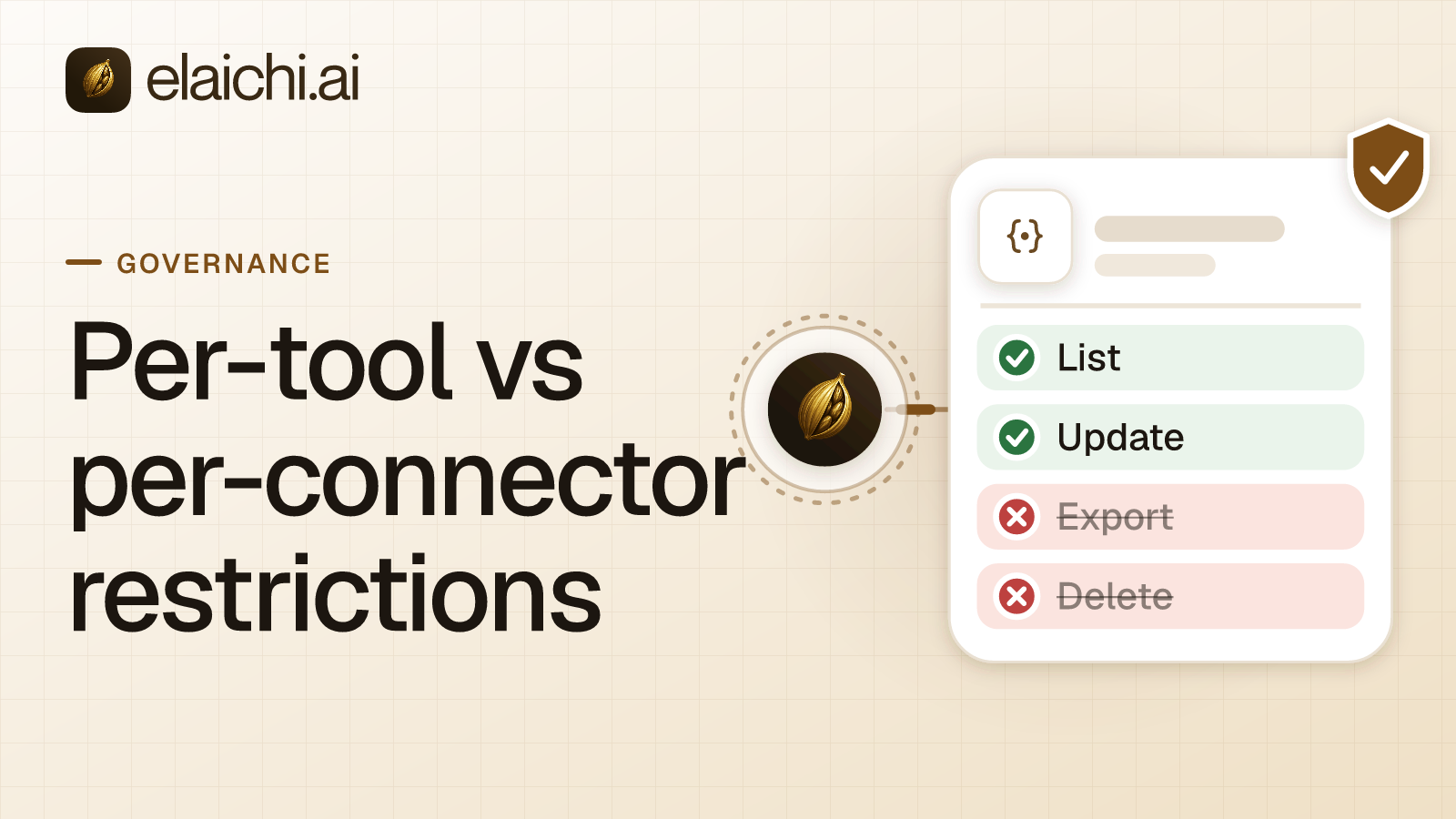
Block the Toast writes by name on the operations role. In Elaichi, restriction targets are role or user only; the organization default is the absence of a rule, which means allow everything, so put the Toast rules on a role that only managers hold. A restriction is a rule naming which connectors and which individual tools a target may reach.
If the role holds no allow rule yet, block rules alone can do it. In Elaichi, a layer with only block rules has no allowlist, so everything it does not block passes it. So the list has to name every Toast tool that changes data. Start with create_a_toast_order_void and toast_inventory_updates_bulk_update. Then add the other order writes: order and item creation, the discount and payment tools, and the delivery and loyalty updates. Last, add the shift writes and every employee and job write, wage overrides included.
If the role already has an allow rule, Toast must be named in it. In Elaichi, once a role carries any allow rule, every connector and tool none of its allow rules names is blocked for that role. Within a layer, a block always beats an allow, so the block rules still hold if the allow rule later names all of Toast.
One trade-off needs care. create_a_toast_metric, create_a_toast_payout_payment and create_a_toast_guest_payment only create report requests, yet Elaichi tiers them write. A block list copied from the write tier would catch them. create_a_toast_price and create_a_toast_applicable_discount only calculate, and they sit in the same tier. Leave those five off the list if the team needs reports and price checks. A restriction change takes effect within about two minutes. Restricting single tools versus whole apps compares the two shapes.
Share the Toast connections and check the setup
An operations admin connects each location once, then shares that connection at use with the managers of that restaurant. Calls through a shared connection run on the owner's credential, and Elaichi still records which member made each call. Pick an owner who is staying. Offboarding can transfer a shared connection to another active member.
Every organization uses one address: https://api.elaichi.ai/mcp. Each manager signs in from Claude with their own OAuth grant. Setting up Elaichi in Claude walks through the screens. In Elaichi, connected tools are never listed one by one, however few there are. On the consent screen, "Use your connected apps" runs writes and deletes as well as reads, so the role's block rules are what hold Claude to reads.
Then test from a manager account. Ask for yesterday's voids at one location, then search for "void" and "inventory". A restricted tool is left out of the tools Elaichi offers a client and cannot be called. Search still names it, flagged restricted, with no schema. Elaichi writes one entry for each connected-tool call that reaches execution (a call refused earlier writes none), and it logs the one path argument that names the object, as the target id, and nothing else about the arguments.
Mind both rate limits. Toast allows 20 requests a second and 10,000 every 15 minutes per restaurant, and answers 429 past that (doc.toasttab.com, checked November 2026). Its bulk orders endpoint takes five requests a second per location. Elaichi limits each OAuth grant to 120 MCP requests a minute. A manager who needs to mark an item out of stock files an access request, and only an admin in the Elaichi console can approve it. The connection's Toast credential also needs stock:write, which is not on Toast's standard access scope list.
When Toast IQ inside Toast is enough
Toast IQ is Toast's own AI assistant, and for questions that stay inside Toast it may be all a manager needs. Toast's page says Toast IQ is included with Toast POS at no extra cost. It answers questions about sales, labor, menu performance, discounts and voids. It can also update items, adjust stock and edit shifts with the user's confirmation, within their Toast Web permissions (pos.toasttab.com, checked November 2026). Toast's announcement says it runs in the Toast Now app and Toast Web (pos.toasttab.com, checked November 2026). If every question stays inside Toast, that needs no second vendor.
When you can skip an MCP gateway sets out where that line sits for other apps too.
The case for Elaichi starts when one question spans Toast and another app. A void report sits in Toast, the food cost in the books and the follow-up in Slack. Elaichi gives Claude, ChatGPT, Cursor and Microsoft Copilot the same endpoint, the operations role the same rules in each, and one audit trail. A finance lead can pair this with QuickBooks on a read-only connection. Browse the 900+ connectors for the rest of the restaurant stack.


 Add one link to your AI app
 ChatGPT
 Claude
 Cursor
 Microsoft Copilot