


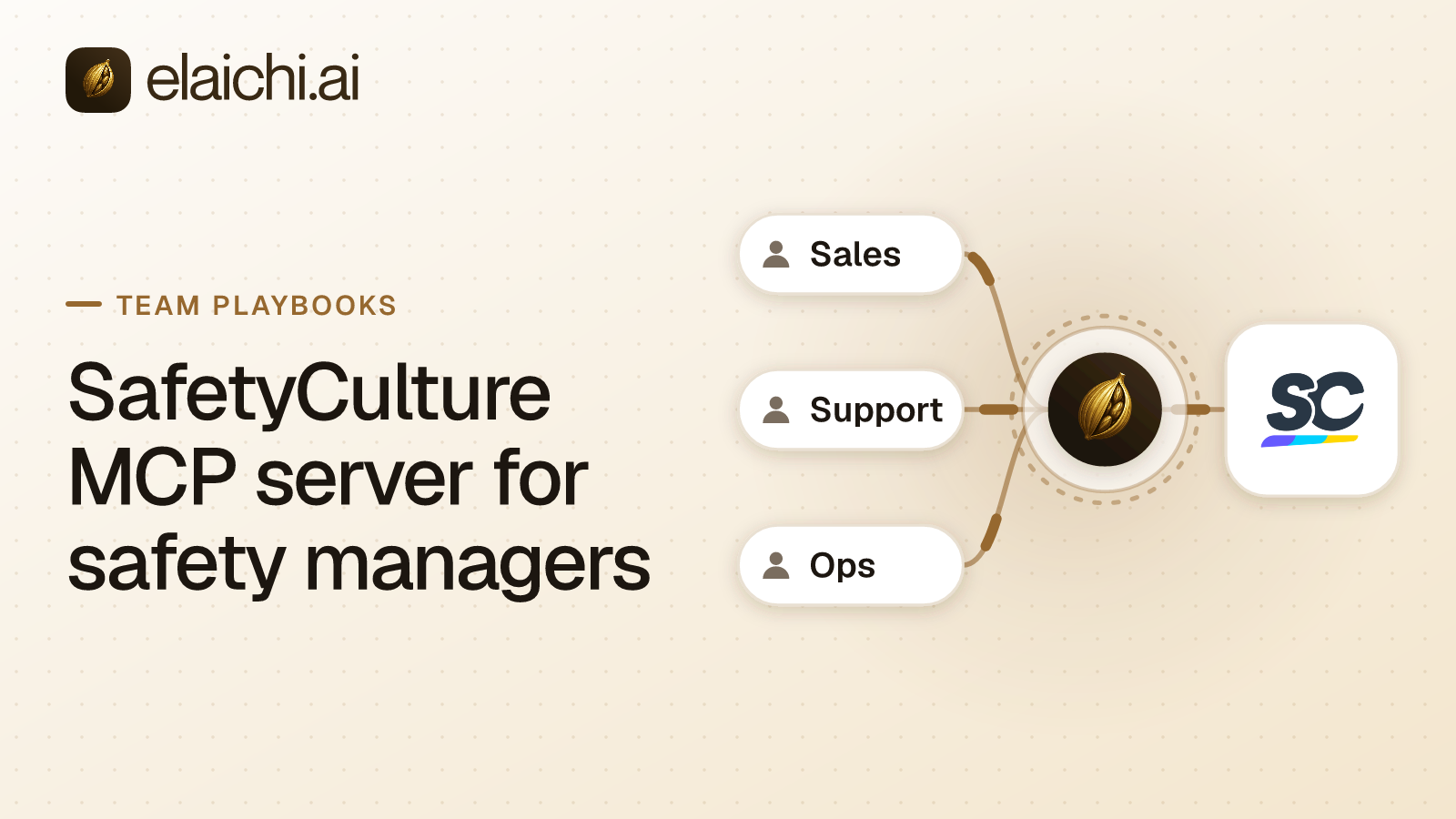
Does a SafetyCulture MCP server for safety managers work in Claude and ChatGPT?
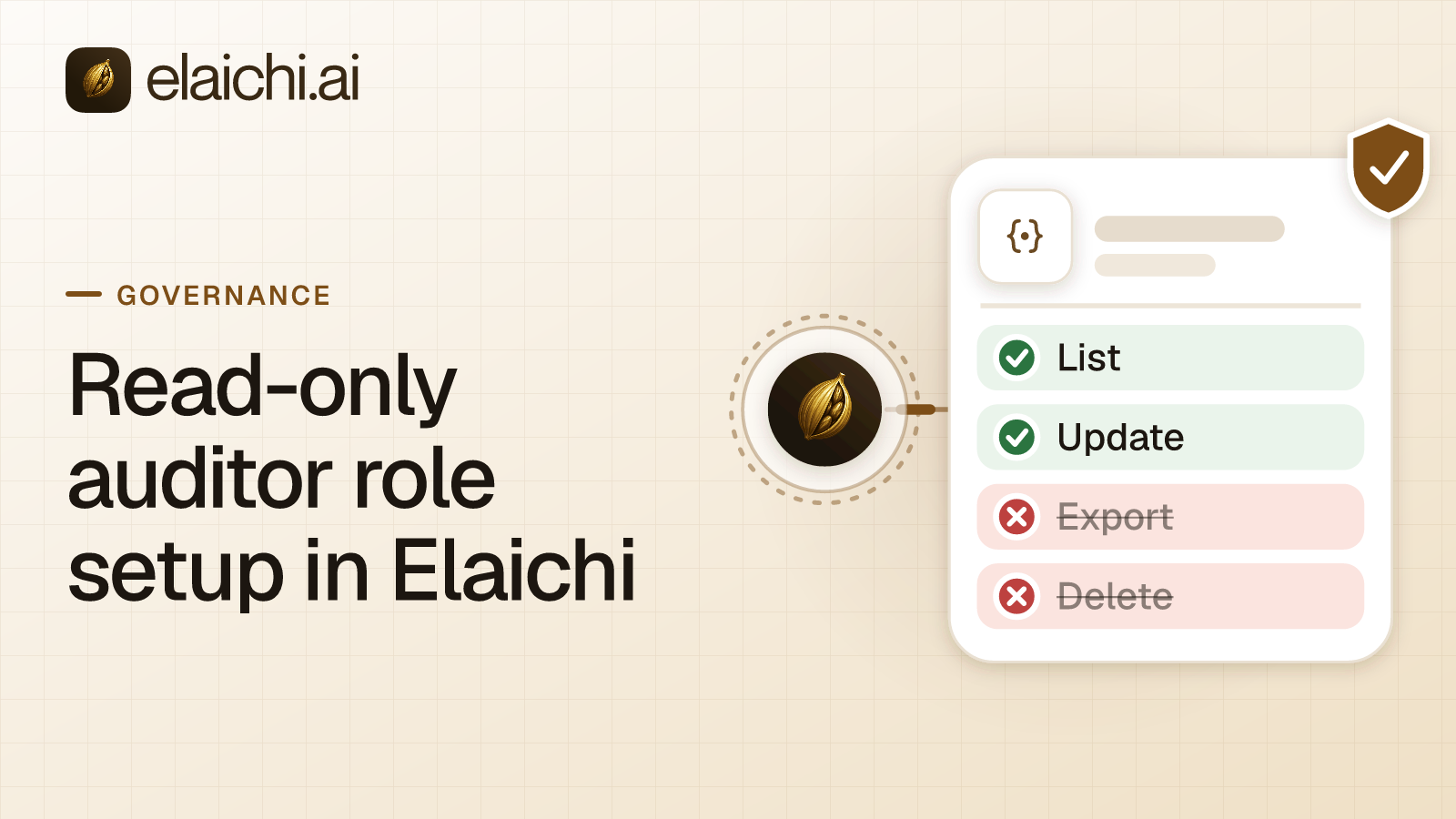
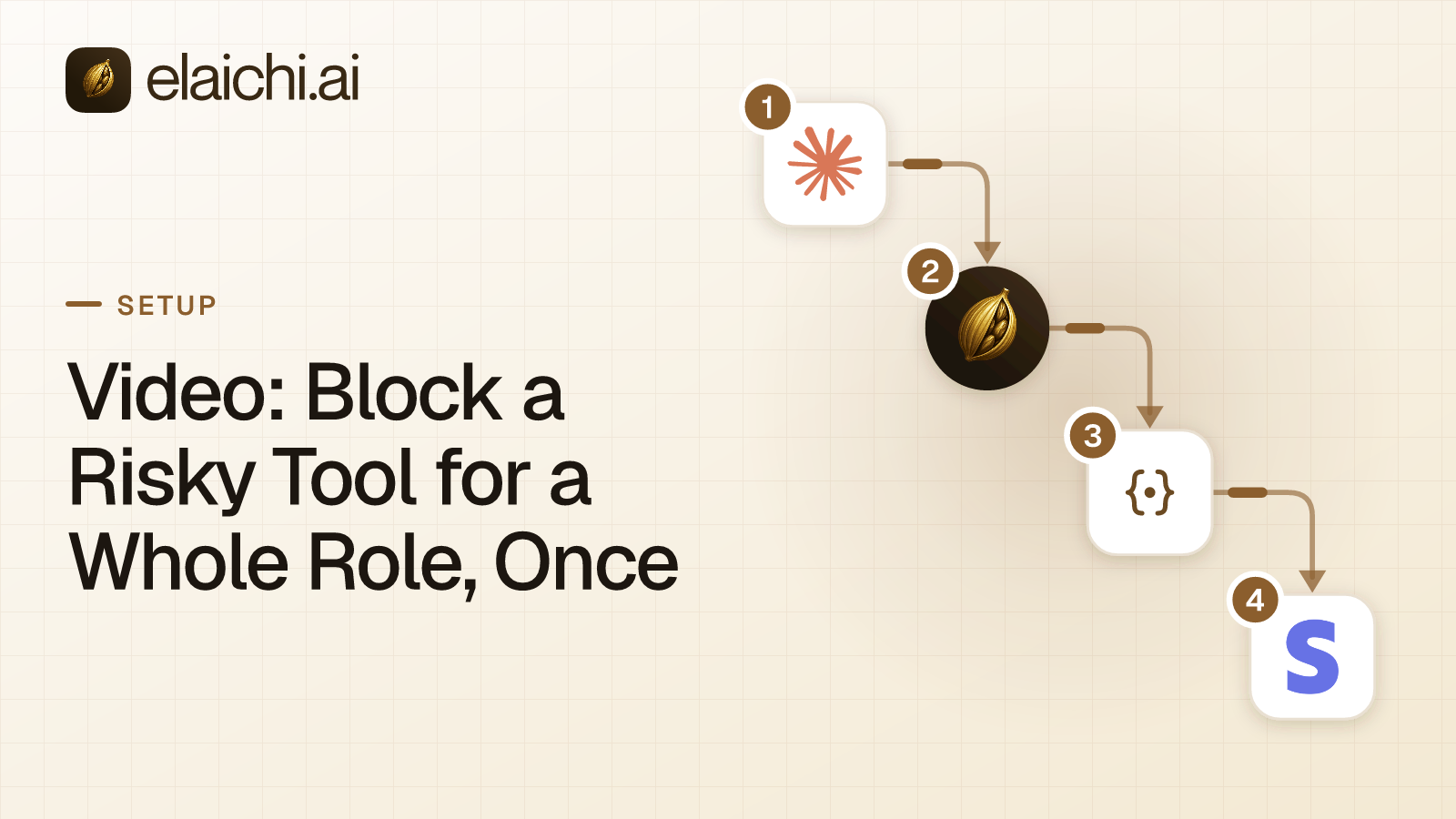
Yes. Connect SafetyCulture in Elaichi with an API token, add https://api.elaichi.ai/mcp in Claude, ChatGPT, Cursor or Microsoft Copilot, and give each group an allow rule on its Elaichi role: seven reads and three writes for safety managers, five reads and one write for field users.
A site supervisor files an issue on Friday about a blocked fire exit. By Monday the safety manager wants to know whether it was fixed, who owns the action, and whether that site raised something similar last month. The SafetyCulture connector answers that in one question. SafetyCulture operates as Mitti, a rebrand reported in August 2026 (checked November 2026, IT Brief Australia), so its API pages sit on Mitti's domain.
What can one SafetyCulture API token do?
A token acts as its owner. SafetyCulture describes two kinds. A service user token suits shared, long-running automations and belongs to a service user who cannot sign in. A user token suits personal work and inherits that person's permission set (checked November 2026, SafetyCulture's authentication docs).
For a service user token, you choose the permission sets when you create it, and all permissions are selected by default, so narrow them. Safety managers and field users should each use a user token. Their own access then follows them, and Elaichi's audit log shows who made each call.
How do SafetyCulture permissions differ from access?
Permissions govern which actions a request can perform. Access governs which items it can read or change, set through sharing, groups and sites (checked November 2026, SafetyCulture's API token guide).
Hold both in mind when a report looks thin. A user token whose owner lacks access to a site will not return that site's inspections. The model will say there are none, and it will be right about what it could see. A safety manager comparing sites should use their own token, or a service user whose sharing covers every site in scope.
Which SafetyCulture tools should safety managers and field users reach?
Field users need five reads: safetyculture_audits_search, get_single_safetyculture_audit_by_id, get_single_safetyculture_inspection_by_id, list_all_safetyculture_feed_issues and list_all_safetyculture_actions. They also need one write, safetyculture_actions_update_status, to move their own actions along.
Safety managers get those six plus two more reads, list_all_safetyculture_investigations and get_single_safetyculture_investigation_by_id. Their extra writes are safetyculture_actions_update_assignees, which changes an action's owner, and safetyculture_inspections_complete, which closes an inspection. That makes seven reads and three writes for managers.
Neither group needs anything else on the connector's list of 363.
Which SafetyCulture tools should neither group reach?
Deletes, template changes and permission edits. The connector has 38 tools with delete in the name. delete_a_safetyculture_inspection_by_id removes an inspection record. delete_a_safetyculture_template_by_id removes a template other inspections depend on, and safetyculture_templates_archive stops people selecting it.
The sharpest tools change who may do what: safetyculture_permission_sets_assign, create_a_safetyculture_permission_set and create_a_safetyculture_user. The delete tools for investigations and OSHA cases remove compliance records. Whoever administers SafetyCulture does that work inside the SafetyCulture app, where its own history records it.
Should the SafetyCulture roles use allow rules or block rules?
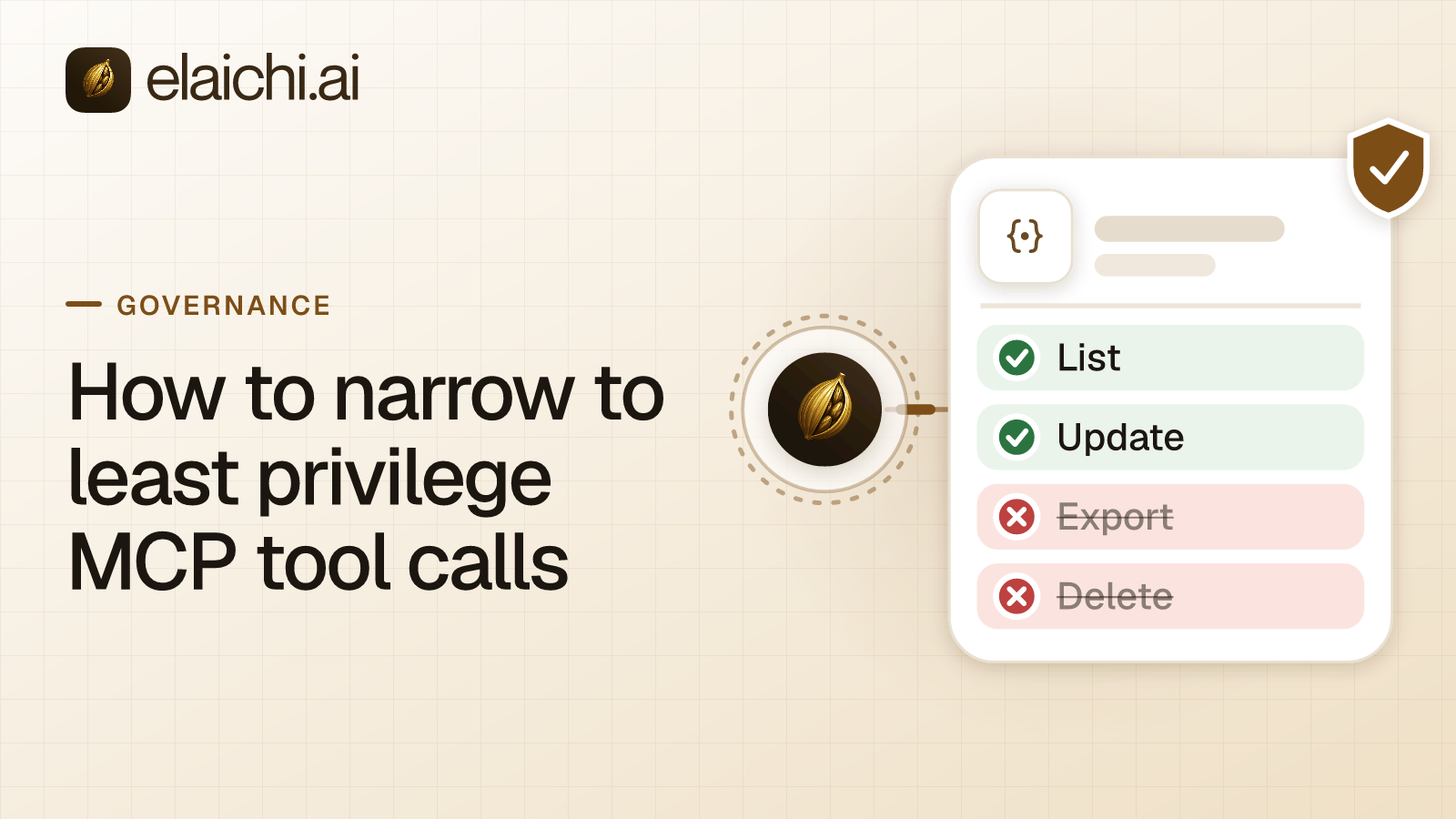
Allow rules, because the connector has 363 tools. Holding a role to an app's reads takes either an allow rule naming those reads, plus allow rules for every other app the role uses (once a role carries any allow rule, every connector and tool none of its allow rules names is blocked for that role), or block rules naming every tool on the app that is not a read (a layer with only block rules has no allowlist, so everything it does not block passes it).
The test is which list you could write down. Block rules would have to name more than 350 tools for field users, and each new tool SafetyCulture adds would be reachable. The allow rule names six. Add whole-connector allow rules for the role's other apps. A rule aimed at a member can only narrow what their role allows, and never replaces or loosens a role rule, which helps for one contractor. A change takes about two minutes.
What does Elaichi show a field user who asks for a delete?
A restricted tool is left out of the tools Elaichi offers a client and cannot be called. Search still names it, flagged restricted, with no schema. The field user sees that the tool is restricted for their role and can file an access request. Only an admin in the console, under Governance, then Access requests, can approve it.
Elaichi writes one entry for each connected-tool call that reaches execution (a call refused earlier writes none). For this connector the row names the person, the tool, the connection and the MCP client, and it holds the one path argument that names the object, as the target id, and nothing else about the arguments. A reviewer can see that a call ran against a given inspection, though not its content. Elaichi keeps 90 days, and export to your own Datadog comes with the Black plan for longer.
Is a single user token enough for a small safety team?
Yes, for one safety manager reading their own inspections. Create the token, keep it private and add Elaichi when a second person asks. The case for a governed endpoint begins when field users, contractors and managers share a connector and someone must say who could delete an inspection.
Over MCP, Elaichi does not pause a write to ask first. If a safety team wants a confirm step before an action closes, turn it on in Claude or ChatGPT. For a related setup, see how a compliance reviewer gets a read-only seat. The tool list is on the SafetyCulture connector page, and the catalog covers 900+ connectors.


 Add one link to your AI app
 ChatGPT
 Claude
 Cursor
 Microsoft Copilot