What do vendor MCP servers change for IT?
Vendor MCP servers move the tool code to the app's own vendor. The open question becomes where the calls go, and who is allowed to make them.
Linear, Datadog, GitLab and PostHog each run an MCP server of their own. MCP (Model Context Protocol) is the standard way an AI assistant calls tools in other apps. An engineer can paste one of those server addresses into Claude this afternoon, and it will work. Then support wants Linear in ChatGPT, and finance wants another app in Cursor. Each request is reasonable on its own. Together they become a list of servers, clients and sign-ins that nobody owns.
This post covers one choice for each of those servers. You can point every AI client at the vendor's server directly, or connect it once through Elaichi as a native MCP connector. Elaichi's catalog holds two kinds of connector. Most are connectors Elaichi writes and runs itself. A native MCP connector is the vendor's own server: the vendor builds and runs it, and Elaichi handles sign-in, access and audit in front of it.
What happens when each AI client connects to the vendor directly?
Each client becomes its own setup, with its own rules and its own record. Calls a client makes to a vendor's server directly do not pass through Elaichi, so Elaichi does not govern them.
The setup work repeats for every client. On Claude Team and Enterprise plans, an Owner adds a remote MCP server as a custom connector, and each member then clicks Connect to sign in (Anthropic, checked October 2026). In ChatGPT, an admin or owner creates a custom MCP app, gives the server's endpoint and sign-in method, and scans its tools (OpenAI, checked October 2026). Cursor reads servers from an mcp.json file in a project or in each person's home directory (Cursor docs, checked October 2026).
Three vendor servers across three clients can mean nine separate setups. Each one keeps its own idea of which tools are allowed. Claude sets tool permissions per connector, per group of tools or per tool, but only inside Claude (Anthropic, checked October 2026). None of those settings follows a person into another client. When someone leaves, the offboarding list includes every client where they signed in to a vendor's server.
What does Elaichi add in front of a vendor's MCP server?
Elaichi puts the vendor's server behind the same address, sign-in, rules and audit log as every other connector. The vendor's tools still run on the vendor's server.
One address. Claude, ChatGPT and Cursor all sign into https://api.elaichi.ai/mcp with OAuth, the standard way an app gets scoped access without a password. Tools from every connected app come through that one address, whichever vendor makes the app. A model finds a connected tool with search_tools and runs it with execute_tool. Elaichi staff already publish Linear's server in the catalog, so nobody adds it to each client: each member connects it once.
Each person signs in as themselves. Each person signs in to Elaichi as themselves. Members connect with their own sign-in at the vendor, and a connection someone shares runs on its owner's account. For an OAuth server, that runs through an OAuth client Elaichi set up. Elaichi's separate credential service keeps the credential and fetches it for each call. The AI client holds only its Elaichi token. Elaichi never forwards that token to the vendor's server, which sees only a token its own authorization server issued.
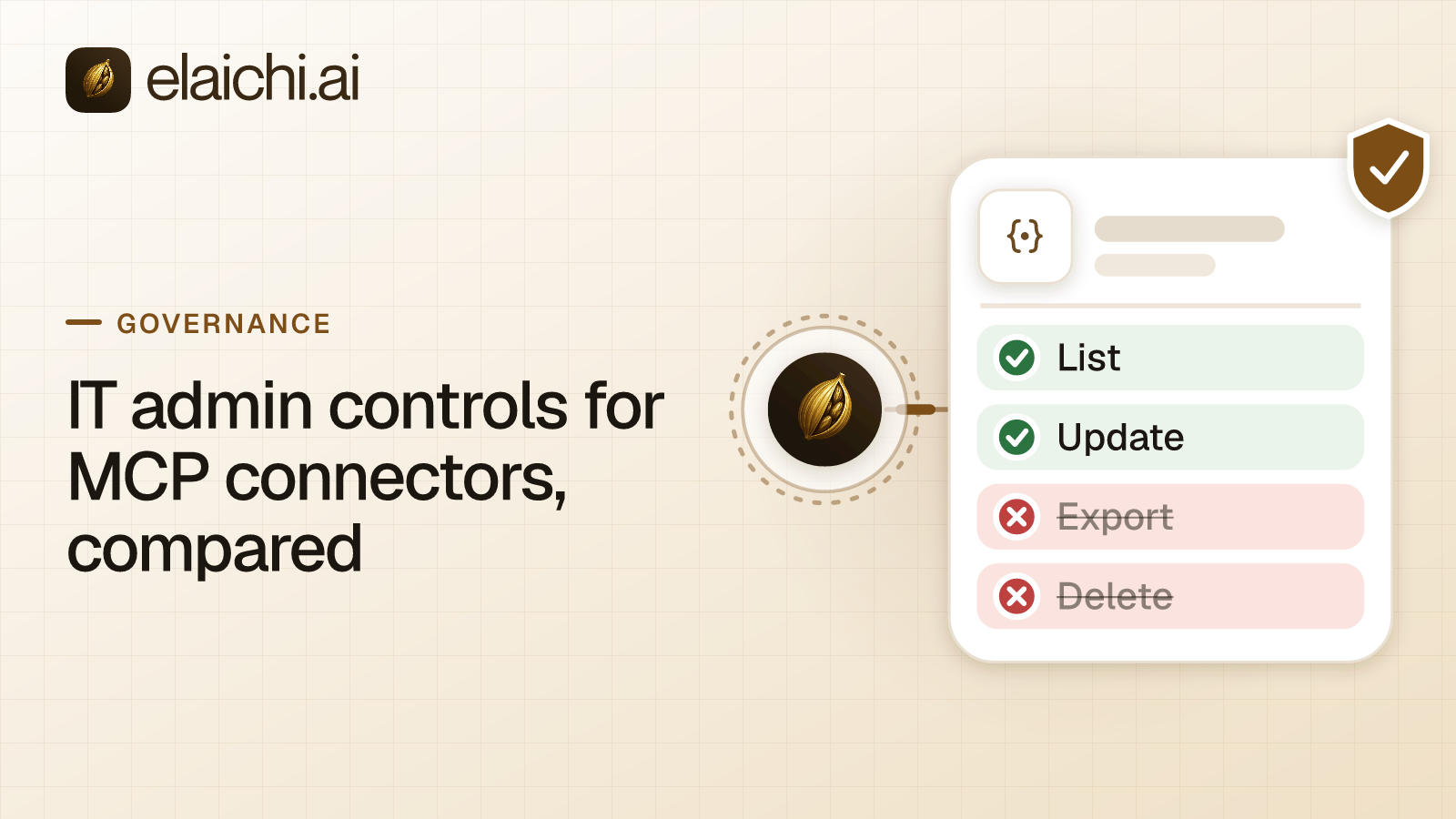
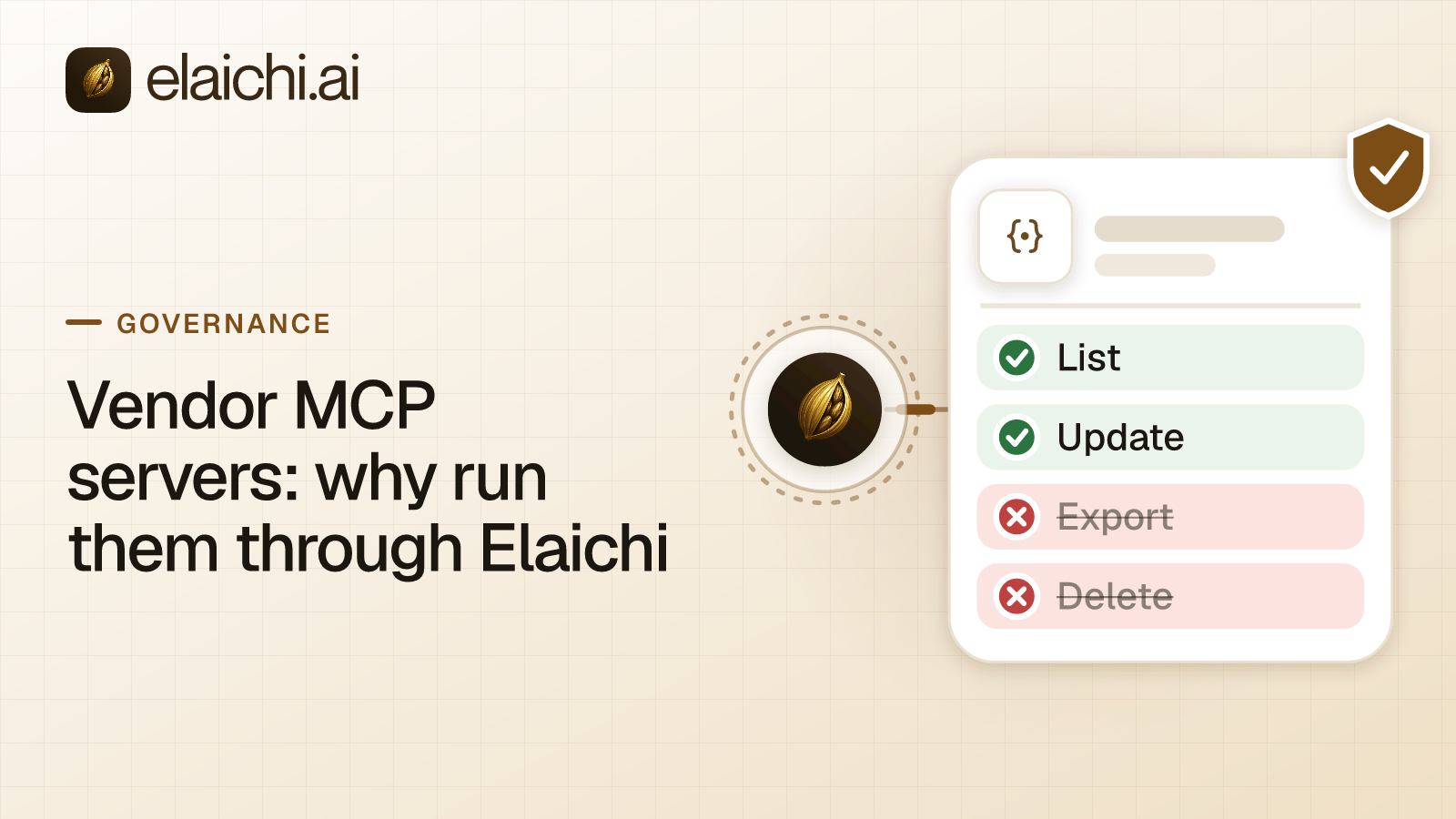
Rules checked before the call leaves. A restriction is a rule that blocks or allows connectors and tools. It can name the whole connector or a single tool. In Elaichi, restriction targets are role or user only; the organization default is the absence of a rule, which means allow everything. Every check runs before a call leaves Elaichi for the vendor's server. By default, a tool the vendor does not label read-only or non-destructive counts as destructive. Over MCP it needs the "Delete data and remove access" consent, which is never ticked by default.
One audit log. The audit log is the record of who did what. Each call that runs is recorded with the person, the tool, the connector, the connection it reached and the AI client that sent it. A Linear call from Claude and a Datadog call from Cursor land in the same log. Everyone can see their own activity there, and people with the audit permission see the whole organization.
One offboarding step. A grant is the approval a person gives one AI client to act for them in Elaichi. In Elaichi, removing or suspending a member revokes every live grant in the same transaction as the membership change. The person's next call fails in every client at once, whichever vendor's server it was headed for.
What stays with the vendor?
The vendor owns the server and every tool on it. Elaichi governs the calls, and its staff do not write or curate the tools.
By default, the tools a member can call are the ones the vendor's server lists to the connection they use. Elaichi reads that list when the connection becomes active, when someone refreshes it, once a day, and when a call names a tool the list lacks. Different connections can see different tools, because each list comes from that connection's own account.
When an automatic refresh adds, changes or re-tiers a tool, Elaichi writes an audit entry with the counts, naming up to 20 of the added and re-tiered tools. A vendor changing what its server offers is therefore on the record, not just in the vendor's release notes.
Tool issues go to the vendor. Each native MCP connector page names the vendor's support contact, an email address or a link, as on the Linear connector page. Someone who can manage the connector can still turn a single tool off for everyone while the vendor looks into it. A restriction can block it for one role instead, and a restriction change takes effect within about two minutes. If Elaichi unpublishes a server, its connections are kept and show as unavailable, and they work again if it is published again.
What does routing through Elaichi cost you?
It adds a hop, some limits and one more party in the path. Name these before you route every vendor server through Elaichi.
- A second party in every call. A call passes through Elaichi and then the vendor. Elaichi does not run the vendor's server, so an outage or a faulty tool there is the vendor's to resolve.
- Limits per call. Elaichi gives the vendor's server 30 seconds per operation and 60 seconds per call, retries included. It caps one tool result at 4 MiB, and one connection at 500 tools.
- Coarser switches in the client. Behind Elaichi, a client sees
execute_toolrather than each vendor's tools. A Claude permission set onexecute_toolcovers every connected app at once, so tool-level rules belong in Elaichi. - No per-call approval over MCP. Once a person's grant holds the delete consent, a tool that deletes runs without a per-call approval. Without that consent, the call is refused.
When is a direct connection enough?
A direct connection is enough when one team uses one vendor's server from one client, and that client's own controls cover the risk. Elaichi adds little in that case.
A five-person engineering team using Linear's server only in Claude can manage it from Claude's console. Claude's per-tool settings can block a tool or require approval for it (Anthropic, checked October 2026). The case for Elaichi starts when a second client or a second team appears. It also starts when someone asks for one record of what every AI did, across every app.
The same logic covers a server that is not in Elaichi's catalog. An Org Owner or Org Admin on Gold, or on Black once it launches, can add a remote MCP server reachable over public HTTPS as the organization's own connector. Its calls then follow the same rules and land in the same audit log. A server on a private network or a laptop cannot be added that way, and stays a direct connection.
How does a native MCP connector differ from one Elaichi writes?
The difference is who writes and runs the tools. The address, the rules and the audit log are the same for both kinds.
| Connector Elaichi writes | Native MCP connector | |
|---|---|---|
| Who builds and runs the tools | Elaichi | The app's vendor |
| Which MCP server answers | Elaichi itself | The vendor's own server, behind Elaichi |
| Where the tool list comes from | Elaichi's catalog | The vendor's server, read per connection |
| Address clients use | https://api.elaichi.ai/mcp |
https://api.elaichi.ai/mcp |
| Restrictions and audit log | Elaichi's | Elaichi's |
| Where tool issues go | Elaichi, which maintains it | The vendor's support contact |
Both kinds sit side by side in the connector catalog, where a native MCP connector carries the MCP mark beside its name. Datadog and PostHog are native, and Salesforce is one Elaichi writes. For the model underneath, read what an MCP control plane is. For what each client's own console can and cannot do, see the admin controls in Claude, ChatGPT and Cursor.