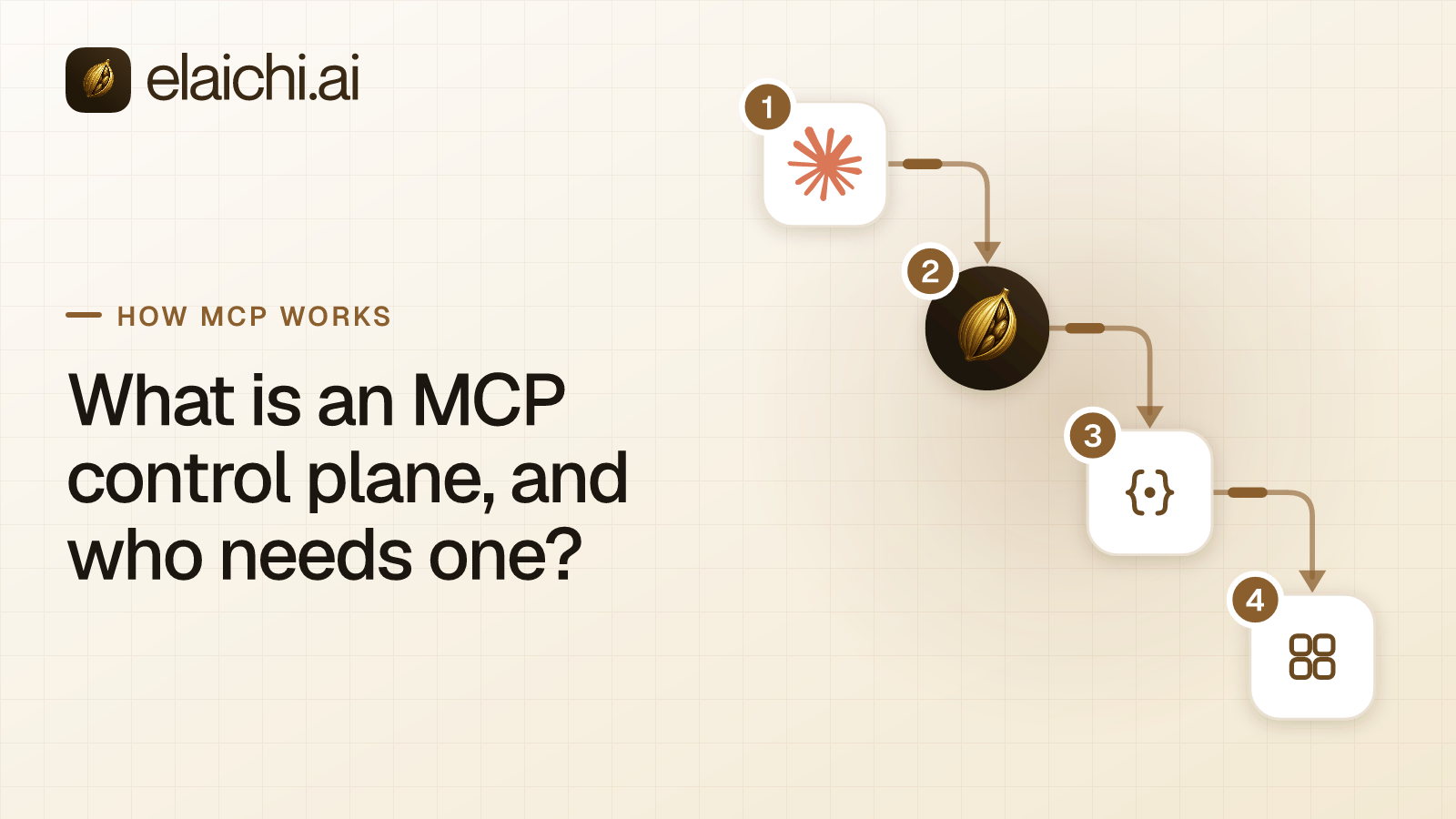
Why are companies asking for an MCP control plane?
Because the number of AI setups grew faster than anyone could govern them. Support wants its help desk inside Claude. Finance wants the ledger inside ChatGPT. Engineering already works in Cursor. Many apps now ship an MCP server of their own, each AI client needs its own setup, and each person signs in to each pair. An MCP control plane is the category built to replace that grid with one address and one set of rules.
MCP (Model Context Protocol) is the standard way an AI assistant calls tools in other apps. An MCP server is the service that offers those tools. An endpoint is the address a client is pointed at. Four AI clients and fifteen apps can mean sixty separate setups for one person, and sixty to undo on their last day.
The request that reaches IT usually sounds like this: one MCP endpoint for all our company apps, not dozens of separate servers, with SSO and a record of what the AI did. That request describes a control plane.
What is an MCP control plane?
An MCP control plane is the one place a company decides which people, through which AI clients, may call which tools in which accounts. It is the MCP server itself. It holds the connections, serves the tools, and makes the access decision on every call.
The name comes from networking. In a router, the control plane builds the routing table that says what to do with incoming packets. The data plane, also called the forwarding plane, processes them (Wikipedia). The MCP version keeps that split. The decisions about who may reach what live in one place. The calls themselves run against many SaaS accounts.
Elaichi is a governed MCP control plane. Every SaaS account a company uses is connected once. Claude, ChatGPT, Cursor, any MCP client and the Elaichi Agent reach those accounts through one organization-wide endpoint, https://api.elaichi.ai/mcp. Governed means the roles, restrictions and audit log ship with that address, rather than being a project you add later.
Four properties separate a control plane from the products it gets confused with:
- One address for the organization. The person's grant varies. The URL does not.
- The control plane serves the connectors. Nobody at your company runs an MCP server.
- Access is decided where the tool is served, on every call, not only at sign-in.
- One record per call, naming the person and the account that was actually reached.
MCP control plane vs MCP gateway vs MCP registry: what is the difference?
A registry lists MCP servers, a gateway sits in front of MCP servers, and a control plane is the MCP server. Self-hosted servers are the do-it-yourself baseline all three are measured against.
A registry answers "which servers exist". The official MCP Registry describes itself as a central store of metadata about publicly accessible MCP servers. It points to packages hosted elsewhere and leaves security scanning to package registries and the marketplaces built on top of it. It was marked as a preview when checked in October 2026 (MCP Registry). Who fixes a registry server when it breaks is the question that follows.
A gateway answers "how do I put one door in front of the servers I already have". The name covers several products with different mechanics, and the four gateway shapes are sorted separately. A control plane answers "how does the whole company reach its apps under one set of rules, without running servers".
| Self-hosted servers | Registry | Gateway | Control plane | |
|---|---|---|---|---|
| Who runs the servers | Your team | Each publisher, or you | The vendor or your team | Nobody: the control plane is the server |
| Who writes the connectors | Your team | Each publisher | Whoever runs the servers behind it | The control plane vendor |
| Addresses a client points at | One per server | None; it points to servers | One gateway, sometimes one per team | One for the organization |
| Where access is decided | Inside each server, if anywhere | Not its job | At the gateway, before forwarding | Where the tool is served, on each call |
| Who fixes a broken tool | Your on-call engineer | The publisher's queue | The server's owner | The control plane vendor |
Elaichi sits in the last column. It authors, maintains and serves its connectors from its own infrastructure. It is not a marketplace of third-party servers, not a proxy in front of servers you run, and not an API gateway that added MCP as a feature. If your team already runs MCP servers, what running them yourself really costs is worked through cost by cost.
What should a governed MCP control plane for enterprises include?
At minimum: per-person sign-in, connectors the vendor maintains, layered access rules, an audit record per call, identity from your directory, and a clean offboarding path. Each item says how Elaichi does it, so a trial can check it.
- Per-person OAuth with nothing to paste. OAuth is the sign-in standard that lets software act for a named person without holding their password. The MCP authorization spec builds on OAuth 2.1 for HTTP transports. It lets a client obtain a client ID through metadata documents, pre-registration or dynamic client registration (MCP authorization spec). The 2026-07-28 version of the spec marks dynamic client registration as deprecated and keeps it for backwards compatibility. Clients register themselves with Elaichi through dynamic client registration, with PKCE S256 required. There is no client ID, secret or header to enter.
- Connectors the vendor runs. Elaichi serves 500+ connectors it authors. Account credentials sit in a separate credential service, encrypted at rest, that owns token refresh.
- Three access layers kept apart. Role permissions, sharing on each resource, and restrictions on connectors and single tools.
- A record of every call. Elaichi writes one entry per tool-call attempt, succeeded or failed, and the entry names the account the call reached.
- Identity from your directory. SAML or OIDC single sign-on (SSO) and SCIM provisioning, with groups mapped to roles.
- An offboarding path. Suspension or removal cuts every live grant on the next call.
- Residency. Elaichi has three regions,
eu,usandapac. In each, the organization's data store and connector credentials stay in that region, and every request and tool call runs there. EU data residency, leg by leg lists what each region covers and what it does not.
How does one MCP endpoint replace dozens of separate servers?
The address stays fixed and the grant changes per person. Every client points at https://api.elaichi.ai/mcp, and each member signs in once per client. That person's grant, role and shares decide what their calls can reach.
The mechanism is standard MCP. The endpoint is POST /mcp, speaking Streamable HTTP and JSON-RPC 2.0, stateless, behind OAuth. A client that calls it without a token gets a 401 with a challenge that starts sign-in. The person signs in, confirms the organization, and lands on a consent screen with four boxes: read data, create and change data, run connected tools, and delete data. Delete is never ticked in advance. With "Run your connected tools" ticked, the person picks All my tools or Only the ones I pick, up to 50 toolboxes. A toolbox is a saved set of tools and the accounts behind them.
flowchart LR
  A["Claude"] --> E["One endpoint: api.elaichi.ai/mcp"]
  B["ChatGPT"] --> E
  C["Cursor"] --> E
  D["Elaichi Agent"] --> E
  E --> G{"Grant still valid?"}
  G -- "no" --> X["401: sign in again"]
  G -- "yes" --> R{"Role, sharing and restrictions allow this tool?"}
  R -- "no" --> W["Call refused"]
  R -- "yes" --> K["Connector Elaichi authors"]
  K --> S["The connected SaaS account"]
  W --> L["Audit log entry"]
  K --> L
From then on, every call takes the same path. The grant is re-read on each call. The role must hold tool:execute. Sharing decides which accounts the person can reach. One resolver (the code that decides allow or deny) then applies restrictions. Only then does the connector reach the account.
A big catalog does not become a long tool list. In Elaichi, connected tools are never listed one by one, however few there are. The model finds a connected tool with search_tools and runs it with execute_tool, which passes the same checks as a direct call. A tool withheld by a restriction reaches neither list, so its name never goes on the wire. One address against one per team works through what this saves at 200 people.
Can a centralized MCP server for the whole company use SSO and SCIM?
Yes, and it should. Elaichi has SAML and OIDC single sign-on built in-house, plus SCIM v2 for users and groups, with group-to-role mapping. SSO means people sign in through your identity provider. SCIM means the directory pushes joiners, leavers and groups to Elaichi.
SCIM is a standard HTTP protocol for managing identities across separate systems, such as a company directory and a cloud service (RFC 7644). It moves people and groups. It does not decide what an AI client may do once a person is in. In Elaichi, that decision belongs to the role the group maps to, plus sharing and restrictions.
Two details matter during rollout:
- SSO can be enforced. Domains are verified with a DNS TXT record. If a person's email domain belongs to an organization that enforces SSO, other sign-in methods are refused with "Your organization requires signing in with SSO".
- A SCIM deprovision suspends; it never removes. Suspension revokes every live grant, and the next call is refused. Removing the member, with its offboarding preflight, is a separate step an admin takes in Elaichi.
Where SCIM stops and MCP grants begin covers the boundary in detail.
Which control plane fits a company using Claude, ChatGPT and Cursor?
One that serves all three from the same address, with each member's own grant. Elaichi gives Claude, ChatGPT and Cursor one URL. An admin adds it once where the client allows, and each member then connects and signs in.
Each client has its own admin step. On Claude Team or Enterprise, an owner adds the address as a custom connector for the organization, and members connect it. In Cursor, team admins can share an MCP server with the team, and each developer can also add the URL to mcp.json. In ChatGPT, an admin on a Business plan creates the app in workspace settings and publishes it to members. Full MCP support with write actions is a beta on Business, Enterprise and Edu plans, and OpenAI says the details may change (OpenAI help center, read October 2026). The steps differ, but the address and the rules behind it do not.
Each member still connects once per client. What an admin avoids is a per-person URL, a pasted token, a per-team endpoint or a separate fork for each client. A fourth MCP client follows the same shape. The setup guides walk through connecting Claude, connecting ChatGPT and rolling Elaichi out to a Cursor team.
How does the access decision work on each call?
Three layers decide every call, and Elaichi keeps them separate. Roles say what a person may do. Sharing says which resources they may touch. Restrictions say which connectors and which individual tools a target may reach.
Roles. Elaichi groups about 38 permissions into roles, and each member holds exactly one. The built-in chain runs Guest, Member, Team Admin, People Admin, Org Admin and Org Owner, each holding everything below it. Billing Admin and Auditor sit off the chain. Guest, Billing Admin and Auditor lack tool:execute, so the endpoint lists no tools for them.
Sharing. A grant of view, use or edit on a resource goes to a user, a team or the whole organization. A member sees only what they own or what was shared with them. Org owners and admins are no exception.
Restrictions. In Elaichi, restriction targets are role or user only; the organization default is the absence of a rule, which means allow everything. A rule on a user replaces the role rules for that user rather than adding to them. Within the winning layer, block rules beat allow rules. Note that the allowlist stage engages on the presence of an allow rule, not its contents, so an allow rule that names nothing denies everything. Enforcement runs at browse, connect, advertise and execute, plus a final check on the fully substituted outbound URL.
Timing differs by change. A role or restriction change takes about two minutes. Revoking a grant, removing or suspending a member, revoking a share, or disconnecting an account takes effect on the next call. If an incident needs access cut at once, suspend the person rather than editing a rule.
What does the audit log record for every call?
One entry per call, naming who called, what ran and which account it reached. An audit log is the append-only history of those calls, and in Elaichi it is the same record shape for every connector.
Elaichi writes one entry per tool-call attempt, succeeded or failed. The connection recorded is the account the call actually reached, taken from the execution, not from the intent. Each entry also names the surface and the client a call came through, so a reviewer can tell a Claude call from a Cursor call. The trail records argument names and counts, and never argument values.
Each organization has its own log tenant. A compliance reviewer can read the trail from the Auditor seat, which is free. Beyond the in-app trail, export to your own Datadog comes with the Black plan, which is launching soon. The fields an AI audit log must hold sets out what a reviewer should expect.
How do you compare the best MCP control plane platforms in 2026?
Compare mechanics, not feature lists. Ask each vendor five questions and get a number or a name for each answer.
- How many addresses does a rollout create? One for the company, one per team, or one per member. Elaichi has one.
- Who writes the connector for your most important app? And who fixes it when that app's API changes. Elaichi authors its own.
- Where is access decided? Only at sign-in, at a gateway in front of the server, or where the tool is served. Elaichi checks at four points against one resolver.
- How long does a change take? In Elaichi a role or restriction change takes about two minutes. Revoking a grant applies on the next call.
- What does one audit entry hold? Elaichi's names the person, the tool, the outcome and the account reached.
Sort each vendor by these answers before reading its feature grid. A vendor whose setup asks you to run or register servers is a gateway. One that runs the connectors itself, serves one address and decides access on each call is a control plane. A dated, vendor-by-vendor shortlist applies the same questions to named products.
What does Elaichi cost?
Gold has a USD list price of $15 per user a month, or $120 per user a year. Elaichi has two plans, Gold and Black, and Black is launching soon. Visitors in some countries see a regional price, so the pricing page shows what you would pay.
Gold starts with a 14-day trial, no credit card to start. Checkout does collect a card, and it sets the paid trial to the remaining days rather than granting a fresh 14, so it is one continuous trial rather than two. Suspended members are not billed, and neither are the Guest, Billing Admin and Auditor roles. If a trial ends without checkout, the workspace pauses, and nothing is deleted.
At list price, 50 seats cost $6,000 a year on annual billing, or $9,000 billed monthly. Black adds customer-managed keys and audit export to your own Datadog, and neither is part of Gold. How vendors meter MCP access compares per-seat and per-call pricing.
What does an MCP control plane not do?
It does not front MCP servers you already run, it does not see prompts, and it does not run inside your network. Each limit has a workaround or a better-fitting product.
Elaichi is the server, not a proxy. An internal MCP server your platform team built keeps its own address and sits beside Elaichi in the client. If the internal system is an HTTP API, a custom connector written from JSON config brings it under the same resolver and audit trail.
No MCP server sees the user's prompt, because the protocol does not carry it. The prompt-injection write gate lives in the Elaichi agent window and does not apply to a raw tool call. What holds on the endpoint is per-operation role permissions, OAuth scope limits, output redaction, a forbidden classification no scope can reach, and audit logging.
Elaichi is hosted, so a requirement to deploy inside your own network points to self-hosted servers or a self-hosted gateway. A control plane is also a bet on one vendor's connector roadmap.
When is an MCP control plane more than you need?
When one person uses one AI client against one account. The client's own connector signs that person in, the app logs what was touched, and there is nothing to reconcile.
The same holds for a small engineering team calling two internal services from one client. A gateway in front of the servers it already runs fits that team better.
The case changes with the second of anything. A second AI client, a second account of the same app, a second team with different access, or a leaver whose access lives in more than one place. That is when one address, one rule set and one record start to pay for themselves. When an MCP gateway is premature lists the signals, and native client connectors set against one endpoint covers the stage in between.
For more on the protocol underneath, browse how MCP works. The team use cases show where rollouts usually start.