


Does an Autotask MCP server for MSP technicians work in Claude and ChatGPT?
Yes. Connect Autotask in Elaichi with an API user's credentials, add https://api.elaichi.ai/mcp in Claude, ChatGPT, Cursor or Microsoft Copilot, and hold technicians to Autotask's 23 read tools plus four ticket and note writes with block rules on the role.
A technician at ten in the morning has forty open tickets. They want the oldest one for a customer, its last three notes and the contact's phone number, then a clean note after the call. Autotask is professional services automation software (checked November 2026, Wikipedia on professional services automation). The Autotask connector puts that queue behind a chat window.
What does Autotask's API user model look like?
Autotask has one door for API calls. Only a resource with the API User (API-only) security level reaches the REST API. It cannot sign in to the interface, and by default its level carries full system access (checked November 2026, Autotask's REST security docs).
The default level cannot be edited, but it can be copied. Autotask allows up to 50 custom API-only levels. It also ships a variant that returns no data for cost fields. Admins create API users in the web interface, and each gets a tracking identifier (checked November 2026, Autotask's API user guide). N-able's setup guide shows the same path: New API User, then the API User (system) level (checked November 2026, N-able's Autotask guide).
Should every technician have an Autotask API user of their own?
Yes, that is the safer default. Autotask recommends one API user per connected app, and says the API User (system) license type is free (checked November 2026, Autotask's API user guide). Cost is not a reason to share one.
In Elaichi, every call through a connection uses the account that connection was made with. A connection shared with the whole desk runs each technician's call under its owner's API user, so Autotask applies one security level to everybody. With one connection per technician, Autotask applies that technician's own level.
Who does Autotask show as the author of a note written by an AI?
The API user, unless the call carries an ImpersonationResourceId header. That header attributes a call to a named resource, and both the API user's level and the entity type must allow it (checked November 2026, Autotask's REST security docs).
So expect a note written through chat to read as written by the API user. Treat that as normal. Over MCP, a call from an MCP client is recorded under the person who signed in, with surface mcp and the OAuth client named, so the person is in Elaichi's audit log even where Autotask shows the generic user. Autotask's own history holds the ticket and note text.
Which Autotask tools should technicians reach?
Technicians need the 23 reads: list, get and count for tickets, ticket notes, companies, contacts, resources and ticket webhooks, plus the ticket field lists and the webhook field lookups. Examples are list_all_autotask_tickets, get_single_autotask_ticket_note_by_id and autotask_companies_count.
Four writes cover most days: create_a_autotask_ticket, autotask_tickets_partial_update, create_a_autotask_ticket_note and autotask_ticket_notes_partial_update. Prefer the partial update. update_a_autotask_ticket_by_id is a full PUT, and its description says fields left out may be cleared. A model that forgets one field can wipe it.
The service manager keeps the other ten. They are the full ticket update, create_a_autotask_company, update_a_autotask_company_by_id, autotask_companies_partial_update, create_a_autotask_contact, autotask_contacts_partial_update, and the four webhook writes.
Why are the Autotask webhook tools risky for technicians?
A webhook is a standing instruction, not a single edit. create_a_autotask_ticket_webhook takes a webhook address, a secret key and a deactivation address, and keeps sending ticket events there until someone turns it off. update_a_autotask_ticket_webhook_by_id can repoint it.
delete_a_autotask_ticket_webhook_by_id is the only delete on the connector. It is an HTTP DELETE, which Elaichi treats as a destructive tool. Technicians have no daily need for any of the four webhook writes. The service manager does, once, when a new customer feed is set up.
Should the technician role use an allow rule or block rules?
Block rules, because only ten tools need excluding. Holding a role to an app's reads takes either an allow rule naming those reads, plus allow rules for every other app the role uses (once a role carries any allow rule, every connector and tool none of its allow rules names is blocked for that role), or block rules naming every tool on the app that is not a read (a layer with only block rules has no allowlist, so everything it does not block passes it).
The test is which list is shorter. An allow rule would name 27 Autotask tools and force allow rules for the role's other apps. Ten block rules are shorter and touch nothing else. A connector with hundreds of tools would flip that. The cost here is that a tool Autotask adds later stays reachable until you name it. A restriction targets a role or one member, and a change takes about two minutes.
What does Elaichi record when a technician is refused?
A restricted tool is left out of the tools Elaichi offers a client and cannot be called. Search still names it, flagged restricted, with no schema. A technician who asks to create a company sees that the tool is restricted for the role and can file an access request. Only a person in the console, under Governance, then Access requests, can approve it.
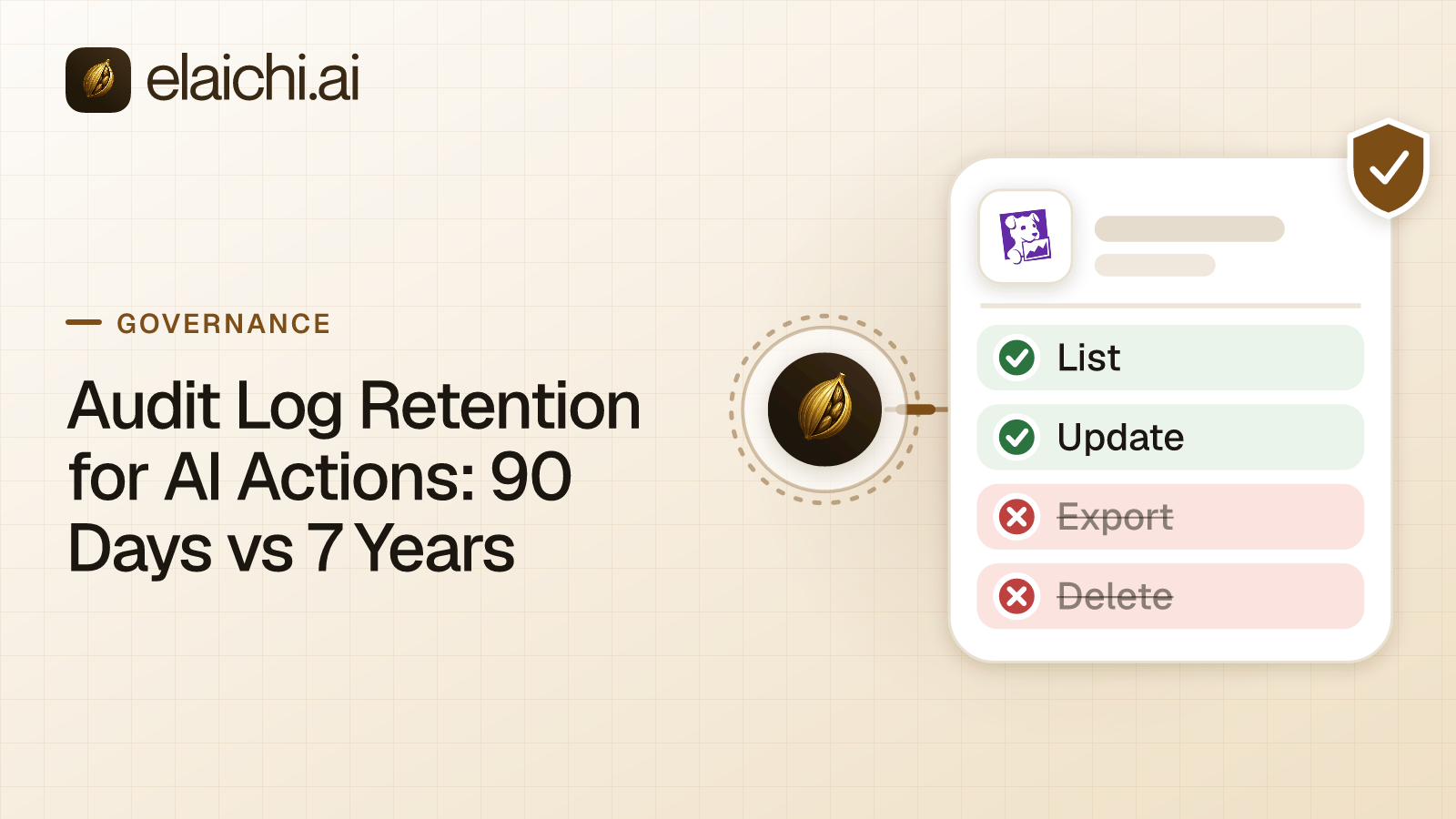
Elaichi writes one entry for each connected-tool call that reaches execution (a call refused earlier writes none). For Autotask a row names the person, the tool, the connection and the MCP client, and it holds the one path argument that names the object, as the target id, and nothing else about the arguments. A ticket id in the path is kept, so a reviewer sees which ticket a note went to, though not the note text. Elaichi keeps 90 days, and export to your own Datadog comes with the Black plan for longer.
Is one shared API user ever the right choice for Autotask?
Yes, for a read-only job. A dashboard pull that nobody types into can run on one API user on a copy of the level that cannot read costs. Add technicians who write notes and change status, and the per-person split pays for itself the first time someone asks who changed a ticket.
Over MCP, Elaichi does not pause a write to ask first. If a technician wants a prompt before a note posts to a customer ticket, turn on a confirm step in Claude or ChatGPT. For a related queue setup, see how a support team reads ticket queues in Claude. The wider catalog covers 900+ connectors.

 Add one link to your AI app
 ChatGPT
 Claude
 Cursor
 Microsoft Copilot