What a frontline support agent should reach in Zendesk
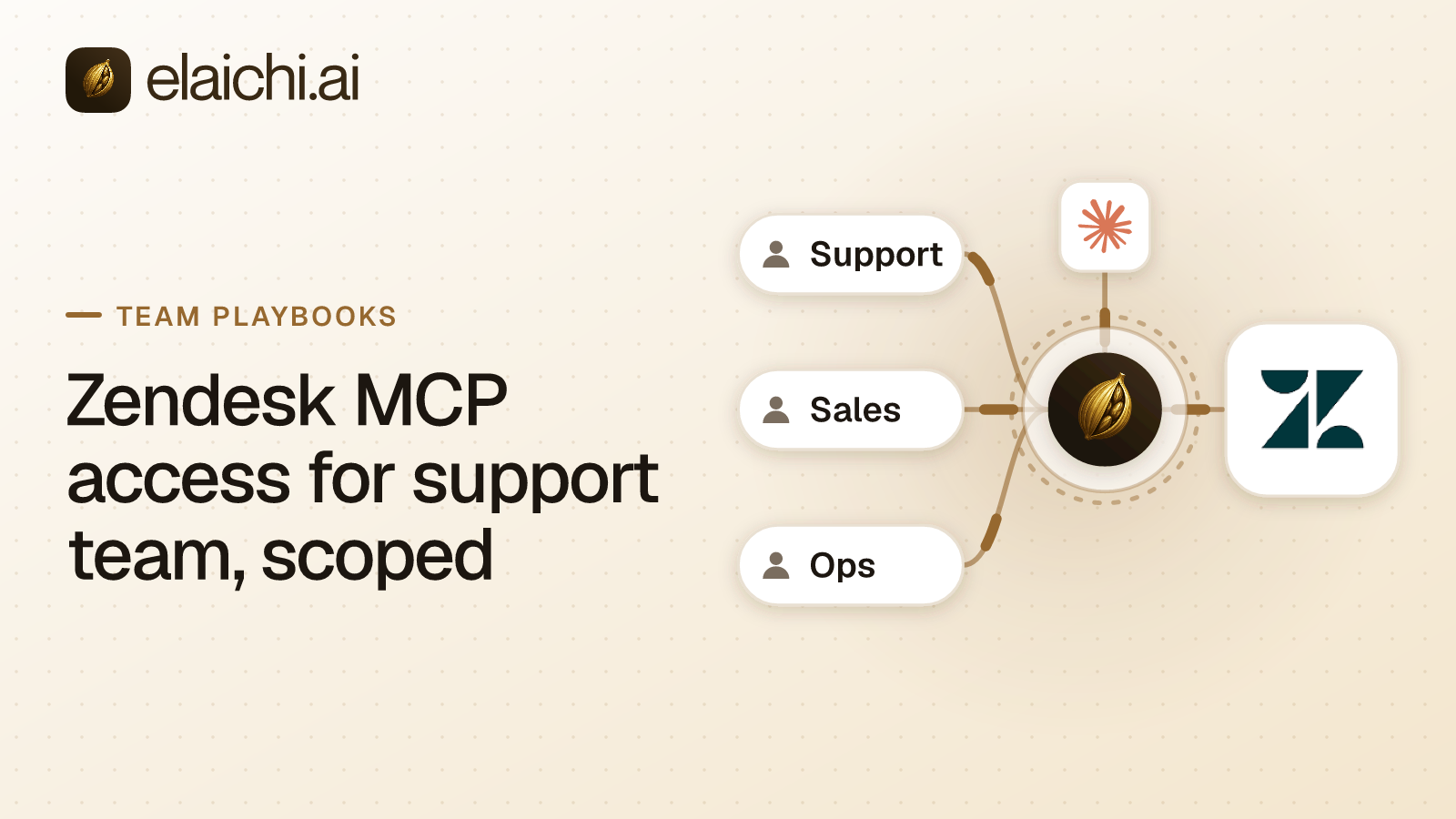
Write the list before you connect the account. Zendesk MCP access for support team goes well when the scope is decided up front, and badly when it is discovered after an agent clears a view.
The work the team wants is narrow. Search tickets. Read a ticket with its comments. Post a public reply or an internal note. Change status, priority, assignee and tags. Look up an end user or an organization record. Read a help center article so the reply quotes it accurately.
The second list matters more. Deleting a ticket, singly or in bulk. Applying a macro across a filtered view. Editing triggers, automations, SLA policies or business hours. Exporting the user list. Each of those is one tool call for a model, and two of them are close to irreversible.
Most teams get the first list right by instinct and never write the second one down. The second list is the configuration.
How do you scope Zendesk MCP access for support team?
Three layers, in this order: the role, the restriction, the frozen parameter. They do different jobs, and mixing them up is the usual way a rollout goes wrong.
The role is RBAC, role-based access control, inside Elaichi. Each member holds exactly one role, enforced by a unique index. The permission tool:execute gates the whole MCP endpoint ahead of every other check. Without it the tool list comes back empty and a call returns an in-band error naming the missing permission. Guest, Auditor and Billing Admin do not have it.
A restriction decides which connectors and which individual tools a target may reach. Targets are a role or a user. restriction targets are role or user only; the organization default is the absence of a rule, which means allow everything. The organization default is the absence of any rule, which means allow everything, so the support role has to be locked down on purpose.
Frozen parameters pin argument values on a toolbox entry. A toolbox is a curated set of tools you hand to a person or a team.
All of it sits behind one address. Claude, ChatGPT and Cursor point at the same organization-wide MCP endpoint, MCP being the Model Context Protocol, the standard way an AI client discovers and calls tools. An endpoint here is a single web address, POST /mcp, that answers client requests. Members sign in over OAuth, the authorization standard that issues scoped access without handing over a password. There are no per-user server URLs and no tokens pasted into a client.
The two blocks that stop bulk deletes and mass macro sends
Two block rules on the frontline role do the work.
The first blocks the destructive ticket operations on your Zendesk connector: delete, bulk delete, permanent delete, whatever the connector labels them. The second blocks macro application and bulk update, which is the path by which a single call reaches thousands of requesters.
Write both as blocks rather than building an allowlist around them. the allowlist stage engages on the presence of an allow rule, not its contents, so an allow rule that names nothing denies everything. An allow rule that names nothing therefore denies everything. That is the strictest rule the system can express, and it is easy to create by accident while you are still deciding what belongs on the list.
Blocks are also the safer match. A block matches on the tool name or on the pinned operation. An allow matches on the pinned operation only, because a tool's advertised name can be changed by whoever edits the connector's documentation. Governance binds the operation, never the label. The full reasoning is in why a block matches the name and an allow matches the operation.
Within the winning layer, allow rules union, block rules union, and blocks always beat allows. A later allow that happens to cover delete does not reopen it.
Enforcement runs at four points against the same resolver: browse, connect, advertise and execute, plus a final check on the fully substituted outbound URL. A blocked tool is never advertised, so the model does not see it and cannot guess its name.
Why a support lead needs a user override, not a second role
A user-targeted restriction replaces the role's rules entirely. It does not layer on top of them. Precedence is user override, then role rule, then the organization default.
This is the sentence teams get wrong. Suppose the lead needs macro application for a real outage broadcast. You write a user rule allowing the macro operations. The role's delete block is now gone for that member, because role rules no longer apply to them at all.
So restate it. The lead's user rule carries the macro allow, the safe read and write operations, and its own copy of the destructive ticket block. Read the user rule as the complete policy for that person, because that is what it is.
A second role is not the answer either. A member holds exactly one role, so roles do not stack. Every role in Elaichi is a full persona rather than a bolt-on, which is why the per-person exception is expressed as a user rule instead.
Pinning the brand and group with frozen parameters
Freeze brand_id and group_id on the toolbox entry for the Zendesk account the support team uses.
A frozen parameter has two effects. The key is stripped from the advertised schema, so the model never sees the field and cannot reason about it. The value is merged over caller arguments at execution, so passing the key anyway cannot un-freeze it. The precedence is entry defaults, then caller and model arguments, then frozen parameters.
This is the control for the organization that runs two brands, or a production and a sandbox Zendesk account, from the same support function. Restrictions decide which operations exist. Frozen parameters decide which slice of the account those operations land in, so the model is never guessing a brand from the wording of a prompt.
It also changes what the audit trail can tell you. Every tool-call record names the connection actually reached, taken from the execution rather than from the intent, so "which brand did the assistant reply under" has an answer rather than a guess.
How long does a restriction change take to apply?
about two minutes. Role membership and restrictions resolve through a 60 second cache plus edge propagation, on every surface: MCP, console and REST alike.
Do not plan around instant. Three changes are effective on the next call and only three: revoking an OAuth grant, removing a member, and suspending one. Removal and suspension revoke every live grant in the same transaction as the membership change, and the grant's revocation state is re-read on every single call with no cache.
The practical consequence is a testing habit. Save the rule, wait out the two minutes, then ask Claude to do the thing you just blocked. A test run twenty seconds after the save proves nothing, and a passing delete at that point will send you looking for a bug that is not there.
The audit query that proves the block held
Filter the audit log by actor, by time range, and by free text on the tool name, then read the outcome on each row. The audit log is the append-only record of who did what, filterable by free text, category, actor, action kind and time.
There is one entry per tool-call attempt, succeeded or failed, and both name the account. Each record carries the operation and tool, the connection, the classification, whether the call was approved, the outcome, and an error code. Argument names and counts are recorded. Argument values never are, so no ticket body and no requester email lands in the log.
actor_kind is a field rather than an inference. Its values include user, ai_assistant, scim, api_token, system and staff. Whether the caller was an assistant is recorded at the point of action, not reconstructed later from a user agent string.
Failed calls produce two different error strings. The one returned to the caller is derived from Zendesk's response body. The one written to the audit trail never is, because audit records are visible across the organization, readable by the in-product assistant, and forwarded to whatever destination you configure.
Two details before you present this to anyone. The trail is eventually consistent, so a row may take a moment to appear after the call. And Auditor is a free read-only seat, so the compliance reviewer who runs this query does not consume a license. If the evidence needs to live in your own stack, export to Datadog is implemented; Splunk HEC and Microsoft Sentinel are accepted as destinations but not yet delivering.
What happens when a support agent leaves
removing or suspending a member revokes every live grant in the same transaction as the membership change, and that is effective on the next call. Support has more churn than most functions, so this is the part of the setup you will exercise most often.
Offboarding runs a preflight first. A personal Zendesk connection referenced by a toolbox entry has to be resolved before the removal goes through: transferred to the organization, to a team or to another member, or deleted. Otherwise the removal is refused. Unreferenced personal connections are cleaned up.
A private connection is not transferable at all. A credential only its owner could ever use does not become somebody else's because its owner left. Delegated toolbox entries surface as a non-blocking warning, and re-pinning the entry is the fix rather than a decision about credentials. The contractor version of this problem is worked through in what to do about an offboarded contractor's AI access.
When not to write the restriction at all
If the Zendesk role attached to that connection already forbids deleting tickets, the upstream permission is the better place for the rule. A restriction that duplicates it adds a second place to drift, and in a year nobody will remember which one is load bearing.
The qualification is what the connection authenticates as. If every agent connects a personal Zendesk account with the same narrow Zendesk role, the upstream control is real. If the team shares one service account with admin rights because that was the fast way to get connected, the upstream role is protecting nothing and the restriction is the only gate you have.
And if support is six people with one Zendesk account and no other connected app, a control plane is probably premature. That case is argued in the post on holding off on a gateway.
What this setup does not protect against
Prompt injection through ticket content. The write gate in the Elaichi agent window does not apply to POST /mcp and cannot, because an MCP server never sees the user's prompt. A ticket body containing instructions is ordinary data to Zendesk and ordinary text to the model.
What does hold on the endpoint: RBAC per operation, the forbidden classification which is reachable under no OAuth scope at all, output redaction, OAuth scope limits, and full audit logging. The destructive ticket block is not a suggestion the model can be talked out of. It is a gate the call does not pass, whatever the ticket says.
The same order works for the next team you onboard. The Salesforce version for a sales team runs scope, role rule, user override, frozen arguments, audit. Elaichi serves 450+, listed in the connector catalog, and the twelve team pages are the place to pick the next one.