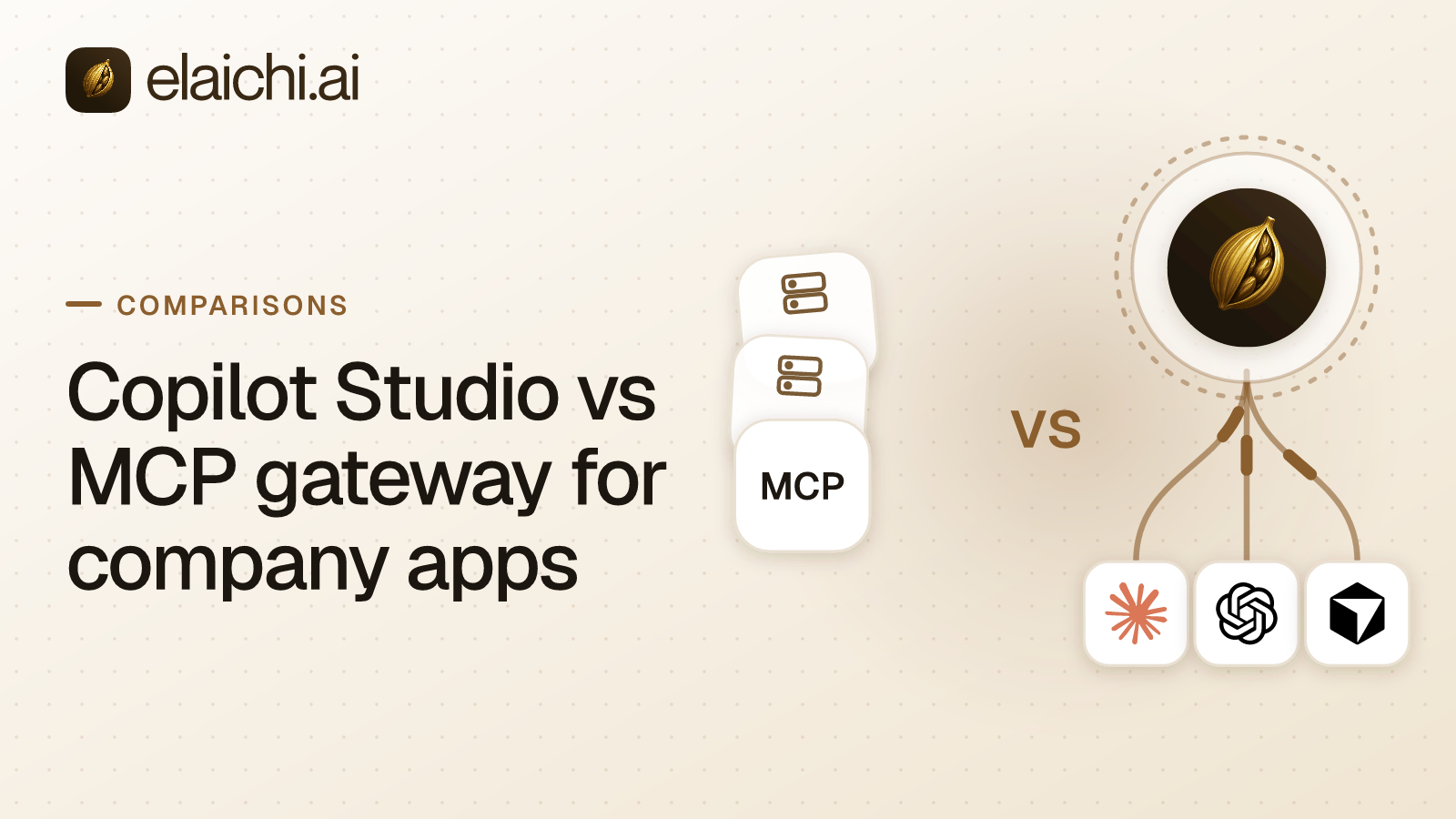
Finance drafts in ChatGPT. Two engineers run Cursor. The HR agent your platform team built sits in Microsoft Teams. Each surface reaches a different company app, under a different rule, and leaves a different record. Copilot Studio vs MCP gateway is the choice underneath that spread. Build agents inside Microsoft's own channels, or govern the AI clients your people already opened. MCP (Model Context Protocol) is the standard way an AI assistant calls tools in other apps. Both approaches speak it. They differ on where the rules live and how fine they go.
A note on sourcing before the comparison starts. Every Microsoft claim below links to the live docs page and carries the date it was last checked. Treat that date as a freshness marker for the specific paragraph, not a publication date for the post. Where a claim describes Elaichi's own product, it's marked as such and should be weighed as a vendor description, not independent documentation. Verify it against the pricing and docs pages linked inline.
Is Copilot Studio an MCP gateway?
No. Copilot Studio is a place to build agents. A gateway is a place to govern clients somebody else built. The distinction matters because the two solve different problems. One gives a maker a canvas and a publish button. The other gives an admin a single policy surface over tools nobody on the admin team built.
In Copilot Studio a maker designs the agent and attaches tools to it. MCP support has been generally available since 29 May 2025. A maker adds it through the onboarding wizard at Tools, Add a tool, New tool, Model Context Protocol. A Power Apps custom connector is the other route. Streamable transport only, with None, API key or OAuth 2.0 for auth; tools and resources work and prompts do not (checked October 2026, Microsoft Learn). The finished agent runs in Microsoft Copilot, Microsoft Teams and other Microsoft channels. Microsoft documents no way to expose a Copilot Studio agent to Claude, ChatGPT or Cursor as an MCP server (checked October 2026, Microsoft Learn).
An MCP control plane inverts the shape. Nobody builds an agent. Every SaaS account the company uses is connected once, and the tools those accounts expose are served through one organization-wide MCP endpoint. Clients point at that one address and sign in: Claude, ChatGPT, Cursor, any MCP client, or the Elaichi Agent. There are no per-toolbox URLs and no embedded tokens to hand around. Elaichi authors and serves 600+ connectors from its own infrastructure, so the company runs no MCP servers of its own. An app outside the catalog is covered by a custom connector authored from JSON config, or by a fork of a public one.
How does Copilot Studio govern MCP servers?
Through Power Platform, at the environment level, by the server rather than by the tool.
Each tool runs on the end user's credentials by default, so the agent reaches only what that person can reach in the destination app. Maker-provided credentials are optional. An admin can forbid them per environment. That lockdown also breaks scheduled, autonomous and background agents, since those have no interactive user to authenticate as (checked October 2026, Microsoft Learn).
Policy sits on the connector layer. Data policies sort connectors into Business, Non-business and Blocked, and cover an MCP server's tools too. Changes usually apply within an hour and can take up to 24 (checked October 2026, Microsoft Learn). Advanced connector policies are a default-deny allowlist per environment or group. Microsoft states that per-tool MCP control is not available in them (checked October 2026, Microsoft Learn). The Microsoft 365 admin center approves, rejects and blocks MCP registrations under Agents, then Tools (checked October 2026, Microsoft Learn).
The practical consequence is one sentence long. A ticketing MCP server exposing a read tool and a delete tool is allowed whole or blocked whole at the policy layer. Makers can switch off single tools per agent at build time. That's a design choice inside one agent. It is not an administrative control an IT admin can apply across every agent that touches that server.
What does a governed MCP control plane enforce instead?
This section describes Elaichi's specific implementation, not an industry standard. It is one way to build the generic pattern of RBAC plus resource-level sharing plus explicit allow/deny rules, and other gateways implement that pattern differently.
Three layers, and the finest of them reaches one tool for one role. Role-based access control (RBAC) comes first. It is roughly 38 action strings such as tool:execute, restriction:manage and audit:view, grouped into roles. There is exactly one role per member, no stacking and no union of multiple roles. Resource sharing is second, and it is strict. A member sees only what they own or what was explicitly shared with them. There is no implicit visibility from being in the same team or role. Restrictions are third, and they are the layer that differs most from Copilot Studio's model. A restriction names whole connectors, single tools, or both. In Elaichi, restriction targets are role or user only; the organization default is the absence of a rule, which means allow everything. The default is allow, not deny: with no rule written, a tool is reachable by anyone who holds use on its connection.
So the ticketing case splits cleanly. A Support role carries an allow rule naming the read tools. The delete tool never reaches that role's list, and a withheld tool looks exactly like a tool the connector never had. Choosing the grain matters, because whole-app rules are sometimes the honest and lower-maintenance answer. Per-tool restrictions multiply the number of rules an admin has to keep correct as tools get added or renamed upstream.
Write the timing down before a reviewer asks. A role or restriction change takes effect within about two minutes. In Elaichi, removing or suspending a member revokes every live grant in the same transaction as the membership change. A SCIM deprovision suspends the member. That revokes every live grant at once, rather than waiting for a session or token to expire on its own.
Arguments can be pinned as well as tools. The connection's owner keeps it unshared, pins it into a toolbox entry with frozen values, and shares that toolbox at use. Frozen keys are stripped from the advertised schema, so the model never sees them as an input it could fill in. Frozen values are merged over whatever the caller sends, overriding rather than just defaulting. Pinning an argument holds on the path that runs through the entry. It does not help if the same tool is reachable through a different, unpinned entry. Close that other path by leaving the connection unshared, because a restriction on the tool would withhold the frozen entry too.
Every call lands in one audit log. Elaichi writes one entry per tool-call attempt, succeeded or failed.
Here is what this model does not do. It has no low-code canvas for building a new agent. There is no conversation designer, and no equivalent of Copilot Studio's topic and trigger authoring. It governs clients that already exist; it does not help a team build one from scratch.
Copilot Studio vs MCP gateway: a side-by-side table
The two architectures diverge on audience, credential model, blocking granularity and billing unit. Read the table as a description of what each product was built for, including where each one is weaker, not as a scorecard.
| Copilot Studio | Elaichi | |
|---|---|---|
| Built for | Makers building agents for Microsoft channels | IT governing the AI clients people already use |
| Where it runs | Microsoft Copilot, Microsoft Teams, other Microsoft channels | Claude, ChatGPT, Cursor, any MCP client, the Elaichi Agent |
| Tool sources | 1500+ pre-built data connectors plus MCP servers you register (Microsoft, checked October 2026) | 600+ connectors authored and served by Elaichi, with custom or forked connectors for apps outside the catalog |
| Credentials | End user by default, maker-provided optional | Each person signs in once with their own OAuth grant; calls run on their own connection or on a shared one |
| Finest block | A whole MCP server, per environment or group | A single tool, targeted at a role or a user |
| Policy timing | Data policy changes usually within an hour, up to 24 (Microsoft, checked October 2026) | Within about two minutes |
| Record | Purview CopilotInteraction events plus the Monitor page's Tool use view (Microsoft, checked October 2026) | one entry per tool-call attempt, succeeded or failed, naming the account reached |
| Can build new agents | Yes, the product's core function | No, it governs existing clients only |
| Setup per app | Add the connector or MCP server to each agent | Connect each SaaS account once; every client reaches it |
| Price | Copilot Credits, $200 a month for a 25,000-credit pack; Microsoft 365 Copilot at $30 per user per month includes internal agents on the standard and Copilot chat harnesses for licensed users (Microsoft, checked October 2026) | Gold at $15 per user per month, USD list (pricing) |
There is no free Elaichi plan: two plans, Gold and Black. Elaichi offers a 14-day trial, no credit card to start. Checkout does collect a card, and it sets the paid trial to the remaining days rather than granting a fresh 14, so it is one continuous trial rather than two.
Where does Microsoft Agent 365 fit?
Microsoft is building a cross-client gateway of its own. The part relevant here is still in preview. That matters if you're deciding whether to wait for it.
Agent 365 has been generally available since 1 May 2026. The price is $15 per user per month, or included in Microsoft 365 E7 (Microsoft, checked October 2026). Its tooling gateway for registered bring-your-own MCP servers is a preview feature within that product. Admins approve and block servers at runtime. The preview clients include Copilot Studio, VS Code, Claude Code and GitHub Copilot CLI. Tool-level blocking for those servers is planned but not shipped. Gateway tool calls can be hunted in Defender (checked October 2026, Microsoft Learn). Azure API Management is positioned separately, to expose and govern MCP servers for ChatGPT, Claude and GitHub Copilot (Microsoft Learn, checked October 2026).
If the plan is to wait for Microsoft's gateway, the question to settle is narrow and concrete. Does server-level approval, whole server with no per-tool block yet, cover the review you have to pass this quarter. Do you need per-tool control before Microsoft ships it. Nobody outside Microsoft has a date for that.
When Copilot Studio alone is the right answer
Plenty of companies do not need a second control plane, and should not buy one.
If your people only use Microsoft Copilot and Teams, Copilot Studio reaches the apps. Power Platform holds the policy, and Purview holds the record (Microsoft Learn, checked October 2026). Your admins already run those consoles. A second product would add a second place for the rules to be wrong, and a second audit trail to reconcile during a review. The same logic holds for one team using one assistant against one app. That app's own MCP server, under its own permission model, is less to carry and needs no extra vendor.
The boundary moves the moment a non-Microsoft client appears on a laptop. A Cursor install or a ChatGPT workspace sits outside Power Platform, and the rules written there do not follow it. Power Platform's policies do not reach a connection made directly from Cursor to a third-party MCP server.
Running both without the rules drifting apart
Most companies that use Microsoft will run both. Decide early which surface owns which rule, in writing. Do that before the second product is purchased rather than after.
Copilot Studio owns agents built for Teams and Microsoft Copilot, governed by Power Platform data policies and connector allowlists. The MCP control plane owns Claude, ChatGPT, Cursor and the rest. It is governed by one role per person, restrictions down to a tool, and a single audit trail. The two do not overlap by accident. Elaichi does not list Copilot Studio among the clients it connects with. Agents built there stay on Power Platform's side of the line. Name the owner of each half and the review cadence for each. Quarterly connector audits in Power Platform, for instance. A separate cadence covers restriction rules in the MCP control plane.
For the category definitions underneath all of this, what an MCP control plane is is the place to start. The four gateway shapes sorts the rest of the market.