It starts with one engineer. She adds a Linear entry to her local MCP config in Cursor, pastes a personal token, and her agent starts closing issues. Two weeks later the snippet is in a team channel and half the group has copied it. That is how Linear MCP access for engineering team members usually arrives. Not as a decision, as a file. MCP (Model Context Protocol) is the standard way an AI assistant calls tools in other apps
Three problems follow from the file. You cannot list who holds a token, because the tokens sit on laptops. You cannot narrow what an agent may do, because the token carries that developer's own Linear permissions. And when somebody leaves, you are revoking credentials nobody has enumerated.
What does Linear MCP access for engineering team members look like with one address?
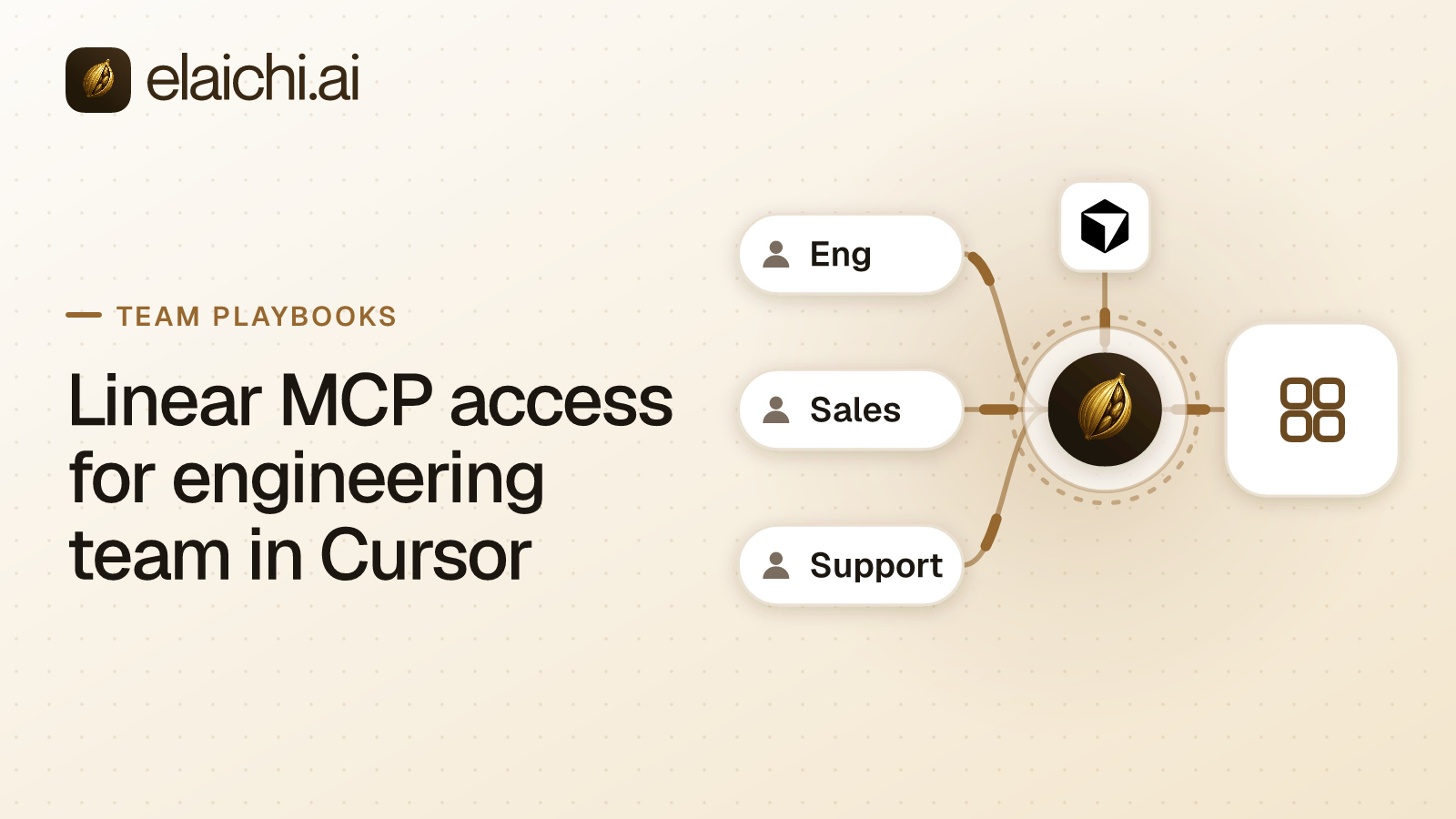
One endpoint for the whole organization, and no token on any laptop. Elaichi connects the Linear account once and serves its tools through a single organization-wide MCP endpoint, POST /mcp, standard MCP over Streamable HTTP, JSON-RPC 2.0, behind OAuth. OAuth is the sign-in flow that issues a scoped grant instead of a shared key. The grant is what varies between people.
Cursor points at that address through its own admin console. So does Claude, so does ChatGPT. There are no per-toolbox URLs and no embedded tokens, and there is no MCP server for your team to run. Elaichi authors and serves the connectors from its own infrastructure, 450+ of them.
Engineers reach the endpoint through whatever sign-in you already run. SAML and OIDC single sign-on are built in, with SCIM v2 for users and groups and group-to-role mapping, so a directory group can carry the role. The address is identical for the intern and the staff engineer. Adding a fourth MCP client next quarter is the same shape of work: one URL, one console, no per-developer setup.
How do you block issue deletion and project archive?
Write the rule against the role, not against each person. A restriction is a rule about which connectors and which individual tools a target may reach. Targets are role or user only. restriction targets are role or user only; the organization default is the absence of a rule, which means allow everything, because the organization default is the absence of any rule, which means allow everything.
For an engineering rollout that means one rule on the Member role: block the Linear tools that delete an issue and archive a project. Within the layer that wins, allow rules union, block rules union, and blocks always beat allows. A rule on a user replaces the role rules for that user rather than adding to them Give the engineering manager a single exception and you have replaced her role rules entirely, so restate the blocks you still want in her user rule.
One trap is worth knowing before you open the editor. the allowlist stage engages on the presence of an allow rule, not its contents, so an allow rule that names nothing denies everything. An allow rule that names nothing denies everything. It is the strictest rule the system can express, and the easiest one to create by accident.
Block matching and allow matching differ on purpose. A block matches the tool name or the pinned operation. An allow matches the pinned operation only. A tool's advertised name can be changed by whoever edits the connector's documentation, so the name is a token the governed party controls, and governance binds the operation rather than the label.
Enforcement runs at four points against the same resolver: browse, connect, advertise and execute, plus a final check on the fully substituted outbound URL. A restriction change takes effect within about two minutes, on the MCP endpoint, in the console and over REST alike. Do not plan a change window that assumes the next call.
Freezing the arguments you do not want a model choosing
Frozen parameters pin an argument so neither the developer nor the model can set it. Frozen keys are stripped from the advertised schema, so the model never sees the field. Frozen values are merged over caller arguments at execution, so sending the key anyway does not un-freeze it. The precedence is entry defaults, then caller or model arguments, then frozen parameters last.
This is the right tool when the risk is scope rather than destruction. Pin the team or the project an agent may write into. A Cursor session working the mobile backlog then cannot file into the billing team's board. The model is not resisting temptation, because the argument is not in the schema it was handed.
What does Cursor see when it lists the tools?
Past a threshold of 30 tools, the connected tools collapse behind two meta-tools, search_tools and execute_tool. The threshold counts catalog operations and connected tools together. The control-plane catalog alone is dozens of operations, so connecting Linear is normally enough to trip it. Collapse is the normal case, not an edge case.
Only the connected half collapses. Control-plane operations stay listed individually, and search_tools never returns one. Tools withheld by a restriction are excluded from the count, because they were handed to nobody. execute_tool is only a naming indirection. It unwraps to the same name and arguments and falls through the identical gates, with no separate execution path and no privilege in it.
Search ranking is lexical over tool name, description and connector label, with a relevance floor that prefers returning nothing over returning the wrong app. That matters more once Linear sits beside a second tracker with similar verbs.
Who closed that issue, and was it a person?
one entry per tool-call attempt, succeeded or failed, and both name the account. The recorded connection is the account actually reached, taken from the execution rather than from the intent. If the organization has two Linear workspaces, the record tells you which one the agent wrote to.
The audit log is an append-only record of what happened, held per organization. Each call records the operation and tool, the connection, the classification, whether it was approved, the outcome and an error code. Argument names and counts are logged. Argument values never are. The trail shows that an issue-update tool ran with three arguments, at that time, under that grant, and not the text that went into the comment.
Failed calls carry two different error strings. The one returned to the caller is derived from Linear's own response body. The one written to the trail never is, because audit records are org-visible and fan out to whatever SIEM you configured. A remote error body reaching the log is third-party payload leaving the system through the log pipe.
actor_kind is a field, not something inferred later from a user agent. Its values include user, system, scim, api_token and ai_assistant. "Who closed that issue" and "was it a person" become the same query. Entries are filterable by free text, category, actor, action kind and time, newest first. Actor names resolve server-side, so a departed engineer renders as "Former member" rather than vanishing.
Where the trail lives, and who reads it without a seat
The region is chosen when the organization is created: eu, us or apac. The eu and us regions are hard residency, so compute and storage stay in that jurisdiction. The apac region is a placement hint (best-effort). Only eu and us are hard-residency. Region also selects which regional log instance the audit trail lands in, and each organization gets its own log tenant.
The trail is eventually consistent, so a row may take a moment to appear after a call. Export forwards records to your own destination: Datadog is implemented, while Splunk HEC and Microsoft Sentinel are accepted but not yet delivering. Filter by log type if you do not want everything.
A compliance reviewer reading this trail does not need a paid seat. The Auditor role is free and read-only. It lacks tool:execute, the permission that gates the endpoint ahead of every scope, so an Auditor sees an empty tool list and an in-band error naming the missing permission. Plan details sit on the pricing page; there are two plans, Gold and Black, and a 14-day trial with no card to start.
When a developer leaves the team
removing or suspending a member revokes every live grant in the same transaction as the membership change, and revoked_at is re-read on every single call. Grant revocation, member removal and suspension are the three things effective on the next call. Nothing else in the model is.
Offboarding runs a preflight first. A personal connection referenced by a toolbox entry must be resolved, meaning transferred to the organization, a team or another member, or deleted, or the removal is refused. A toolbox is a saved set of tools and accounts an agent works through. A private connection is not transferable at all, because a credential only its owner could use does not become someone else's. Delegated toolbox entries surface as a non-blocking warning, and re-pinning is the fix rather than a credential decision.
The case for not putting a control plane in front of Linear
Four engineers on one Linear workspace, all admins, all employees: a local config per laptop is defensible, and the controls here buy you little. The threshold question deserves an honest answer before you buy anything. What changes it is a second workspace, a contractor, an auditor asking who closed a ticket, or a client you cannot configure per person.
One limitation belongs in the same paragraph. The prompt-injection write gate lives in the Elaichi agent window and does not apply to a raw tool call. If your threat model is a poisoned issue description steering an agent, restrictions narrow what that agent can reach. They do not detect the attempt. What does hold on the endpoint is RBAC per operation, the forbidden classification, output redaction, OAuth scope limits and full audit logging.
A rollout you can finish in an afternoon
Order matters, because the restriction should exist before the client does. Connect Linear once as an organization-owned connection. Write the block rule on the Member role. Wait out the two minutes, then point Cursor at the endpoint from its admin console and have one engineer sign in. Verify by asking the agent to delete a throwaway issue and watching the refusal land in the audit trail. Then open it to the team.
The same sequence works for a sales team pointing ChatGPT at Salesforce, and the rest of the team playbooks run the other groups in the same order. For what else the endpoint can serve alongside Linear, browse the connector catalog or the team use cases.