What marketing is actually asking for
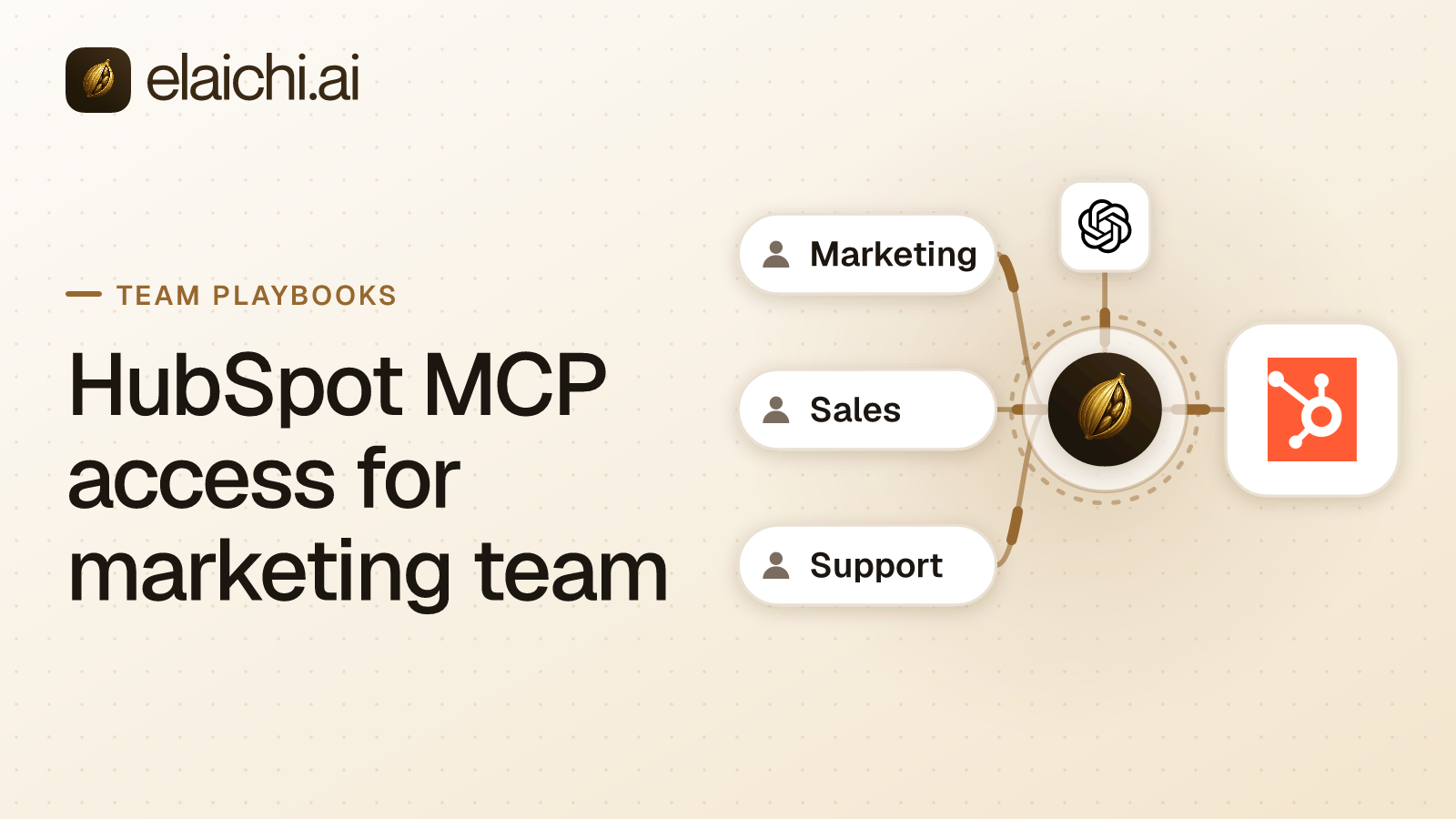
A campaign manager wants to ask ChatGPT which contacts opened the last nurture sequence, and read the answer out of HubSpot instead of an exported CSV. IT usually agrees with the goal. What stalls the rollout is everything else in the same account. The login that reads a campaign report can also delete a list and send a bulk email. HubSpot MCP access for marketing team use works when the read operations are open, those two write paths are unreachable, and the portal is not a choice the model gets to make.
MCP (Model Context Protocol) is the standard way an AI assistant calls tools in other apps Elaichi is a governed MCP control plane. It serves HubSpot and the rest of a 450+ catalog through one organization-wide endpoint, so the decisions below are configuration, not code.
What HubSpot MCP access for marketing team use looks like once it is live
Every client points at one address. Elaichi exposes POST /mcp, standard MCP over Streamable HTTP, JSON-RPC 2.0, stateless, behind OAuth (the sign-in flow that hands a client a scoped token instead of a password). There are no per-toolbox URLs and no tokens pasted into a client config. There is no per-user MCP server to create, list or revoke.
You put that one URL into the ChatGPT admin console. Claude and Cursor take the same URL. Each marketing member signs in as themselves, so the address stays constant and the grant is what varies per person.
The HubSpot account is connected once. Sharing is a single building block: a grant of view, use or edit on a resource, to a user, a team or the whole organization. A member sees only what they own or what was explicitly shared with them, and no role widens that listing silently. Share the marketing HubSpot connection with the marketing team at use, and nobody outside the team sees that the account exists.
Credentials do not sit in Elaichi. A separate credential service holds the per-account secrets, encrypted at rest, and owns the refresh. A failed refresh marks the connection needs_reauth rather than failing quietly.
Which role your marketing members hold
One. Permissions in Elaichi are action strings grouped into roles, and every member holds exactly one role, enforced by a unique index. That is why a role reads as a complete persona rather than a bolt-on, and why it is the natural target for the rules below.
The role marketing members hold needs tool:execute. That permission gates the whole MCP endpoint ahead of every scope. Without it, tools/list comes back empty and a call returns an in-band error naming the missing permission. Guest, Auditor and Billing Admin do not have it.
Keep connector:create out of that role. It is flagged high trust, because a custom connector can be pointed at any destination. A marketing role that can author connectors can route around the HubSpot rules you are about to write.
OAuth scopes run underneath: mcp:read, mcp:write, mcp:destructive, mcp:tools. A tool classified forbidden is reachable under no scope at all. mcp:tools does not replace the ladder, so a connected tool whose method is a delete still needs mcp:destructive.
Which HubSpot tools marketing should be able to reach
Start from the fact that doing nothing gives them everything. A restriction controls which connectors and which individual tools a target may reach. Targets are role or user only. There is no organization target, and the organization default is the absence of any rule, which means allow all.
Write an allow rule against the role your marketing members hold, listing the reads you want: contacts, lists, campaign records, email event stats. One detail decides whether this works. the allowlist stage engages on the presence of an allow rule, not its contents, so an allow rule that names nothing denies everything. An allow rule that names nothing denies everything. It is the strictest rule you can express and an easy one to ship by accident.
Allow rules match on the pinned operation only. A rule is written against a connector and a tool, but the canonical resource and method are pinned against the catalog at write time. Block rules match on the tool name or on the pinned operation. The asymmetry is deliberate, and why blocks bind both and allows bind one is worth reading before you write the first rule.
A rule on a user replaces the role rules for that user rather than adding to them A user-targeted rule replaces the role rules entirely. It does not layer on top, so a one-off exception for the head of demand generation has to restate the reads she still needs.
The same resolver runs at four points: browse, connect, advertise and execute, plus a final check on the fully substituted outbound URL.
Why bulk email send needs a block rule of its own
Scopes will not catch a send. Elaichi annotates tools the way MCP allows: a read-only hint on reads, a destructive hint on deletes, and no annotation at all on a plain write. MCP has no hint for changing something without destroying it, and claiming either available hint would be false in one direction or the other.
Sending a campaign to a list is a plain write. It destroys nothing. Withholding mcp:destructive therefore does nothing about it. The only thing that stops a bulk send is a block rule naming that operation.
List deletion is the easier half. It carries the destructive hint and the scope ladder covers it, but write the block anyway. Within the winning layer, allow rules union, block rules union, and blocks always beat allows. A block survives somebody widening the allow list next quarter.
Because a block matches the tool name as well as the pinned operation, renaming the tool in a forked connector does not route around it. A tool's advertised name is a label whoever edits the connector controls. Governance binds the operation.
Freezing the HubSpot portal so nobody writes to the wrong one
Most companies that use HubSpot seriously run more than one portal, usually a sandbox and a production one. Freeze the portal marketing may touch. Frozen parameters are a per-entry map over the tool's flattened argument space, and they do two things at once.
Frozen keys are stripped from the advertised schema, so the model never sees the portal field and cannot reason about it. Frozen values are merged over caller arguments at execution, so passing the key anyway cannot un-freeze it. The full precedence is entry defaults, then caller and model arguments, then frozen parameters.
That is the difference between telling an assistant which portal to use and making the other one unreachable. The same technique pins a default owner, a campaign type or a list ID when a team should only ever act inside one slice of an account.
What the model sees when marketing opens ChatGPT
Past a threshold of 30 tools, the connected tools collapse behind two meta-tools, search_tools and execute_tool. The threshold counts catalog operations and connected tools together, and the control-plane catalog alone is dozens of operations. One connected HubSpot account is normally enough to trip it, so collapse is the normal case.
Only the connected half collapses. Elaichi's own control-plane operations stay listed individually, and search_tools never returns one. Tools withheld by a restriction are excluded from the count, because they were handed to nobody. execute_tool is only a naming indirection. It unwraps to the same tool name and arguments and falls through the identical gates.
Search ranking is lexical, over the tool name, the description and the connector label. A relevance floor drops any tool that does not account for at least half the query's own IDF-weighted mass. That floor is what keeps a Notion tool out of the results for a HubSpot query. The reasoning behind the relevance floor matters here, because a list with no floor always returns something, and the model calls what it is handed.
What the audit trail answers after a list disappears
one entry per tool-call attempt, succeeded or failed, and both name the account. The recorded connection is the one actually reached, taken from the execution rather than from the intent. When somebody asks which HubSpot portal the agent wrote to, that field answers.
Each record carries the operation and tool, the connection, the classification, whether it was approved, the outcome, and an error code. Argument names and counts are logged. Argument values never are, so a contact's email address does not end up in the log pipe.
Two error strings exist per failed call. The one returned to the caller is derived from HubSpot's response body. The one written to the audit trail is never derived from the request or the response. Audit records are visible across the organization, readable by the in-product assistant, and forwarded to whatever SIEM you configure, so a remote error body reaching one is third-party payload leaving through the log pipe.
actor_kind is a recorded field rather than a guess from a user agent, and ai_assistant is one of its values. The trail is append-only, newest-first, and eventually consistent, so a row may take a moment to appear. A compliance reviewer reads it on the free Auditor seat, which is not billable under either plan.
How long a restriction change takes to bite
about two minutes. Role membership and restrictions resolve through a 60-second cache plus edge propagation, on every surface, so a block you add now applies within roughly two minutes on MCP, in the console and over REST alike.
Three changes are faster. Grant revocation, member removal and suspension are effective on the next call, because the OAuth grant is re-read from the organization store on every call with no cache. removing or suspending a member revokes every live grant in the same transaction as the membership change.
Offboarding runs a preflight before that removal. Personal connections referenced by a toolbox entry must be transferred to the organization, a team or another member, or deleted, or the removal is refused. A private connection is not transferable at all. A credential only its owner could ever use does not become somebody else's because its owner left. The same sequence applies to an agency contractor, and what to do on a contractor's last day covers the rest.
When marketing does not need any of this
If one person in marketing uses an assistant, against one portal, with a read-only login she created herself, a control plane is overhead. Set the permissions in HubSpot and revisit when a second person asks. The argument for holding off on a gateway is real, and the trigger is usually a second client, a second portal or an auditor.
One limitation to state plainly. The prompt-injection write gate lives in the Elaichi agent window and does not apply to a raw tool call. A campaign brief pasted from an outside source can still steer an assistant. What holds on the endpoint is role-based access control per operation, the forbidden classification, output redaction, OAuth scope limits and the audit trail.
A rollout order for the first week
Do the blocks before the invites. The order below avoids a day where marketing has more access than you meant.
- Connect the HubSpot account once and share it with the marketing team at
use. - Put the marketing members on one role that carries
tool:executeand notconnector:create. - Freeze the portal on the toolbox entry, plus any argument that should never vary.
- Write the block rules for list deletion and bulk email send.
- Write the allow rule listing the read operations, and check that it names something.
- Test with one member, wait two minutes after each edit, then test again.
- Point the ChatGPT admin console at the endpoint and invite the team.
The same shape works for the Salesforce rollout a sales team asks for, and the rest of the team playbooks follow it. Check which of your marketing stack is already in the connector catalog, and what the other eleven teams ask for first on the use cases page.