An engineer, Emily Carter, adds an MCP server to Claude Desktop on a Friday. It takes a few lines in a config file and a personal API token. By Monday it saves her an hour a day. Then sales asks for the same thing, and so do finance and support. Enterprise MCP is MCP run for a whole company instead of one laptop: each person signs in as themselves, a role decides which tools they reach, and each call that runs is recorded. It is the name for what has to change before a whole company can do what Emily did on her own laptop.
MCP (Model Context Protocol) is the standard way an AI assistant calls tools in other apps. On one laptop, the person, the credential and the record are the same machine. Across a company they come apart, and each needs an owner. This guide is the buyer's view. It walks an enterprise AI platform buyer through seven decisions, shows where a governed control plane fits, and covers the case where a company does not need one yet. The rule model behind those decisions, with restrictions, credentials, the record and offboarding in detail, is in MCP governance.
What changes when MCP moves from a laptop to a company?
Identity, the address, the rules, the credentials and the record all move from the person to the organization. On a laptop, the MCP authorization specification makes sign-in optional. It tells servers on the local stdio transport to read credentials from the environment instead.
A local server lives in a file on each machine. Claude Desktop keeps its list in claude_desktop_config.json, per the MCP guide to local servers. That works for one person. Nobody else can see the file, revoke the token or read what ran.
| Decision | On one laptop | Across a company |
|---|---|---|
| Who is calling? | Whoever owns the token | Each person, through the identity provider |
| Which address? | A server per machine | One endpoint, or one per team |
| What can it reach? | Everything the token can | What the person's role allows |
| Where is the credential? | A config file or environment variable | A vault no person or AI client reads |
| What is recorded? | Nothing central | One audit record per call that reaches execution |
| What happens at departure? | Someone remembers the token | The identity provider ends access |
| Where does data live? | The laptop and the app vendor | A region the company picked |
Does each person sign in to MCP as themselves?
They should, because a shared token makes every call look like one person. OAuth, the standard for delegated sign-in that never hands the client a password, gives each person their own grant.
In Elaichi, each person connects their AI client once and approves their own grant on a consent screen. Every call made with that grant acts as that person, in the organization they picked. Their permissions are looked up on each request, not stored in the token.
SSO (single sign-on through the company's identity provider) sits in front of that. Elaichi supports SAML and OIDC. An admin can enforce SSO for a verified domain, so an email-code or social sign-in for an address on it is refused. What the consent screen asks, and which boxes start ticked, is covered in the MCP security review checklist.
Should you run one MCP endpoint or a server per team?
One endpoint is simpler, as long as it knows who is calling. A server per person or per team multiplies configs, tokens and logs. With one address, the person's grant decides the rest.
Elaichi has one address for every organization, https://api.elaichi.ai/mcp. The grant behind the token, not the URL, decides the organization and the person. Every client points at that same string. In Claude Team and Enterprise, an Owner adds a custom connector for the organization, and users then connect to it individually, per Anthropic's help article on remote MCP connectors (checked October 2026). The cost of each shape at 200 people is worked out in one endpoint versus one per team.
Behind the address sits one governed catalog of 600+ connectors. Elaichi authors and runs most of them. The rest are native MCP connectors: the vendor builds and runs its own MCP server, and Elaichi handles sign-in, access and audit. An organization on Gold can also bring its own remote MCP server under the same rules.
How do you give each role different MCP tools?
With roles and restrictions enforced on the server, not instructions to the model. OWASP's guidance on excessive agency says to limit an extension's permissions in other systems "to the minimum necessary".
In Elaichi, each member holds exactly one role. Every organization starts with eight system roles, and custom roles are available on Gold. A restriction is an allow or block rule. It targets a role or one member, and names whole connectors or single tools. A block always beats an allow. So support can keep its ticketing tools while finance reads the accounting app and cannot write to it, from the same address.
A role or restriction change takes effect within about two minutes. Removing a person takes effect on the next call. Starting roles per department are in the guide to rolling out Claude and ChatGPT. What each AI client's own admin console controls is compared in IT admin controls for MCP connectors.
Who holds the app credentials when nobody pastes a token?
A vault the gateway reads for each call, not the person and not the AI client. On a laptop, the API key sits in plain text beside the server config.
In Elaichi, a separate credential service holds every connected account's secrets. They are encrypted at rest with AES-256-GCM, and the key can be rotated. Elaichi fetches a credential into memory only for the call that needs it. The AI client holds only an Elaichi token: an access token that lasts one hour and a refresh token that rotates on every use. The MCP endpoint accepts nothing else, so a pasted API key does not work there.
One trade-off belongs in the design. A connection someone shares runs on its owner's sign-in to the app, so every caller acts with that owner's app permissions. Where the app should see each person, each person connects their own account. Moving off personal API keys covers the switch.
What should an MCP audit record show?
Who made the call, from which client, against which account, and whether it worked. In Elaichi, every connected-tool call that reaches execution writes a row. The row names the person, the connector, the connection the call actually reached, the MCP client, how the call was approved and the outcome. It records no argument values beyond the one path argument that names the object.
Every member sees their own activity. People with the audit permission see the whole organization. That includes the Auditor role, a free, read-only seat for compliance reviewers. Elaichi keeps 90 days of history, and export to your own Datadog comes with the Black plan, which is launching soon.
Note one limit in your control description. A call refused at the OAuth scope check, before any tool runs, writes no row. The full field list is in what an AI audit log must capture.
What happens to MCP access when someone leaves?
The identity provider should end it, and the next call should fail: in Elaichi, a SCIM deprovision (SCIM is the protocol an identity provider uses to create and remove accounts in other services) suspends the member, which revokes every MCP grant they hold. MCP governance covers the rest of the offboarding rules, and offboarding when the agent holds access gives the order of steps.
Where does enterprise MCP data live?
In a region the company picks, with the exceptions written down. Elaichi has three regions, EU, US and APAC, picked when the organization is created and fixed after that. For EU and US organizations, the organization's data store stays in that region. So does the execution of its requests and tool calls. An APAC organization gets no such guarantee.
Some things sit outside the region. User accounts and SSO settings are not pinned to one. Files stored from tool results go to the EU for every organization. Elaichi's privacy policy says its audit-log store is one EU instance serving all regions. For key custody, customer-managed keys in AWS KMS come with the Black plan, which is launching soon. The GDPR side is covered in EU data residency for AI agents.
Where does a governed MCP control plane fit?
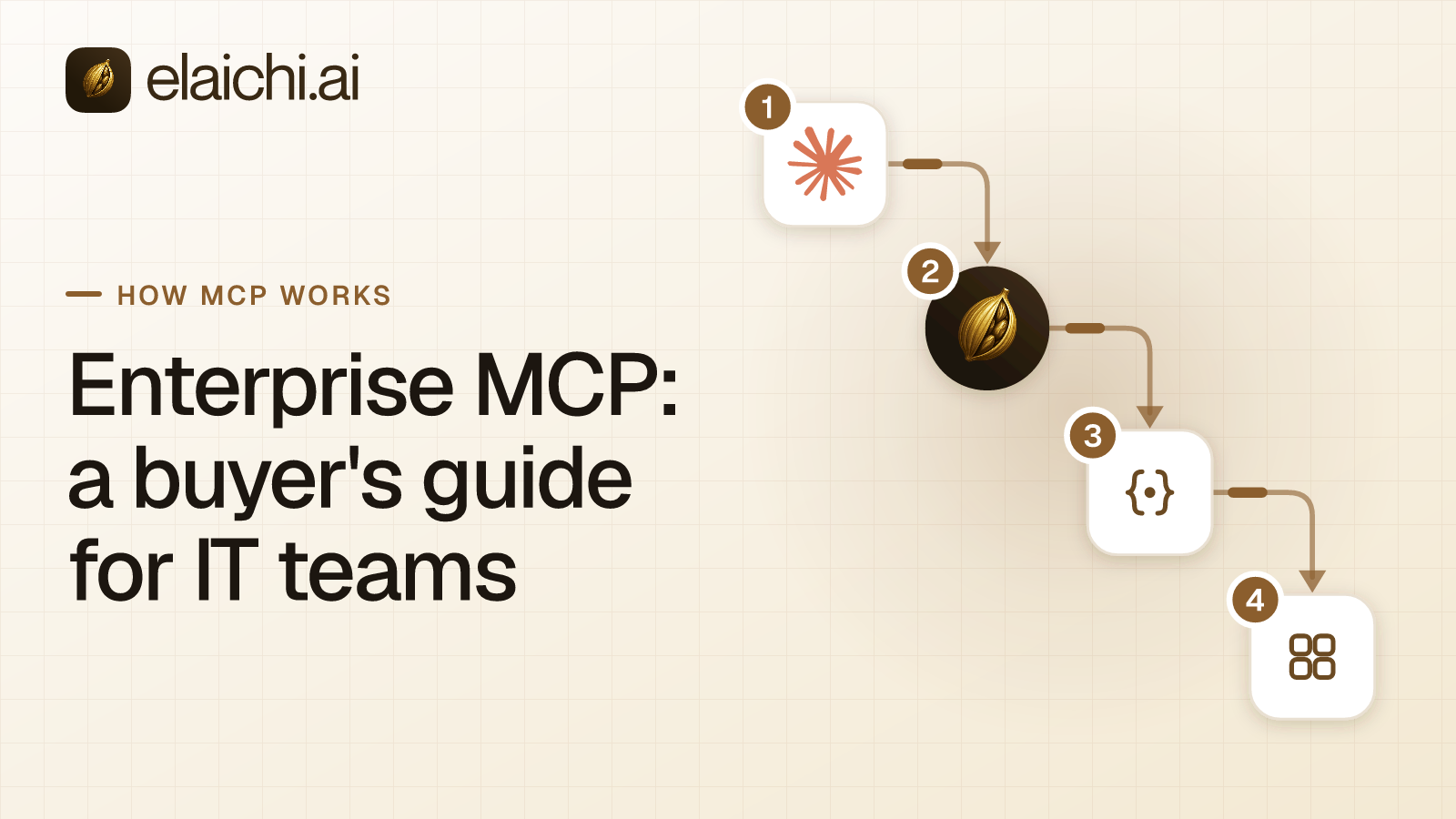
Between the AI clients and the apps, as the one place where identity, rules, credentials and records meet. Elaichi is a governed MCP control plane and hosted MCP gateway. Every call from Claude, ChatGPT, Cursor or any MCP client passes through it. Each call is checked against the caller's access, and each call that reaches execution is written to the audit log. That holds whether the tool is a catalog connector Elaichi runs or an MCP server behind it.
Hosted means the company does not run an MCP server to use Elaichi. Gold includes the MCP endpoint, custom roles, restrictions, SSO, SCIM and group-to-role mappings. Gold lists at $15 per user per month in USD, and pricing shows the local price. The category itself is set out in what an MCP control plane is.
Elaichi has one limit to state plainly. Its MCP endpoint never receives the person's prompt, only the tool call the client's model wrote. So it has nothing to judge a call against, and defense against prompt injection belongs to the client. Least privilege, enforced by roles and restrictions, limits the damage. Whether a client asks before each write is that client's own setting.
What to ask any vendor, and how Elaichi answers
Ask about each decision in writing, then test the answers in a trial. The table pairs each question with why it matters and with Elaichi's answer.
| Ask the vendor | Why it matters | Elaichi's answer |
|---|---|---|
| How does each person sign in? | A shared token hides who acted | Their own OAuth grant, behind SAML or OIDC SSO |
| How many addresses will we manage? | Each one is a config and a token to rotate | One, https://api.elaichi.ai/mcp |
| Can a rule cover one tool for one role? | App-level rules are too coarse for writes | Yes, allow and block rules per role or member |
| Who holds app credentials? | A pasted key outlives its owner | A separate encrypted credential service |
| What does one audit record hold? | Reviewers need the account reached | Person, client, connector, connection, approval, outcome |
| What happens when the identity provider removes someone? | Access should end with the account | SCIM suspends, grants are revoked, the next call fails |
| Where does data live, and what is outside it? | Residency claims have exceptions | EU, US or APAC, with the exceptions named |
| What does the product not cover? | Every gateway has a limit | Prompt injection, and app accounts at offboarding |
Security teams ask a deeper set of questions about tokens, consent and evidence. Send them the ten-question security review alongside this table.
When does a company not need enterprise MCP tooling yet?
When MCP is still one person's tool, or one app's. A developer running local servers against their own files needs none of this. The risk sits on their laptop, and endpoint controls cover it, not a gateway.
A company where one team uses one app may be fine for a while too, if that app's vendor runs its own MCP server. The vendor's own permissions apply. The same holds while no AI client can write to a system of record.
The case changes at the second app, the second client or the first write. Then one set of rules and one trail start to matter. When you don't need an MCP gateway lists the signals to watch. When they arrive, start from the connector catalog.