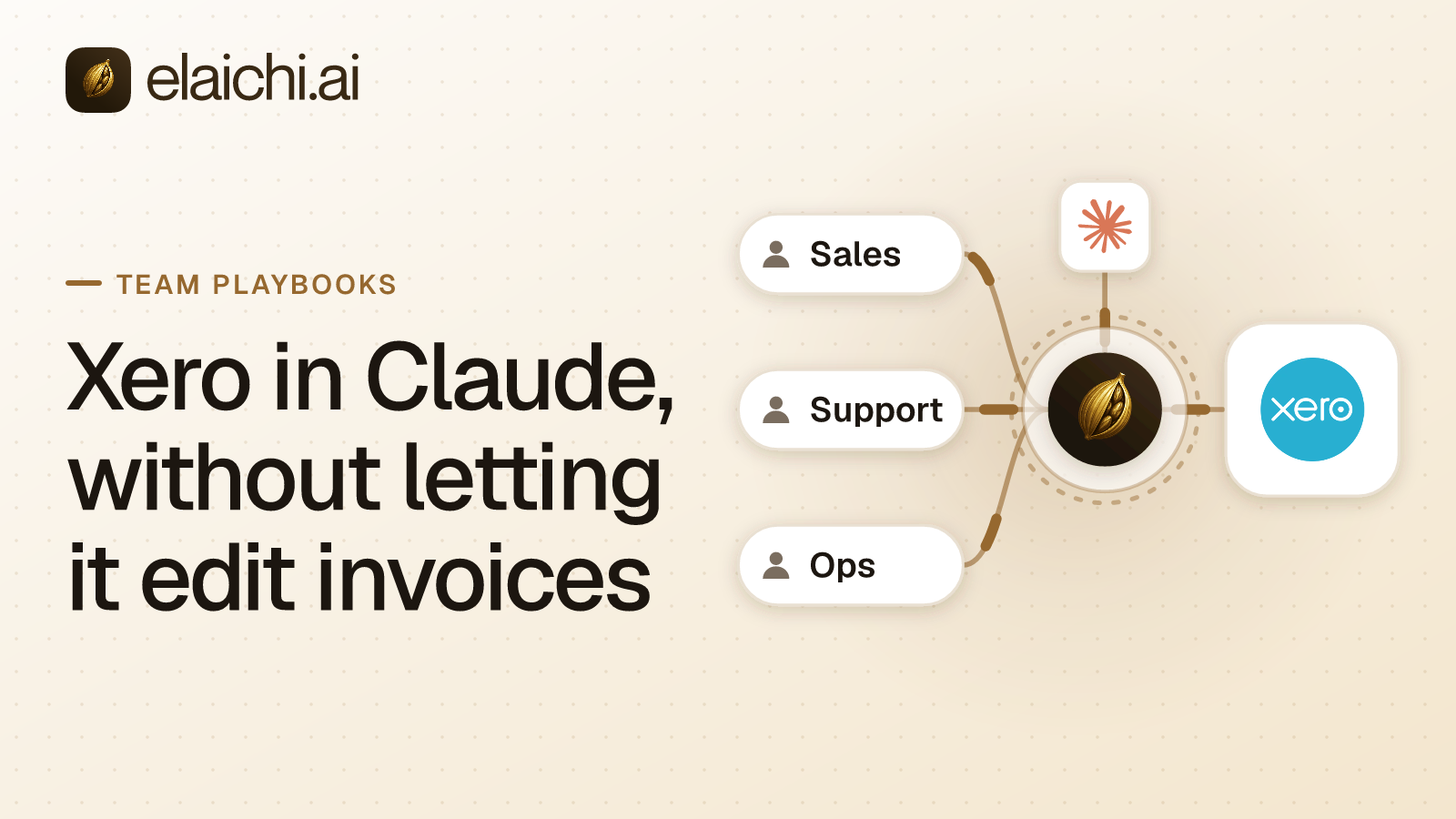
What does Xero in Claude look like for a finance team?
An analyst exports aged receivables from Xero to a spreadsheet, pastes it into Claude, and asks which customers to chase this week. The answer is useful. The copy of the ledger now sits in a chat window, and nothing in Xero records that it left. Putting Xero in Claude properly closes that gap, with one condition the finance lead states first: the assistant may read invoices, and it may not change them.
MCP (Model Context Protocol) is the standard way an AI assistant calls tools in other apps. Elaichi serves its 500+ connectors from its own infrastructure, Xero among them, so nobody in finance or IT runs an MCP server. The Xero connector is one of the accounting connectors in the catalog, with 250 tools. Most of this playbook is about which of those 250 a finance team should reach, and the answer is far fewer than all of them.
The shape most finance teams land on is narrow. Analysts read invoices, payments, contacts and reports. At most one person can draft a supplier bill. Nobody's assistant can edit, void or bulk-update an invoice. Every attempt lands in an audit trail that names the Xero account the call reached.
Why does "do not edit invoices" need an allow rule, not a block?
Because Xero has more than one way to change an invoice. A block list has to find every one of them. An allow rule only has to name what analysts should do.
Look at what the catalog's Xero connector exposes. There are two families of invoice tools. One is create_a_xero_invoice and update_a_xero_invoice_by_id. The other is create_a_xero_invoices_invoice and update_a_xero_invoices_invoice_by_id. Next to them sit xero_invoices_bulk_update, which updates many invoices in one request, and the repeating-invoice templates. A block on one update tool leaves the other family open.
The names mislead in a second way. The tool called delete_a_xero_invoice_by_id does not delete anything. Its own description says it voids the invoice, setting its status to VOIDED. Xero's accounting API specification lists VOIDED as one of six invoice statuses, beside DRAFT and PAID. A void is a real change to the ledger, and an assistant should not reach it by accident.
So the analyst rule is an allow rule against the analyst role, naming read operations only. In Elaichi, restriction targets are role or user only; the organization default is the absence of a rule, which means allow everything. Once an allow rule exists for a target, everything it does not name is denied. That covers both invoice families, the bulk update, the void, payments, contact edits, and any tool added to the connector next quarter.
Which Xero tools should a finance analyst reach?
The reads that answer the questions finance actually asks. A workable first list:
- Invoices and bills:
list_all_xero_invoices,get_single_xero_invoice_by_idandxero_invoices_downloadfor the PDF. - Payments and contacts:
list_all_xero_payments,list_all_xero_contacts. - The ledger:
list_all_xero_accounts,list_all_xero_bank_transactions,list_all_xero_journals_journals. - Reports:
list_all_xero_reports_aged_receivables_by_contacts,list_all_xero_reports_aged_payables_by_contacts,list_all_xero_reports_profit_and_loses,list_all_xero_balance_sheetandlist_all_xero_reports_trial_balances.
Write the rule against the role, not against people, so a new analyst inherits it on day one. Then check the rule before you save it. In Elaichi, the allowlist stage engages on the presence of an allow rule, not its contents, so an allow rule that names nothing denies everything. An empty allow list takes the whole team offline, which is the safe failure, but still a failure.
One mechanic decides how the names behave. A rule is written against a connector and a tool, and the canonical operation is pinned against the catalog when you save it. A block matches the tool name or the pinned operation. An allow matches the pinned operation only, because a tool's advertised name can be changed by whoever edits the connector's documentation. Why a block matches the name and an allow matches the operation works through the reasoning.
Keep the Xero side narrow as well. A restriction decides what Elaichi will advertise and run. The account you connect still decides what Xero will accept, so connect with a Xero user whose own role fits the job.
How do you let one person draft supplier bills?
With a user-targeted rule for that person, and a frozen argument on the one create tool they get.
The rule comes first. A rule on a user replaces the role rules for that user rather than adding to them. So the accounts payable clerk's rule restates every read in the analyst list and adds create_a_xero_invoices_invoice. A rule that names only the create tool would strip the clerk of every read the role allowed.
Then the frozen argument. That create tool requires a Type. Xero's specification allows both ACCPAY, its code for a purchase bill, and ACCREC, its code for a sales invoice. On the clerk's toolbox entry for the tool, freeze Type to ACCPAY. Frozen keys are stripped from the schema the model sees, so it is never offered the field. Frozen values are merged over the caller's arguments at execution, so passing ACCREC anyway changes nothing. The precedence runs entry defaults, then the caller's or model's arguments, then frozen parameters.
One condition: a freeze binds only calls made through its toolbox entry, so share the toolbox with the people it governs, not the connection itself. If the clerk also holds use on the Xero connection, directly or through a finance team share, the clerk's Claude reaches the create tool unfrozen and can raise a sales invoice. A block on the create tool would not close that gap, because restrictions apply to toolbox entries too and would withhold the frozen entry as well. Leave the Xero connection unshared. Give the clerk a toolbox with the reads and the frozen create entry, and give the analysts a toolbox of the reads.
A freeze rewrites a call rather than refusing it. If someone asks the clerk's assistant for a sales invoice, the call goes through as a bill, and a person deletes the stray draft in Xero. That is the trade: an odd draft is possible, and a sales invoice raised by an assistant is not.
The result is narrow on purpose. The clerk's assistant can draft a supplier bill and cannot raise a sales invoice. Nobody's assistant can update, bulk-update or void an existing invoice, because no rule names those tools.
What can each finance role do?
Three roles cover most finance teams. The table is the whole design on one screen.
| Person | Xero reads | Draft a supplier bill | Edit, void or bulk-update an invoice | Seat |
|---|---|---|---|---|
| Analyst, by role allow rule | The named reads | No | No | Paid |
| Accounts payable clerk, by user-targeted rule | The same reads, restated | Yes, through a toolbox with Type frozen to ACCPAY |
No | Paid |
| Compliance reviewer, on the Auditor seat | None: the seat has no tool:execute |
No | No | Free |
OAuth scopes add one more ceiling. A scope is the limit attached to the client's sign-in. Reads need mcp:read, a create needs mcp:write, and a destructive call needs mcp:destructive. A tool classified as forbidden is reachable under no scope at all.
Which Xero organization did the assistant reach?
Xero lets one sign-in authorize several organizations. Before rollout, run list_all_xero_connections. It lists every organization the sign-in granted, by name, because Xero's identity API returns one connection per organization the user authorized. If the sign-in reaches an entity the team should not touch, narrow the authorization in Xero before anyone points Claude at it.
After rollout, the audit entry answers the question. Elaichi keeps one entry per tool-call attempt, succeeded or failed (what an AI audit log must capture covers the rest of the record). The Xero organization on an entry comes from the execution, not the request, so it is the one the call actually reached.
A compliance reviewer does not need a paid seat to read it. Auditor is a free, read-only role in Elaichi, and it lacks tool:execute, so the reviewer can read the trail and cannot run a Xero tool.
How does Claude reach Xero through Elaichi?
Through one organization-wide endpoint, POST /mcp, behind OAuth. In Claude Team and Enterprise, an owner adds it under Organization settings, Connectors, Add, Custom, Web, and members then connect it under Customize, Connectors. On Pro and Max, each person adds it under Customize, Connectors, the plus button, then Add custom connector (Anthropic's guide). Each analyst signs in as themselves, so the grant is per person and the address is the same for everyone.
An MCP client discovers a server's tools with a tools/list request (MCP specification). In Elaichi, connected tools are never listed one by one, however few there are. Claude searches for a Xero tool before calling it, as the post on tool lists and context explains. A tool withheld by a restriction never turns up in that search, so an analyst's Claude never sees the invoice update tools at all. ChatGPT and Cursor point at the same address, which the native connector comparison covers.
The Xero credential does not live in Elaichi. A separate credential service holds it, encrypted at rest, and owns refresh. A failed refresh marks the connection needs_reauth instead of failing silently, so a lapsed Xero sign-in shows up as a connection to fix. It does not show up as a mysterious empty answer.
How do you test it before month-end close?
Run four checks with real accounts before the team relies on it. Each one takes a few minutes, and together they prove the design rather than the intent.
- Sign in as an analyst and ask Claude to void a test invoice. Claude should find no tool that can do it, because the void tool is invisible to that role.
- Ask the same analyst's Claude for an aged receivables summary. It should work, and the audit entry should name the Xero account reached and record an AI assistant as the actor.
- As the clerk, draft a supplier bill from a vendor's total and check in Xero that it arrived as a bill. Then ask for a sales invoice. It should arrive as a bill as well, which you delete.
- Suspend the test analyst and ask again. The next call should fail, with no wait.
When does a rule change take effect?
A role or restriction change takes about two minutes to apply, on the MCP endpoint, the console and the REST API alike. Plan rule changes around that window, not around a page refresh.
Some changes take effect on the next call instead: grant revocation, member removal and suspension, and revoking a share or disconnecting an account. In Elaichi, removing or suspending a member revokes every live grant in the same transaction as the membership change. If an analyst leaves during month-end close, remove or suspend them, and their Claude session stops on its next call. Do not edit the role and wait. Offboarding a member with MCP connections sets out why the two speeds differ and what a removal checks first.
Why not run Xero's own MCP server instead?
You can, and for one analyst on one Xero organization it may be all you need. Xero publishes the server, and it is open source (XeroAPI/xero-mcp-server, read October 2026). It is also run by you. Each client installs it with npx in its own configuration, and it authenticates with a Xero custom connection or a bearer token. It is not a hosted endpoint.
Where it wins is plain. It is Xero's own code, so there is no second vendor, and it runs under Xero's own permission model. You can read every line before you install it.
What Elaichi adds starts with hosting. Nothing is installed on an analyst's machine, and a separate credential service holds the Xero credential and owns its refresh. One address serves Xero and the team's other apps to Claude, ChatGPT and Cursor. The analyst role's Xero rule sits beside its rules for every other app, and the clerk's toolbox keeps Type frozen to ACCPAY. One audit trail covers every connected app, and removing or suspending a person ends their access to all of them on their next call. The README does not describe per-role rules or an audit trail, so if you need those from Xero's server itself, ask Xero.
When is a spreadsheet export still the right answer?
When one person in finance uses Claude occasionally against one Xero organization. A narrow Xero user and a manual export have a smaller blast radius than any access layer you can stand up this week, and nobody has to maintain an allow list. The case for waiting lists the signals that end the wait.
The costs of doing it are real. The allow list needs a look when the Xero connector gains tools, although new tools stay denied until you add them. Rule changes lag by about two minutes. Seat rules and the price for your region are on the pricing page.
The case for doing it arrives with the second analyst, a second Xero organization, or the first auditor who asks which ledger an assistant touched. The sales version of this sequence is the playbook on ChatGPT access to Salesforce accounts. Other teams are on the use cases page, and every app you can connect is in the connector catalog.