The situation this starts from
A staff engineer wires Cursor up to an internal service with a personal access token in ~/.cursor/mcp.json. It works. Two weeks later four more engineers have copies of the same token, one of them in a project file that is committed. Nobody can say which of the five made the call that changed a record. That is the shape of the problem behind cursor access to internal tools across a team: the token is the only identity the internal tool ever sees, so it spreads, and the trail it leaves names nothing.
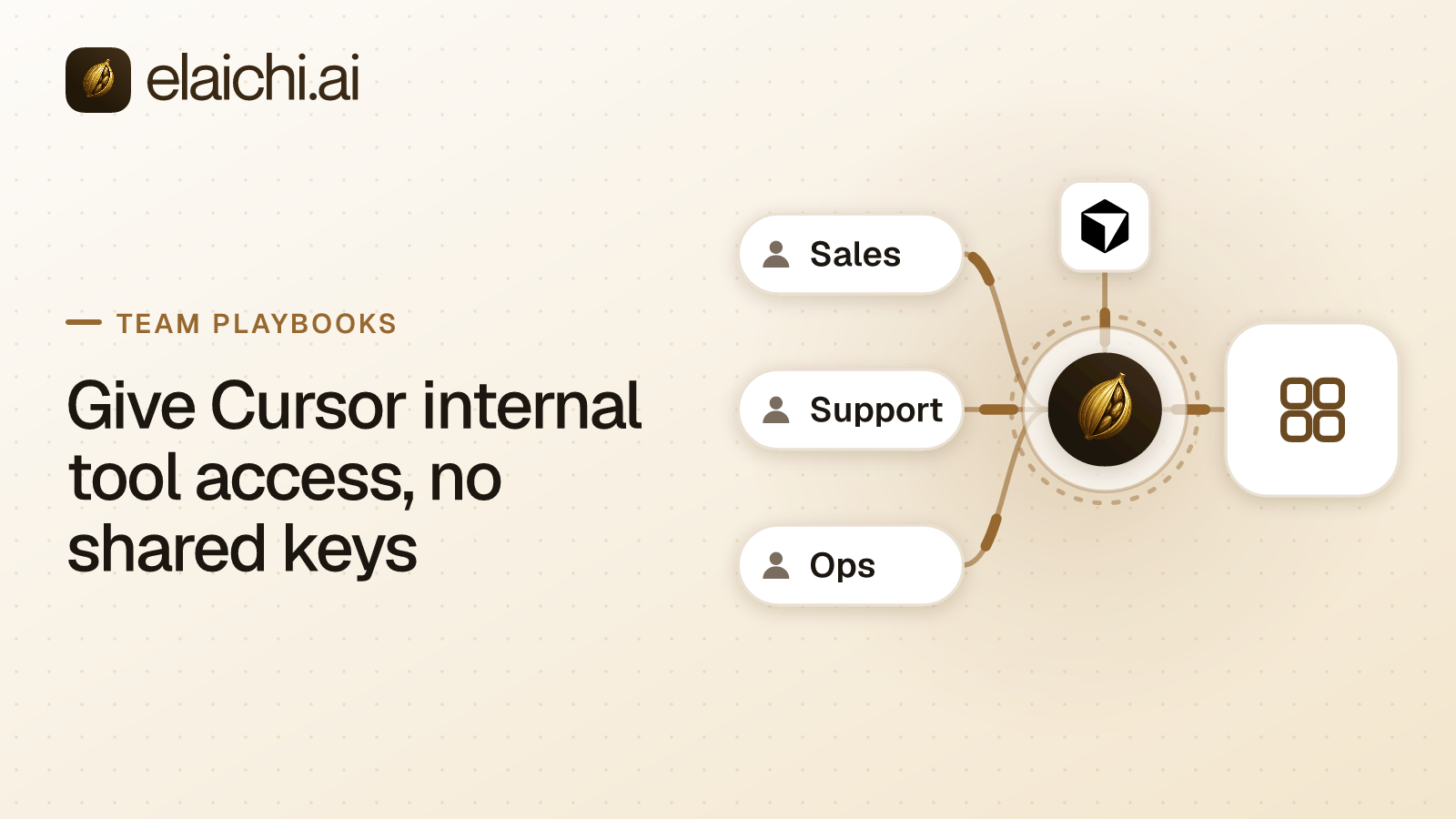
The fix is to stop giving Cursor the credential at all. Cursor gets a token for one thing only: Elaichi. Elaichi holds the provider credentials, works out who is calling, and decides what that person may run. MCP, the Model Context Protocol, is the open protocol AI clients use to call tools; Cursor supports it and supports OAuth for MCP servers that require it (Cursor's MCP docs, checked October 2026).
What changes in the underlying model
The credential moves out of the developer's machine and the identity moves in. Before, the internal tool authenticated a key. After, Elaichi authenticates a person, then uses a credential the person never sees.
Three things move at once.
The credential. A connection in Elaichi is one row holding one connected account. The secret values sit in a separate credential service, encrypted at rest with AES-256-GCM, and Elaichi fetches them into memory only for the call that needs them. Cursor holds an Elaichi OAuth access token, nothing else. The MCP address itself carries no credential: the token travels in the Authorization header.
The identity. Every Elaichi MCP request acts as the person who approved the grant. The token carries the user and the organization, and their permissions are looked up on each request rather than stored in the token. So a role change applies before the access token expires.
The gate. Restrictions are rules written against a role or against one member, saying which connectors and tools they may reach. They run on every call, for the person calling, not for whoever owns the connection. The same clamp runs whether the call arrives through execute_tool, a direct call by tool name, or a Code Mode program.
The trade-off is real. This puts Elaichi in the path of every internal tool call Cursor makes. You get one place that holds the credentials and one audit log. You also get one dependency the engineering team's tooling now runs through. If your team already runs exactly one MCP server and three people use it, the honest answer is that you may not need a gateway yet.
How to set up cursor access to internal tools without shared keys
The short version: connect each internal tool once in Elaichi, share it the way you want it used, write a restriction for the engineering role, then have each developer add one URL to Cursor and sign in. No developer touches a provider key at any point.
Step by step.
-
Connect the internal tool in Elaichi. If it is in Elaichi's catalog, an admin or a developer connects it with their own sign-in. If it is not, and your team already runs a remote MCP server that speaks MCP over Streamable HTTP on public HTTPS, an Org Owner or Org Admin can add it as the organization's own remote MCP connector on Gold. GitHub's own server is the common case, and bringing it in behind your SSO follows the same path. Creating one needs the
connector:createpermission, which among system roles only Org Owner and Org Admin hold, and Elaichi flags it as the one high-trust permission in the catalog. For an app that is already in the catalog, such as Asana, none of this applies: you connect it and move on. -
Decide whose account the tool runs as. This is the decision most teams get wrong. A connection shared at use runs every caller's call on the connection owner's sign-in to that app. If you want each engineer's own permissions in the internal tool to apply, each engineer connects their own account, or you build a template and each person stamps it with their own connection for each connector. A toolbox shared with a team runs each entry on the connection pinned into it.
-
Write the restriction on the engineering role. A restriction targets a role or one member; there is no organization-wide or team target. An allow rule naming whole connectors gives the role an approved-apps list. Once a role carries any allow rule, everything none of its allow rules names is blocked for that role, across every connector. Remember to allow each other app the role uses. Block rules are the other direction: a layer with only block rules lets through everything it does not name.
-
Have each developer connect Cursor. They add
https://api.elaichi.ai/mcpas a remote MCP server. Cursor registers itself with Elaichi through OAuth dynamic client registration, so there is no client ID or secret to look up. The developer signs in to Elaichi in a browser and approves a consent screen. -
Check the audit log. Every connected-tool call that reaches execution writes a row naming the person, the tool, the connector, the connection, the MCP client and the outcome.
For the Cursor-side detail of step 4, including what Cursor's team admins can and cannot push, see connecting Elaichi to Cursor across a team.
What a developer sees in Cursor
One server entry, one browser sign-in, then a tool list that does not name any of the internal tools individually.
The developer adds a remote server with a url field pointing at https://api.elaichi.ai/mcp. Cursor reads MCP servers from .cursor/mcp.json in a project and ~/.cursor/mcp.json in the home directory (Cursor's MCP docs, checked October 2026). The sign-in opens Elaichi's consent screen, which shows the requesting app, the organization, and a checkbox for each scope Cursor asked for. "Run your connected tools" is the one that matters for internal tools. "Delete data and remove access" is never pre-ticked, even when a client asks for it.
After approval, Cursor's tool list holds Elaichi's own elaichi__ operations plus search_tools and execute_tool, and run_code where Code Mode is available. In Elaichi, connected tools are never listed one by one, however few there are. The model finds a tool with search_tools and runs it with execute_tool. Search is lexical, so a query of concrete words like "create deal" works better than a sentence.
Two behaviors to tell the team about up front. Cursor asks for approval before using MCP tools by default, and MCP calls follow the same Run Modes as terminal commands (Cursor's MCP docs, checked October 2026). And because every connected-tool call arrives as execute_tool, a per-tool permission set inside Cursor cannot tell one internal app from another. Per-app and per-tool control is set in Elaichi as restrictions, not in the client.
What this does not solve
It does not reach the MCP servers already on people's laptops. A developer who has a local stdio server in ~/.cursor/mcp.json with a token in it still has it, and none of the client admin pages read in October 2026 documents an inventory of locally configured servers (Claude Code's managed MCP docs, checked October 2026). Cursor's Enterprise MCP Allowlist approves a configuration rather than pushing a server to machines (Cursor's enterprise docs, checked October 2026). Pair the Elaichi rollout with a plan for replacing personal MCP servers.
It has no defense against prompt injection, and cannot have one. Elaichi reads a tool name and arguments from a tools/call, and never receives the developer's own prompt, so there is nothing to judge the call against. That defense belongs to the client.
And it does not make Elaichi's own secret scrubbing a boundary. Elaichi replaces secret-shaped values in tool results before they leave, but it is a pattern-based backstop behind the credential service, not a guarantee that no secret reaches a model.
Timing, and what happens when someone leaves
Get the two clocks right, because they are different.
Role, team-membership and restriction changes reach every surface within about two minutes. Tightening an engineer's restrictions is not instant.
Revocation is. Removing a member, or suspending them, revokes every MCP OAuth grant they hold in that organization. Because grants are re-read on every request, their Cursor connection fails on the next call. Revoking a share or disconnecting an account takes effect on the next call too. Reactivating a member does not bring the grants back; they consent again.
One caveat belongs in the runbook. Removing someone from Elaichi ends their reach through Elaichi. It does not deprovision their accounts in the internal tools themselves, and a connection they owned that was transferred still acts in the app as the account that was signed in when it was connected. Offboarding when the agent holds the access walks the whole estate.
For the broader role design behind step 3, see designing roles for AI agents. To pick which internal tools are worth connecting first, browse the connector catalog.