What does a governed Cursor rollout look like?
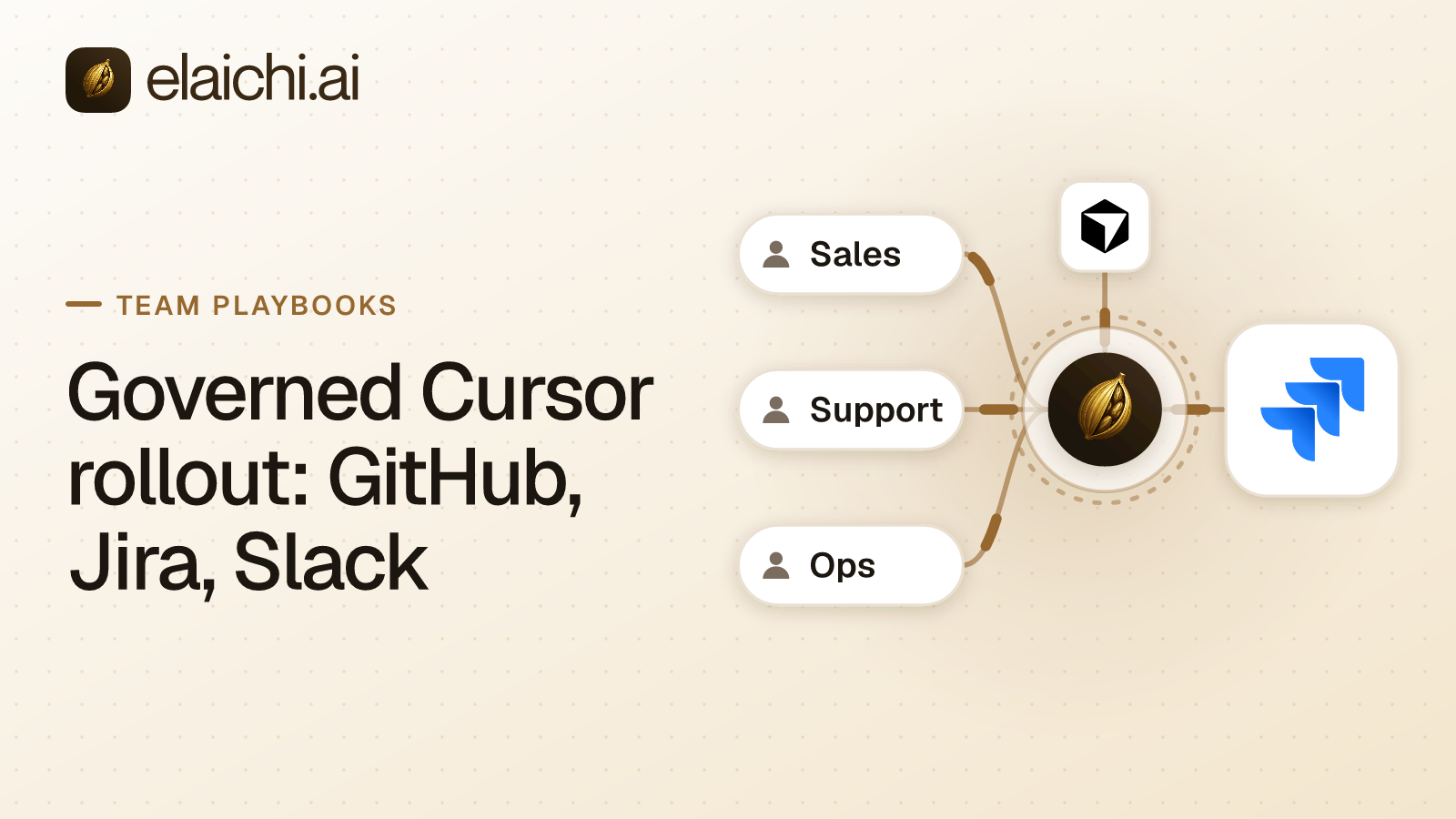
A governed Cursor rollout has four moves. Connect GitHub, Jira and Slack once at the organization level, point Cursor at one MCP endpoint, give every engineer a single role, then write restrictions against that role.
The situation before that work is familiar. Engineers install Cursor themselves, paste a personal GitHub token into a local config file, and wire up whatever MCP servers they find that week. Nothing looks wrong until an agent posts in the wrong Slack channel or closes a customer's Jira issue. Then nobody can say which account was used.
MCP is the protocol an AI client uses to discover and call tools in other systems. Elaichi serves every account a company connects through one organization-wide MCP endpoint: POST /mcp, standard MCP over Streamable HTTP, JSON-RPC 2.0, stateless, behind OAuth. OAuth is the sign-in flow that issues a client a scoped grant instead of a copied secret. There are no per-toolbox URLs, no embedded tokens, and no per-user server to create or revoke. Cursor takes that one address through its admin console, and Claude and ChatGPT take the same address when the company uses those too.
Three access layers behind GitHub, Jira and Slack
Three layers decide what an engineer's agent can reach, and they stay separate on purpose. Mixing them up is the fastest way to get a rollout wrong.
Permissions decide which actions a member may take at all. Elaichi uses role-based access control (RBAC), with roles built from around 38 action strings such as tool:execute and audit:view. Each member holds exactly one role, enforced by a unique index, so a role is a complete persona rather than a bolt-on. tool:execute gates the whole MCP endpoint ahead of every other check. A member without it sees an empty tool list and gets an in-band error naming the missing permission.
Resource sharing decides what a member can see. There is one building block: a grant of view, use or edit on a resource to a user, a team, or the whole organization. A member sees only what they own or what was shared with them. No organization-level permission quietly widens that listing, org owners and admins included.
Restrictions decide which connectors and which individual tools a target may reach. Targets are roles and users. There is no organization target. The org default is the absence of any rule, which means allow-all. The first restriction you write is the first real boundary your engineers have.
What an engineer sees in Cursor on day one
An engineer sees a sign-in prompt, not a config file. Cursor already holds the endpoint URL from the admin console, so the first action is an OAuth sign-in, and nothing is copied into a local file.
Tools then arrive in two namespaces. Control-plane operations are named elaichi__{resource}__{operation} and are always listed individually. Connected third-party tools are named {account}__{tool}, so a GitHub account and a Jira account stay visibly distinct.
Past a threshold of 30 tools, the connected half collapses behind two meta-tools, search_tools and execute_tool. The threshold counts catalog operations and connected tools together, and the control-plane catalog alone runs to dozens of operations. One connected app is normally enough to trip it, so collapse is the normal case rather than an edge case. execute_tool is only a naming indirection. It unwraps to the same name and arguments and falls through the identical gates, with no separate execution path and no privilege in it. Tools withheld by a restriction never enter the count, because they were handed to nobody.
Ranking inside search_tools is purely lexical over tool name, description and connector label. It carries a relevance floor: a tool must account for at least half the query's own IDF-weighted mass. A search that matches nothing returns nothing, which is the right answer when an engineer searches for a Cal.com tool in a workspace that only has Notion connected. The reasoning sits in why a tool search should sometimes return nothing.
Which GitHub, Jira and Slack operations to restrict first
Block the destructive ones first, then decide whether an allowlist earns its maintenance cost.
Precedence runs user override, then role rule, then org default. A user-targeted rule replaces role rules entirely; it does not layer on top of them. Within the winning layer, allow rules union, block rules union, and blocks always beat allows.
One trap is worth knowing before you write anything. the allowlist stage engages on the presence of an allow rule, not its contents, so an allow rule that names nothing denies everything. An allow rule naming nothing therefore denies everything. That is the strictest rule you can express, and it is easy to create by accident while drafting.
Blocks and allows also match differently. A block matches on the tool name or on the operation pinned against the catalog at write time. An allow matches on the pinned operation only. An advertised tool name can be changed by whoever edits the connector's documentation, so the name is a label the governed party controls. Governance binds the operation. The full argument is in block matches the name, allow matches the operation.
OAuth scopes sit alongside restrictions: mcp:read, mcp:write, mcp:destructive and mcp:tools. A tool classified forbidden is reachable under no scope at all. A connected tool whose method is a delete needs mcp:destructive even when mcp:tools is present.
Freezing the Jira project and the Slack channel
Frozen parameters pin specific arguments so neither the model nor the engineer can change them. They are a per-entry map over the tool's flattened argument space.
There are two effects. Frozen keys are stripped from the advertised schema, so the model never sees the field. Frozen values are merged over caller arguments at execution, so passing the key anyway cannot un-freeze it. The full precedence is entry defaults, then caller or model arguments, then frozen parameters.
For an engineering rollout that usually means two entries. A Slack message tool with the channel frozen to an engineering channel, so an agent cannot post to the company-wide one. A Jira issue tool with the project key frozen, so an agent working on a service repository cannot file into the finance project. Enforcement runs at four points against the same resolver: browse, connect, advertise and execute, plus a final check on the fully substituted outbound URL, plus a final check on the fully-substituted outbound URL.
What the audit trail shows after an unexpected change
It shows one entry per tool-call attempt, succeeded or failed, and both name the account actually reached. The recorded connection comes from the execution rather than from the intent, which answers the first question after a surprise: which of the two GitHub accounts did the agent write to.
Each record carries the operation and tool, the connection, the classification, whether the call was approved, the outcome, and an error code only. Argument names and counts are logged. Argument values never are, so the contents of a commit message or a ticket body do not reach your log destination. actor_kind is a recorded field rather than something inferred later from a user agent, and its values include ai_assistant.
The error string returned to the caller is derived from the third party's response body, and it is never written to the trail. Audit records are org-visible and fanned out to whatever SIEM you configure, so a remote error body landing in one would be third-party payload leaving through the log pipe.
The trail is append-only, newest-first, cursor-paginated, and filterable by free text, category, actor, action kind and time. It is eventually consistent, so a row may take a moment to appear. Export forwards to your own destination: Datadog is implemented, while Splunk HEC and Microsoft Sentinel are accepted but not yet delivering. The read-only Auditor role is a free seat, so a compliance reviewer reading this trail does not consume a license.
The order to run the rollout in
Do the connections and the roles before anyone opens Cursor. A rollout that starts at the client produces a week of ad hoc exceptions.
A ten-person team can finish the control-plane side in an afternoon. Gold is $15 per user per month, or $120 per user per year. The trial runs 14 days with no credit card. The two plans are Gold and Black, with a 14-day trial, so keep the pilot inside that window. Checkout sets the paid trial to the remaining days rather than granting a fresh 14.
- Connect the organization's GitHub, Jira and Slack accounts from the connector catalog, which covers 450+.
- Create an engineer role carrying
tool:executeand nothing the role does not need. - Write block rules against that role for destructive GitHub, Jira and Slack operations.
- Freeze the Slack channel and the Jira project key on the toolbox entries engineers will use.
- Add the endpoint in Cursor's admin console and have two engineers sign in.
- Read the audit trail for those two after a day, and adjust the role rules.
- Invite the rest, and give your compliance reviewer the free Auditor seat.
For a team larger than a pilot, the joining path matters as much as the rules. Elaichi has SAML and OIDC SSO built in-house, plus SCIM v2 for users and groups with group-to-role mapping. Invite links can carry a role and a team pre-assigned, and verified-domain auto-join applies a default role.
What happens when an engineer leaves the team
removing or suspending a member revokes every live grant in the same transaction as the membership change. The grant's revoked_at is re-read from the org store on every single call with no cache, so for removal and suspension the next call is accurate.
Role and restriction changes are different. They resolve through a 60 second cache and edge distribution, on MCP, console and REST alike, so a role or restriction change takes about two minutes to take effect. Plan a departure around removal, not around a role downgrade.
Removal also runs a preflight. Personal connections referenced by a toolbox entry must be transferred to the organization, a team or another member, or deleted, or the removal is refused. Unreferenced personal connections are cleaned up. A private connection is not transferable at all, because a credential only its owner could ever use does not become someone else's. Delegated toolbox entries surface as a non-blocking warning, and re-pinning is the fix. Contractors have their own sequence, set out in the contractor offboarding playbook.
When a Cursor rollout does not need a control plane
Skip all of this if Cursor never leaves the laptop. A Cursor install that reads local files and writes local code touches no SaaS account, so there is nothing to govern and no credential to manage. The control plane earns its place only when the agent acts on remote data.
Size matters too. If five engineers share one repository, nobody outside the team touches Jira, and no reviewer will ever ask who did what, individual setups with personal accounts are cheaper and faster. The test for whether you need an MCP gateway yet applies unchanged to Cursor.
One limitation is worth stating before you buy anything. The prompt-injection write gate lives in the Elaichi agent window and does not apply to a raw tool call. What does hold on the endpoint is RBAC per operation, the forbidden classification, output redaction, OAuth scope limits and full audit logging. A poisoned Jira comment can still persuade a model to call a tool. Governance decides whether that tool is reachable, and records the attempt either way.
If the same endpoint has to serve non-engineering teams next, the sales team's ChatGPT and Salesforce setup applies the same model to a different client, and /use-cases/ lists what each of the twelve teams typically connects.