


Why oauth credentials for ai agents end up pasted into chat
Somebody in finance wants ChatGPT to read Stripe. The fastest path they can see is an API key from the Stripe dashboard, pasted into a config box or a chat message. It works that afternoon. Nobody records who made the key, which account it acts as, or what it may do.
This is a storage problem before it is a protocol problem. Whoever holds a long-lived credential decides who can act and for how long. That applies to an API key and to an OAuth refresh token alike. It also decides whether anyone can take the access back. A key pasted into a client outlives the person who pasted it, because nothing in the client is tied to their employment. The downstream app sees a valid bearer token and logs it as ordinary activity. An access review months later cannot separate the human from the model. This is true regardless of vendor. It is a property of static bearer credentials, not a flaw in one AI client.
The rest of this post describes one concrete implementation of a different model. Credential custody sits in one place, and the AI client gets a short-lived, scoped token. Elaichi is the worked example. The general pattern applies to any system built on OAuth with PKCE: a broker holds the long-lived secret, and the client holds a short-lived, revocable token. Where a claim is Elaichi-specific rather than a general OAuth property, it is marked as such.
Three terms carry the rest of this post. MCP (Model Context Protocol) is the protocol AI clients use to call tools. An endpoint is the one URL those clients send requests to. A grant is the record of what one person approved for one client.
Where do the OAuth tokens actually live?
General principle: in a token-broker architecture, the AI client should never hold the credential that a third-party API actually checks. It should hold a credential that is only meaningful to the broker.
How Elaichi implements it: OAuth tokens, API keys and client secrets for connected accounts live in a separate credential service, encrypted. They are not in the AI client, and not in Elaichi's main application data. Elaichi's own database row for a connection carries ownership and lifecycle metadata only. The secret value sits in an encrypted column apart from that plaintext context. It is decrypted into memory only for the call that needs it.
Stored connector secrets are encrypted at rest with AES-256-GCM. Each ciphertext records the id of the key that encrypted it, so the encryption key can be rotated while older rows still decrypt.
What the AI client holds instead is an Elaichi-issued access token. It is opaque, and it travels only in the Authorization header. It expires after one hour, and its paired refresh token lasts 30 days. Claude, ChatGPT and Cursor never see a Stripe token or a Notion token. The same split holds for a native MCP connector, where the vendor builds and runs the MCP server rather than Elaichi. The credential stays in Elaichi's credential service, and the client holds only an Elaichi token. Elaichi never forwards its own MCP access token to a remote MCP server, so the two token namespaces never cross.
Build the same thing directly and custody moves to you. OpenAI's guide says the Responses API does not store the mcp tool's authorization value, so it has to be sent with every request (OpenAI, checked October 2026). Something in your own stack then has to hold that value.
The endpoint URL carries no credential or tenant identifier either. It is a single fixed address, the same string for every organization. Which organization and which person a request reaches comes from the grant behind the bearer token, not from the URL. That is a deliberate deviation from the common "one URL per tenant or API key" pattern. It is also why there is nothing to paste and nothing to leak in a shared config file. One URL instead of config files covers the setup mechanics (Elaichi documentation).
How does a client get access without a pasted token?
General principle: this is the authorization-code grant with PKCE and dynamic client registration. OAuth recommends that pattern for any public client that cannot hold a secret safely. Every desktop and browser AI client falls into that category.
How Elaichi implements it: MCP clients register themselves through OAuth dynamic client registration at a fixed /oauth/register endpoint. Registration is open and needs no pre-existing Elaichi credential. A person connecting a client has no client ID, secret or header to look up by hand. The authorization request requires PKCE with the S256 challenge method. A request using the weaker plain method, or omitting the method, is refused rather than silently accepted.
The clients document the same route from their side. Claude uses a Client ID Metadata Document only when the authorization server advertises support for it, and otherwise falls back to dynamic client registration (Anthropic, checked October 2026). Cursor supports OAuth for MCP servers that require it (Cursor, checked October 2026).
The person is sent to Elaichi's consent screen, already signed in to Elaichi. They pick one organization and tick scopes. When the scope for running connected tools is ticked, they choose either all their tools or a named subset. That subset is a toolbox: a stored list of tools pinned to specific connections. Approving creates the grant. The client exchanges its authorization code for tokens within a 60-second window.
Two properties matter for everything that follows. First, each grant covers exactly one organization, chosen at consent time and not changeable without connecting again. Second, a new grant always requires a human at a browser. Elaichi supports only the authorization-code grant with PKCE, plus refresh. There is no client-credentials grant and no device-code grant, so no unattended script can mint its own grant.
Who owns a connection, and whose account does it act as?
A connection has exactly one owner. Every call through it uses that one connection's bound credential, whoever is calling. The caller's identity has no bearing on whose credential is used. Most teams get this wrong by assuming that "shared" means "runs as the sharer, scoped to the caller".
A shared connection acts as the person who originally signed in to the third-party app. Say the finance lead connects Stripe and shares it at the "use" level. A teammate's call then reaches Stripe as the finance lead, not as the teammate. That is sometimes correct, because it fixes one permission set for a whole team. It also avoids provisioning an account per person in the target app. Often it is not what you want, particularly for audit trails in the target system itself.
When each person should appear as themselves in the downstream app, each person needs their own connection. That means their own "all tools" toolbox, or a toolbox built on their own connections. It can also be a template that each person stamps while picking their own connection per connector. A single toolbox shared with a team cannot achieve per-person identity. A stored toolbox's entries run only on the connections pinned into them, under the authority of whoever pinned them. AI agents with employee permissions covers that distinction in more depth (Elaichi documentation).
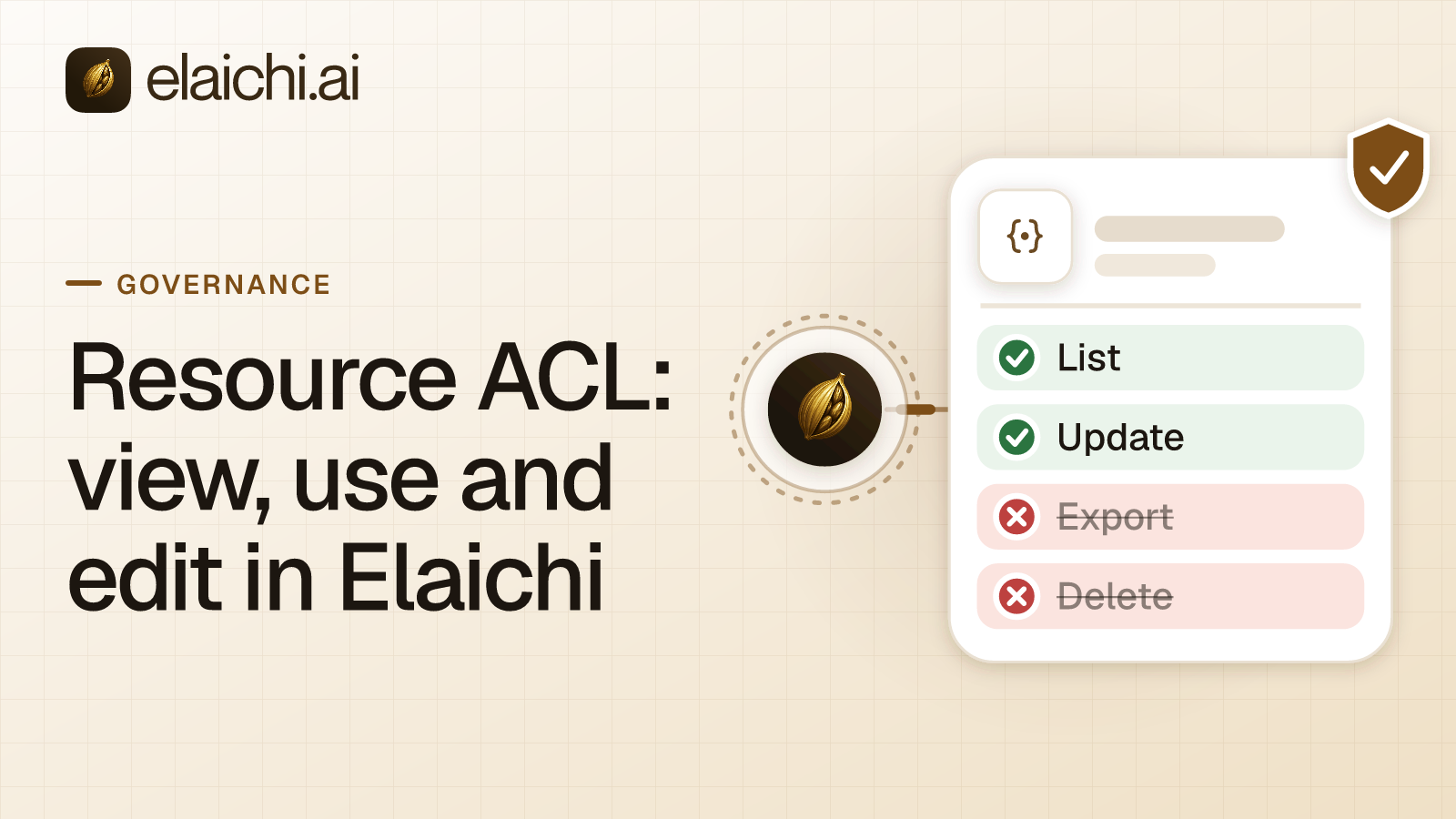
Sharing and permissions are governed on separate axes. A connection with no sharing grants is private to its owner, so nobody else can see or use it. Any grant, to a person, a team or the whole organization, makes it reachable. Each grant sits at one of three levels: view, use or edit. Resource ACLs defines those three levels precisely (Elaichi documentation).
Credential patterns compared
Before the refresh and revoke details, here is where each common pattern sits on the properties that actually matter for governance:
| Pattern | Who can revoke it | Audit granularity | Blast radius if leaked | Needs a human present |
|---|---|---|---|---|
| Static API key pasted into client | Whoever has app-dashboard access, often unclear who that is | None: looks like normal app traffic | Full scope of the key, until manually rotated | No |
| OAuth client-credentials grant | App owner, via provider dashboard | Per-client if the provider logs client_id | Full scope of the client's grant | No, which is the point of the grant type |
| OAuth device-code grant | User or app owner | Per-authorization | Scoped to what was approved | Yes, once, at setup |
| OAuth authorization-code with PKCE, broker-held refresh token (this post's model) | Org admin, per grant, per person, on the next call | Per person, per client, per call | Scoped to one person's one-hour access token | Yes, at every new grant |
The last row is the pattern this post describes. Its tradeoff is explicit. Every new connection requires a human in a browser, with no unattended provisioning. In exchange you get per-person revocability. You also get an audit trail that separates the human from the agent acting on their behalf.
Refresh and reconnect: what happens when a token expires
Refresh happens inside the credential service, not in the AI client. The client never sees or handles a refresh token. A refresh that fails marks the connection as needing sign-in rather than failing silently on the next call.
The credential service can refresh three credential formats in place: OAuth 2.0 authorization-code tokens, OAuth 2.0 client-credentials tokens, and JWT bearer tokens. Asking it to refresh a static API key or an OAuth 1.0a token is a no-op that returns the stored value unchanged. Those formats have no refresh mechanism by design. That is one concrete reason an OAuth-based connection is more operable over time than a pasted key.
When a live refresh fails during a tool call, Elaichi sets that connection's status to needs_reauth. A connection has five possible statuses: pending, active, needs_reauth, disconnected, and post_install_error. Only an active connection contributes tools to a client. A connection needing re-authentication is dropped from what is advertised to the client. It is not listed and then failed at the moment someone tries to use it. It fails closed rather than visibly broken.
Reconnecting mints a fresh sign-in session against the same connection's existing credential record. It does not change the row's id, owner, shares, or any toolbox entry pinned to it, so everything downstream keeps working once reconnection completes. In Elaichi's console, the Connections list shows "Reconnect" for a needs_reauth or disconnected row and "Finish sign-in" for a pending one. An AI client can also trigger reconnection through a connection.reconnect operation, gated behind a connection:create permission and a write scope.
Who may reconnect is narrower than it looks. The owner may always reconnect. Someone holding an edit-level grant may reconnect a shared needs_reauth or disconnected connection. That repairs an existing account without changing who it belongs to. A still-pending connection can only be completed by its owner, since whoever finishes that first sign-in permanently binds their own identity to the row.
What happens to the tokens when a person leaves?
Removing or suspending a member revokes every live MCP grant they hold in that organization. That happens in the same transaction that removes the membership. It is not a batch job, and not a cache expiry.
Every MCP request re-reads the grant from the organization's store on each call. So there is no propagation delay to wait out for this specific action. A removed member's Claude, ChatGPT or Cursor session fails at its very next request. Reactivating the person does not restore the old grants, and they must consent again from scratch. SCIM-based deprovisioning suspends rather than deletes the membership, and suspension revokes grants the same way removal does.
What this does not do is deprovision the person from the connected third-party apps themselves. Removing a member in Elaichi does not remove or deactivate their account in Stripe, Notion, or any other connected app. Those stay live until deprovisioned in each app directly or through the organization's identity provider. This is the gap most offboarding checklists miss. Revoking the broker-side grant stops the agent's access. It does nothing to the underlying human account if that account was used to connect.
There is also an ownership estate to settle before removal, and this is the part teams underestimate. Before removing someone, an admin can query everything that person owns. That covers their connections, synthetic tools, toolboxes, templates and custom connectors. It also covers every toolbox entry anywhere in the organization that depends on them as the acting identity (the "delegator"). Elaichi refuses the removal until a decision exists for each shared toolbox, each shared template and each custom connector. The same holds for each synthetic tool another toolbox pins, and each private connection a shared toolbox depends on. Without that check, a departing employee's connection silently breaks every workflow pinned to it.
One detail to plan around explicitly: transferring a connection to a new owner rewrites only the owner field. The underlying stored credential is not replaced. A transferred connection still authenticates to the third-party app as whichever account was signed in when the connection was created. If the departing person connected an app with their own personal login, that account needs separate deprovisioning in the target app. Ownership transfer inside the broker does not revoke the session at the destination. Offboarding AI access walks through the full sequence (Elaichi documentation).
How does an organization revoke access on purpose?
There are three distinct levers here, and they act at different layers on different timescales. Conflating them is the most common mistake in writing an offboarding runbook.
Revoke one client's grant. A person disconnects an app from their own settings. That revokes exactly one grant. The app's next request fails, and reconnecting means going through consent again. A client can also revoke its own access through a token-revocation endpoint, with either the access or refresh token.
Disconnect or delete the account. Deleting a connection deletes Elaichi's stored credential for it. Elaichi does not call out to the third-party app to revoke the token there. The token remains valid at the app's side until it expires or someone revokes it from within that app's own settings. This is a real gap: "disconnect in Elaichi" is not equivalent to "revoke at Stripe". Both revoking a share and disconnecting an account take effect on the connection's next call.
Hold a tool or an app away from a role. A restriction targets a role or one specific member. It never targets a team, and never the whole organization as a unit. In Elaichi, a role, team, restriction or grant change takes effect within about two minutes, the propagation window of the underlying policy cache. A tool a restriction withholds is dropped from what Elaichi advertises to the client at discovery time. A call that somehow still reaches the server is refused. The refusal states that organization policy restricts the tool for that role or account, and points to a request for access from an admin. Use restrictions for standing policy, and revoke the grant or the connection when access has to stop on the next call. Where restriction checks actually run documents the four enforcement points in the request path (Elaichi documentation).
Two honest limitations, because they shape what you can and cannot reconstruct after the fact:
- The audit log records every call that reaches execution: person, connector, connection, and client. It does not record a call refused at the scope-check stage, because that refusal happens before any executor runs. A denied call and a call that never happened look identical in the log.
- Elaichi's MCP endpoint has no prompt-injection defense of its own, and it cannot have one. It never receives the person's prompt. It sees only a tool name and arguments written by the client's own model, so it has nothing to judge a call against. That defense belongs to the client, or to a separate output-filtering layer.
When you do not need any of this
Suppose one person connects one app for themselves, with their own account, and nobody else will ever use that connection. A direct client connector is simpler, and you should use it. The storage question only becomes a governance question when a second person is involved. It also becomes one when the first person might leave the organization.
The same applies to a team building its own agent in-house. If your engineers control the client code directly, they already own the execution environment, the token store and the refresh job. They also own the offboarding hook into your identity provider. Building a broker on top of infrastructure you already control is often redundant. A control plane in front of off-the-shelf clients like Claude Desktop, ChatGPT or Cursor is a different job. It earns its place because you cannot modify those clients' internals to add credential brokering yourself. OAuth or API keys for AI agents? is the shorter decision-tree version of this tradeoff (Elaichi documentation). Elaichi's connector catalog lists 650+ connectors that work this way out of the box.

 Add one link to your AI app
 ChatGPT
 Claude
 Cursor
 Microsoft Copilot