The moment this comes up
An Org Owner opens the toolbox list, expecting to see every toolbox in the company, and sees four. Three they built, one a teammate shared with them. Nothing is broken. Elaichi resolves access to a connection, toolbox, template, connector or file from ownership and sharing, not from the role a person holds.
That surprises people who come from an admin console where the top role sees everything. Understand it before you design your rollout. It changes where you put the thing you want a team to use. It also changes what an audit of "who can reach Salesforce" looks like.
What is the resource ACL view use edit model?
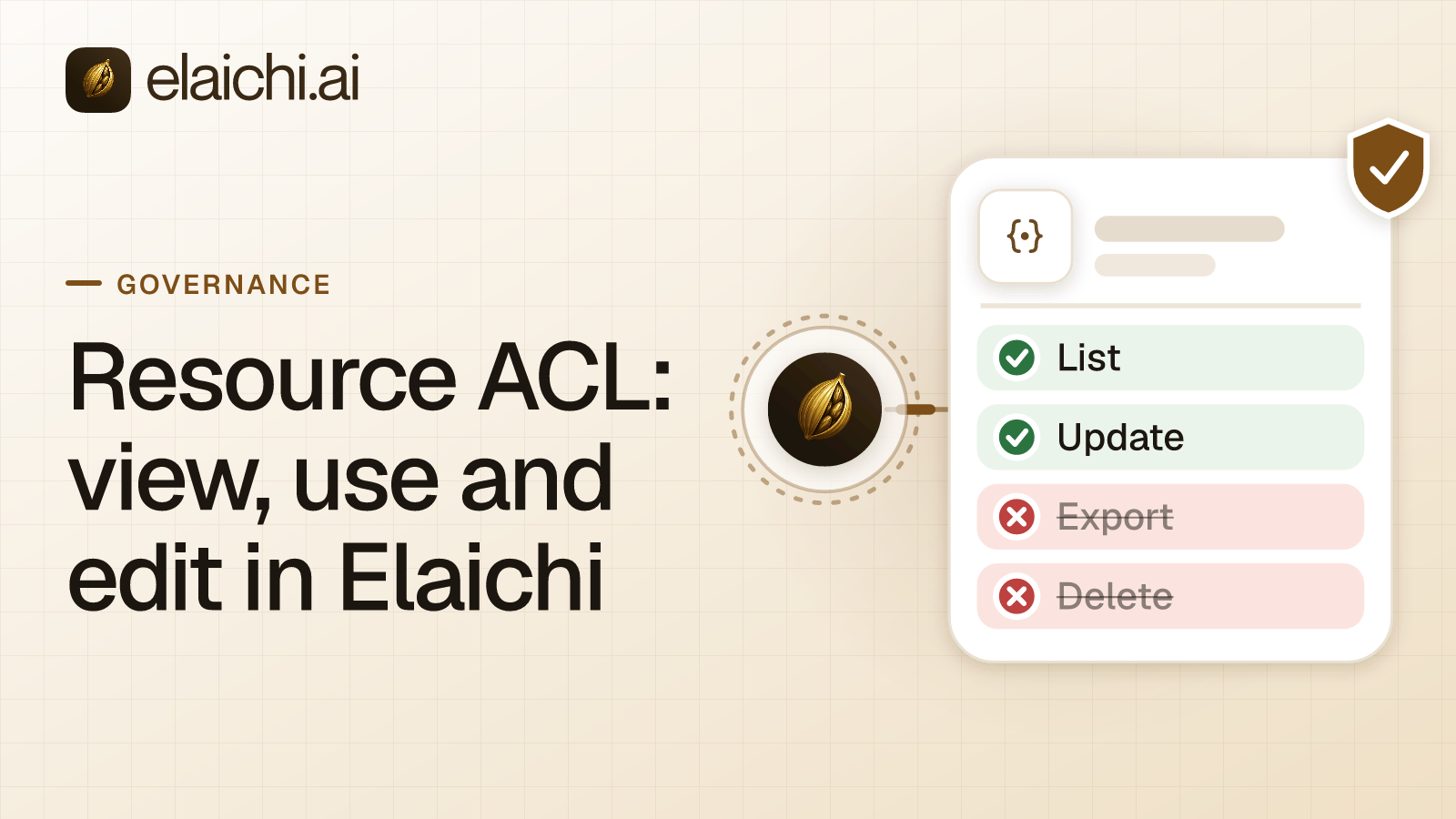
The resource acl view use edit model is Elaichi's single sharing building block. One grant row says: this resource, at this level, to this grantee. The level is view, use or edit. The grantee is one user, one team, or the whole organization. Five resource types share it: connection, toolbox, template, connector and file.
One module decides what owning a resource or holding a grant on it means, for all five types. So the rules here are the same whether you are sharing a HubSpot connection or a toolbox of read tools.
A resource with no grants is private to its owner. Any grant row, direct, team or org-wide, makes it reachable by someone else.
What do view, use and edit each allow?
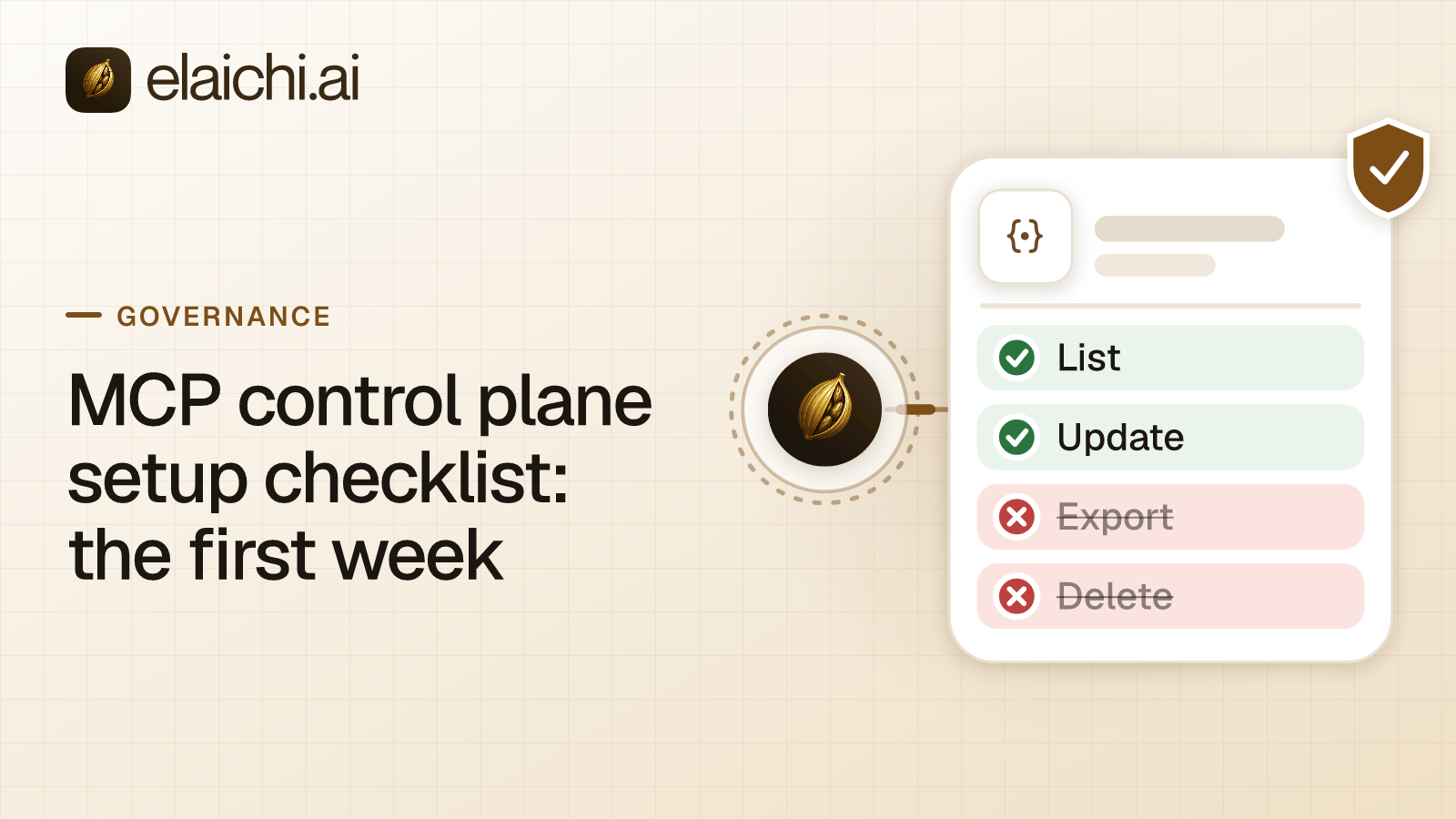
View lets a person see the resource's configuration. Use lets them run it. Edit lets them change it.
For a toolbox, those shake out as:
- View: sees the toolbox's configuration, including every entry and its frozen values. It does not get the runnable tools. A view grantee who tries to run one is told "Toolbox not found".
- Use: also runs the toolbox's tools.
- Edit: also changes the name, the entries and the skill, and shares it onward, which additionally needs the
toolbox:sharepermission.
For a connection, use means calling tools through it. For a custom connector, view lets a member see and fork it. Use lets them create connections from it, and edit lets them change its config and documentation.
A file is the narrow case: a stored tool file can only ever be shared at view, by its creator.
Deleting and transferring a resource stay with its owner, outside member offboarding. Edit is not ownership.
Who can a grant name?
Three kinds of grantee: a user, a team, or the whole organization. There is no fourth.
A team grant reaches each member of that team at the grant's own level. Being a team admin does not raise it. A team admin who runs the team, renames it and appoints other admins still reaches a resource shared with that team at the grant's own level. That is the same level any other member gets.
An org-wide grant reaches every member. It is the widest grant available, and it is still a grant. Somebody wrote that row, and it shows up as a share, not as an implicit consequence of a role.
Does any permission let an admin see everything?
No. A member, Org Owner and Org Admin included, sees only what they own or what has been explicitly shared with them. No organization permission widens a listing, confers share-list visibility, or confers revoke, manage or transfer rights on any shareable resource type.
That holds against the permissions whose names suggest otherwise:
connection:viewandtemplate:vieware reserved and have no effect. Both are labeled "Reserved (no effect)" in the console, and their descriptions say they grant no connection or template visibility, because access resolves from ownership or an explicit share.toolbox:viewis "View synthetic tool definitions" and covers organization-wide synthetic tool definitions. It does not open other members' toolboxes.toolbox:managecovers managing organization-wide synthetic tool definitions. It grants no access to other members' toolboxes.connection:managereaches only a connection you own or hold an edit share on, never one merely shared with someone else. The connection routes never check it.
Templates and toolboxes have no organization-wide oversight view. Their list and detail reads show an Org Owner or Org Admin only the ones they own or that were shared with them. A toolbox they cannot see answers 404, not 403.
There is one narrow exception, and it is about ownership rather than listing. connector:manage can assign an owner to an ownerless custom connector and declare a fork's upstream.
Why would a product do this?
Because the alternative quietly hands every admin a credential. A connection is not a row of settings; it is a live sign-in to Salesforce or Gusto. Every call through a connection uses the account it was connected with, whoever is calling. If connection:view opened every connection in the organization, adding someone as an Org Admin would hand them working access to every app anybody had connected. Nothing in the audit trail would mark the moment it happened.
Under grants, the moment is a row. Somebody shared a connection with somebody, at a level, and that is what an access review reads.
The trade-off is real. An admin cannot answer "show me every toolbox in this company" from a single screen. If your compliance program needs that inventory, read the audit log. Toolbox and template changes are written as toolbox.created, toolbox.shared, toolbox.share_revoked, toolbox.transferred, and their template equivalents. Reading the whole organization's log needs audit:view, which Org Owner, Org Admin and Auditor hold. See what an AI agent audit log must capture for what each row carries.
Who can see the share list?
Only a resource's owner or someone holding an edit grant can see who else it is shared with. A view or use grantee cannot. Sharing a resource, or removing a share, needs edit access or ownership, plus that resource's share permission, such as template:share or toolbox:share.
So the permission and the grant are two different gates, and both apply. Holding toolbox:share lets you share toolboxes you can already edit. It does not find you toolboxes to share. Roles, restrictions and ACLs sets out how the three layers divide the work.
How do restrictions sit on top of a grant?
Grants say who may reach a resource. Restrictions say which connectors and tools a role or a member may touch. They are separate layers, and both apply to a call.
In Elaichi, restriction targets are role or user only; the organization default is the absence of a rule, which means allow everything. A restriction that blocks a tool for a member also blocks it inside every toolbox entry for that member. Restrictions match the catalog tool, not the entry's name, and they are evaluated for the person calling rather than for whoever pinned the connection.
The practical consequence: you cannot close a sharing gap with a restriction without closing the frozen path too. Say a toolbox entry freezes an argument on a connection, and someone else can use that connection directly. Blocking the tool by restriction blocks the frozen entry as well. Close it by not sharing the connection. Restrict one AI tool or the whole app walks through when each choice fits.
The AI client has controls of its own, and they sit outside this model. Claude applies connector tool permissions of Always allow, Needs approval or Blocked, to a whole connector, a category of its tools or a single tool (Anthropic's connectors article, checked October 2026). ChatGPT's plugin permissions are Always ask, Allow read actions, Allow low-risk actions and Allow all actions (OpenAI's app permissions article, checked October 2026). Cursor asks for approval before using MCP tools by default (Cursor's MCP docs, checked October 2026). None of those settings can single out one connected app reached through Elaichi. Elaichi never lists a connected tool by name, so a client's per-tool control sees only execute_tool, run_code and the two Elaichi operations that run tools. Per-app and per-tool control belongs in Elaichi, as restrictions.
What delegation adds, and what it does not
A toolbox entry pinned to a connection records a delegator: the person who pinned it, who must hold use on that connection. A use grantee of the toolbox runs that entry under the delegator's authority, without needing any access of their own to the connection behind it.
Delegation is disclosed, not gated. Toolbox reads carry a summary of how many connections and delegators the toolbox runs on. They also name at most three connections, drawn only from connections the reader can already see. A grantee who runs a tool through someone else's unshared connection gains no reach to that connection itself. Seeing, opening or sharing it still needs an independent grant.
If the delegator loses use on the pinned connection, or stops being an active member, the entry resolves as unmet for everyone who opens the toolbox. That includes its owner. It stays listed but is not advertised or runnable. Someone with edit on the toolbox who holds use on the connection re-pins it and becomes the new delegator. Nothing re-pins automatically.
What this means for a rollout
Three habits follow from the model.
First, pick the grantee deliberately. A team grant is the one that survives joiners and leavers, because team membership is managed separately from the resource. The first-week setup checklist puts that decision in order with the rest of a rollout.
Second, share the toolbox, not the connection, when you want an argument locked. A stored toolbox's entries run only on the connections pinned in them, so a frozen value holds on calls through that entry. Anyone who can use the connection directly has the same tool without the freeze.
Third, remember that a toolbox shared with a team runs on its delegator's connection, not on each person's own account. If the app on the other end should see the individual, each person needs their own connection. That means their All tools toolbox, a toolbox built on their own connections, or a template each person stamps while picking their own connection for each connector. AI agents with employee permissions covers that distinction in full.
The connectors each of these grants sit on are listed in the connector catalog.