


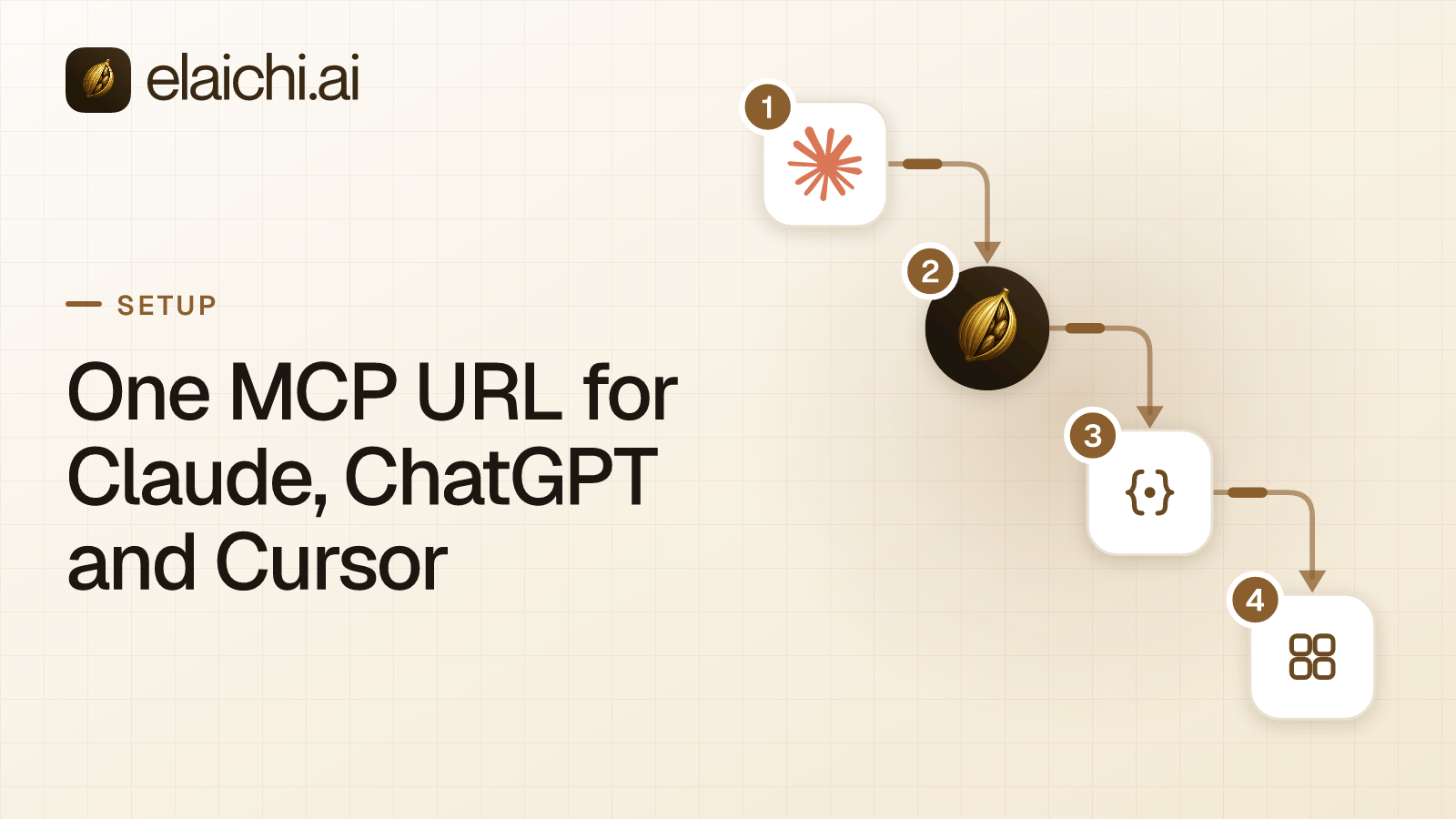
Can you use one MCP server URL for Claude, ChatGPT and Cursor?
Yes. Elaichi is one MCP server URL for Claude, ChatGPT and Cursor, and for Microsoft Copilot too: https://api.elaichi.ai/mcp. It is the same string for every user and every company. You paste it into each app once and sign in. There is no address per app, per person or per team.
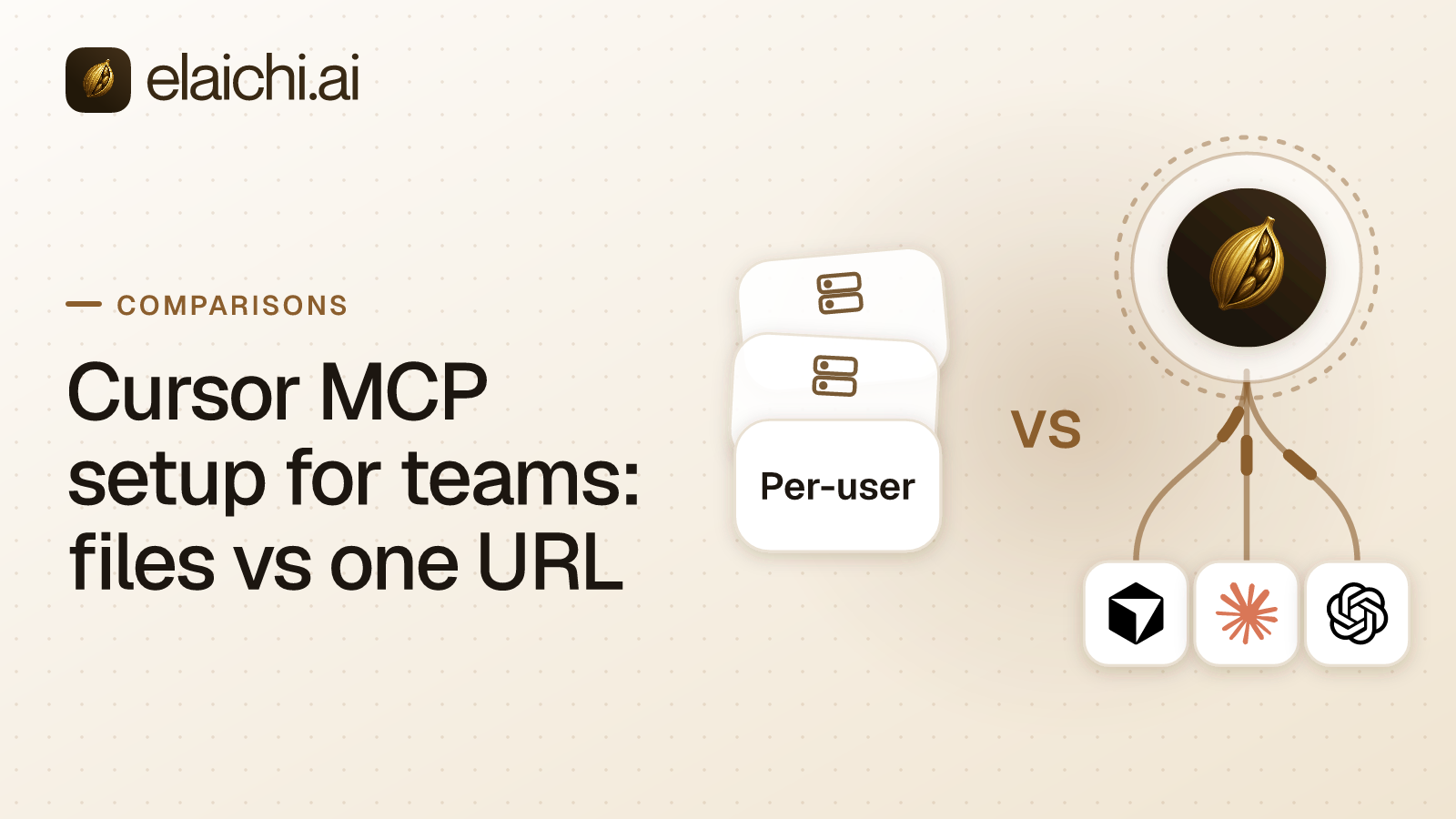
A person who uses two or three AI apps usually ends up with two or three setups. Each one holds its own list of connected tools and its own sign-ins. When something changes, such as a new tool or a person leaving, someone has to repeat the change in every app. One address replaces that with one place to look.
MCP (Model Context Protocol) is the standard way an AI assistant calls tools in other apps. Claude, ChatGPT, Cursor and Microsoft Copilot all speak it, and the specification is public. Elaichi serves your connected accounts through that one address, behind OAuth sign-in.
What do you paste, and where?
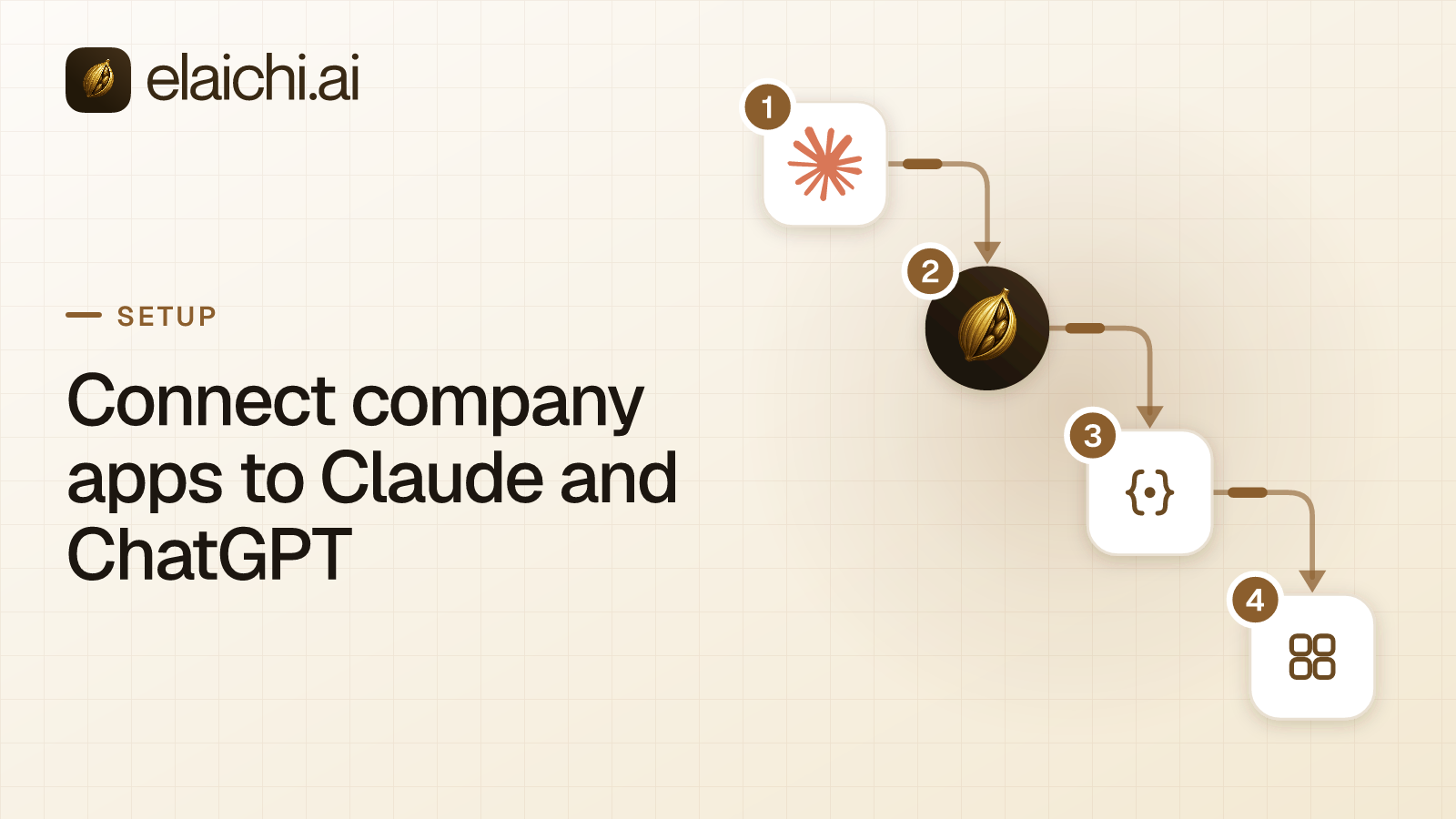
You paste the same address in four places, and each app asks for it under a different menu. The menu names below come from Anthropic's, OpenAI's and Microsoft's pages and from Elaichi's own live checks. They move often, so if a label has changed, the address has not.
https://api.elaichi.ai/mcpGive the address exactly as printed, with no trailing slash and no query string. In the Elaichi web app, the Connect your AI client screen shows it with a copy button. It holds no token, so it is safe to share in a chat or commit to a project file.
How do you add it in Claude?
Open Customize, then Connectors, and add a custom connector. On Claude Pro and Max, Anthropic's help article has you select Add, then Add custom connector, paste the address and select Add (Anthropic's custom connector guide, checked November 2026). Keep the recommended OAuth client choice.
On Team and Enterprise plans, an Owner or Primary Owner adds the connector for the whole organization. They use Organization settings, then Connectors, then Add, then Custom, then Web. Each member then finds it under Customize, then Connectors, and selects Connect.
The full walkthrough is in connecting Elaichi to Claude.
How do you add it in ChatGPT, and what do plans limit?
In ChatGPT, add a custom MCP server from the plus button. Which plan you hold decides how much it can do. OpenAI says custom MCP server connections with full MCP support are available on ChatGPT Business and Enterprise/Edu. It says Pro users can connect custom MCP servers with read and fetch permissions only (OpenAI's help article, checked November 2026).
On Pro, you do it yourself. Select the plus button, then Add custom MCP server (OpenAI's page, checked November 2026). Name it Elaichi, paste the address, leave Authentication on OAuth, tick the confirmation box and select Create as a plugin. Then select Continue to Elaichi and sign in. A read-only request ran there with no approval prompt.
On Business, only admins and owners publish custom apps for the workspace, and members then connect them. The steps and the plan table are in connecting Elaichi to ChatGPT.
How do you add it in Cursor?
Add one entry to Cursor's MCP settings with the address as the entry's only field. In Cursor, open Customize, then MCPs, then New MCP Server (seen in Cursor 3.24, October 2026). That opens ~/.cursor/mcp.json. Add the entry below and save. Select Authenticate next to Elaichi and sign in (seen in Cursor 3.24, October 2026). Cursor reads the same file format for a single project, in .cursor/mcp.json (Cursor's MCP docs, checked October 2026).
{
  "mcpServers": {
    "elaichi": {
      "url": "https://api.elaichi.ai/mcp"
    }
  }
}
The entry has no header and no key. Cursor registers itself with Elaichi during sign-in, so nobody copies a client ID or a secret. A Cursor team admin can also share Elaichi as a team server. One address for a whole Cursor team covers that route.
How does Microsoft Copilot reach the same address?
Through a Copilot Studio agent that adds the address as a tool. A maker opens the agent's Tools page and selects Add a tool, then New tool, then Model Context Protocol (Microsoft's guide, checked October 2026). They paste the address and choose OAuth 2.0 with Dynamic discovery.
Elaichi's product team confirmed on 2026-10-21 that sign-in and connected tools work this way. Microsoft Copilot is not a verified client, so its entry on Elaichi's consent screen shows the name the client chose for itself. Copilot Studio supports the Streamable transport, which Elaichi's address speaks. Microsoft Copilot compared with Claude for company apps goes through the trade-offs.
What stays the same across the apps?
The connected accounts, the rules and the audit log. Those live in Elaichi, not in any one AI app. A person connects Salesforce or Jira to Elaichi once, and every app that signs in reaches the same accounts. Each app does not keep its own set of them.
Rules work the same way. Elaichi's restrictions decide which connectors and which individual tools a target may reach. A role or restriction change takes about two minutes to apply, in every app at once. A tool a rule withholds is withheld from Claude, ChatGPT, Cursor and Microsoft Copilot alike.
The audit trail is one list, too. Elaichi writes one entry for each connected-tool call that reaches execution (a call refused earlier writes none). Each row names the person, the account the call reached and the app it came through. A compliance reviewer reads one trail instead of four.
Who approves access in each app?
Each person approves their own. Sharing one address does not share one login. When someone signs in from an app, Elaichi shows a consent screen, and the person picks which organization and which kinds of action to allow. The grant belongs to that person alone.
So an Owner cannot sign in once on behalf of the team. Each member connects each app once. A person lists and disconnects their own grants under Settings, then Connected apps. When a member is removed, removing or suspending a member revokes every live grant in the same transaction as the membership change, so their next call from every app fails.
When do you not need one URL for several apps?
You may not need it if you use one AI app and expect to keep using only that one. In that case the app's own connector directory may be enough. A small team on a few apps with no one asking who did what can also manage with each app's built-in connectors.
Pick one address when a second app arrives, when you need one place to turn a tool off, or when you need one audit trail. Elaichi also costs money after the trial. Every new workspace starts on a 14-day Black trial, no credit card to start. Buying Gold or Black during the trial keeps its remaining days rather than granting a fresh 14, so it is one continuous trial, and the seats are first charged when it ends. A workspace that buys nothing moves to the free Personal plan. Gold lists at $15 per user per month in USD, or $10 per user per month billed annually, and the pricing page shows the price for your region.
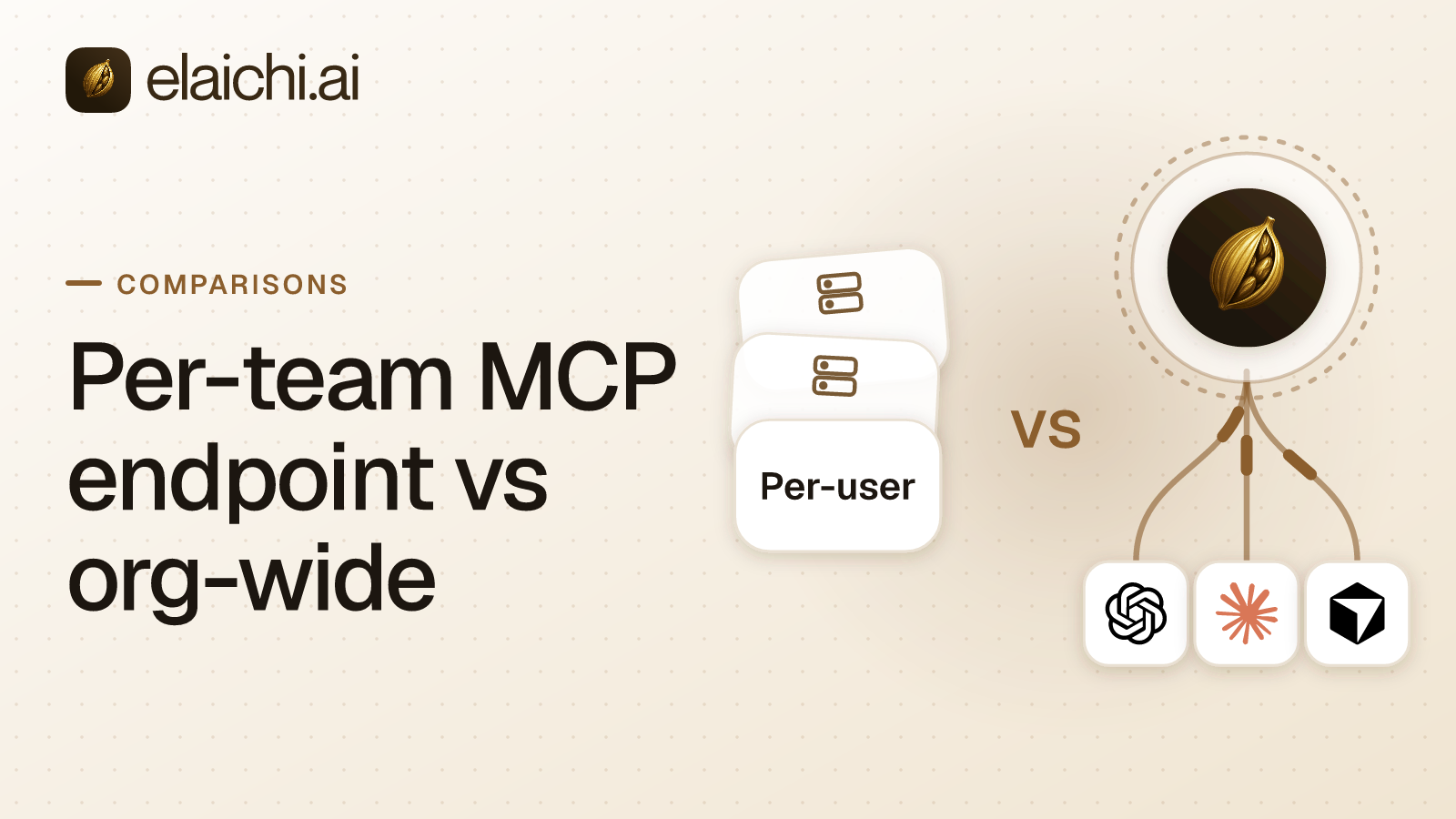
The next step is to add the address in the app you use most and sign in. Then browse the connector catalog to pick the first account to connect. For why one company-wide address beats a separate one per team, read one endpoint or one per team.


 Add one link to your AI app
 ChatGPT
 Claude
 Cursor
 Microsoft Copilot