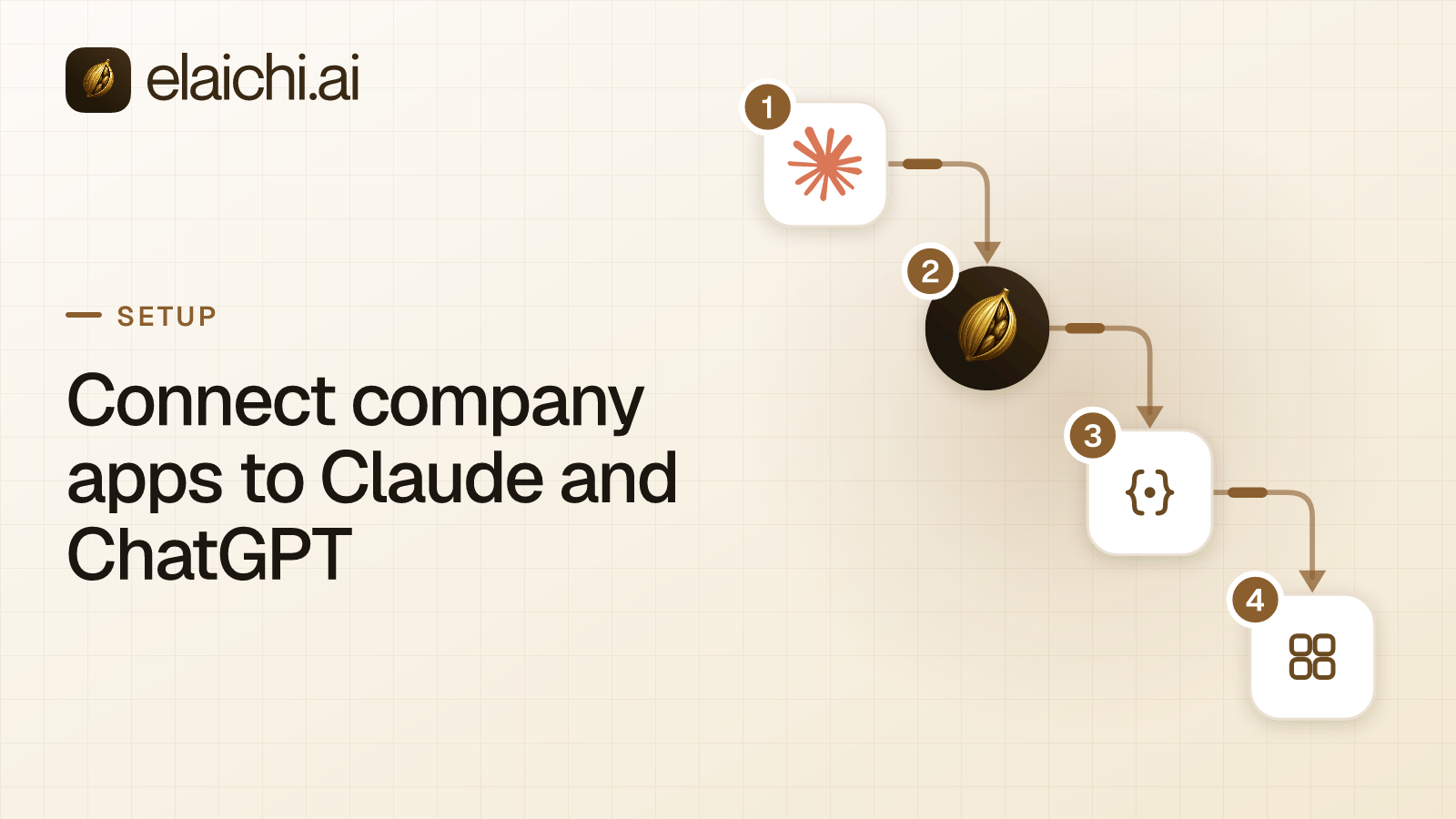
An IT lead gets the same request from three teams in one week. Support wants Zendesk in Claude. Sales wants Salesforce in ChatGPT, and engineering wants Jira in both. Answered one at a time, that is four setups, three permission models and three places to check when someone leaves.
This guide shows how to connect company apps to Claude and ChatGPT once, for the whole company. MCP (Model Context Protocol) is the standard way an AI assistant calls tools in other apps. Elaichi serves every connected account through one organization-wide endpoint, the web address a client calls. People sign in to it with OAuth, the standard that gives a client a revocable grant instead of a password.
How do you connect company apps to Claude and ChatGPT at once?
Connect each account once in Elaichi, share it, and add one address to each AI client. All of your apps then reach both clients in one pass. Work in this order: accounts first, sharing second, clients last.
- Connect each account, such as Slack, Jira and Salesforce, once in Elaichi.
- Share each connection, or a toolbox built from it, with the people who need it.
- Bring people into the organization with a role already set.
- Add
https://api.elaichi.ai/mcponce in Claude and once in ChatGPT. - Sign in as one member, run a read in each app, and check the audit trail.
The same address serves Claude, ChatGPT, Cursor, any MCP client, and the Elaichi Agent. Adding Cursor later is the same work. Under the default consent choice, a new app needs no change in any client.
Can Google Workspace, Slack, Jira and Salesforce reach Claude for the whole company?
Yes. Each is a connector in Elaichi's catalog. Google Workspace arrives as several: Gmail, Google Drive, Google Calendar and Google Docs. A separate Google Workspace connector covers directory users and groups. Slack, Jira and Salesforce are one connector each.
Decide, per app, whose account each connection is. A connection runs on the credential of the person who connected it. Every call through a shared connection therefore reaches the app as that one account.
That suits a team account, such as a Jira site connected by its admin. It does not suit an inbox, or a CRM where each person's own permissions matter. For Gmail and Salesforce, each person connects their own account, once. Each rep's own Salesforce access shows that pattern in full.
Connecting can start inside either client. The chat shows a one-time link with no token in it, so the link exposes no secret.
Do you have to build or run an MCP server for each app?
No. Elaichi authors, maintains and serves its 500+ connectors from its own infrastructure, so the company runs no MCP server, hosted or local.
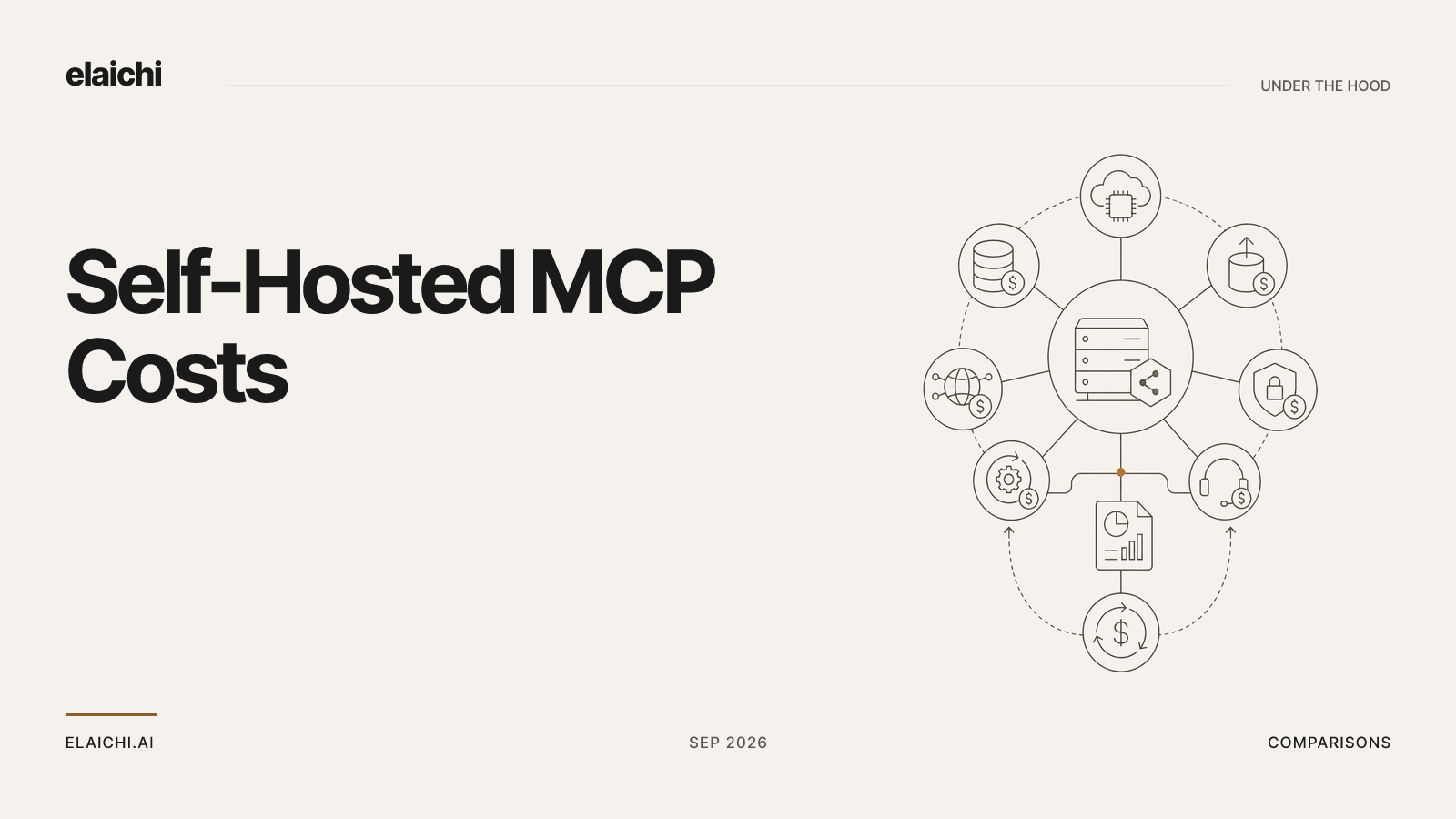
Running your own is real work. Under the MCP specification's local transport, the client launches the server as a subprocess on the person's machine (MCP transports). Multiply that by every app and every laptop, and someone installs, updates and secures each copy. A remote server spares the laptops, but somebody still hosts one per app.
App credentials stay out of the clients and out of Elaichi's organization store. Secrets live in a separate credential service, which stores them in the organization's region, encrypts them at rest and refreshes the tokens. If a refresh fails, the connection becomes needs_reauth. That is one account to reconnect, not silent failures in fifty chats.
When the catalog lacks an app, a custom connector is authored from JSON config. Creating one needs the connector:create permission, which Elaichi flags as high trust. Running MCP servers yourself compares the two shapes in depth.
How do connected accounts become tools in a toolbox?
On their own at first, and on purpose when you need limits. Every connection a person holds use on joins their "All my tools" set as soon as it exists. There is no build step.
A toolbox is a saved set of tools from one or more connections, shared with a team. It earns its place in two cases. The first is a fixed argument, such as the one Slack channel a team may post to. One condition: a freeze binds only calls made through its toolbox entry, so share the toolbox with the people it governs, not the connection itself. The second is delegation. A team runs tools through the toolbox without being able to open, see or reshare the connection behind it.
What a person may call is still decided by restrictions, rules about which connectors and which individual tools a target may reach. Write them against roles before anyone signs in. A change takes about two minutes to apply, so test after that window. Locking one tool argument walks through a frozen toolbox entry.
How do you share one setup so nobody else has to configure it?
Share the connection or the toolbox, and let people join with a role already set. Sharing in Elaichi is a grant of view, use or edit on a resource. It goes to one person, a team or the whole organization, and use lets the grantee run tools through it.
A member sees only what they own or what was shared with them. No org-level permission widens that view, for owners and admins as well.
People join in four ways. An emailed invite link can carry a role and teams. A verified email domain can auto-join new people with a default role. SCIM, a standard for syncing users from a directory, provisions them, and single sign-on can add them on first sign-in. Each member holds exactly one role, so choose the default with care.
What remains for each person is small but real. They connect the connector their admin added, and sign in once. They paste no URL, token or client ID. Under "All my tools", an account shared with them later reaches their client with no new step.
Where do you add Elaichi's one address in Claude and ChatGPT?
Once, in each client's admin settings, as a custom connector or a custom app. The address is https://api.elaichi.ai/mcp for every organization, with no trailing slash. Nobody enters a client ID or secret. Claude registers itself through OAuth dynamic client registration (RFC 7591).
In Claude Team and Enterprise, an Owner adds it under Organization settings, then Connectors. Members then connect it under Customize, then Connectors (Anthropic's custom connector guide, as of October 2026). Pro and Max users add it themselves. The Claude walkthrough has every click.
In ChatGPT, full MCP with write actions is rolling out in beta to Business, Enterprise and Edu (OpenAI's developer mode guide, as of October 2026). An admin creates one app under Workspace settings, then Apps, runs Scan Tools and publishes it. Members find it in their Apps settings, labeled custom. Setting Elaichi up in ChatGPT covers the plan details.
One ChatGPT app covers twenty apps or two hundred. In Elaichi, connected tools are never listed one by one, however few there are. The client sees search_tools and execute_tool, which reach every connected app. A new app is a new connection in Elaichi, not a new app in ChatGPT.
Connect at least one account the admin can use before running Scan Tools. Those two tools appear only while at least one connected tool is reachable, and the scanning admin's own grant decides that.
What does each person see at sign-in and consent?
Elaichi's sign-in, then a consent screen with an organization picker and up to four checkboxes. Someone not yet signed in to Elaichi signs in first. If the company enforces SSO for its email domain, other sign-in methods are refused.
A person in one organization finds it preselected. The checkboxes are:
- Read your organization's data
- Create and change data
- Run your connected tools
- Delete data and remove access
Everything the client requested starts ticked except delete, which never does. With "Run your connected tools" ticked, a second step offers "All my tools", the default, or "Only the ones I pick", up to 50 toolboxes. Continue stays disabled until an organization is picked, its plan is active and at least one box is ticked.
Each grant belongs to one person. In Elaichi, removing or suspending a member revokes every live grant in the same transaction as the membership change, so a leaver's next call from either client fails.
How do you check that every app reached every client?
Sign in as an ordinary member with the default role, and run one read per app. Most people will hold that role, so it is the view that matters.
- The client's tool list shows
search_toolsandexecute_tool. If both are missing, no connected tool is reachable. The usual causes are a connection that is absent,pendingorneeds_reauth, a grant without "Run your connected tools", or a role withouttool:execute. - Ask for one read per app, such as today's calendar or an open Jira issue. A search naming an app the person never connected returns nothing, plus a line naming up to six apps they can reach.
- Open the audit trail. Elaichi writes one entry per tool-call attempt, succeeded or failed, naming the account each call reached. Each entry records the surface,
mcpfor a remote client, and the OAuth client the call came through. Claude, ChatGPT and Cursor are named and marked verified. - In Elaichi, Settings, then Connected apps lists the person's client. That is also where they disconnect it.
If a tool is missing, the missing-tools checklist walks the checks in order. If sign-in fails, the OAuth error guide names the broken step.
When is a client's own connector enough without Elaichi?
When one person needs one app. A person reading one app through the client's own connector needs nothing more, and a second vendor adds cost without adding control.
The case changes with the second app, the second team or the first contractor. At that point you have several permission models, and no one place to end a person's access. When you don't need an MCP gateway yet lists the signals in detail.
Cost is the other honest limit. Elaichi's Gold plan lists at $15 per user per month in USD, and the pricing page shows your region's price. Auditor, Guest and Billing Admin seats are not billed. Gold starts with a 14-day trial, no credit card to start. Checkout does collect a card, and it sets the paid trial to the remaining days rather than granting a fresh 14, so it is one continuous trial rather than two.
Engineers on Cursor use the same address, as the Cursor rollout shows. To plan which team goes first, start from the use-cases directory.