


Can a team use Seafile files in Claude or ChatGPT without risking deletes?
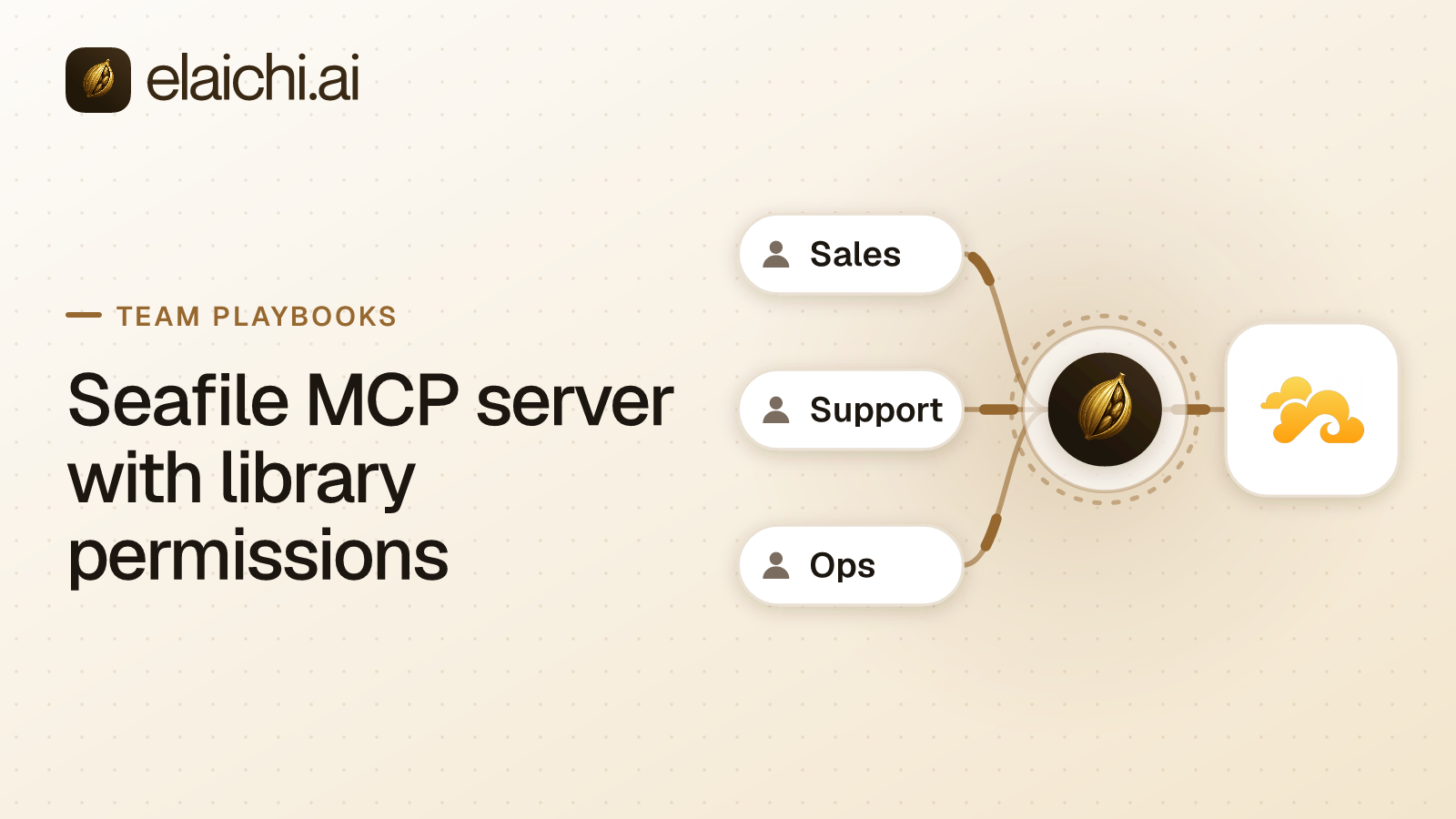
Yes. A Seafile MCP server with library permissions means connecting Seafile in Elaichi with an API key, adding https://api.elaichi.ai/mcp in Claude, ChatGPT, Cursor or Microsoft Copilot, and holding the team's role to seven read tools with an allow rule. Seafile library sharing still sets which files the connected account can open.
Teams pick Seafile to keep files on their own server: specs, design assets, contracts. MCP (Model Context Protocol) is the standard way an AI assistant calls tools in other apps. Asking Claude for the latest spec is natural, but a library also lets an AI client delete files, move them or publish a link, which is what the restriction removes. Elaichi's Seafile connector has 30 tools.
How does Seafile decide who sees a library?
Through sharing. Every library has an owner who can share it with other users or with groups, and each share is read-only or read-write (Seafile admin manual, checked November 2026). Seafile's help pages add an admin level, which lets the user write and also share the library (Seafile user manual, checked November 2026).
Sub-folder permissions can tighten a share further. The admin manual lists them as a Pro edition feature, and says they take effect only when the folder or its parent is already shared with the user.
For the AI, this means one thing. The connected account has a set of libraries, each at a level. Whatever that set allows, the AI can attempt. Seafile sets the outer wall.
Whose reach does the AI get?
The reach of the account behind the connection. Every call through a connection runs on the account it was made with, whoever is calling. Elaichi does not swap in the caller's own Seafile identity.
So a shared Seafile connection acts as its owner for the whole team. If the owner is a server administrator, the AI may reach more than any team member could. Use a dedicated account for the connection. Share only the libraries the team needs into it, at read-only where you can, and connect with that account's API key.
If teams need different libraries, create one connection per team from different accounts. Share each connection with the team it serves, not with everyone.
Which Seafile tools should a team's role reach?
Seven of Seafile's 30 tools are reads that suit most teams. Deletes, share links, tokens and writes belong to the group to withhold.
The seven reads:
list_all_seafile_librariesandlist_all_seafile_directorieslist_all_seafile_search_filesandlist_all_seafile_search_repo_fileslist_all_seafile_file_historyandlist_all_seafile_library_trashlist_all_seafile_download_links, which returns a temporary download link
Tools to keep off most roles (the rest of the 30 also stay off the allow rule):
seafile_files_bulk_deleteandseafile_directories_bulk_deletedelete a file or a folder.create_a_seafile_share_linkmakes a share link for a library or folder.create_a_seafile_repo_api_token,seafile_repo_api_tokens_bulk_updateandseafile_repo_api_tokens_bulk_deletemanage access tokens for a library.create_a_seafile_auth_tokentakes a username and password and returns an account token.create_a_seafile_filecan create, rename, move, copy or revert a file, andseafile_files_bulk_updatelocks or unlocks one.
The share link deserves care. Seafile lets a link grant edit rights to any user who has access to the link (Seafile user manual, checked November 2026). A link made by the AI can outlive the chat that made it.
Should the Seafile role use an allow rule or block rules?
An allow rule. Holding a role to an app's reads takes either an allow rule naming those reads, plus allow rules for every other app the role uses, or block rules naming every tool that is not a read. The test is which list is shorter. Seafile has well over a dozen tools that write, share, delete or manage tokens, so listing the seven reads is the shorter job.
Write one allow rule on the team's role naming the seven reads. Remember the cost: once a role carries any allow rule, every connector and tool none of its allow rules names is blocked for that role. Add whole-connector allow rules for each other app the team uses, such as Slack or Gmail. A block-only layer would let every Seafile tool you forgot to name through, because a layer with only block rules has no allowlist, so everything it does not block passes it.
An allow rule matches the operation each tool performs, not its label, so a renamed tool does not slip in. A restricted tool drops out of the tool list a team member's client receives, and naming it in a prompt still gets a refusal. A rule aimed at a member can only narrow what their role allows, and never replaces or loosens a role rule. Changes take effect within about two minutes.
What does the audit log record about file access?
It records who used which tool on which connection. Elaichi writes one entry for each connected-tool call that reaches execution (a call refused earlier writes none). The row holds the person, the Seafile tool, the connection and the MCP client.
For file work, the row keeps the one path argument that names the object, as the target id, and nothing else about the arguments. That shows which object a person's call targeted. Any member can read their own events.
Seafile has its own activity feed, and the connector exposes it through list_all_seafile_activities. Use it when you want Seafile's view of the same period.
How do you set up a Seafile MCP server with library permissions?
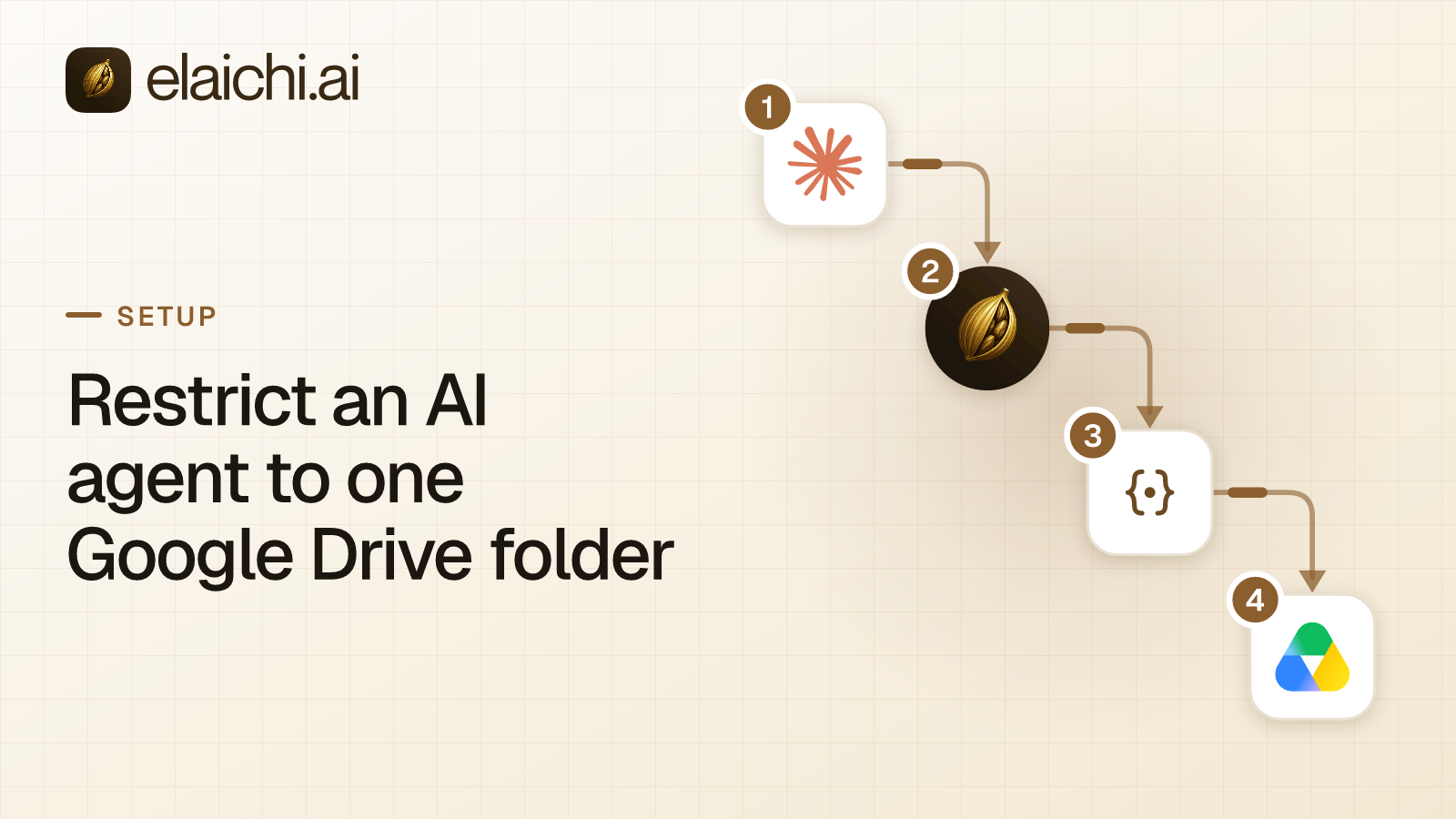
Everyone uses one address, https://api.elaichi.ai/mcp. It works in Claude, ChatGPT, Cursor, Microsoft Copilot and any MCP client that signs in through a browser. Each person signs in and approves their own grant.
On the consent screen, they tick Use your connected apps. Then test with a small search: "Find the newest file named onboarding in the shared library." After that, ask the AI to delete a file. The answer should say the tool is restricted for the role.
Is the Seafile web client already enough for your team?
If your team only syncs folders to laptops, the Seafile desktop and web clients cover it, and Seafile's permissions already guard every library. Adding an AI layer gives nothing there.
It starts to pay off when people also want Slack, Gmail and a calendar in the same chat, with one log across them. Read about how a self-hosted MCP server compares with a control plane, then check the full tool list on the Seafile connector page.


 Add one link to your AI app
 ChatGPT
 Claude
 Cursor
 Microsoft Copilot