


Can recruiters use SmartRecruiters in Claude or ChatGPT safely?
Yes. A SmartRecruiters MCP server for recruiters means connecting SmartRecruiters in Elaichi with an API key, adding https://api.elaichi.ai/mcp in Claude, ChatGPT, Cursor or Microsoft Copilot, and holding recruiters to the read tools with a restriction on their role.
A recruiter's day is mostly lookups: who is in interview for the platform role, who has waited a week, what the screening answers said. MCP (Model Context Protocol) is the standard way an AI assistant calls tools in other apps, and Elaichi's SmartRecruiters connector gives the AI client 49 tools to answer those. The risk is that an applicant tracking system holds personal data about people who never agreed to meet an AI, so the work is deciding how far each answer reaches.
What does a SmartRecruiters API key reach?
An API key reaches the whole SmartRecruiters API, as the user who owns it. SmartRecruiters states that an API key provides its user access to all of its API, and that an OAuth client credential is limited by its access scope (SmartRecruiters developer docs, checked November 2026).
The docs also show that roles matter. Some endpoints only answer to credentials made for users with the Extended or Admin system roles (SmartRecruiters API index, checked November 2026). Elaichi's own description of its message-history tool says the same: it is accessible only to users with the administrator role.
So choose the key's owner on purpose. A key from an administrator can do things a recruiter was never meant to do. A key from a plain recruiting user is already narrower before Elaichi adds a rule.
Whose key runs each recruiter's call?
Whoever asks, the call runs as the SmartRecruiters user behind the connection. A connection shared with a team runs on its owner's sign-in for everyone.
That gives two honest options. If your SmartRecruiters admin issues a key per recruiter, each recruiter connects their own and keeps the reach of their own user. If one key covers the team, one person owns a shared connection, and that key's reach is the ceiling for everybody who uses it.
Restrictions decide which connectors and which individual tools a target may reach. They name tools, not candidate rows, so plan the split of candidates inside SmartRecruiters first.
Which SmartRecruiters tools should recruiters reach?
Recruiters need the read tools for jobs, candidates and applications. Hiring managers need less. Both should stay away from the tools that change records or open administration.
Useful reads for a recruiter:
list_all_smartrecruiters_jobsandget_single_smartrecruiters_job_by_idlist_all_smartrecruiters_candidatesandget_single_smartrecruiters_candidate_by_idsmartrecruiters_candidates_get_applicationsmartrecruiters_candidates_screening_answerslist_all_smartrecruiters_interviews
A hiring manager needs only smartrecruiters_jobs_hiring_team, list_all_smartrecruiters_reviews and the interview list.
Keep these off both roles:
smartrecruiters_candidates_update_statuschanges a candidate's status for a job, including rejection.create_a_smartrecruiters_useradds a user to the company.list_all_smartrecruiters_messagesreads a candidate's messages.smartrecruiters_candidates_download_attachmentreturns a candidate's raw file, such as a résumé.list_all_smartrecruiters_offersreturns offers, which carry pay.smartrecruiters_candidates_job_offersreturns the offers made to one candidate for one job, with the same pay data.
Elaichi's connector page labels each tool Read only or Makes changes, which helps when you review the 49.
Should the recruiter role use block rules or an allow rule?
Block rules, for SmartRecruiters. The test is how many non-read tools the app has. Holding a role to an app's reads takes either an allow rule naming those reads, plus allow rules for every other app the role uses, or block rules naming every tool that is not a read.
On the allow side, once a role carries any allow rule, every connector and tool none of its allow rules names is blocked for that role, so a recruiter role with one SmartRecruiters allow rule would lose Slack and Gmail until you allow them too. On the block side, a layer with only block rules has no allowlist, so everything it does not block passes it.
The SmartRecruiters connector has only two tools that write, update status and create user, plus four reads too sensitive for recruiters: message history, attachment download, the offer search and a candidate's job offers. Six names are short enough to list, so write one block rule on the recruiter role naming them. An app with many write tools would call for the allow rule instead. A restriction targets a role or one member, never a team, and custom roles come with the Gold and Black plans.
A restricted tool drops out of the tool list a recruiter's client receives, and a direct request for it is refused. A block rule matches by tool name or by the operation, so a renamed tool does not slip past. A rule aimed at a member can only narrow what their role allows, and never replaces or loosens a role rule. Changes take effect within about two minutes.
What does the audit log record for candidate lookups?
It records who asked, with which tool, through which connection. In Elaichi, a call from an MCP client is recorded under the person who signed in, with surface mcp and the OAuth client named. A call from Claude appears under the recruiter who signed in, not under the person who owns the key.
Elaichi writes one entry for each connected-tool call that reaches execution (a call refused earlier writes none). For candidate work, the trail holds the one path argument that names the object, as the target id, and nothing else about the arguments. In practice you see that a recruiter opened candidate 4412 through the SmartRecruiters connector.
Auditors can read the log without holding any write access, using the free, read-only Auditor role. The data-protection owner on your team can check who looked at what, which is useful if a candidate files a data request. GDPR defines personal data as information relating to an identified or identifiable person, and that definition covers every field in an applicant record (GDPR overview, checked November 2026).
How do you set up a SmartRecruiters MCP server for recruiters?
A recruiter adds one address to their AI client and signs in. The address is https://api.elaichi.ai/mcp, the same for every person and every client. Claude, ChatGPT, Cursor and Microsoft Copilot all work, as does any MCP client that can do OAuth sign-in in a browser.
On the consent screen the recruiter ticks Use your connected apps. Without that scope the client sees no SmartRecruiters tools. The recruiter's role also needs the permission to run tools, which the Member role holds.
Then ask something small: "List my open jobs." If the answer lists jobs, the chain works. Ask for a status change next. The refusal should say the tool is restricted for the role and point at an access request.
Do recruiters need an AI layer on SmartRecruiters at all?
If recruiters work only inside SmartRecruiters, and nobody wants AI help there, stay with its own screens. They already enforce roles and keep their own history.
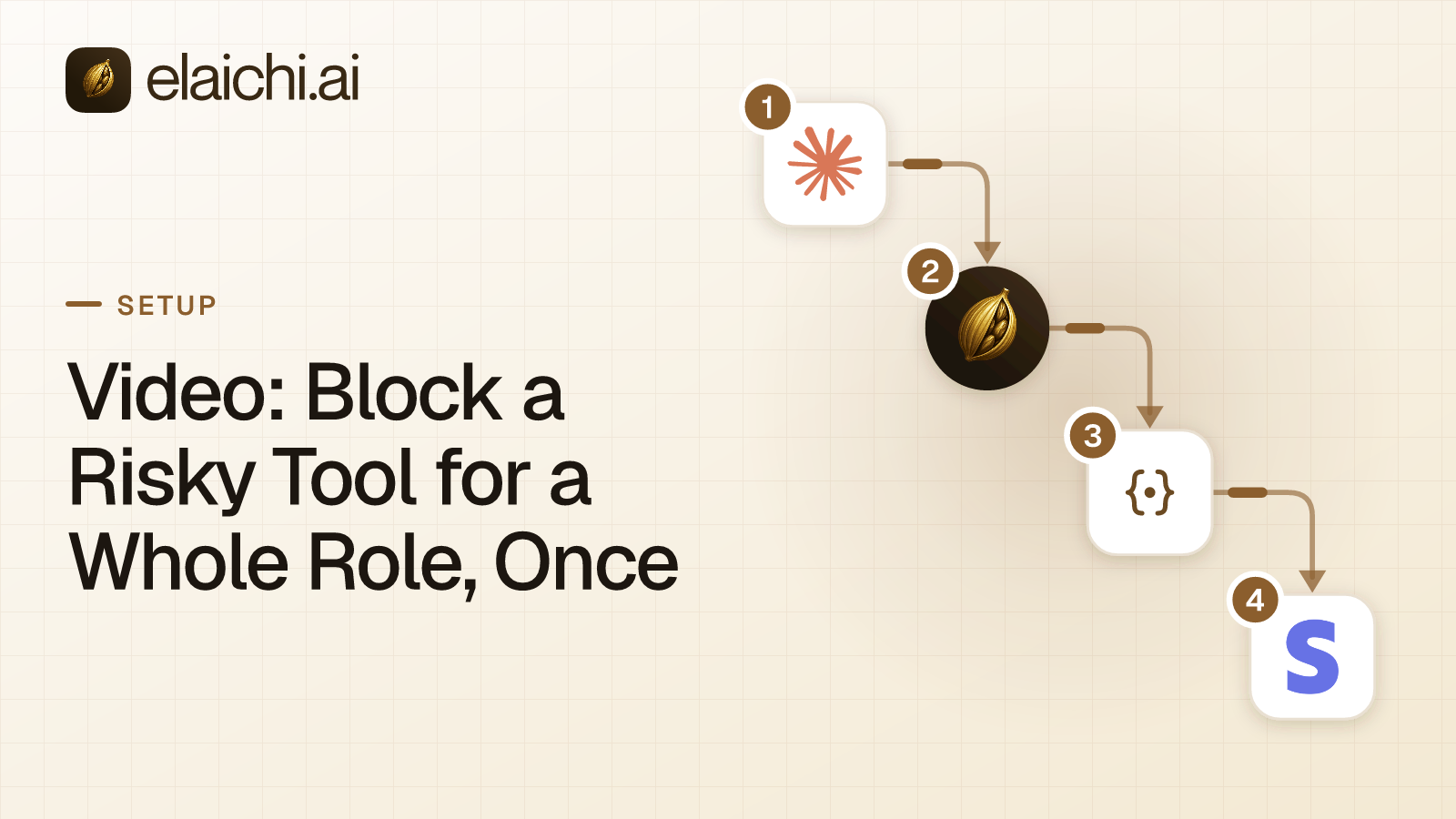
An AI layer earns its place when recruiters also live in Gmail, Slack and a calendar. Then one address and one log beat a separate setup per app. See the full SmartRecruiters connector for the tool list, and the general guide to blocking a risky tool for a whole role for the rule mechanics.

 Add one link to your AI app
 ChatGPT
 Claude
 Cursor
 Microsoft Copilot